TaskTabs - Keep Tabs on Tasks
Day Planner, Weather & Events
Designed for iPhone, iPad
Free · In-app purchases
- Age rating4+
- CategoryProductivity
- DeveloperNolan Mayoss
- LanguagesEnglish
- Size12.0 MB
Links to the official App Store page
Download.org hosts no file of TaskTabs - Keep Tabs on Tasks. The button opens its official App Store page, published by Nolan Mayoss. Listing last checked on Nov 18, 2026.
Screenshots
About
TaskTabs keeps tabs on your day. See what's coming up, know exactly when to leave, and find things to do nearby when your schedule opens up.
Now on iPhone and iPad.
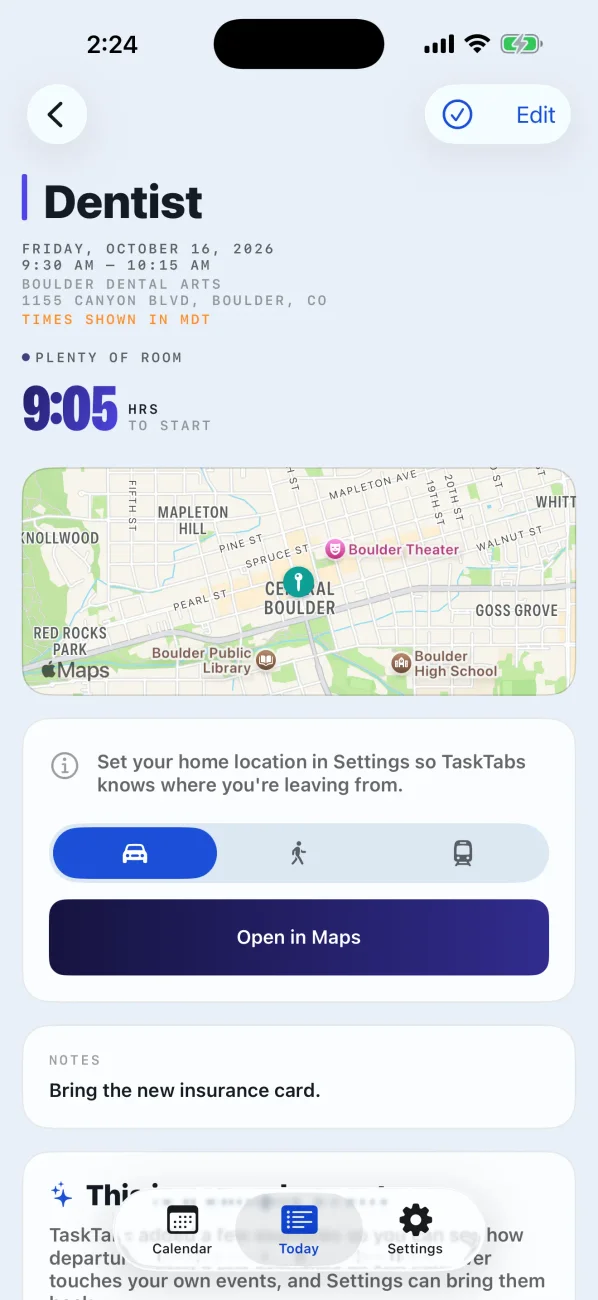
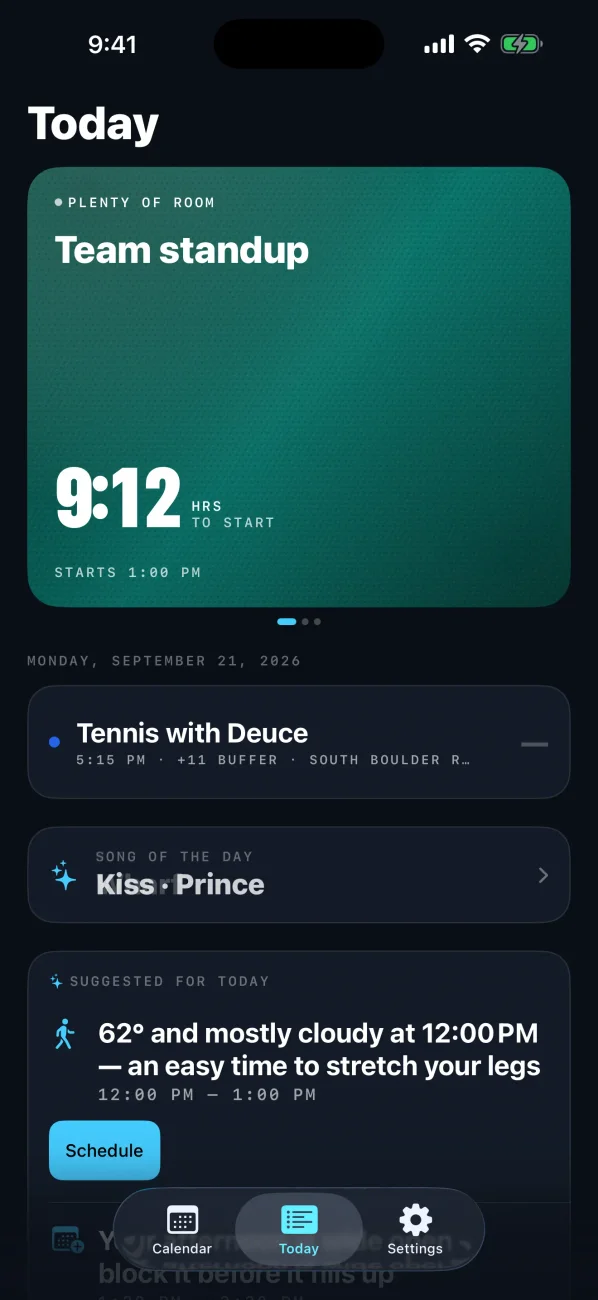
Every task gets the full picture: when it starts, how long it takes to get there, what the weather will be, and when to head out the door.
MANAGE YOUR DAY
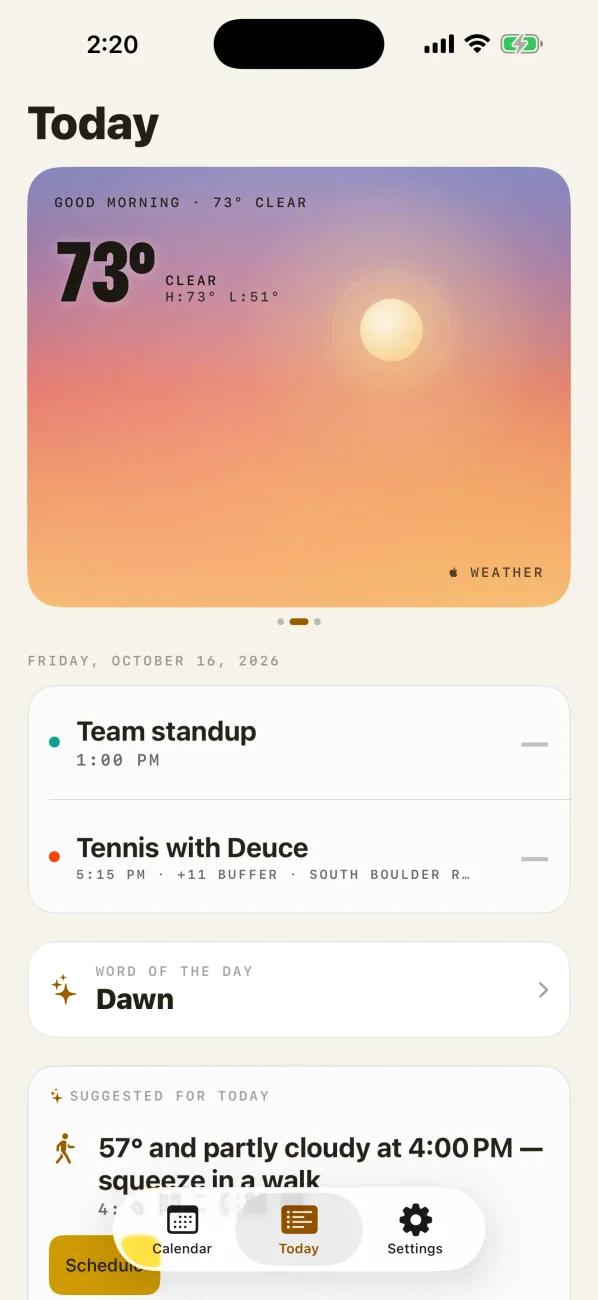
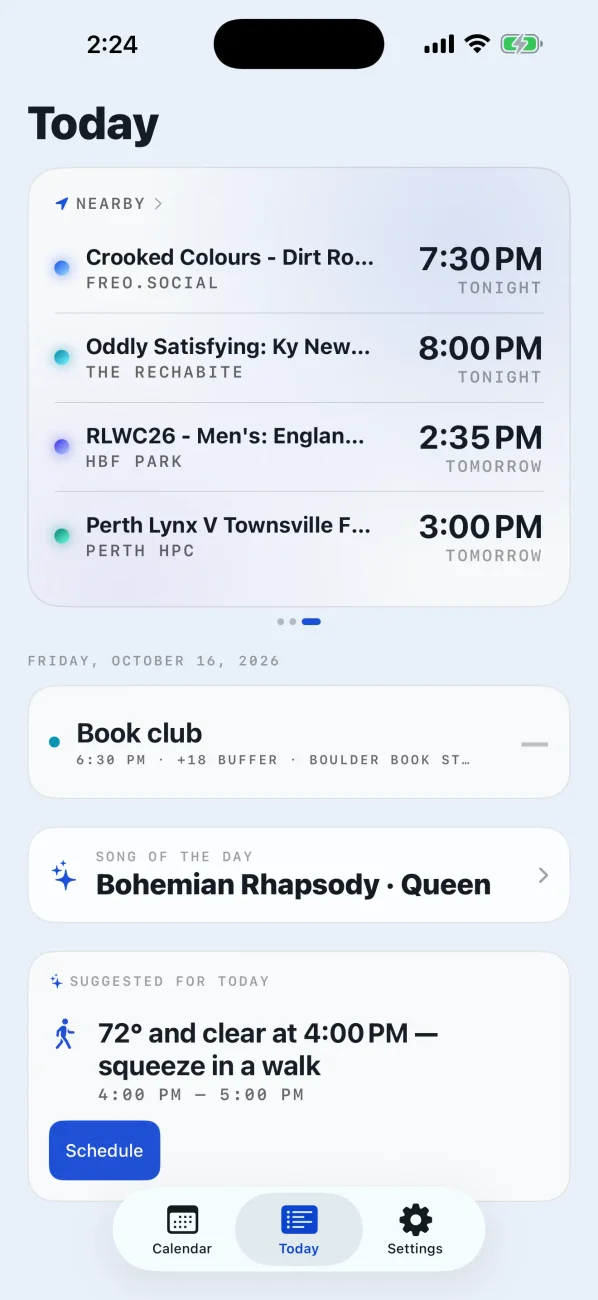
• Today shows what's next, with a live countdown
• Swipe or tap to mark a task done. It clears from your list, widgets, and alerts
• Repeat tasks daily, weekly, or monthly
• Look ahead to the rest of your week anytime
• Home Screen and Lock Screen widgets
• Works with Siri and Shortcuts
KNOW WHEN TO LEAVE
• Live Apple Maps traffic tells you exactly when to leave
• Add your own buffers, like "find parking, 10 min" or "security, 30 min"
• Works for driving, walking, and transit
• Departure alerts that break through Focus, plus an early heads-up
• A Live Activity counts down on your Lock Screen and in the Dynamic Island
• Traffic is rechecked in the background, so your alert stays accurate even when the app is closed
FIND THINGS TO DO
• Nearby concerts, games, and shows from Ticketmaster on your open days
• Tap one to add it to your schedule, travel time included
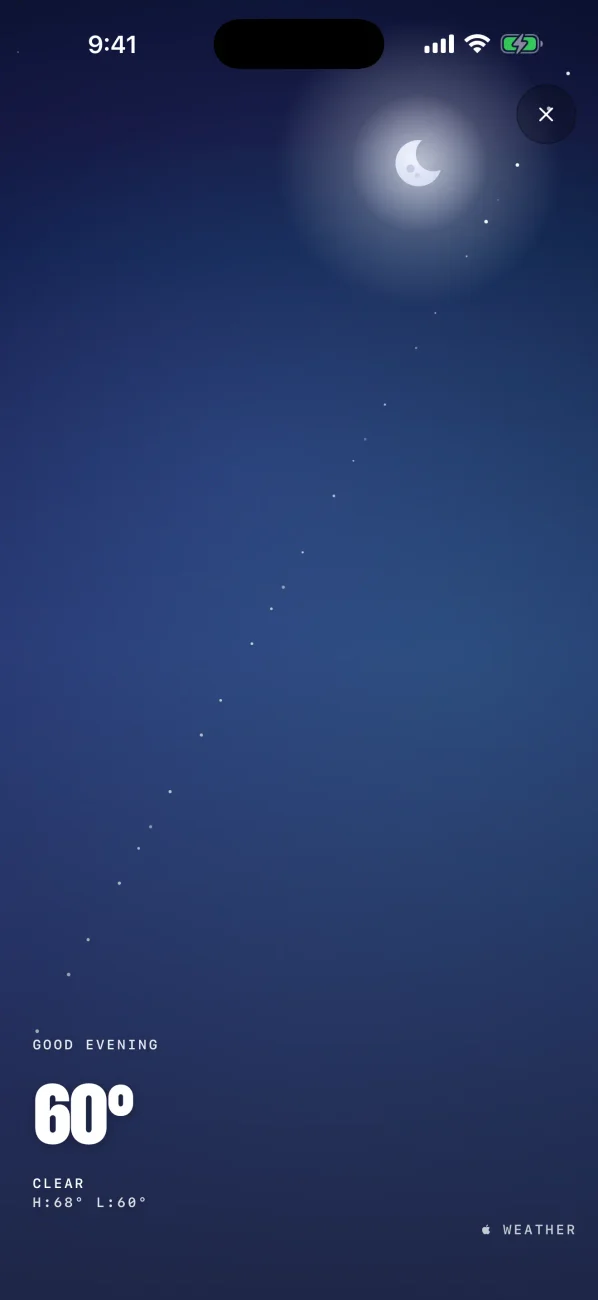
• Your day's weather at a glance, powered by Apple Weather
• Suggestions that match the forecast, like a walk during the nicest hour of the day
• Uses your approximate location only, and you can turn it off anytime
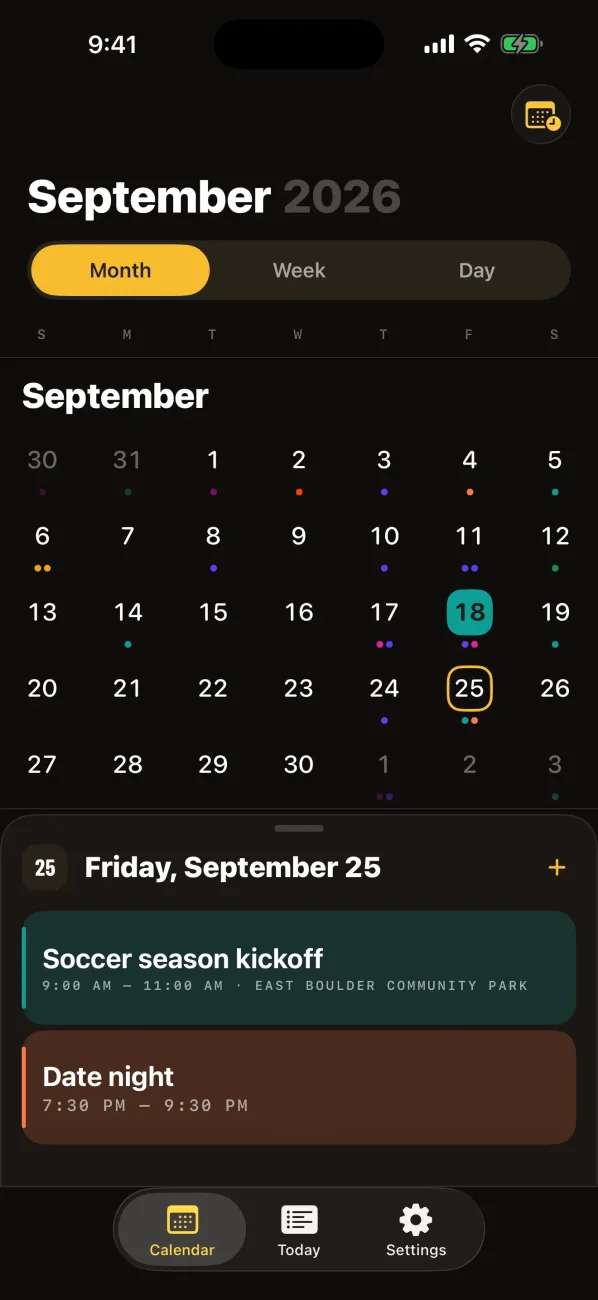
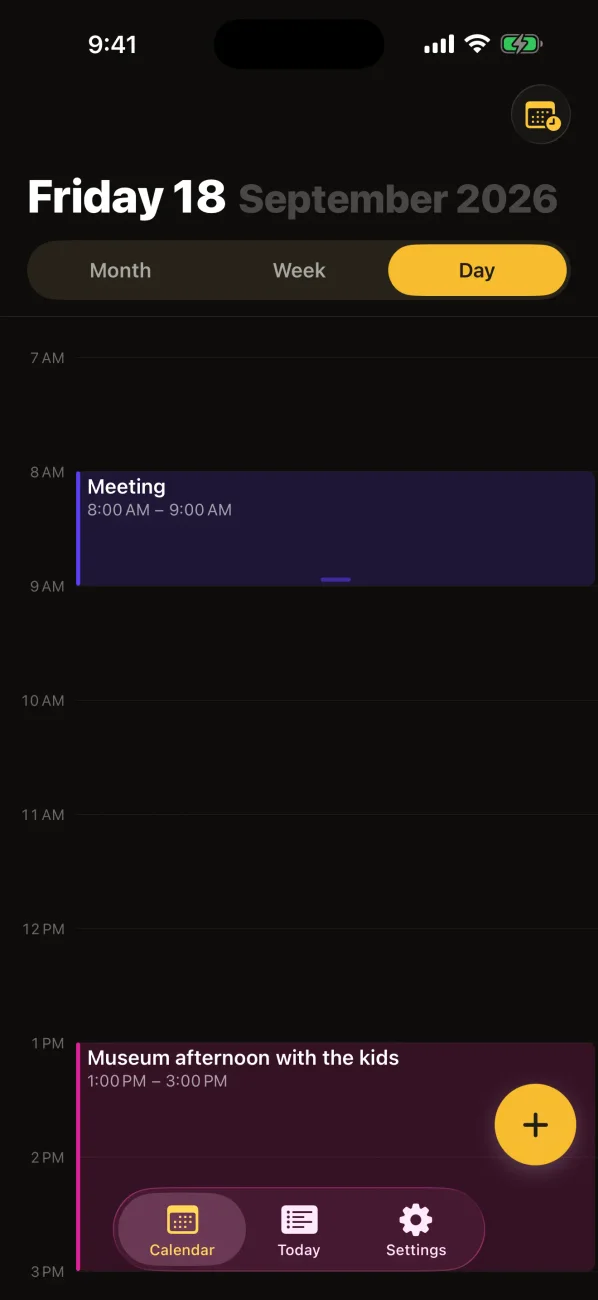
A FULL CALENDAR, BUILT IN
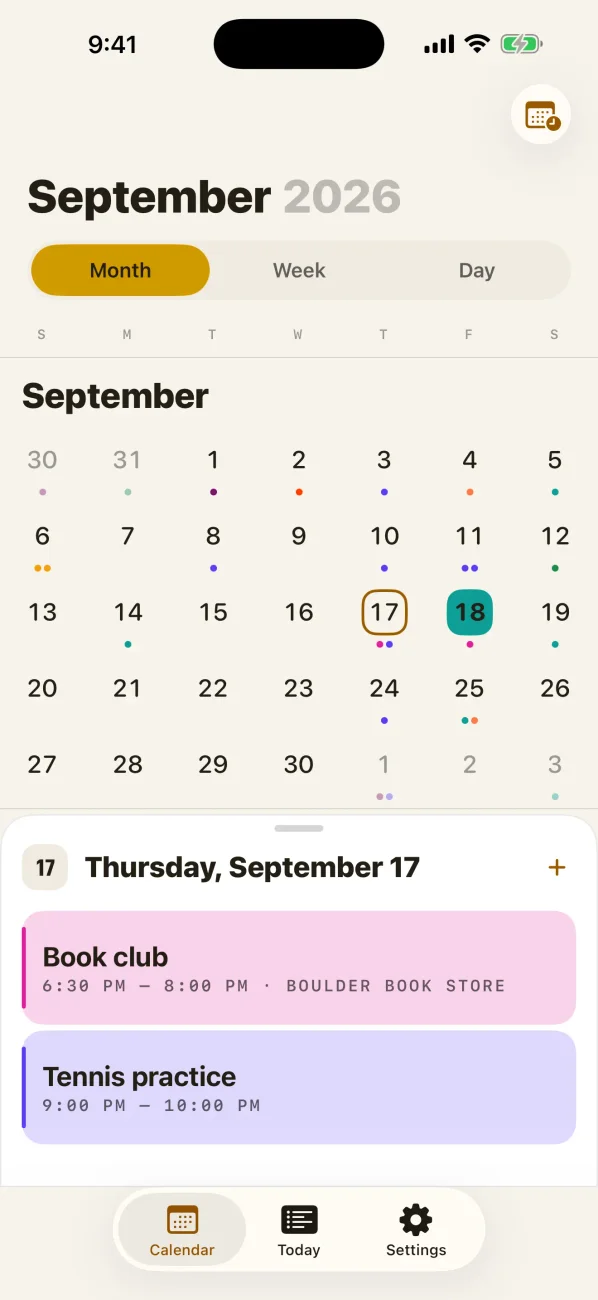
• Month, week, and day views
• Drag events to move or resize them
• Completed tasks gray out instead of disappearing
• Import from Apple Calendar without changing your existing calendars
• Everything syncs through your own iCloud
SHARE WITH YOUR GROUP (TASKTABS PRO)
• Share a calendar with your family, carpool, or team, and everyone sees the same events
• Tap "On my way" and the group sees your ETA on a live map until you arrive
• Members can post quick check-ins, so everyone knows who's on the way and who's running behind
• Location sharing only starts when you tap the button, covers a single event, and ends when you arrive or shortly after the event starts
• A blue indicator stays on screen the whole time, and you can stop with one tap
TASKTABS PRO
One purchase, yours forever. No subscription.
• Create shared calendars and invite anyone. People you invite join free and never need Pro
• Six themes that change the look of the whole app, in light or dark
• A choice of app icons
YOUR PRIVACY
• No ads, no account, no tracking
• No analytics or advertising SDKs of any kind
• Your tasks stay on your device and in your own iCloud
• Task names, places, and notes never leave your device
• Weather and nearby events use your approximate location only
• Nothing about you is ever collected or sold
TaskTabs is free to use. TaskTabs Pro is a one-time purchase. Simple as that.
What’s new
Version 1.5.1 · Oct 19, 2026
Performance update with smoother scrolling, a cleaner launch, and much lower background activity, so your phone stays fast with TaskTabs open.
App privacy
What Nolan Mayoss declares on the App Store about how this app handles data.
-
Data not linked to you
May be collected but is not linked to your identity.
- Location
Privacy practices may vary, for example with the features you use or your age.
Information
- Seller
- Nolan Mayoss
- Category
- Productivity
- Version
- 1.5.1
- Updated
- Oct 19, 2026
- Released
- Aug 24, 2026
- Size
- 12.0 MB
- Requires
- iOS 17.0 or later
- Age rating
- 4+
- Price
- Free
- In-app purchases
- Yes
- Languages
- English
- Copyright
- © 2026 Nolan Mayoss