TaskTracker: Daily Planner
Organize Your Life!
Designed for iPhone, iPad, iPod touch
Free · In-app purchases
- Age rating17+
- CategoryProductivity
- DeveloperArume Systems LLC
- LanguagesEnglish
- Size96.9 MB
Links to the official App Store page
Download.org hosts no file of TaskTracker: Daily Planner. The button opens its official App Store page, published by Arume Systems LLC. Listing last checked on Nov 15, 2026.
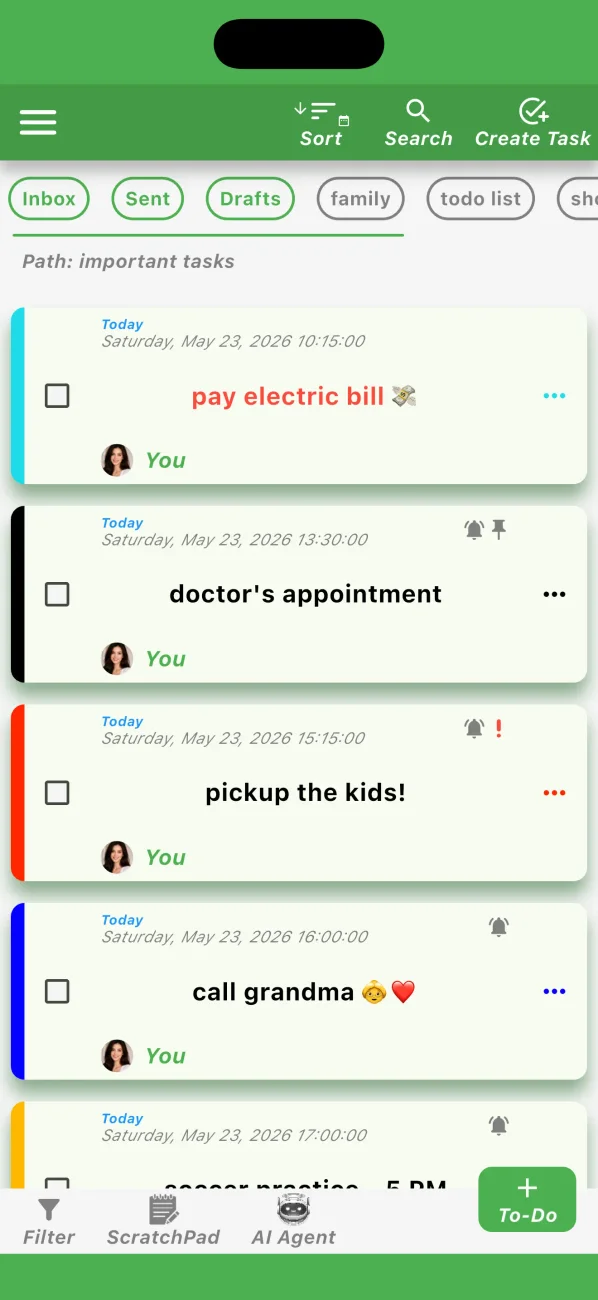
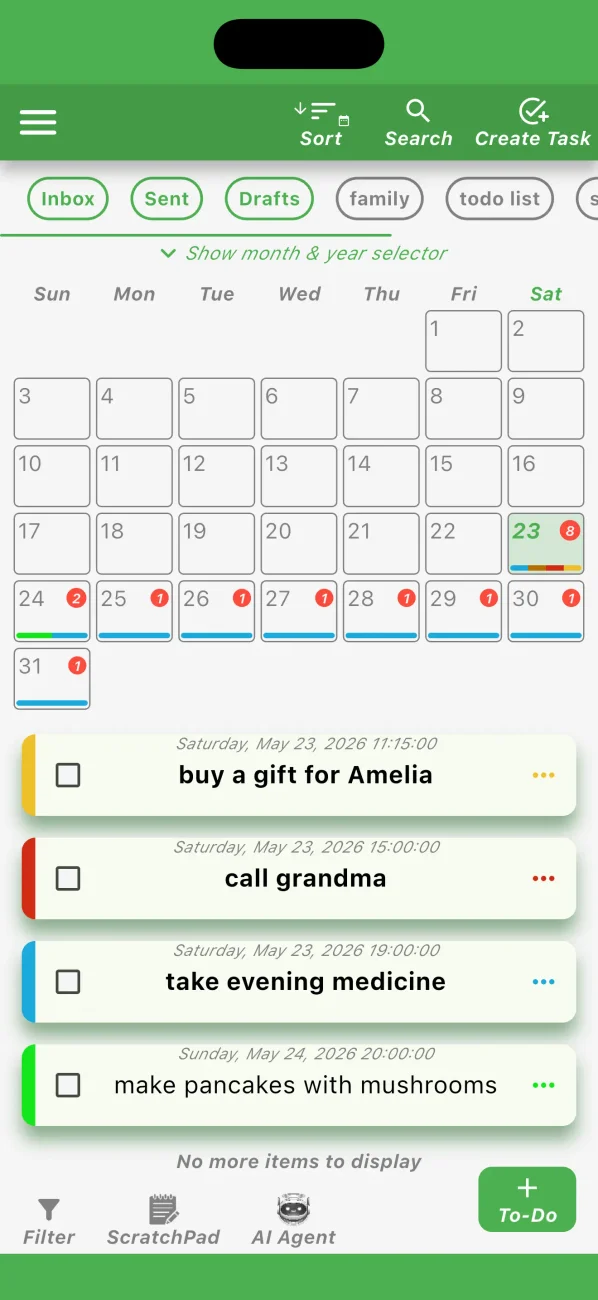
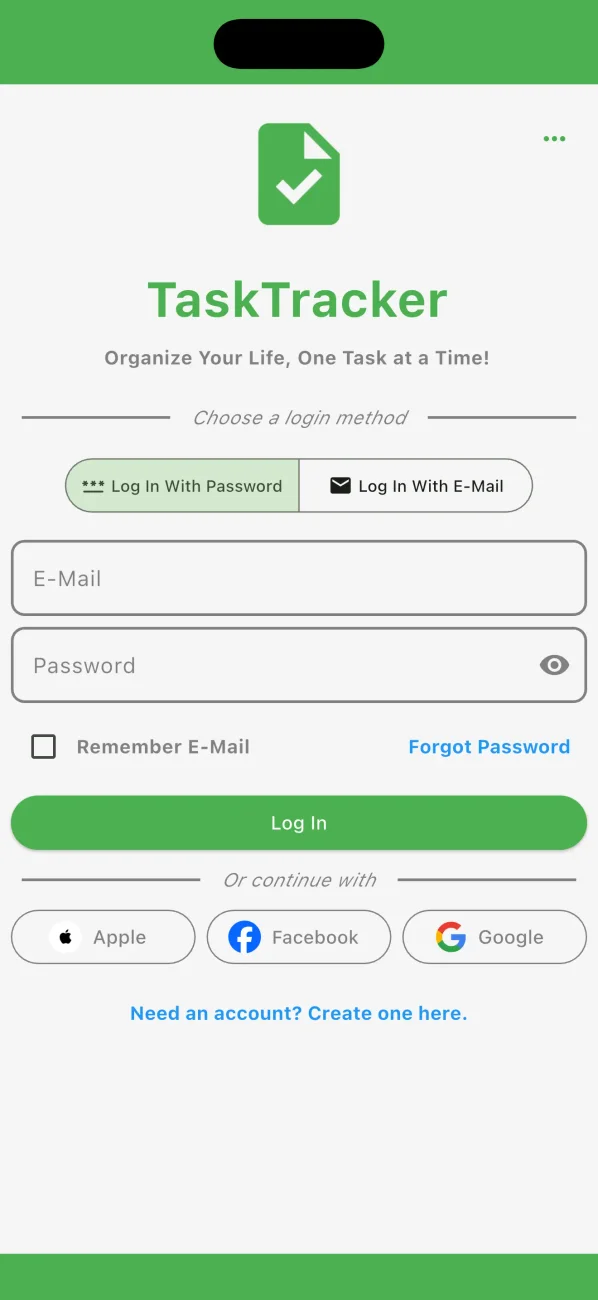
Screenshots

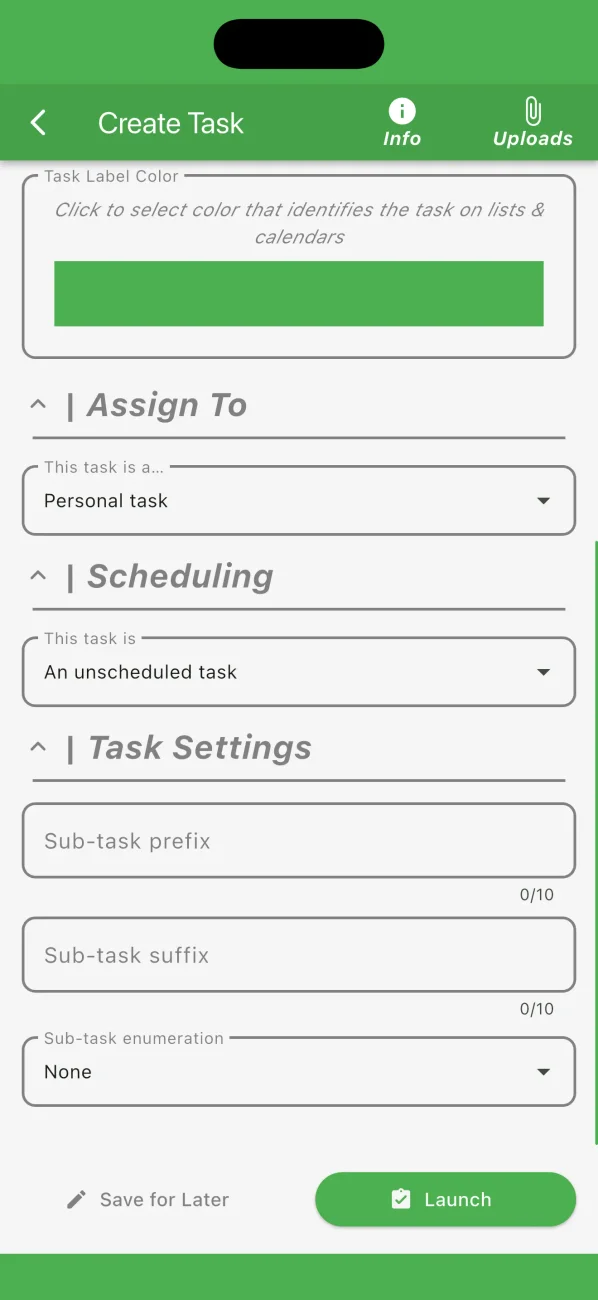

About
Boost Your Productivity with TaskTracker – The Ultimate Productivity App
TaskTracker is a powerful, intuitive, and feature-rich to-do list and productivity app designed to help you stay organized, manage your time efficiently, and achieve your goals effortlessly. Whether you’re planning your daily schedule, managing a complex project, or simply keeping track of personal errands, TaskTracker provides the tools you need to stay on top of your tasks.
Why Choose TaskTracker?
- Easy to Use – A sleek, clutter-free interface that makes task management simple and enjoyable.
- Feature-Rich – From recurring tasks to reminders and project collaboration, TaskTracker has everything you need.
- Customizable – Tailor the app to fit your workflow with tags, priority levels, and more.
- Sync Across Devices – Keep your tasks updated in real time across multiple platforms.
Key Features
Task Management Made Simple
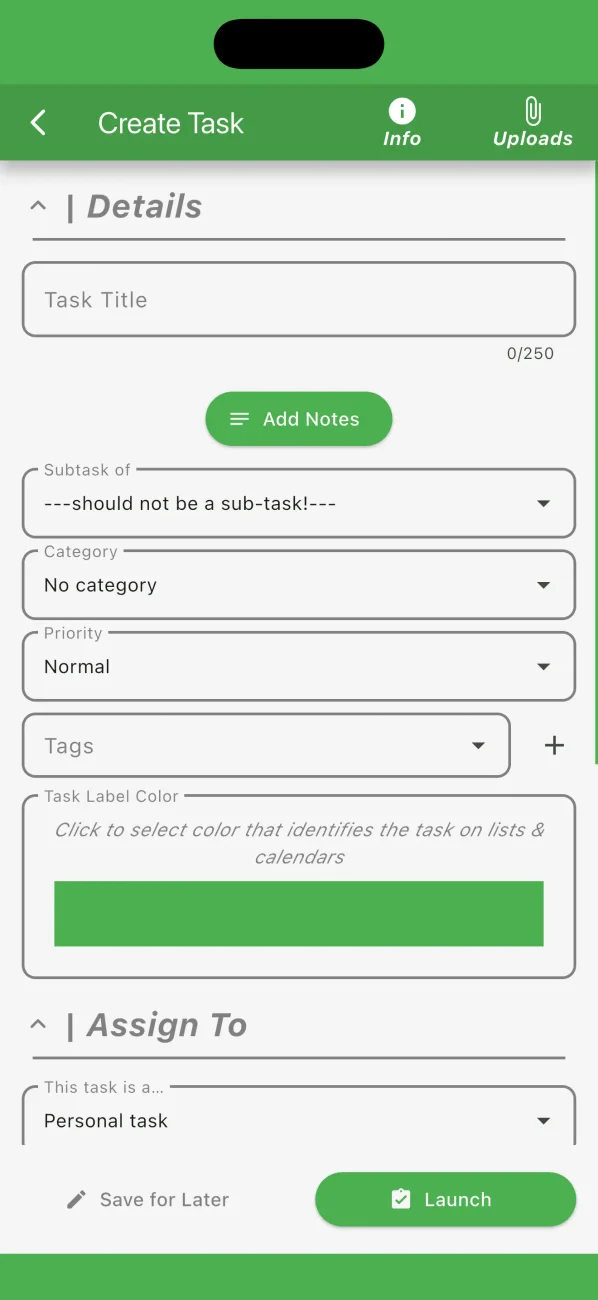
- Quick Task Creation – Add tasks instantly with a simple tap.
- Subtasks & Checklists – Break down large tasks into smaller, actionable steps.
- Task Prioritization – Set high, medium, or low priority levels to focus on what matters most.
- Recurring Tasks – Automate daily, weekly, or custom recurring tasks to save time.
Smart Reminders & Notifications
- Custom Reminders – Set one-time or recurring reminders so you never forget an important task.
- Deadline Tracking – Assign due dates and deadlines to ensure you stay on schedule.
Calendar & Schedule Integration
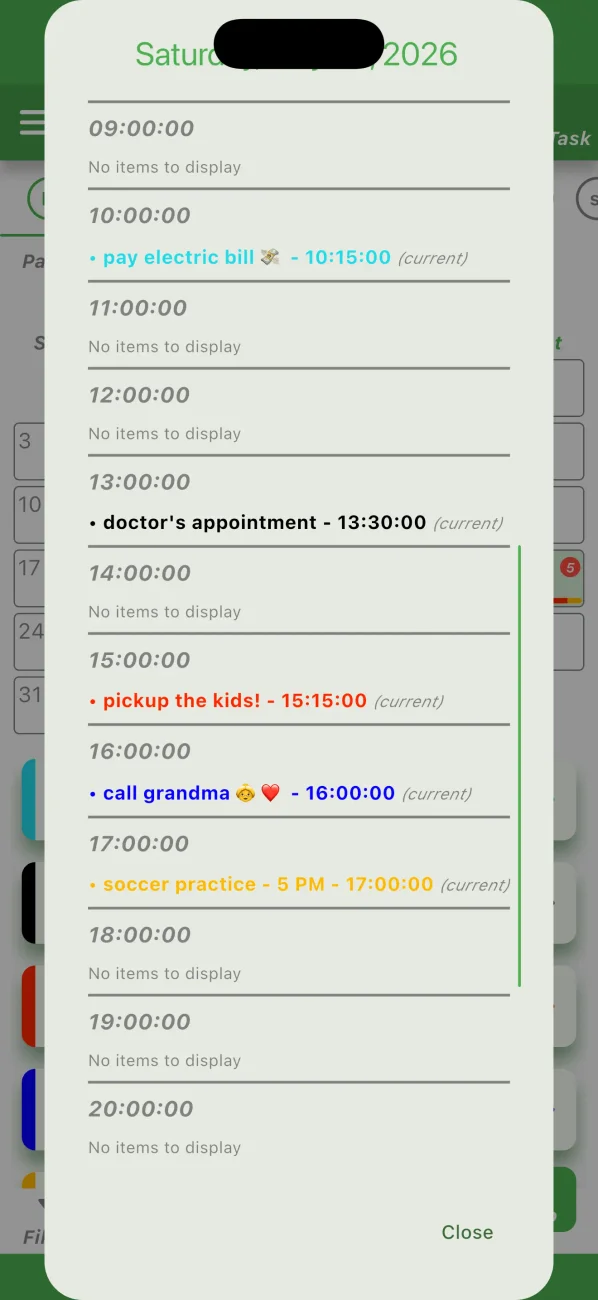
- Built-in Calendar View – Plan your day, week, or month effortlessly.
- Daily, Weekly, and Monthly Views – See your tasks in a format that suits your workflow.
Project & Team Collaboration
- Shared Task Lists – Work on projects with your team or family members in real time.
- Task Delegation – Assign tasks to others and track their progress.
- Comment & Chat Feature – Discuss tasks and share updates within the app.
Customization & Personalization
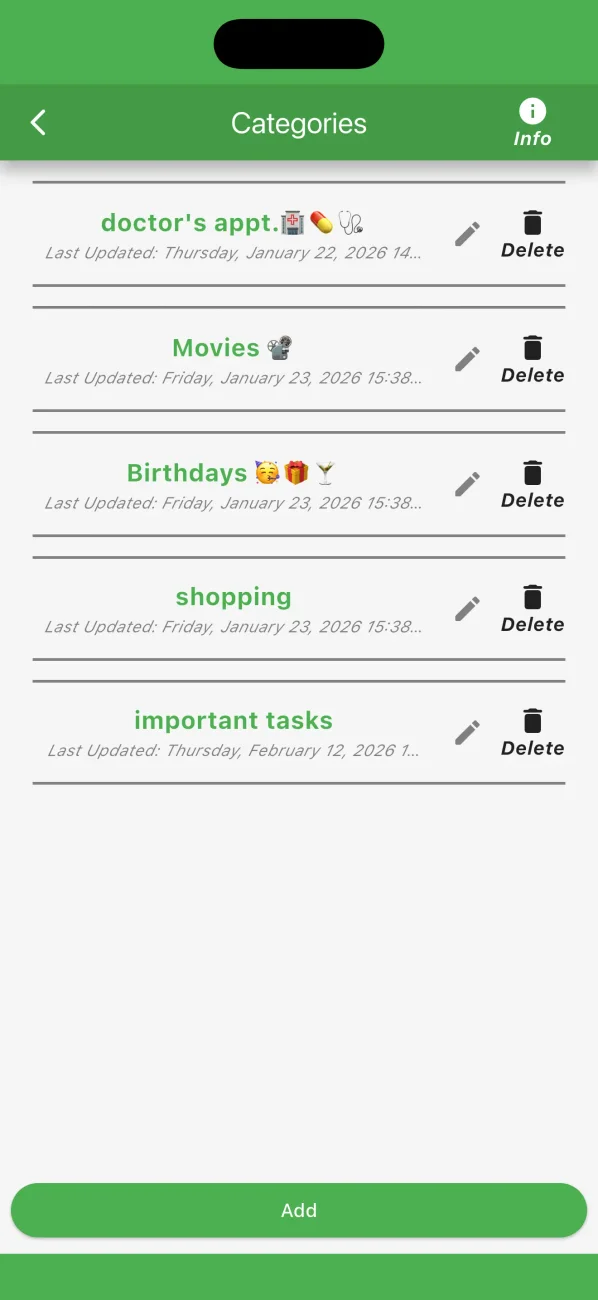
- Tags & Labels – Organize your tasks with custom categories and labels.
Cross-Platform Access
- Multi-Device Compatibility – Available on smartphones, tablets, and desktops.
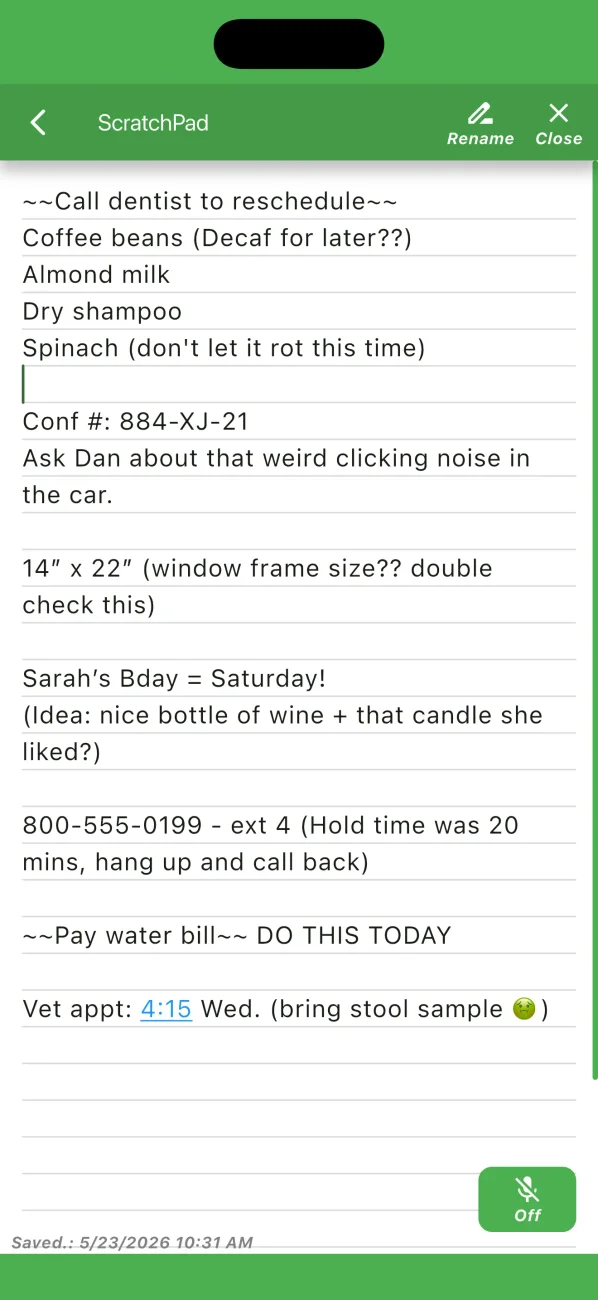
- Offline Mode – Work on your tasks even when you’re not connected to the internet.
Use Cases – How TaskFlow Can Help You
- For Professionals – Manage work deadlines, track meetings, and organize projects efficiently.
- For Students – Keep track of assignments, exams, and study schedules effortlessly.
- For Families – Plan household chores, grocery shopping, and family events seamlessly.
- For Freelancers & Entrepreneurs – Stay organized with client projects, invoices, and deadlines.
Get Started Today!
Download TaskTracker now and take control of your productivity. Start organizing your life, one task at a time!
What’s new
Version 1.0.45 · Oct 10, 2026
Bug Fixes.
App privacy
What Arume Systems LLC declares on the App Store about how this app handles data.
-
Data used to track you
May be used to track you across apps and websites owned by other companies.
- Usage data
-
Data linked to you
May be collected and linked to your identity.
- Contact info
- User content
- Identifiers
- Usage data
- Diagnostics
- Other data
Privacy practices may vary, for example with the features you use or your age.
Information
- Seller
- Arume Systems LLC
- Category
- Productivity
- Version
- 1.0.45
- Updated
- Oct 10, 2026
- Released
- May 27, 2026
- Size
- 96.9 MB
- Requires
- iOS 15.6 or later
- Age rating
- 17+
- Price
- Free
- In-app purchases
- Yes
- Languages
- English
- Copyright
- © 2026 Arume Systems LLC
You might also like
-
 Domani - Daily PlannerEvening Planner & To-Do List
-
 Juggle Ease: Family OrganizerAI-Powered Family Assistant
-
 Mango: Small Wins TogetherEncouragement for every day
-
 Family-PlanShare Family Responsibilities
-
 Tovo – Kanban, Tasks & PlannerOrganize Your Tasks & Projects
-
 Kompas: AI Coach & PlannerKompas: AI Coach & Planner
-
 Together: Organize LifeShared Family Calendar & Lists
-
 Peekdo: Lock Screen To-Do ListSort by urgent and important
-
 Flipnotes - Digital NotebookThe Fastest Notes App.
-
 Cartly+Shopping lists & meal plans