tcSpeeds
Sailing Speed Instrument
Designed for iPhone, iPad
Free · In-app purchases
- Age rating4+
- CategoryNavigation
- Developertransitional continuum
- LanguagesEnglish
- Size18.4 MB
Links to the official App Store page
Download.org hosts no file of tcSpeeds. The button opens its official App Store page, published by transitional continuum. Listing last checked on Nov 12, 2026.
Screenshots


About
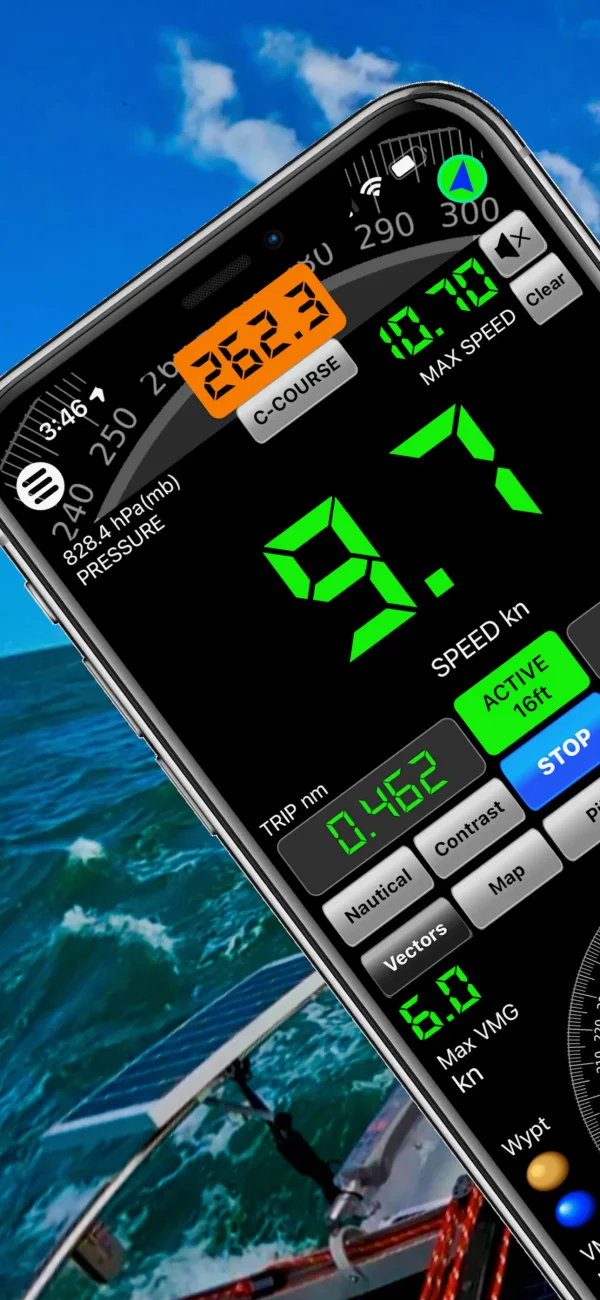
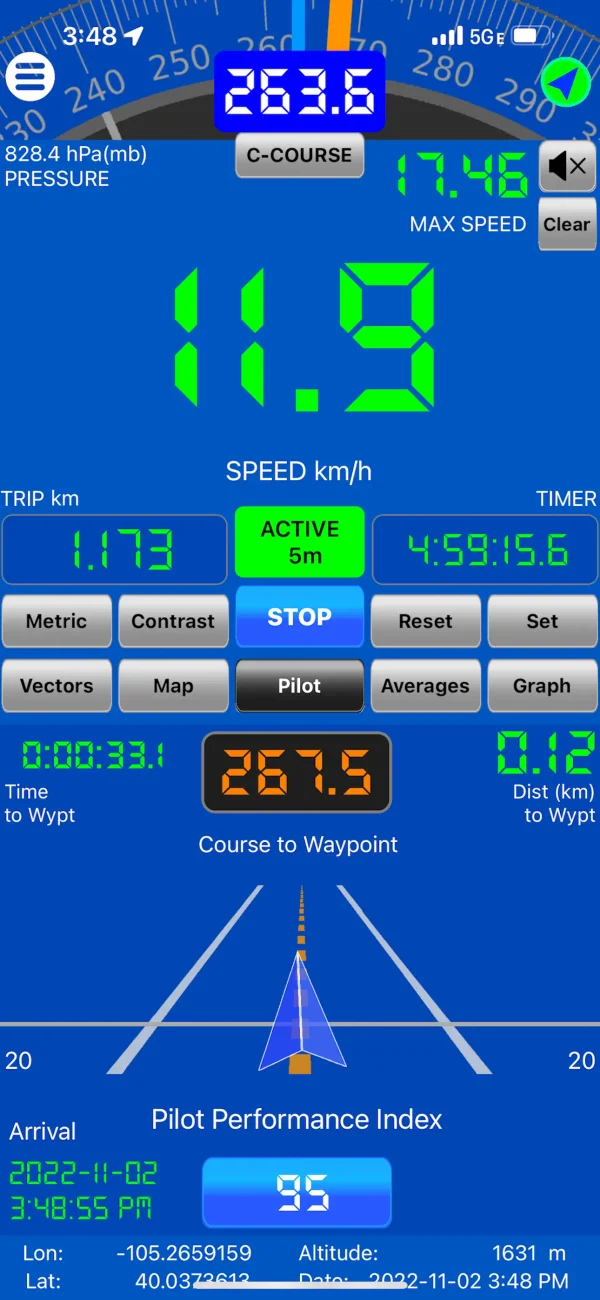
tcSpeeds provides advanced knowledge of your current speed, average speeds, maximum speed, directional speeds, velocity made good, wind measurements, and much more. You will be able to measure your performance on a straight course with our proprietary Pilot Performance Index (PPI) computation. Compare how good you are at the controls with your friends or against your autopilot.
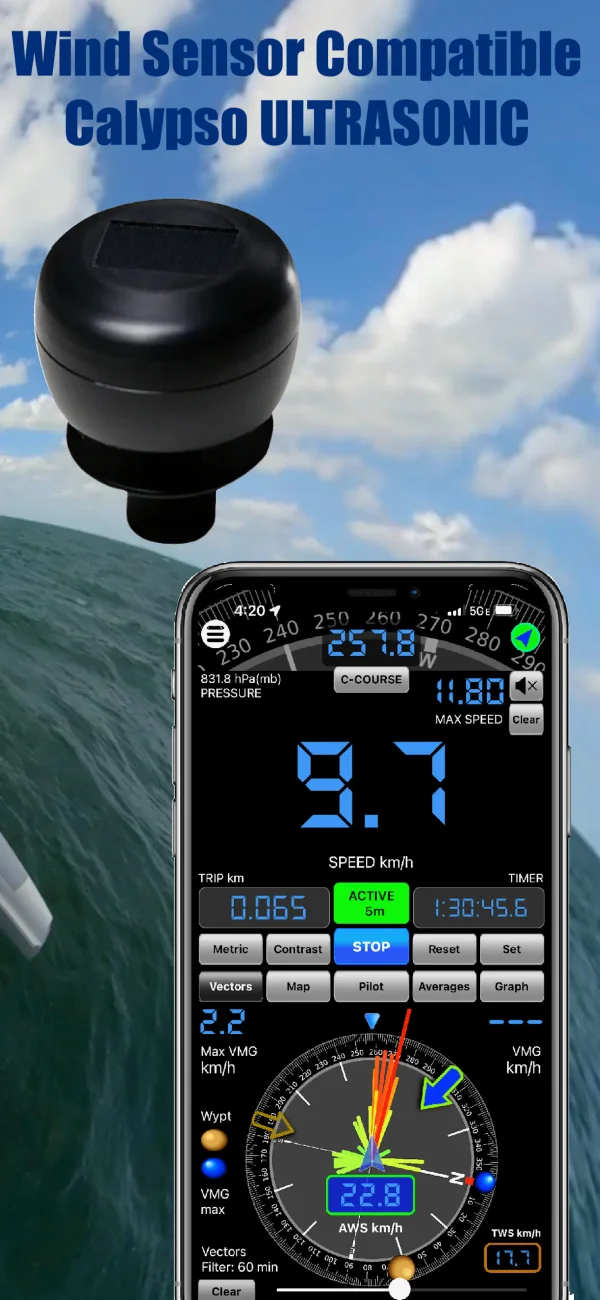
tcSpeeds stands on its own and does not require external hardware or connections to operate. tcSpeeds uses your device's own internal GPS, accelerometers, and compass. For Wind measurement, you will need to acquire the Calypso Ultrasonic Wind sensor. More sensors will be supported in the future.
Easy to use and conceived to minimize operational burden on the user, because we know you have other things to do. Zero setup required: install, launch and tap the start button.
Designed for iPhones, and GPS-equipped iPads.
CAPABILITIES
- Add waypoints on the map
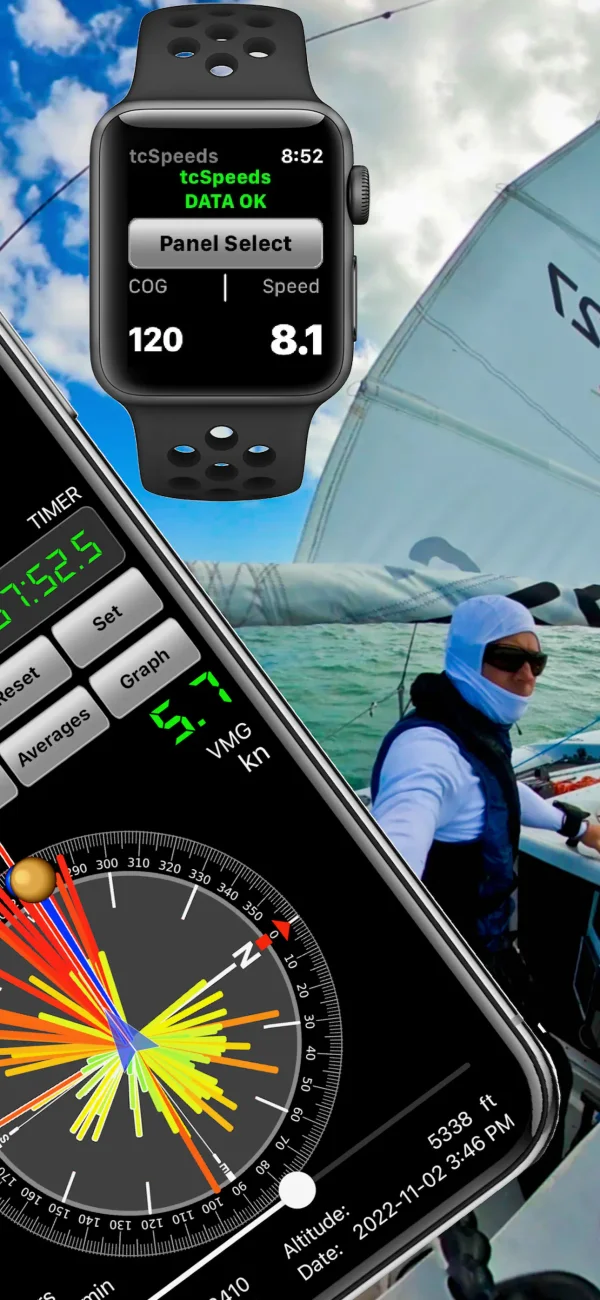
- Apple watch extension
- auto-VMG Velocity Made Good automatic detection
- Add, move, or edit you waypoint location on the map
- Cross track to waypoint indicator
- Record and save your track
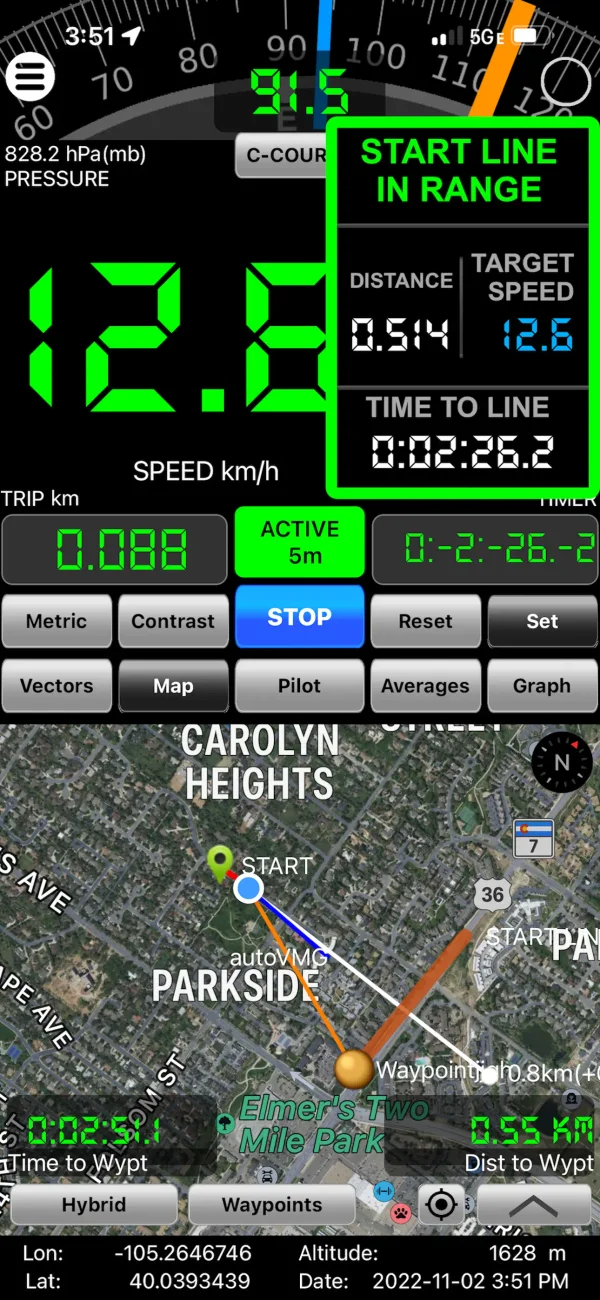
- Start Line guide for speed and heading when you race
- VMG automatic maximum VMG to waypoint
- VMG visual assistant: guides you to the best course to the waypoint on the current tack
- Maximum VMG indicator relative to waypoint
- Audio alert for Acceleration and maximum speed: get instant feedback for you and your team when you are doing it right
- Apple Watch Extension: Speed, Course, VMG, Cross-Track, Display remote control and more
- Arrival Time: smart computation using filtered VMG averages
- Barometer indicator on supported devices
- Pilot Performance Index (PPI) calculation improvement
- Speed indicator with color-scaled plot
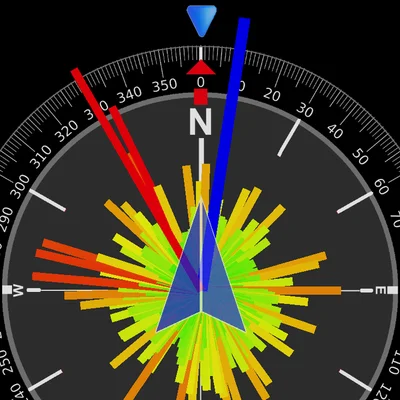
- Directional speed vectors panel with automatic polar graph
- Maximum speed keeping
- Maximum speed audio and visual alarms
- Trip distance recording
- Add, move, edit Waypoints
- Accurate sub-second timer
- GPS status with location accuracy indication
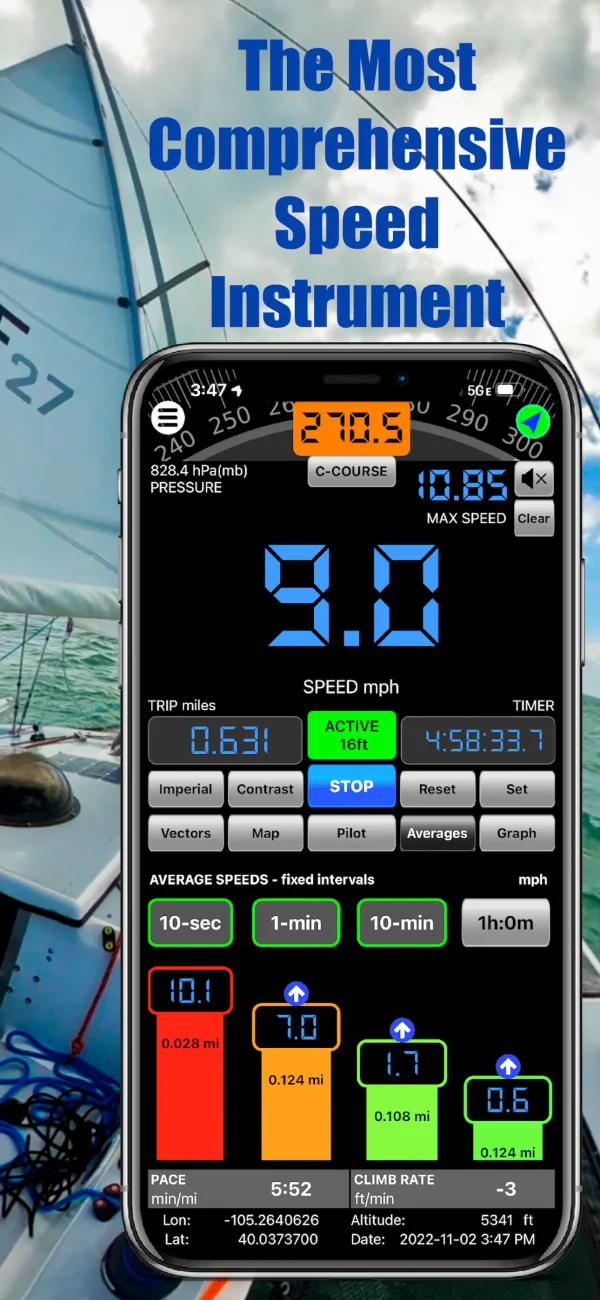
- Boxed average speed by timed interval: 10-sec 1-min 10-min 1-hour
- Pilot Performance Index (PPI) calculation, measurement, and guide
- Target course indicator with automatic and manual fine tuning
- Headings, bearings and directional indicators (magnetic/true)
- Precise real-time cross track reporting
- Course, Compass and proprietary C-Course heading selector
- Rapid units selection: metric, nautical and imperial
- Situational (non-navigational) map with color-coded speed track
- Map display with target course and Look-Ahead-Vector (LAV)
- Time and distance to autoscaled LAV endpoint
- Velocity Made Good (VMG) relative to Waypoint
- Magnetic compass and Course Over Ground (COG) integrated panel
- Crab angle and local magnetic declination
What’s new
Version 3.4 · Mar 25, 2026
v3.4 — Wind & Watch upgrade
• Apple Watch: True Wind Speed (TWS) now shown on Wind Compass in yellow, Apparent Wind Speed (AWS) in green — both with color-coded direction triangles
• Watch speed display fills the full Apple Watch Ultra screen with a cleaner layout
• Watch complication now shows the tcSpeeds icon on your watch face
• All watch numbers grey out when iPhone connection is lost
• Map GPS track color coding fixed — no more disappearing track on zoom/pan
• Connect to Calypso wind sensor now requires purchase (as intended)
App privacy
What transitional continuum declares on the App Store about how this app handles data.
-
Data not collected
The developer does not collect any data from this app.
Privacy practices may vary, for example with the features you use or your age.
Information
- Seller
- Transitional Continuum
- Category
- Navigation
- Version
- 3.4
- Updated
- Mar 25, 2026
- Released
- Nov 7, 2018
- Size
- 18.4 MB
- Requires
- iOS 16.6 or later
- Age rating
- 4+
- Price
- Free
- In-app purchases
- Yes
- Languages
- English
- Copyright
- © transitional continuum
You might also like
-
 SailSpeedTracking of Speed and Heading
-
 CalypsoSailingTrue wind, polar and charts
-
 SailTimer API™Navigation
-
 qtVlmNavigation and weather routing
-
 GPS Speedometer: Trip TrackerCar & Bike Speed Tracker
-
 KWINDOO Tracking for sailingTracking for sailing
-
 CamSextantSextant & Celestial Navigation
-
 Celestial NavModern Celestial Navigation
-
 SailFreeGPSSailing navigation intruments
-
 SailTies: Logbook GPS TrackingSailing Resume, Qualifications