TEAN - Learning Clock
New - effective - and fun!
Designed for iPhone, iPad
Free · In-app purchases
- Age rating4+
- CategoryEducation
- DeveloperTEAN Sàrl
- LanguagesEnglish+ 2 more
- Size10.2 MB
Links to the official App Store page
Download.org hosts no file of TEAN - Learning Clock. The button opens its official App Store page, published by TEAN Sàrl. Listing last checked on Nov 17, 2026.
Screenshots

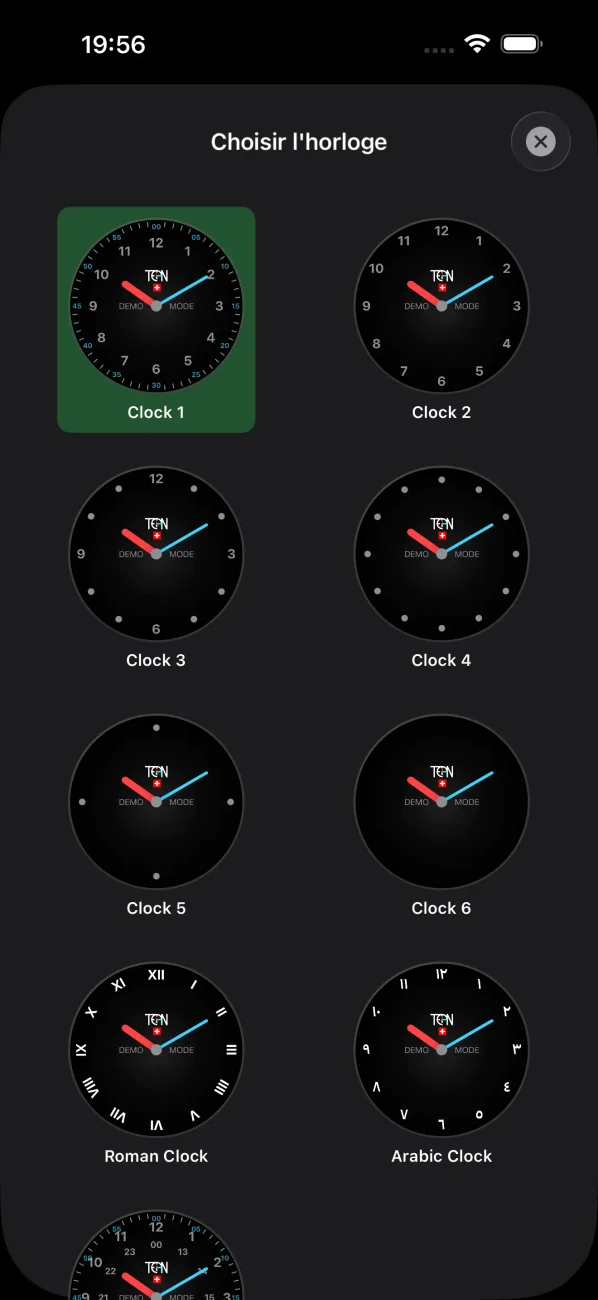
About
Learn reading the clock and telling time according to the requirements of the Swiss education system:
Make the Expression quiz and see how good you are.
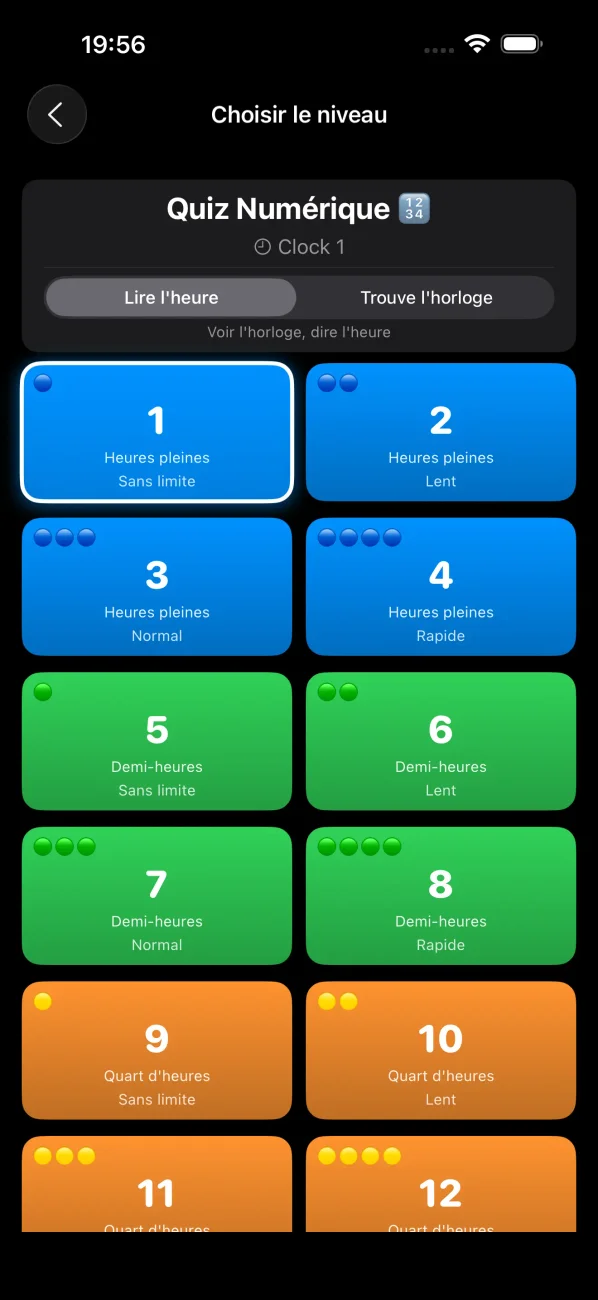
Start with the hours, then half hours, then quarter hours and finally the 5-minute graduation.
Can you tell time from the analog clock without numbers? Select a more abstract clock face and try it out!
FOR WHOM ?
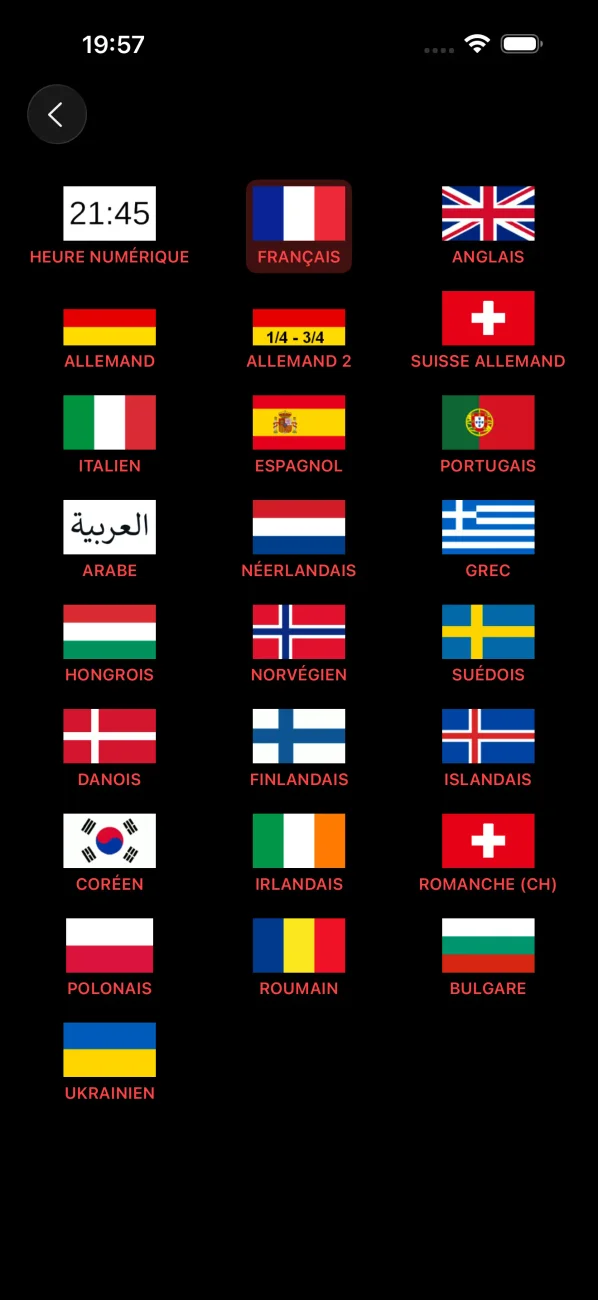
For kids who want to learn reading/ telling time with the analog clock quickly and safely, for school and for life. For adults who want to support children in learning to read/tell the time; For those who want to learn how to tell time in other languages.
HOW DOES IT WORK?
The TEAN analog clock learning app offers four distinct learning modes:
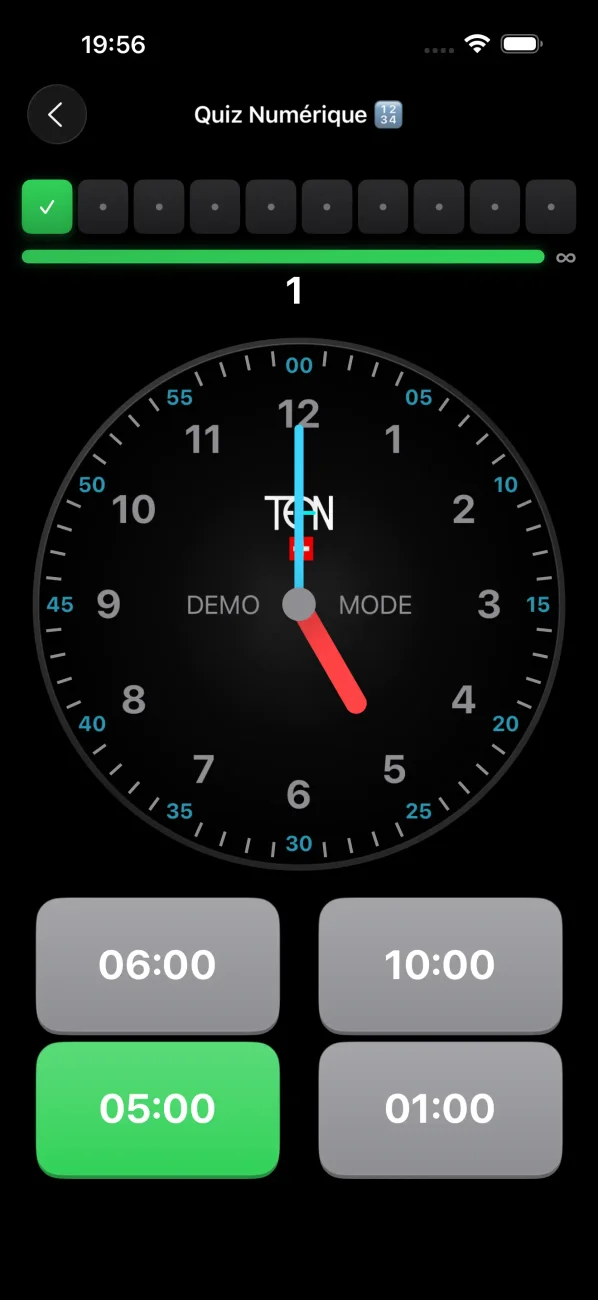
1) Read Clock Quiz
In this quiz you see random time on an analog clock and you need to tap on the one digital clock out of 4, which shows the same time. Here you learn to read the time shown by the analog clock. The clock face, the hour mode and the response speed are selectable.
2) Tell Time Quiz
In this quiz you see random time on an analog clock and you need to tap on the one analog time expression out of 3, which shows the same time. Here you learn how to correctly "tell time" in words. The clock face, the hour mode and the response speed are selectable.
3) 24h Quiz
In this quiz you see random time on a novel 24 hour analog clock and you need to tap on the one digital clock out of 4 which shows the same time. Here you learn how the morning hours 0-11 (AM) and the afternoon hours 12-23 (PM) are shown on the analog clock. The hour mode and the response speed are selectable.
In all 3 quiz modes you answer 10 questions and you can observe your results in green or red on the result bar on the top of the screen. Once the quiz completed, depending on your settings and results, you see which step we recommend you to do next.
4) Free Exercise
This mode has no time constraint. You can simply set the analog clock to random times by tapping on it or on the button below and then try to read it and tell the time shown. Then you can verify if your "telling" is correct. A special assistance helps you to decide if the shown time is "past" or "to" the hour. The clock face and the hour mode are selectable and the assistance can be turned on or off.
Terms of use: https://www.apple.com/legal/internet-services/itunes/dev/stdeula/
What’s new
Version 1.35.2 · Jun 12, 2026
- New subscription model
App privacy
What TEAN Sàrl declares on the App Store about how this app handles data.
-
Data not linked to you
May be collected but is not linked to your identity.
- Usage data
- Diagnostics
Privacy practices may vary, for example with the features you use or your age.
Information
- Seller
- TEAN Sarl
- Category
- Education
- Version
- 1.35.2
- Updated
- Jun 12, 2026
- Released
- Oct 18, 2023
- Size
- 10.2 MB
- Requires
- iOS 17.0 or later
- Age rating
- 4+
- Price
- Free
- In-app purchases
- Yes
- Languages
- English, French, German
- Copyright
- © 2025 TEAN Sàrl
You might also like
-
 ClockLesson - Learn by touchUnderstand the time display
-
 Kids Clock – Learn TimeKids love playing with it
-
 My Clock Learningとけいえほん
-
 Kid KlokEducation
-
 Clock Learning AppClock Learning App
-
 TickTock TutorVoice-Based Clock Learning
-
 Pro Analog ClockPractice And Have test
-
 PlayClock3DLearn the "time" with clock.
-
 Learn a ClockLearn a clock in a fun game
-
 Clockwise - Read the clockEnsine as crianças as horas