Technical Camera
Elegant. Efficient. Excellent.
Designed for iPhone, iPad, iPod touch
$19.99
- Age rating4+
- CategoryPhoto & Video
- DeveloperDIRE Studio
- LanguagesEnglish+ 1 more
- Size3.9 MB
Links to the official App Store page
Download.org hosts no file of Technical Camera. The button opens its official App Store page, published by DIRE Studio. Listing last checked on Nov 7, 2026.
Screenshots
About
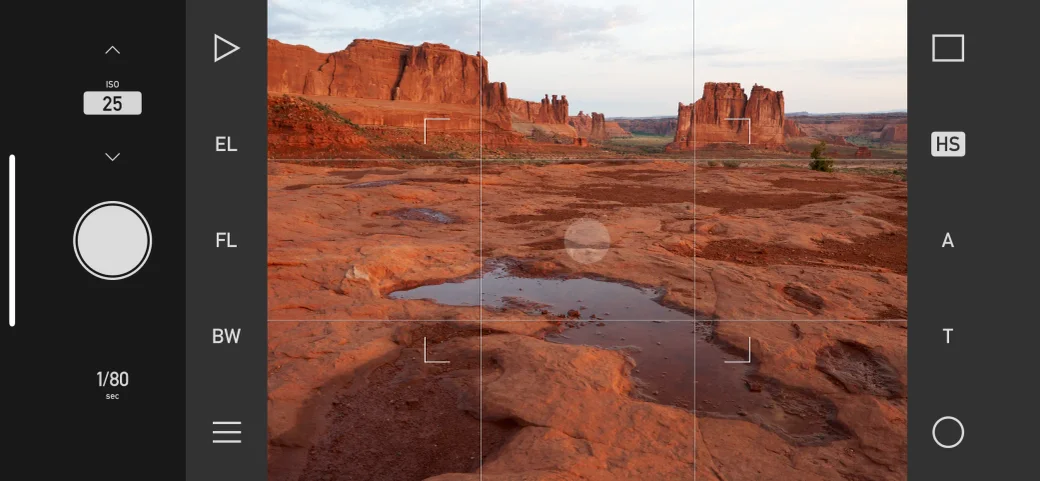
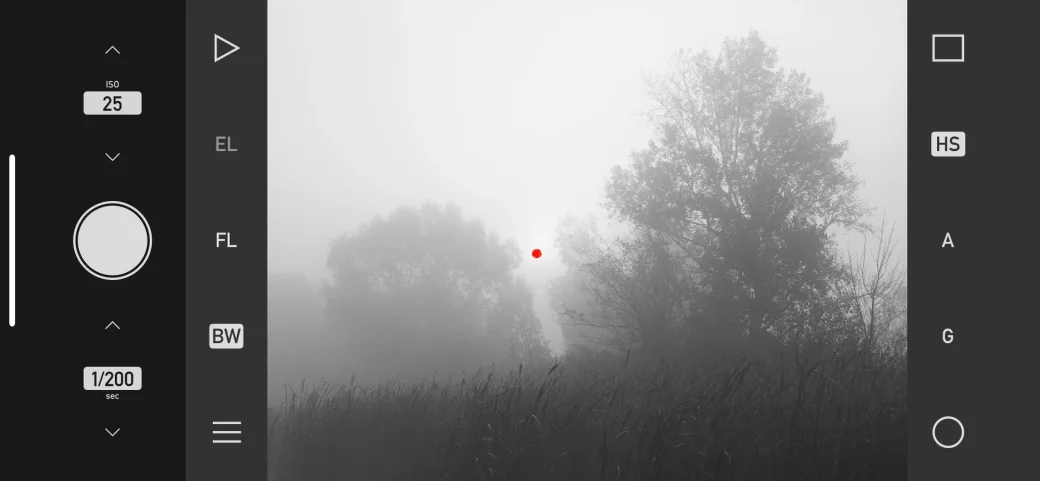
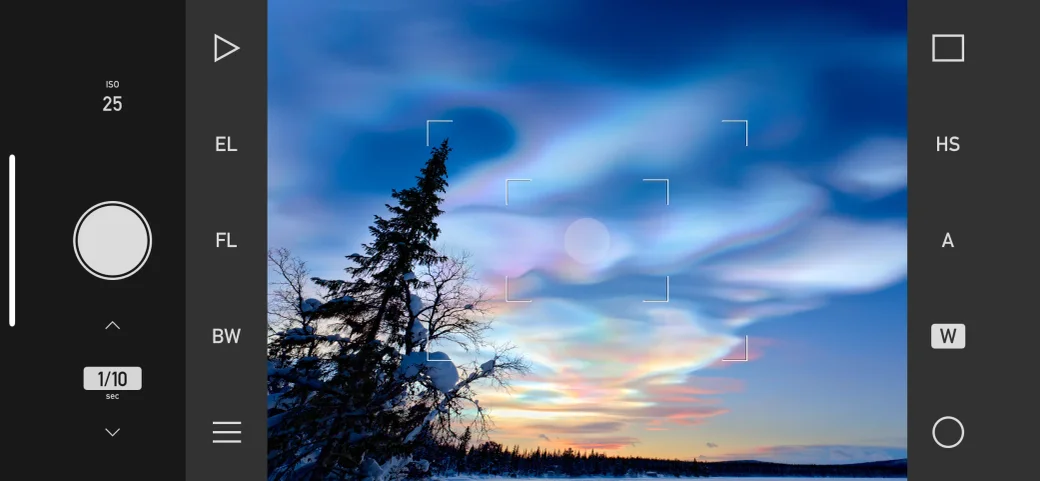
The ultimate still photo app for the conscious image maker - works equally well for serious photography as for organized visual note taking. With a handful of unique features you'll not find anywhere else.
Photos are saved to individual albums created with a specific purpose in mind. Such as different photo shoots or projects, visual shopping lists, recipes from the grandmother's cookbook, things for sale, monthly gas and electricity meter readings - the list is endless. These uses need different image qualities and sizes (you'll seldom make a large print of a meter reading, for example), so the app has:
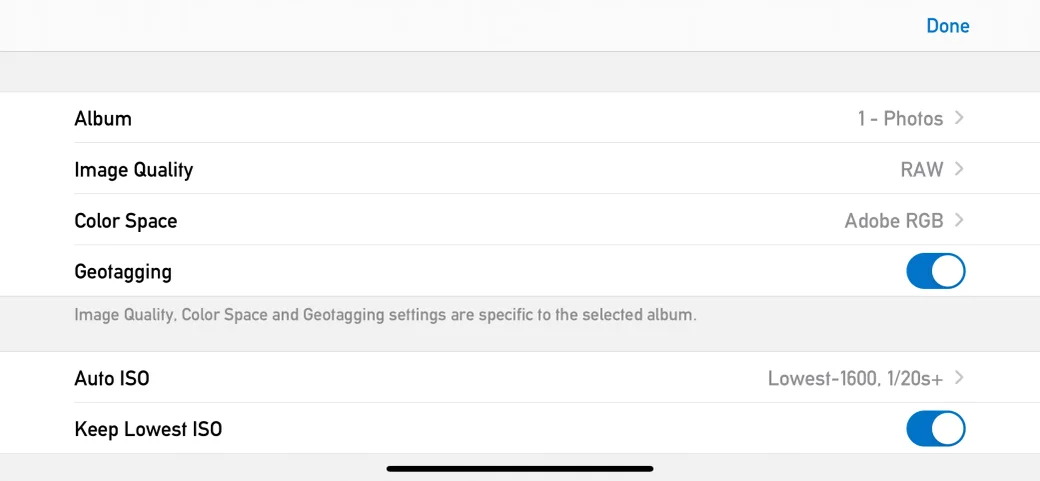
• Album specific image quality, color space (wide color capable devices only) and geotagging settings.
• Selectable image quality with full, half, quarter, high color fidelity quarter HQ sizes and a super tiny 0.48 megapixel 800x600 JPG, as well as RAW and RAW+JPG on devices supporting RAW capture. The 800x600 JPG is up to 20 times smaller than a regular JPG, making it extremely gentle with your mobile plan's data allowance.
• Color space can be set to Display P3, Adobe RGB or sRGB for JPG files and Adobe RGB or sRGB for RAW previews.
• Home screen Quick Actions for selecting the last recently used three albums.
Unique features include:
• Framing Previsor for showing on the wide angle camera's image what the telephoto camera would see.* Also works with wide converters.
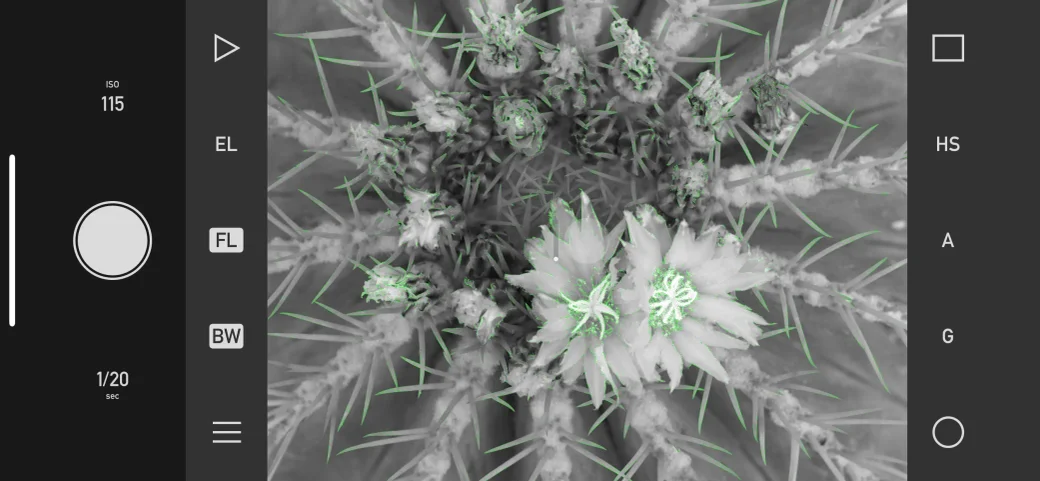
• Highlight and shadow alerts.
• Protective exposure metering.
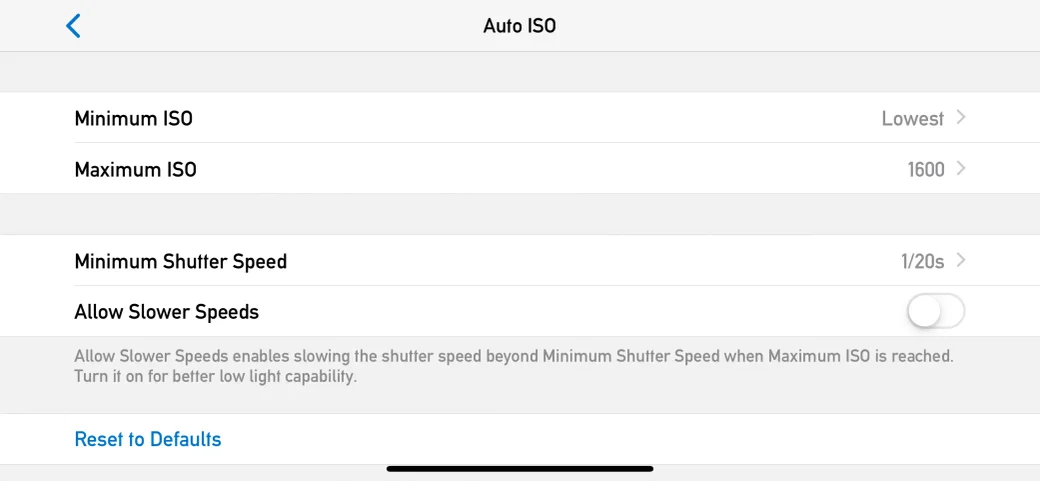
• Auto ISO with minimum, maximum and minimum shutter speed settings.
• Real time distortion correction for wide angle converters via correction profiles, as well as a custom converter for other lenses.*
• Selectable screen frame rate to balance between fluid experience and power saving, and to avoid flicker with lighting running on 50Hz mains frequency.
• TIFF/EP compliant DNG files with support for wide color and full resolution embedded previews.
* Utilizes the time-tested precise simulation and distortion correction engines of our Mark II Artist's Viewfinder app.
Other notable features:
• Manual control for ISO and shutter speed in 1/3 stop increments.
• Manual focus with focus peaking. Selectable peaking color.
• Exposure compensation up to +/-5 stops.
• Exposure and focus lock.
• Continuous and single AF modes.
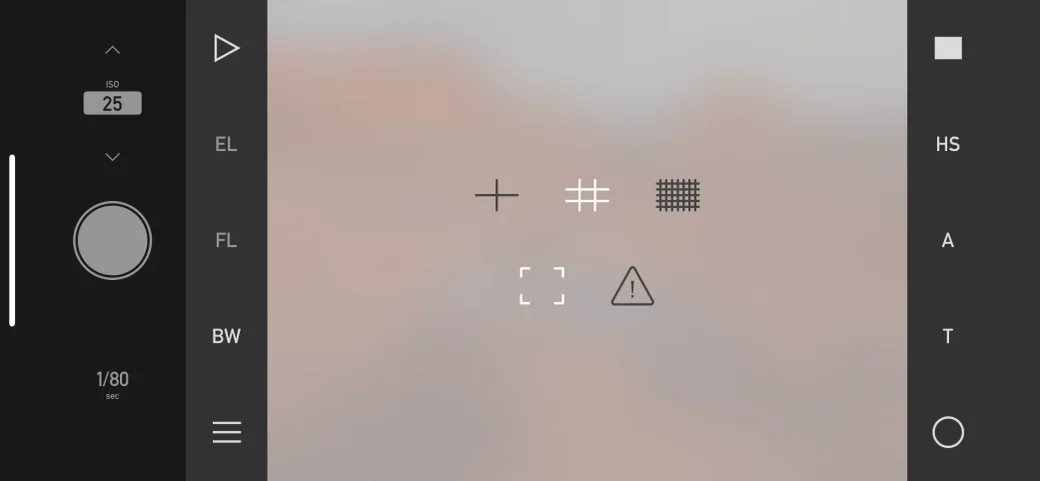
• Grid display with 2x2, 3x3 and 8x6 choices.
• Luminance only Black & White mode.
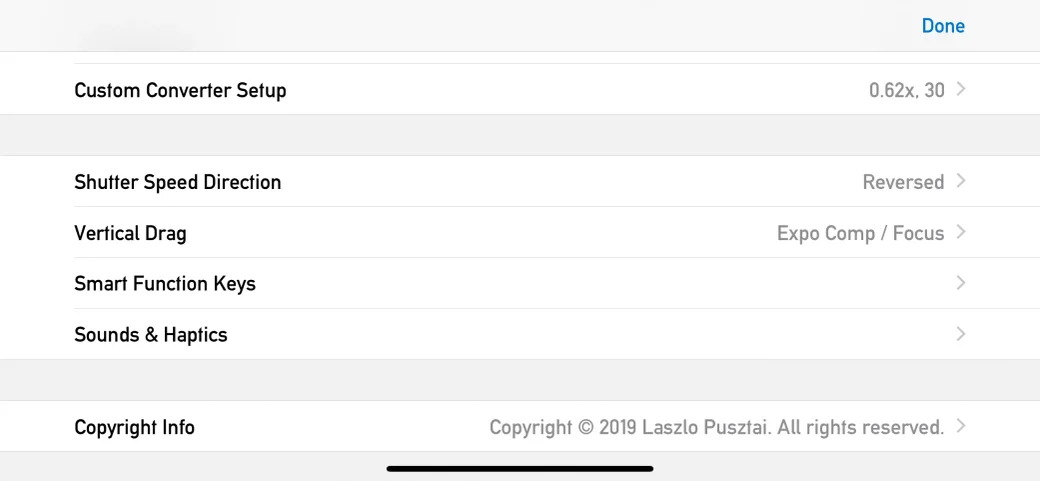
• Artist and copyright metadata. The copyright template supports tokens for the current year (so it's always up-to-date), artist name and the copyright symbol.
• Four user-assignable Smart Function Keys to bring most-used functions to a single tap distance, with 7 functions to choose from.
• Completely neutral viewing to avoid interfering with your color vision during composition.
• Fully color managed, from capture to display, including color-correct display of wide color RAW images.
Technical Camera only supports the back camera(s) in still photography mode. No videos or selfies. No fancy filters.
The Framing Previsor requires a dual-camera device or a wide converter lens.
The complete list of supported wide converter lenses can be found on the Tech Specs page: https://www.direstudio.com/technical-camera/tech-specs/
For more information we recommend to check out our Technical Camera How To's: https://www.direstudio.com/technical-camera/how-tos/
What’s new
Version 3.0.1 · Aug 9, 2026
Fixes:
• Corrected a problem where a black bar may appear on the side of DNG images recorded on iOS/iPadOS 26.
• Links in the app are updated to reflect our new web site structure.
App privacy
What DIRE Studio declares on the App Store about how this app handles data.
-
Data not collected
The developer does not collect any data from this app.
Privacy practices may vary, for example with the features you use or your age.
Information
- Seller
- DIRE Studio Kft.
- Category
- Photo & Video
- Version
- 3.0.1
- Updated
- Aug 9, 2026
- Released
- Jun 18, 2018
- Size
- 3.9 MB
- Requires
- iOS 15.6 or later
- Age rating
- 4+
- Price
- $19.99
- Languages
- English, French
- Copyright
- Copyright © 2018-2026 DIRE Studio.
You might also like
-
 KaleidoScope FilterCamPhoto & Video
-
 Screen Capture for NDI®Broadcast your screen over NDI
-
 mySpotMeterA reliable Spot Meter
-
 Pellica: Film Log, Light MeterDarkroom timer & film lab map
-
 Camera Cube - 3D Effects Live!3D Camera Filters & Effects
-
 FieldMonitorwireless camera monitoring
-
 Grid: Ricoh GR CompanionConnect. Download. Geotag.
-
 Tinge - Glow CamDark color filters
-
 Slideshow Video Maker MusicVideo Maker SlideShow for Pics
-
 Crown & FlintYour digital analog assistant.