
Teleprompter-float above apps
Teleprompter for all creator
Designed for iPhone, iPad, iPod touch
Free · In-app purchases
- Age rating4+
- CategoryPhoto & Video
- Developer文凤 董
- LanguagesEnglish+ 32 more
- Size37.3 MB
Links to the official App Store page
Download.org hosts no file of Teleprompter-float above apps. The button opens its official App Store page, published by 文凤 董. Listing last checked on Nov 22, 2026.
Screenshots


About
Read naturally and stay focused on the camera.
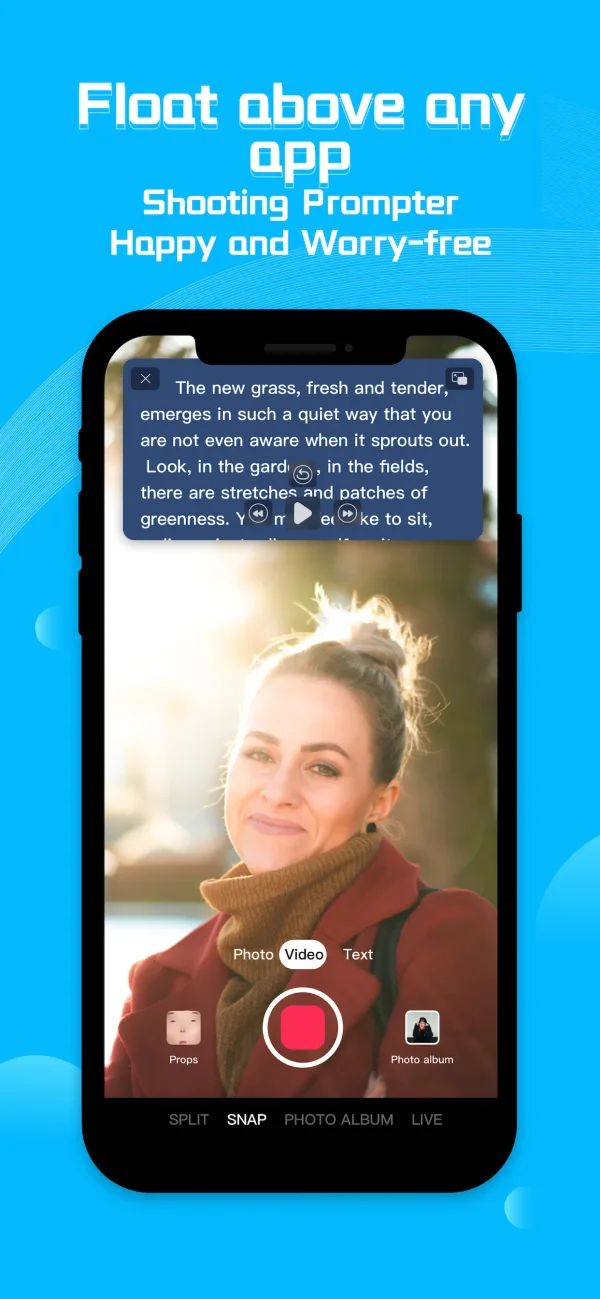
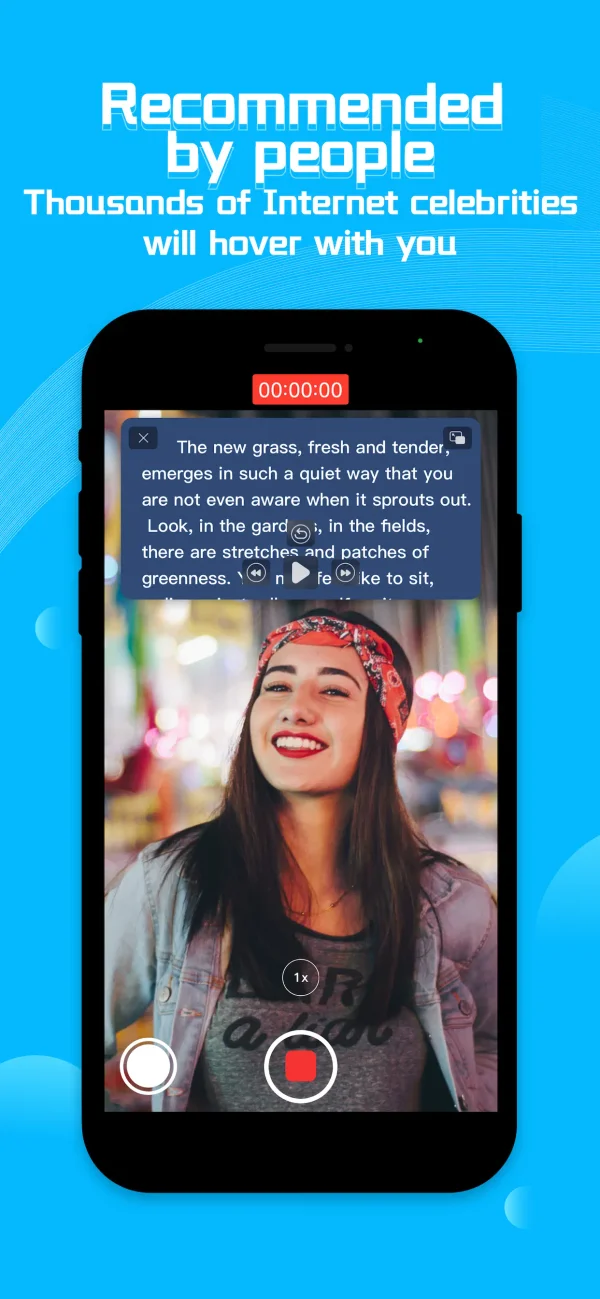
Floating Teleprompter keeps your script visible while you record videos,
livestream, teach, or present. Display your script in a resizable floating
window over supported camera and recording apps, so you can focus on your
message instead of memorizing every line.
VOICE FOLLOW
Traditional teleprompters scroll at a fixed speed. Voice Follow recognizes
your reading position and moves the script as you speak.
Slow down, speed up, or pause naturally. The script follows your pace
instead of making you follow it. Voice Follow works in both the in-app
teleprompter and the floating window.
FLOAT OVER RECORDING APPS
Keep your script visible while using supported camera, social video,
livestreaming, and recording apps.
Choose a recording app in advance, and Floating Teleprompter can open it
automatically when the floating prompt is ready. No need to switch apps
manually before every take.
REMOTE CONTROL
Control the teleprompter without touching your recording device. Use an
Apple Watch, another phone, a tablet, or a computer to control scrolling,
reset the script, and move forward or backward.
This is especially useful when your phone is mounted on a tripod or someone
else is helping you record.
MORE FEATURES
• Record videos directly inside the app
• Front and rear camera support
• Countdown and segmented recording
• 720p, 1080p, and 4K recording where supported
• Import TXT, Markdown, RTF, and PDF files
• Search, edit, pin, and archive scripts
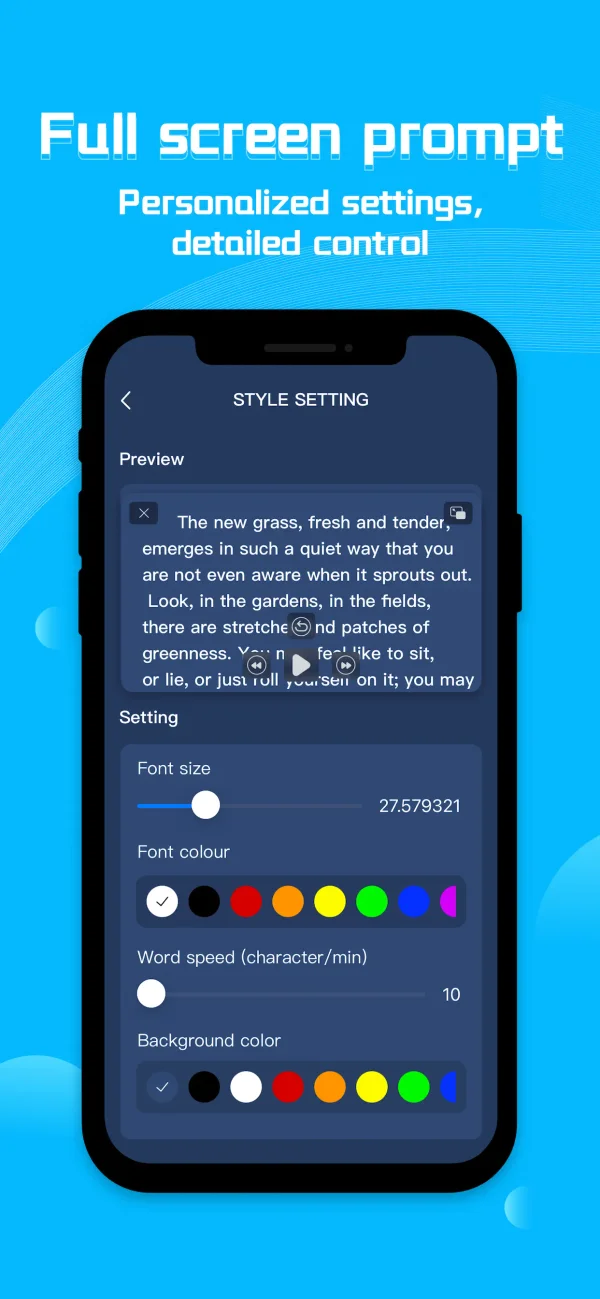
• Adjust scrolling speed, font, text size, and colors
• Customize background color and opacity
• Mirror text and display a center guide
• Portrait and landscape support
• Preview, manage, and share your recordings
Floating Teleprompter is made for short videos, livestreams, tutorials,
online courses, product demonstrations, interviews, speeches, meetings, and
presentations.
Stay on script, speak at your own pace, and deliver every line with
confidence.
SUBSCRIPTION INFORMATION
Floating Teleprompter offers an auto-renewing yearly subscription for
premium features.
Payment will be charged to your Apple ID account when the purchase is
confirmed. The subscription renews automatically unless canceled at least 24
hours before the end of the current period. Your account will be charged for
renewal within 24 hours before the end of the current period.
You can manage or cancel your subscription at any time in your App Store
account settings.
Privacy Policy:
https://tide-radish-631.notion.site/Privacy-Policy-2e97e279ba6880cd9800efc6929c95ef
Terms of Use:
https://tide-radish-631.notion.site/Terms-Of-Use-2e97e279ba6880d99264d4c42d78043c
What’s new
Version 1.9.5 · Sep 8, 2026
Performance and stability improvements.
App privacy
What 文凤 董 declares on the App Store about how this app handles data.
-
Data not linked to you
May be collected but is not linked to your identity.
- Usage data
Privacy practices may vary, for example with the features you use or your age.
Information
- Seller
- 文凤 董
- Category
- Photo & Video
- Version
- 1.9.5
- Updated
- Sep 8, 2026
- Released
- Apr 10, 2021
- Size
- 37.3 MB
- Requires
- iOS 15.0 or later
- Age rating
- 4+
- Price
- Free
- In-app purchases
- Yes
- Languages
- English, Arabic, Catalan, Croatian, Czech, Danish, Dutch, Finnish, French, German, Greek, Hebrew + 21 more
- Copyright
- © junyi
You might also like
-
 Teleprompter™Teleprompter for video
-
 Teleprompter with VideoRead & Record Video
-
 Prompt+ TeleprompterSmart Prompter with Mirror
-
 Teleprompter TikCueRead Script, Prompt for Video
-
 Teleprompter: Floating NotesAI Prompter, Script & Autocue
-
 Teleprompter-Read scriptRecord & caption
-
 Autocue Teleprompter Video CueTeleprompt For Script Prompter
-
 TelepromptrVideo Scripts & Mirror Text
-
 Teleprompter for Video ۬Floating Notes & Script App
-
 Teleprompter App for VideoRead script while recording