Teleprompter Pro-X
Voice-Following Teleprompter
Designed for iPhone, iPad
Free · In-app purchases
- Age rating4+
- CategoryPhoto & Video
- DeveloperCB PROJECT REKLAM PRODUKSIYON VE DANISMANLIK LIMITED SIRKETI
- LanguagesEnglish
- Size17.8 MB
Links to the official App Store page
Download.org hosts no file of Teleprompter Pro-X. The button opens its official App Store page, published by CB PROJECT REKLAM PRODUKSIYON VE DANISMANLIK LIMITED SIRKETI. Listing last checked on Nov 17, 2026.
Screenshots



About
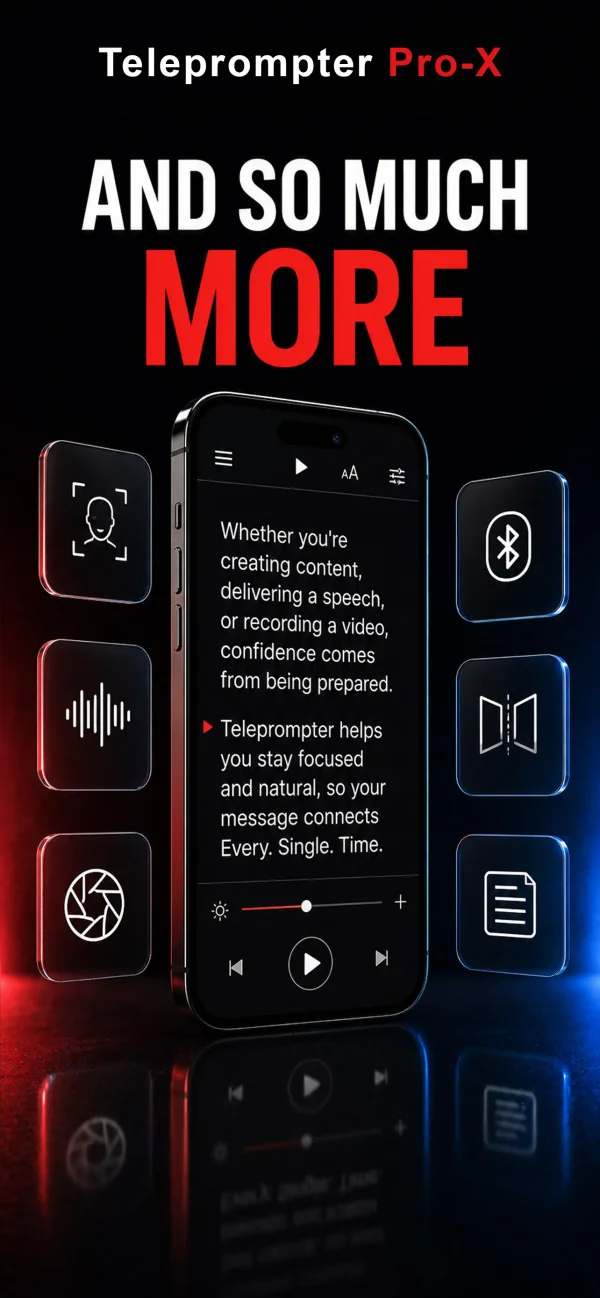
Read your script on screen while recording high-quality videos at the same time. With user-friendly tools such as speech and word tracking, custom scrolling speeds for each paragraph, smart touch controls, external microphone support, 4K video recording, Cinematic Mode for blurred backgrounds, and Smart Framing assistance, Teleprompter Pro-X makes it easier to create polished, professional videos. Focus on your presentation and let Teleprompter Pro-X handle the rest.
TEXT THAT FOLLOWS YOUR SPEECH
With Voice Flow, the on-screen text scrolls automatically as it follows your speech. You can also use automatic text scrolling and set the scrolling speed yourself.
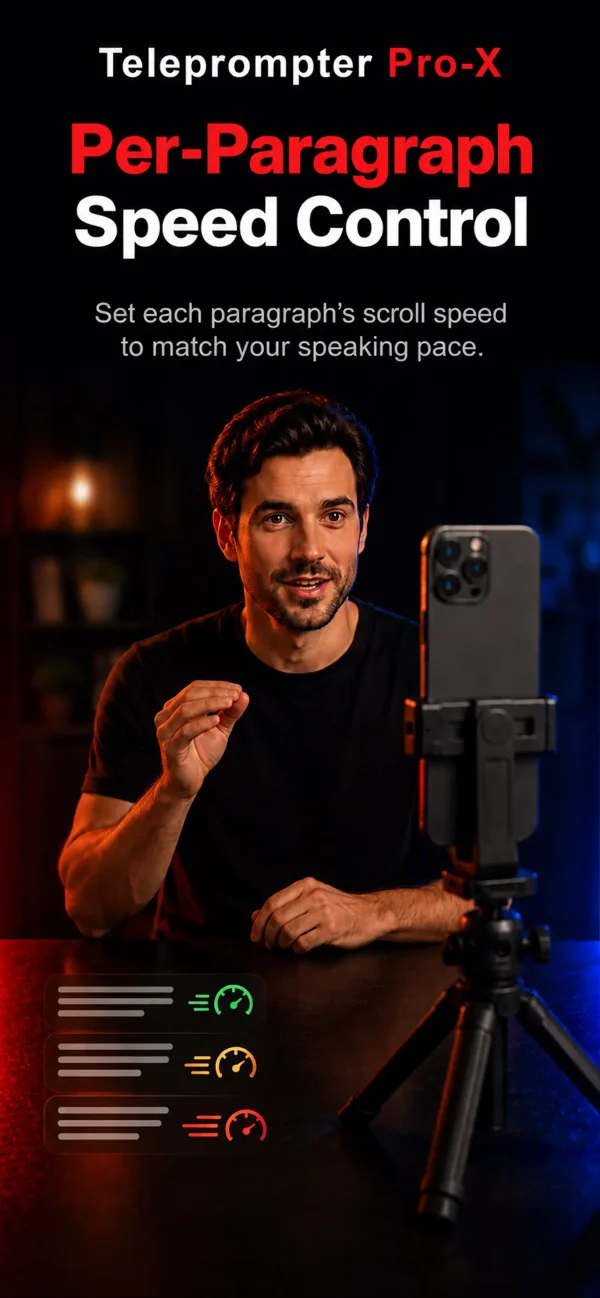
CUSTOM SCROLLING SPEED FOR EACH PARAGRAPH
Assign a different scrolling speed to each paragraph of your script. Slow down sections you want to emphasize and speed up more fluid parts. Smooth speed transitions and variable pacing help you create more natural-looking videos.
1080p AND 4K VIDEO RECORDING
Record your videos in 1080p or 4K. Choose between 4K 25 fps and 4K 30 fps to suit your recording. Cinematic Mode is available only on supported devices.
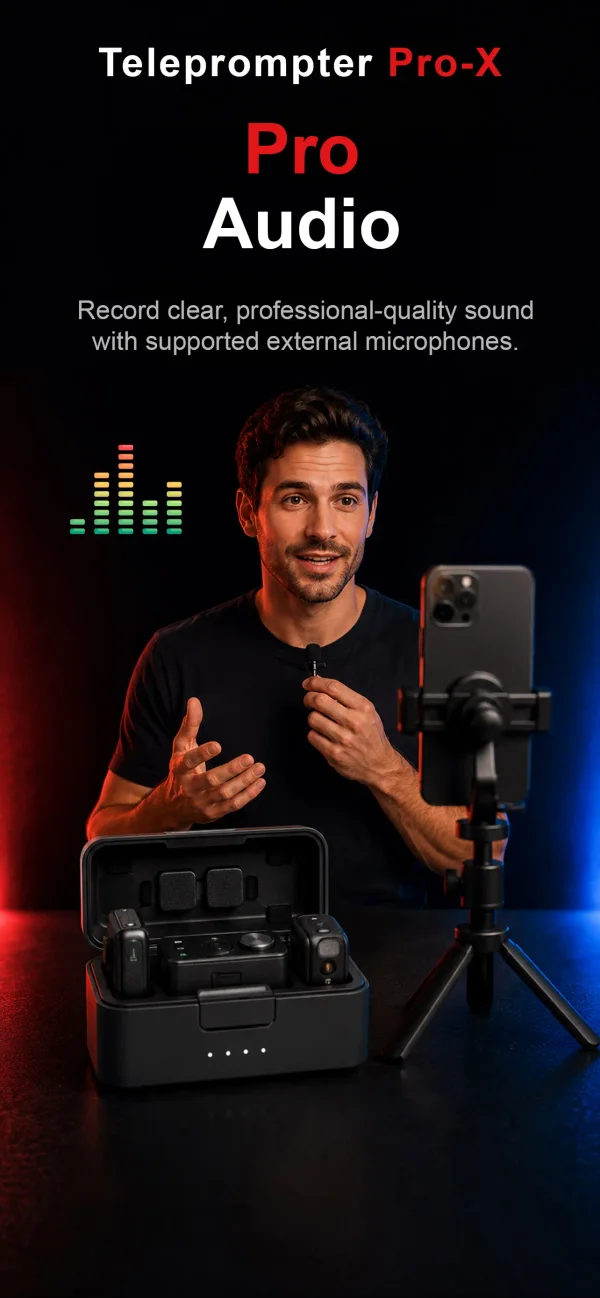
EXTERNAL MICROPHONE SUPPORT
Connect a compatible external microphone for greater control over your audio while recording video.
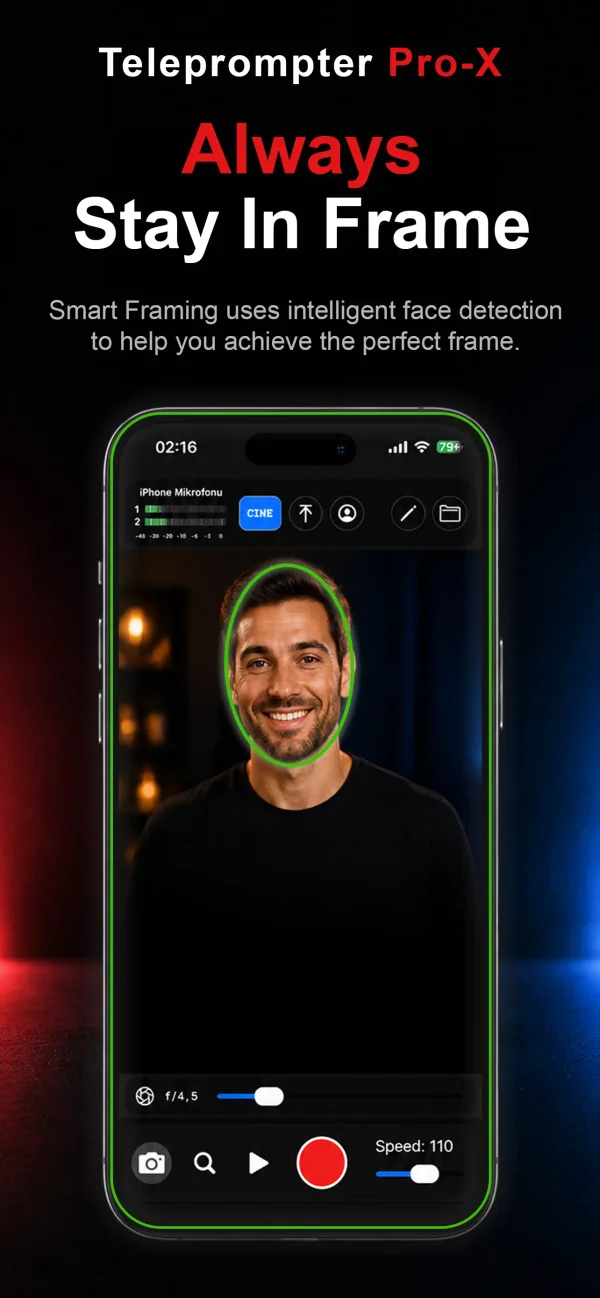
SMART FRAMING ASSISTANCE
Use visual guides to find the right position within the frame. When you are properly positioned, a green frame appears around the edges of the screen, making it easier to check your composition.
CINEMATIC LOOK
On supported iPhone models, use Cinematic Mode to adjust background depth and keep the focus on you.
SMART TOUCH CONTROLS
Easily resize the teleprompter text with two fingers. When the text is paused, double-tap the screen to instantly return to the beginning. Enable or disable the double-tap feature anytime in Screen Touch Settings.
COMFORTABLE READING, PERSONALIZED DISPLAY
Change the text color with a single tap. Adjust the font, size, and text appearance to suit your reading preferences.
DICTATE, EDIT, ORGANIZE
Use Voice Note to turn your spoken ideas into text. Easily edit and save your scripts, and keep your files organized.
Prepare your script. Set your frame. Speak naturally, at your own pace.
What’s new
Version 2.0.9 · Nov 8, 2026
Before saving a video to Photos, you can approve the recording or delete it if you’re unhappy with the take. You can turn this feature on or off in Settings.
App privacy
What CB PROJECT REKLAM PRODUKSIYON VE DANISMANLIK LIMITED SIRKETI declares on the App Store about how this app handles data.
-
Data not collected
The developer does not collect any data from this app.
Privacy practices may vary, for example with the features you use or your age.
Information
- Seller
- CB PROJECT REKLAM PRODUKSIYON VE DANISMANLIK LIMITED SIRKETI
- Category
- Photo & Video
- Version
- 2.0.9
- Updated
- Nov 8, 2026
- Released
- Jul 22, 2026
- Size
- 17.8 MB
- Requires
- iOS 18.6 or later
- Age rating
- 4+
- Price
- Free
- In-app purchases
- Yes
- Languages
- English
- Copyright
- © 2026 CB Project. All rights reserved.
You might also like
-
 Teleprompter KitRecord & Read with Ease
-
 CueFlow - Voice TeleprompterScript Reader & Video Recorder
-
 Teleprompter-GoPhoto & Video
-
 Teleprompter Video & Vlog CamPrompter Camera, Script Reader
-
 VoicePrompt: TeleprompterVoice Driven Teleprompter
-
 GreenPromptSimple Teleprompter
-
 SpeakCue AI TeleprompterAI Teleprompter & Speech Coach
-
 Room Studio: Teleprompter CamVideo recorder with pro audio
-
 PrompterPhoto & Video
-
 KatırPro - Jump Cut Video EditAuto silence & filler remover