Teleprompter: Sufler
teleprompter video recording
Designed for iPhone, iPad
Free · In-app purchases
- Age rating4+
- CategoryProductivity
- DeveloperGulziya Karazhigitova
- LanguagesEnglish+ 24 more
- Size85.7 MB
Links to the official App Store page
Download.org hosts no file of Teleprompter: Sufler. The button opens its official App Store page, published by Gulziya Karazhigitova. Listing last checked on Nov 23, 2026.
Screenshots

About
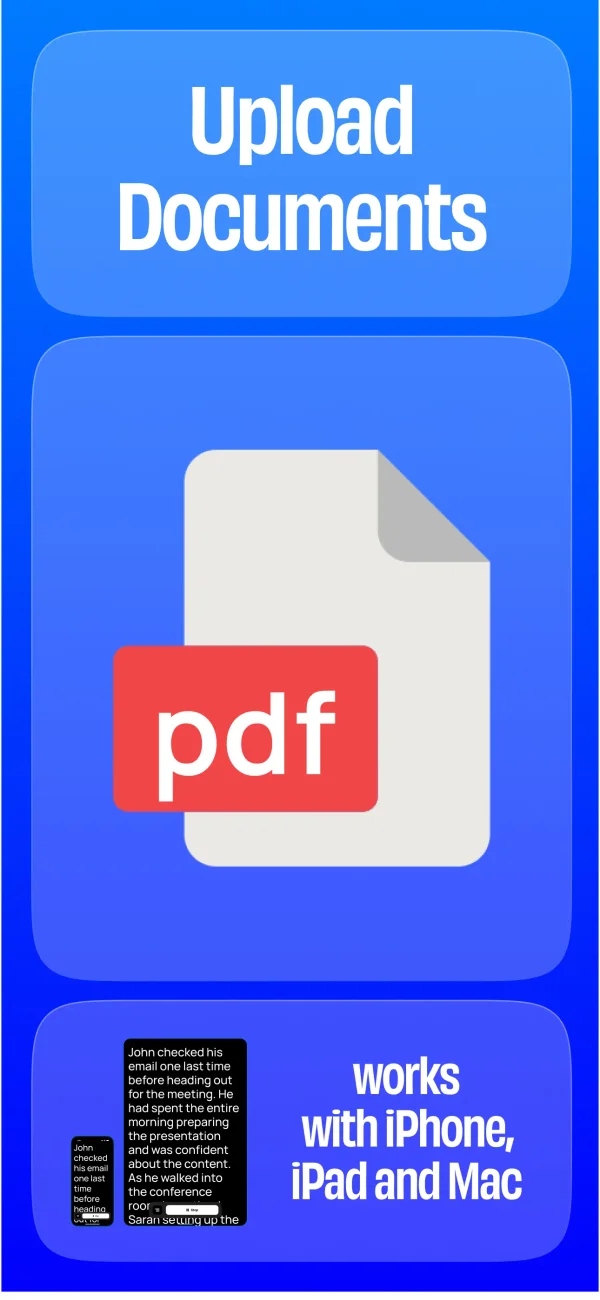
Sufler is your ultimate teleprompter tool, designed to meet the diverse needs of content creators, business professionals, educators, and public speakers. Whether you're filming high-quality videos, delivering polished speeches, or creating engaging social media content, Sufler has you covered.
Unparalleled Customization
Tailor every aspect of your teleprompting experience to suit your unique requirements. With Sufler, you can:
• Adjust scrolling speed to match your speaking rhythm.
• Modify fonts, text sizes, and offsets for optimal readability.
• Customize the appearance to fit your style or branding.
• Configure camera and microphone settings directly within the app.
• Add delays to time your script perfectly.
• Instantly preview changes in real-time as you tweak your setup.
Three Versatile Modes for Every Scenario
Studio Mode:
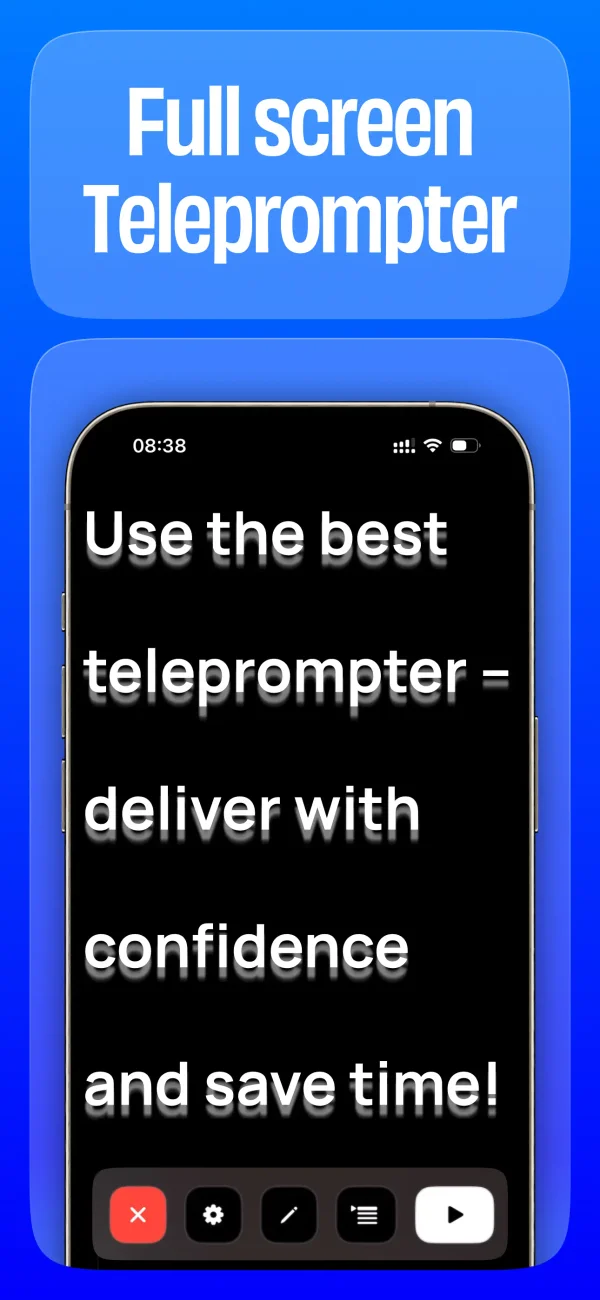
Perfect for professional setups. In this mode, Sufler displays smooth, autoscrolling text that you can easily read from your device. It pairs seamlessly with high-quality camera equipment, making it ideal for studio recordings or live presentations.
Camera Mode
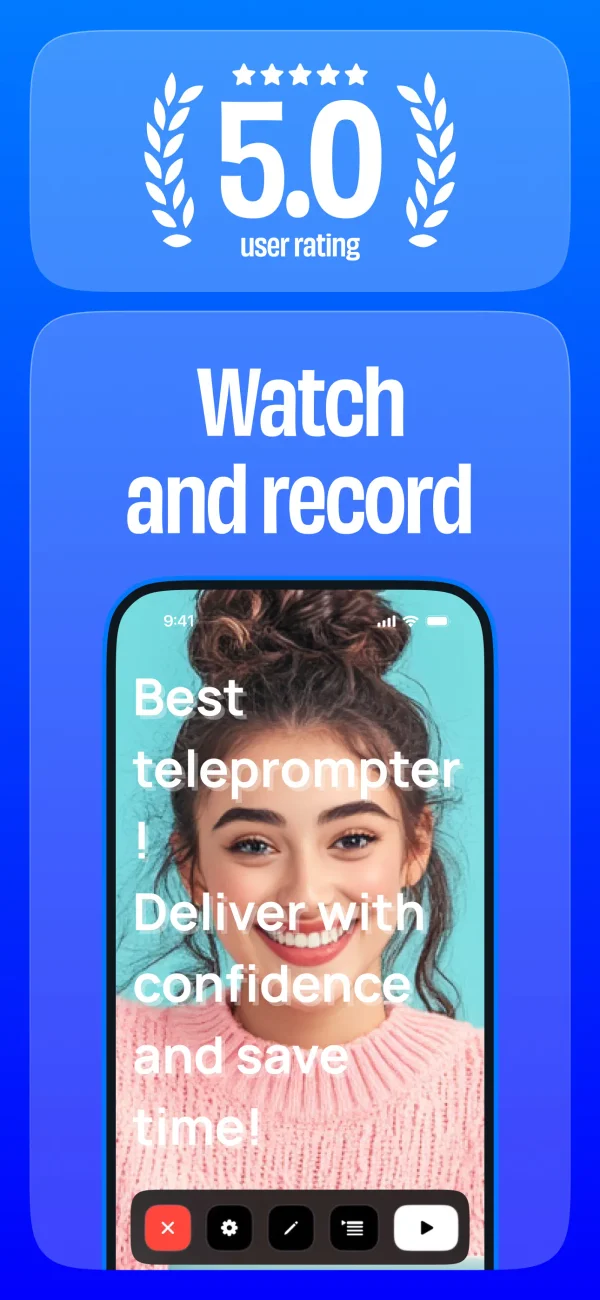
A favorite among content creators and entrepreneurs. This mode combines autoscrolling text with camera recording, allowing you to film yourself while staying on script. It’s perfect for creating quick, polished videos for your business, social media, or personal brand.
Picture-in-Picture (PiP) Mode
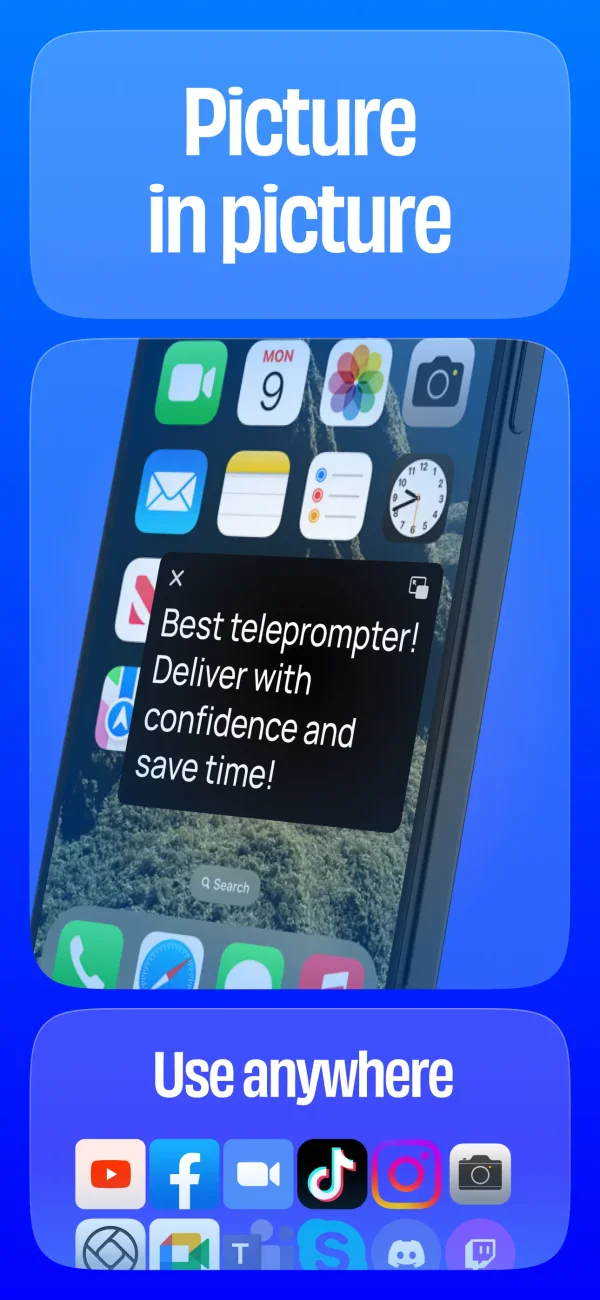
Ideal for multitasking! PiP Mode lets you overlay Sufler's teleprompter on top of other apps. Want to use TikTok’s advanced camera with face-enhancing machine learning models? No problem—Sufler allows you to record videos on TikTok or other apps while seamlessly reading your script.
Powerful Additional Features
Remote Control Support
Control the teleprompter from a distance using Bluetooth devices such as keyboards, gamepads, or even your smartwatch. Perfect for hands-free operation during solo shoots or when working in large spaces.
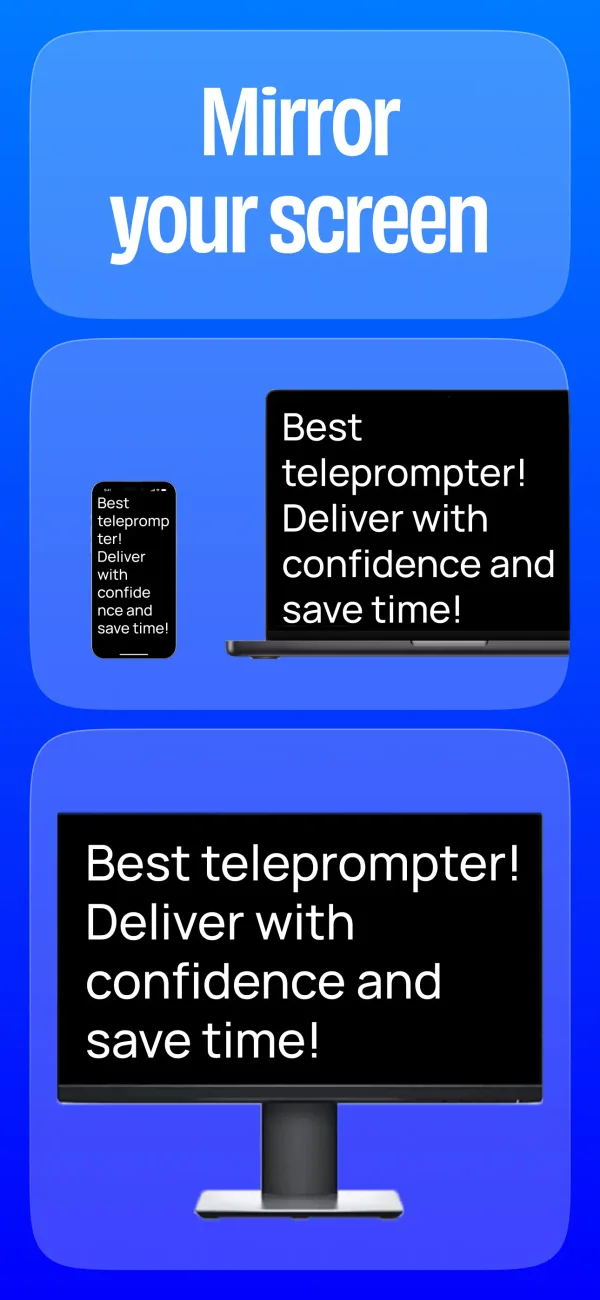
Display Mirroring
Project your teleprompter onto larger external screens for better visibility or for use in professional studio environments. This feature enhances collaboration and ensures everyone stays on the same page.
What’s new
Version 2026.03.07 · Mar 8, 2026
fixed bugs added swag
App privacy
What Gulziya Karazhigitova declares on the App Store about how this app handles data.
-
Data used to track you
May be used to track you across apps and websites owned by other companies.
- Identifiers
- Usage data
-
Data not linked to you
May be collected but is not linked to your identity.
- Identifiers
- Usage data
- Diagnostics
Privacy practices may vary, for example with the features you use or your age.
Information
- Seller
- Gulziya Karazhigitova
- Category
- Productivity
- Version
- 2026.03.07
- Updated
- Mar 8, 2026
- Released
- Jan 29, 2021
- Size
- 85.7 MB
- Requires
- iOS 18.0 or later
- Age rating
- 4+
- Price
- Free
- In-app purchases
- Yes
- Languages
- English, Arabic, Bulgarian, Czech, Danish, Dutch, French, German, Hebrew, Hindi, Indonesian, Italian + 13 more
- Copyright
- © Miras Karazhigitov
You might also like
-
 Teleprompter AI Video CaptionsSubtitles Prompter & Script
-
 ▶TeleprompterPrompter for Video with Voice
-
 FloatTextFloating prompt for video
-
 TeleprompterPADMirror mode & remote control.
-
 OnTake Teleprompter & CaptionsScript Reader & Auto Subtitles
-
 Teleprompter for Video ProCaptions & Read Video Script
-
 Teleprompter & Video RecorderSpeak Confidently on Camera
-
 Teleprompter.comSmart Video Prompter Prompt
-
 Teleprompter • Video RecorderScript & Speech Prompter
-
 Teleprompter - CaptionsRead, video record & caption