
Teleprompter with Auto Scroll
Voice-controlled auto-scroll
Designed for iPhone, iPad, iPod touch
Free
- Age rating4+
- CategoryPhoto & Video
- DeveloperGillian Scharf
- LanguagesEnglish
- Size1.7 MB
Links to the official App Store page
Download.org hosts no file of Teleprompter with Auto Scroll. The button opens its official App Store page, published by Gillian Scharf. Listing last checked on Nov 17, 2026.
Screenshots
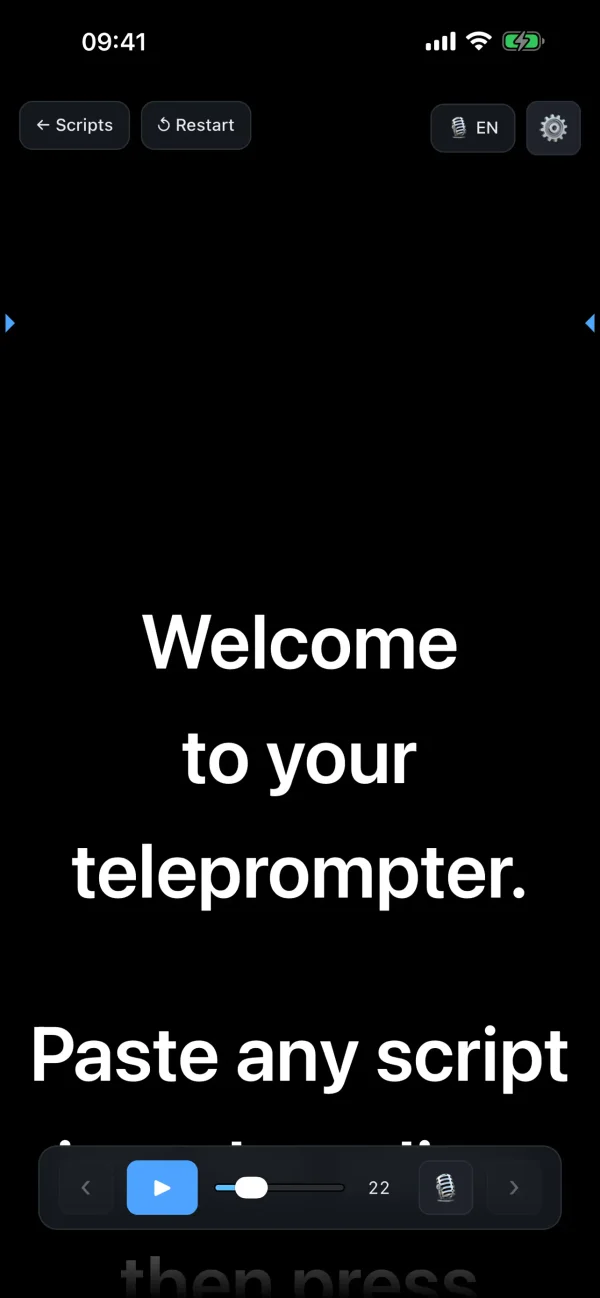
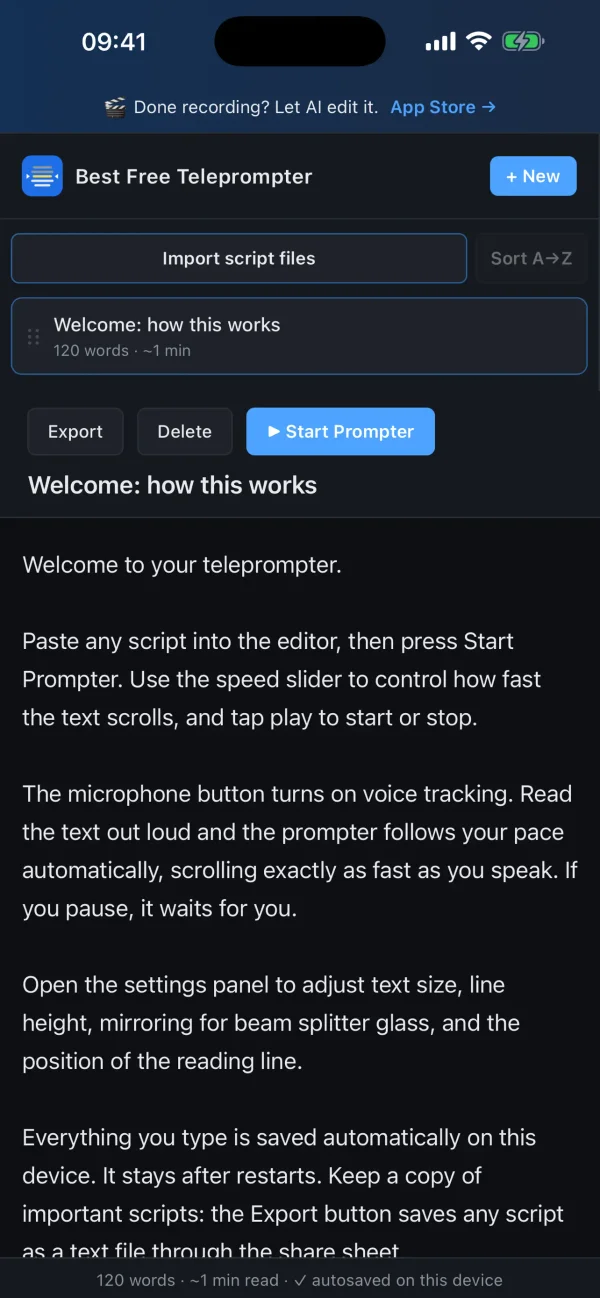
About
The teleprompter that scrolls at YOUR pace.
Turn on voice tracking, start reading, and the script scrolls exactly as fast as you speak. Pause to think: it waits. Go off script: it waits. No more guessing the right scroll speed.
FEATURES
• Voice-controlled auto-scroll that follows your reading (English, German, French, Spanish, Italian)
• Manual mode with precise speed control
• Unlimited scripts, saved on your device, sortable by name
• Jump to the previous or next script without leaving the prompter
• Import .txt and .md files, export any script as a text file
• Adjustable text size, width, line height and reading-line position
• Mirror mode for beam-splitter teleprompter rigs
• Keeps your screen awake while prompting
• Works offline
PRIVATE BY DESIGN
No account. No ads. No tracking. Your scripts never leave your device. Speech recognition runs through Apple's engine, on your device where iOS supports it; this app never records or stores audio.
FREE FOREVER
No subscription, no premium tier, nothing to unlock. A teleprompter should just be a teleprompter.
What’s new
Version 1.0.2 · Sep 25, 2026
- Switch to the previous or next script without leaving the prompter: buttons, arrow keys or a sideways swipe
- Restart button and the active voice language right in the top bar
- Sort your scripts by name
- The highlighted word now stays on the reading line while you read
- Voice tracking recovers by itself when you skip ahead, and ignores small talk off script
- Speech recognition runs on your device where iOS supports it
- Long words shrink to fit instead of breaking mid-word
- Smoother slow scrolling, a cleaner control bar on iPhone, and many small fixes
App privacy
What Gillian Scharf declares on the App Store about how this app handles data.
-
Data not collected
The developer does not collect any data from this app.
Privacy practices may vary, for example with the features you use or your age.
Information
- Seller
- Gillian Scharf
- Category
- Photo & Video
- Version
- 1.0.2
- Updated
- Sep 25, 2026
- Released
- Aug 26, 2026
- Size
- 1.7 MB
- Requires
- iOS 15.0 or later
- Age rating
- 4+
- Price
- Free
- Languages
- English
- Copyright
- © 2026 Gillian Scharf
You might also like
-
 Teleprompter: Read & RecordPhoto & Video
-
 VoiceSync AI TeleprompterAuto Scroll Script by Voice
-
 Teleprompter KitRecord & Read with Ease
-
 Teleprompter Offline & PrivateVoice scroll & AI script
-
 Recito: Teleprompter for VideoScript reader, eyes on camera
-
 Wispim: Voice TeleprompterBest teleprompter for video
-
 SADA Teleprompter & Record4K Recording · Wi-Fi Remote
-
 Whisprompt: Voice TeleprompterScript scrolls as you speak
-
 VoicePrompt: TeleprompterVoice Driven Teleprompter