TeleScroll Remote
Remote App for TeleScroll
Designed for iPhone, iPad, iPod touch
Free
- Age rating4+
- CategoryUtilities
- DeveloperPrompterPeople
- LanguagesEnglish
- Size58.0 MB
Links to the official App Store page
Download.org hosts no file of TeleScroll Remote. The button opens its official App Store page, published by PrompterPeople. Listing last checked on Nov 17, 2026.
Screenshots

About
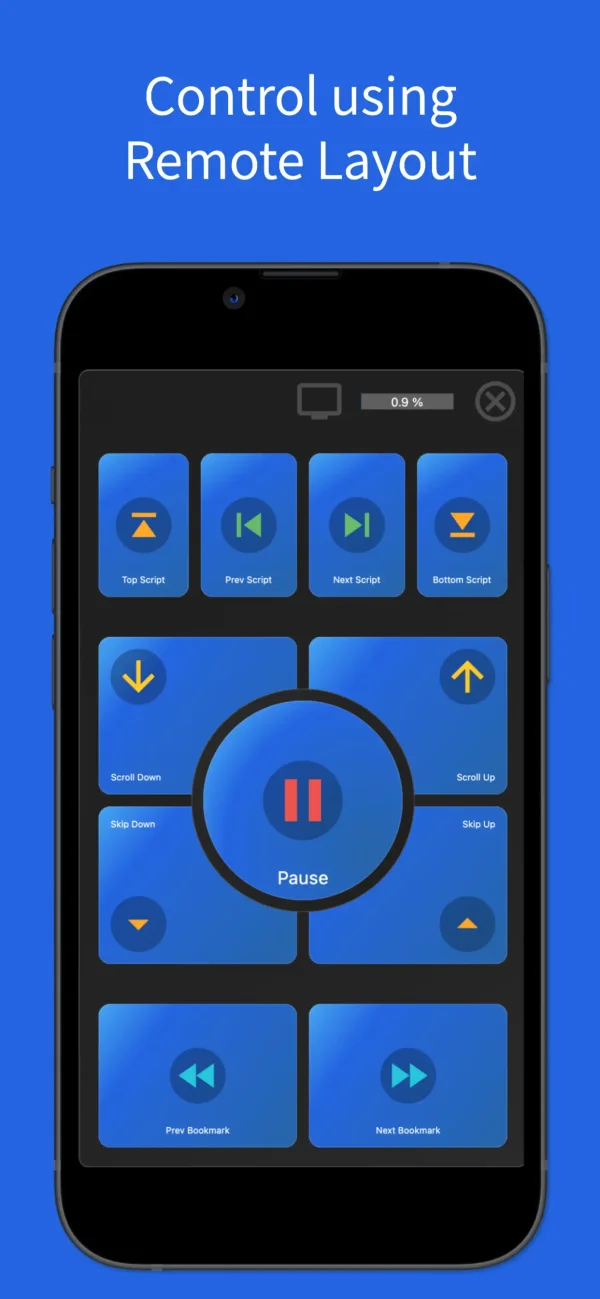
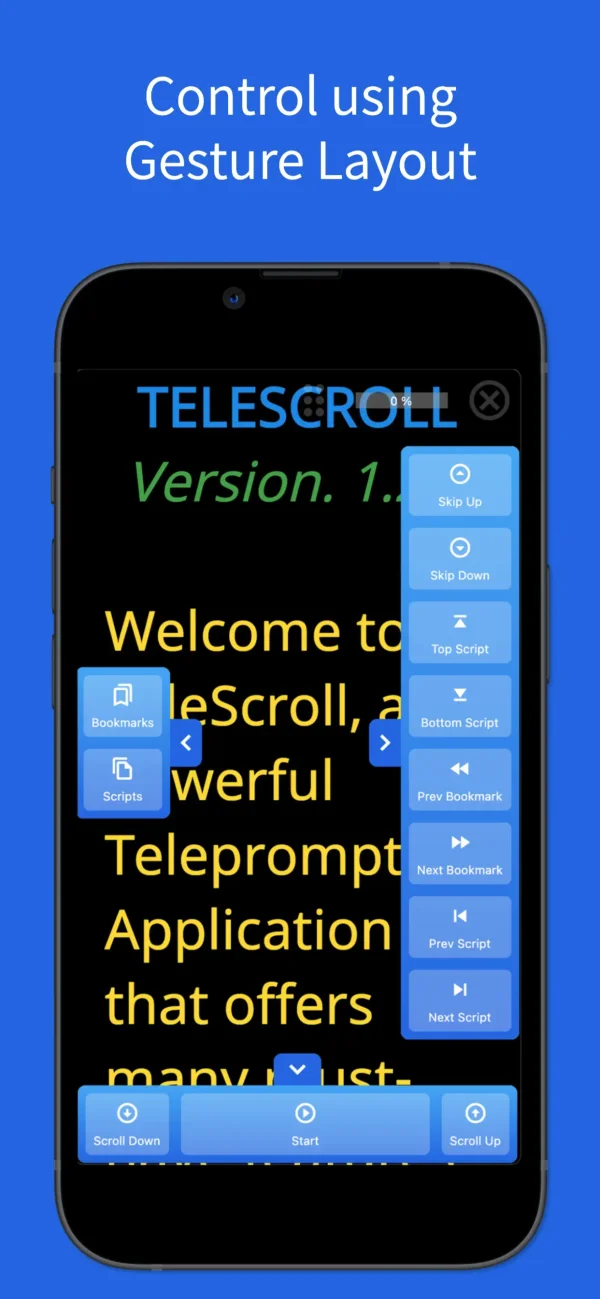
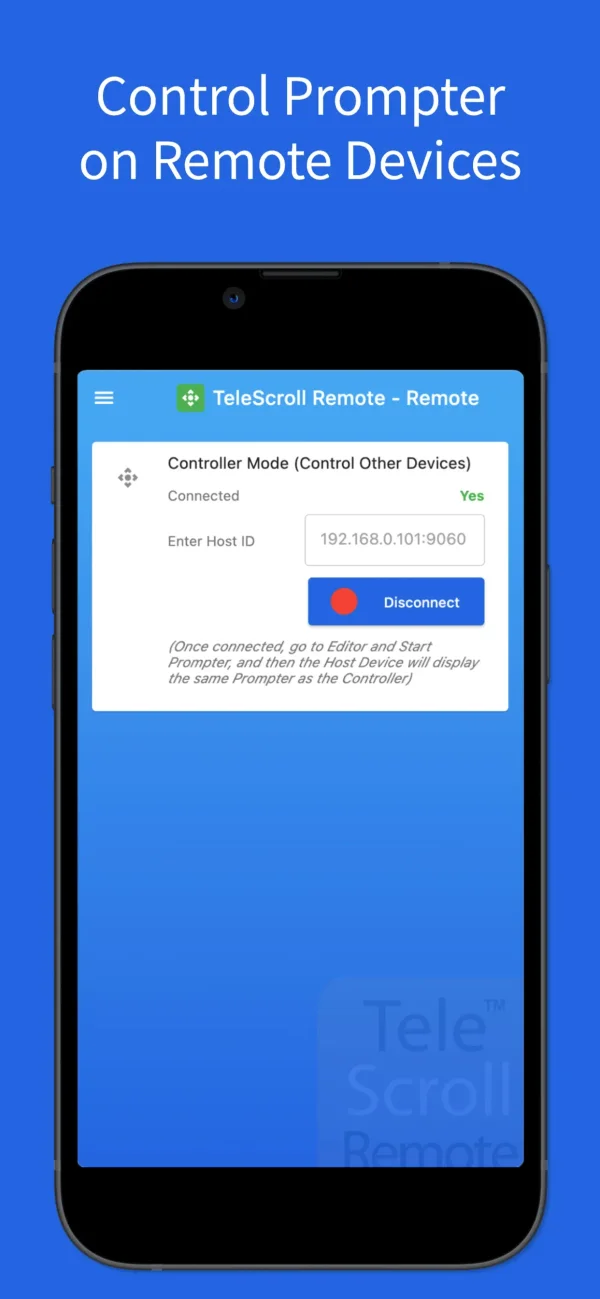
TeleScroll Remote is a free companion app for TeleScroll application, which can control the TeleScroll application remotely. The TeleScroll Remote can be connected to a running TeleScroll application in different device by using its powerful Remote feature. By using TeleScroll Remote, you can gain more control of the TeleScroll prompter capabilities where all supported features in TeleScroll can be managed inside the TeleScroll Remote Settings, such as:
* Support multiple languages (English, French, and Spanish).
* Support Normal and Reversed text while scrolling.
* Support using different Fonts and different Font Sizes.
* Support using different Background Colors.
* Support different Text Colors.
* Support Margins and Vertical Line Spacing.
* Support showing Cue Marker with configurable position, size, color, and its shape.
* Support variable Scrolling Speed and Start/Pause the prompter.
* Support Bookmarks to quickly jumps to different script positions.
* Support Multiple Scripts in one Document to quickly jump to different scripts in a single prompter session.
* Support synchronizing the Editor's cursor with Prompter lines to maintain the scrolling position.
* Support opening many popular text file formats, from plain text, rich text, etc.
* The edited text in Host Device can be saved back into the application local storage files.
* Show and hide Button Slide Panels while prompting to easily clear the Prompter screen from the control buttons.
* Action Assignment feature to change the default keyboard / touchpad / mouse navigation in Prompter screen.
* Support Full Screen Mode in prompter with text margin adjustments (full-width, 4:3, 16:9).
* Colorful Application Themes and Light / Dark modes.
What’s new
Version 1.1.3 · Mar 16, 2025
- Support new interface languages (German, Italian, Portuguese and Japanese).
App privacy
What PrompterPeople declares on the App Store about how this app handles data.
-
Data not collected
The developer does not collect any data from this app.
Privacy practices may vary, for example with the features you use or your age.
Information
- Seller
- Prompter People Inc.
- Category
- Utilities
- Version
- 1.1.3
- Updated
- Mar 16, 2025
- Released
- Sep 19, 2023
- Size
- 58.0 MB
- Requires
- iOS 13.0 or later
- Age rating
- 4+
- Price
- Free
- Languages
- English
- Copyright
- © Prompter People, Inc.
You might also like
-
 LiveU Control+LiveU equipment companion app
-
 GVM TeleprompterGVM Teleprompter
-
 SmallGoGoUtilities
-
 Sidus AudioUtilities
-
 Sony | Content Browser MobileUtilities
-
 Sound Devices WingmanUtilities
-
 Set LightNFC & RDM Configuration
-
 CRMX Toolbox2Toolbox app for CRMX devices
-
 edelkroneUtilities
-
 S-TeleprompterTeleprompter