- Age rating4+
- CategoryBusiness
- DeveloperPavel Sotnikov
- LanguagesEnglish+ 4 more
- Size119.8 MB
Links to the official App Store page
Download.org hosts no file of Teletype Messenger. The button opens its official App Store page, published by Pavel Sotnikov. Listing last checked on Nov 25, 2026.
Screenshots

About
Teletype is a messenger for work. Your organization's channels, direct messages, calls, tasks and documents, always at hand.
Accounts are provided by your organization. Sign in with your workspace address, using your company's single sign-on or a link sent to your email. Add several organizations and switch between them.
MESSAGING
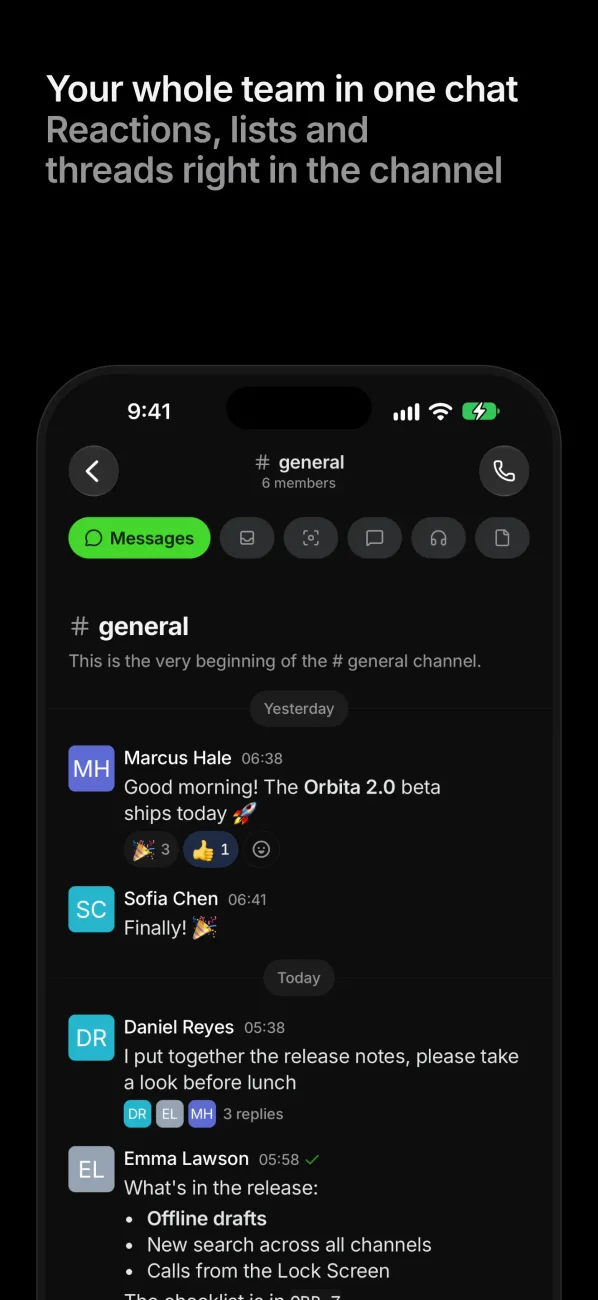
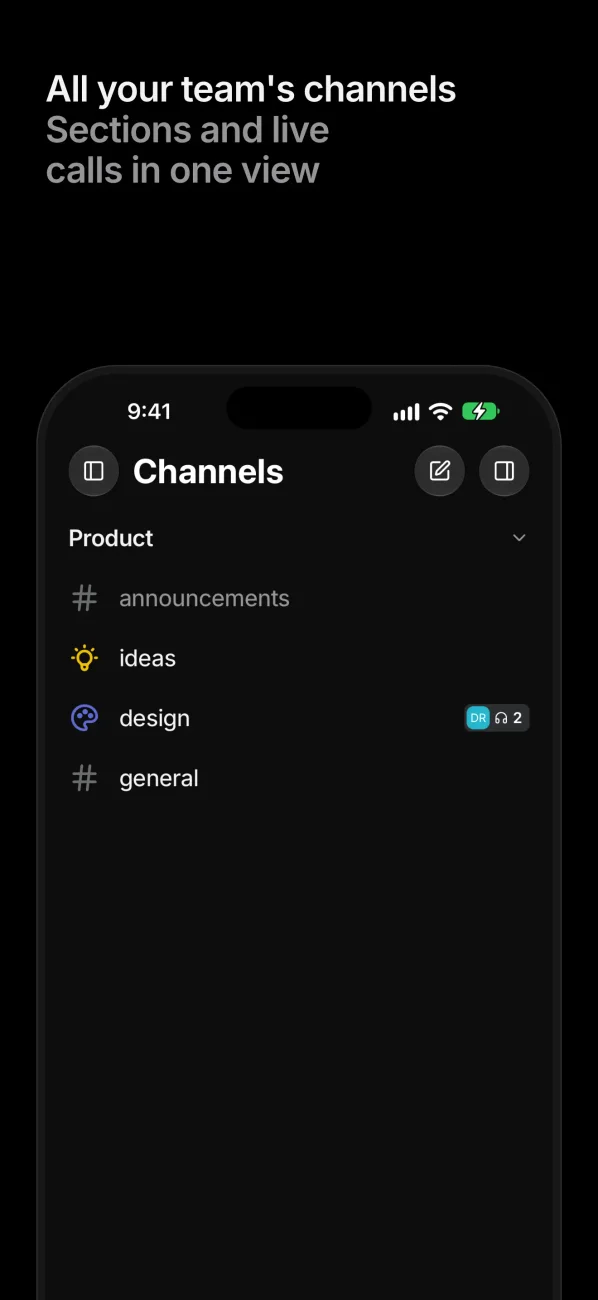
— Public and private channels, direct and group conversations
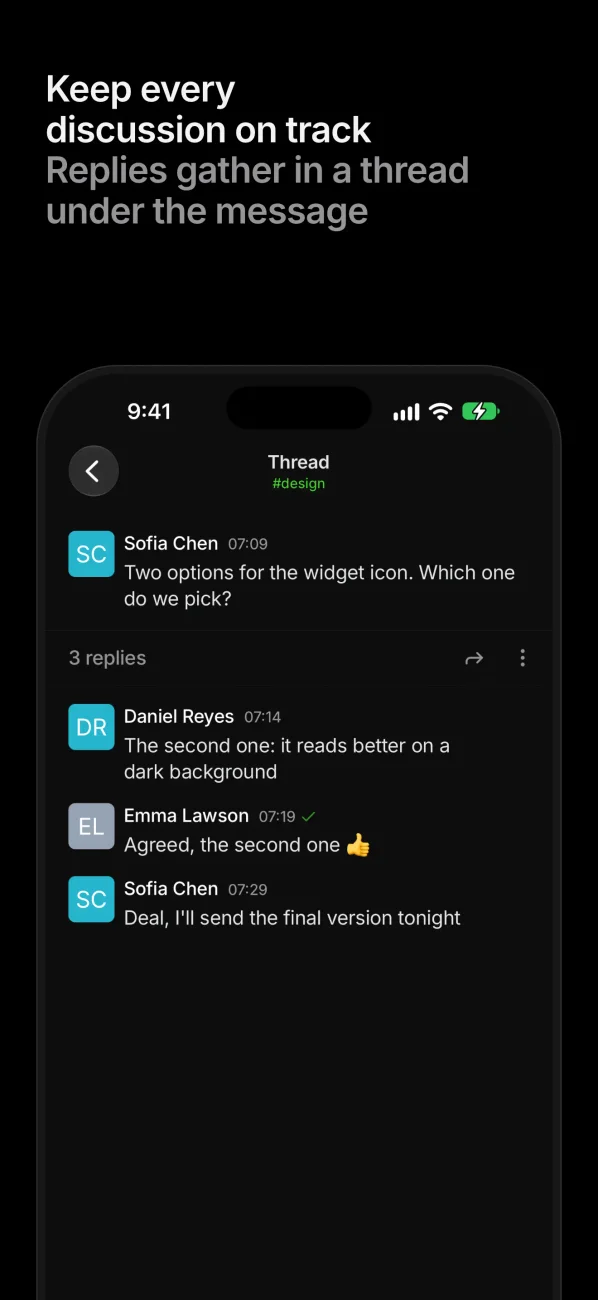
— Threads keep discussions out of the main stream
— Mentions of colleagues and groups, reactions, forwarding
— Rich text: bold, italic, lists, quotes, code, plus a full-screen editor for long messages
— Photos, videos, files, voice messages and your location
— Scheduled sending, drafts, editing and deleting messages
— Message reminders and a Later list for saved items and personal to-dos
CALLS
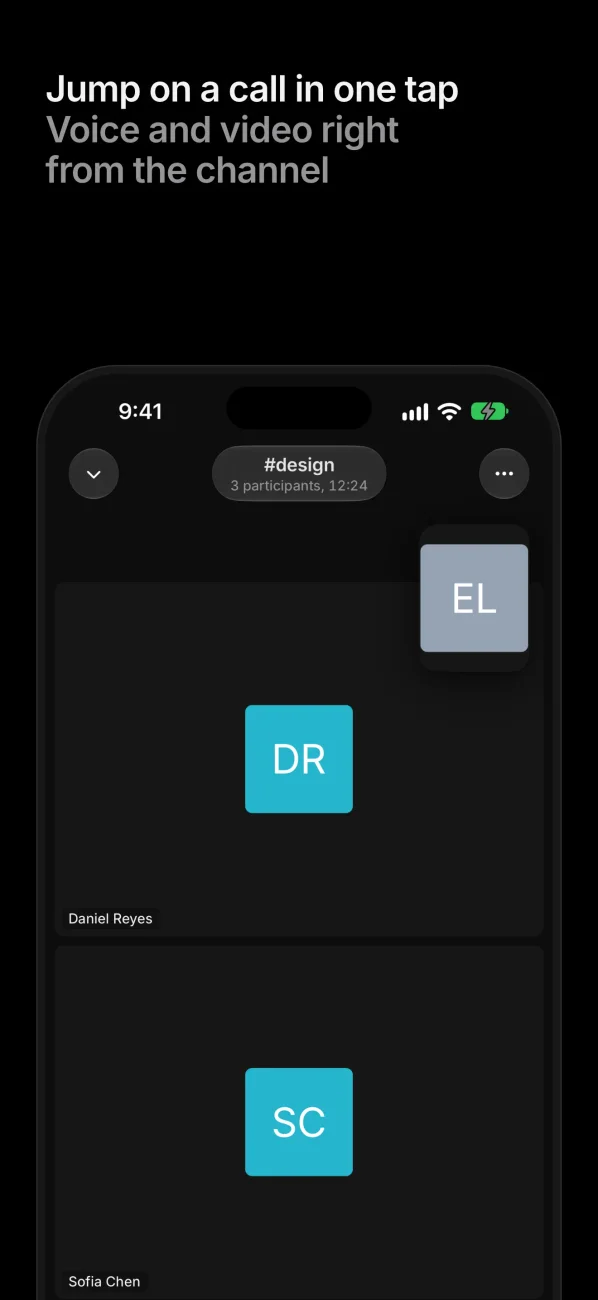
— Audio and video calls in direct conversations and channels
— A colleague's call rings even on a locked iPhone, like a regular phone call
— The call keeps going in the background, and video stays in a small window over other apps
— Choose the microphone, speaker and camera, and watch a screen a colleague shares
— Missed call notifications
TASKS
— Inbox, outbox and my tasks, with filters
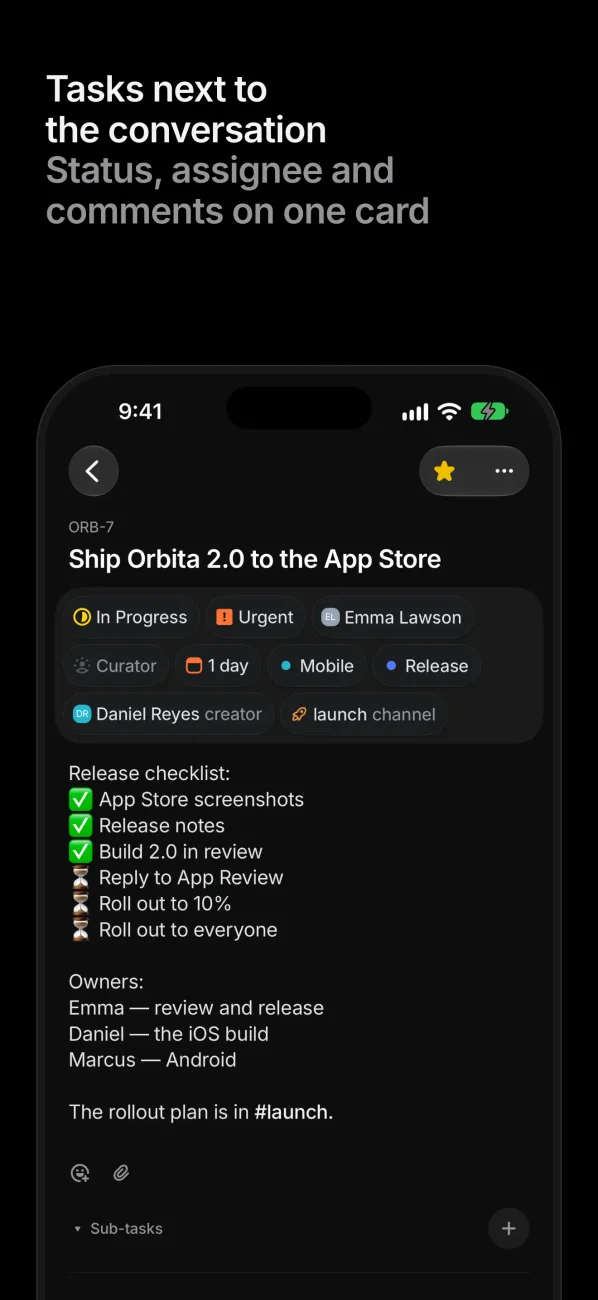
— Status, priority, assignee, due date and sub-tasks
— Comments, reactions and files right in the task
— Create a task from a message
DOCUMENTS
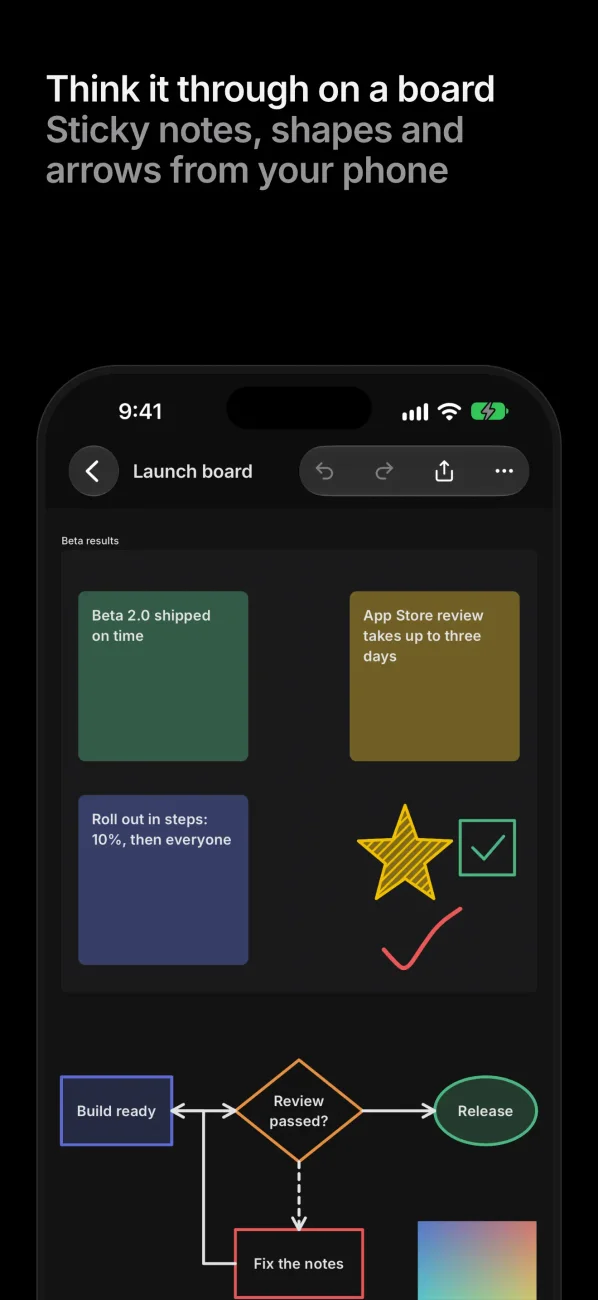
— Open the workspace's pages, sheets and boards for viewing right on your phone
— Sheets with tabs and live formulas
— Save a long text from the editor as a page
— Quick views: mine, shared with me, favorites
AI ASSISTANT ORACUL
— If your workspace has Oracul, the button next to the tabs opens your conversation with it
— It answers questions, writes texts and works with your company's knowledge right in the chat
ACTIVITY AND NOTIFICATIONS
— Activity feed: mentions, thread replies, direct messages, unread
— Reply or mark as read right from a notification
— Sound per channel: all messages, mentions only, or muted
— Scheduled quiet hours, focus mode and a status for your colleagues
— Search across messages, channels and people
TEAM
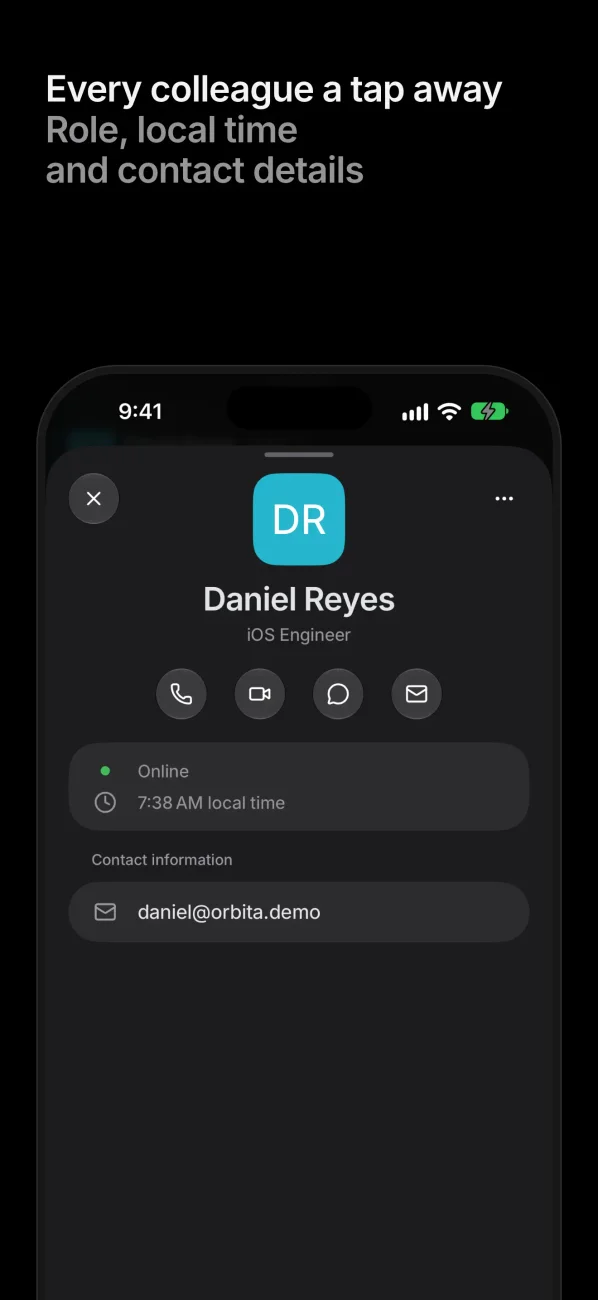
— Colleague profiles: title, status, local time and contact details
— Channel members and pinned messages
— Invite colleagues by email, as members or guests
APPEARANCE
— Light, dark or system theme
— English, Russian, French and German
Messages, tasks and calls stay in sync with Teletype on the web and your other devices.
What’s new
Version 1.0.17 · Nov 24, 2026
Video at once and «Manager»
• Videos in the feed and full screen start playing at once, with no black window.
• The Agent's «Thinking…» keeps one height and shimmers from the first moment.
• «Reviewer» is now called «Manager»: in tasks, channels and for the agent.
App privacy
What Pavel Sotnikov declares on the App Store about how this app handles data.
-
Data linked to you
May be collected and linked to your identity.
- Location
- Contact info
- User content
- Identifiers
Privacy practices may vary, for example with the features you use or your age.
Information
- Seller
- Pavel Sotnikov
- Category
- Business
- Version
- 1.0.17
- Updated
- Nov 24, 2026
- Released
- Oct 26, 2026
- Size
- 119.8 MB
- Requires
- iOS 17.0 or later
- Age rating
- 4+
- Price
- Free
- Languages
- English, French, German, Russian, Spanish
- Copyright
- © 2026 Teletype