
Telewordly
Your go-to teleprompter app
Designed for iPhone, iPad, Mac, iPod touch
Free
- Age rating4+
- CategoryProductivity
- DeveloperDavide Vago
- LanguagesEnglish
- Size24.5 MB
Links to the official App Store page
Download.org hosts no file of Telewordly. The button opens its official App Store page, published by Davide Vago. Listing last checked on Nov 15, 2026.
Screenshots
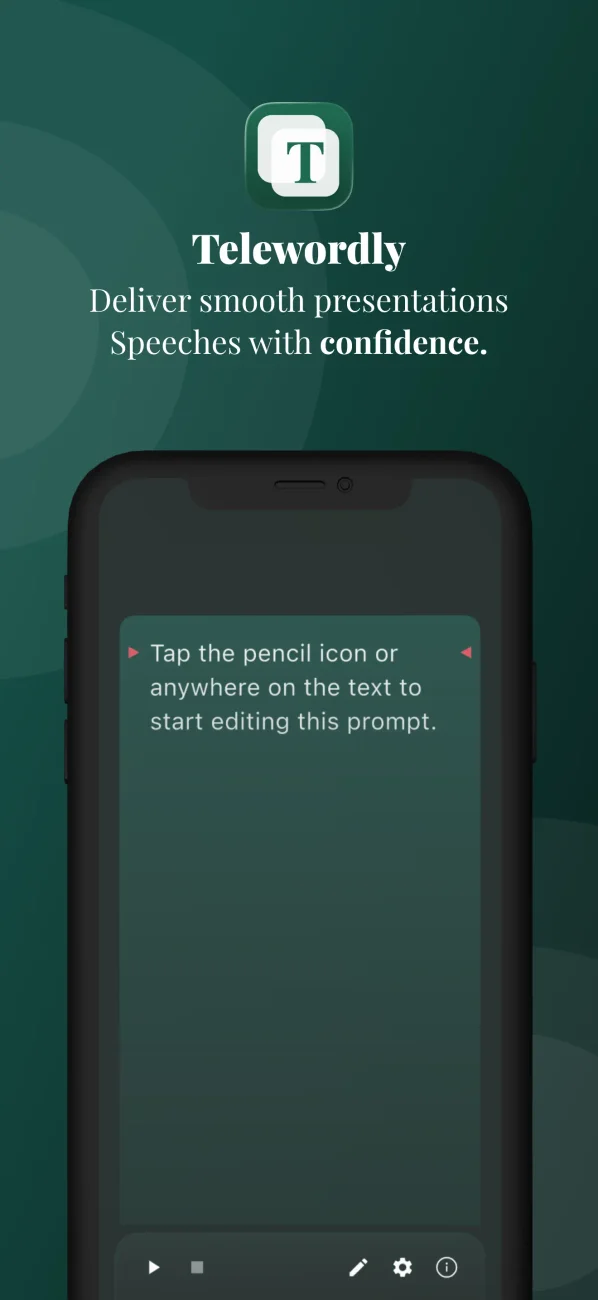
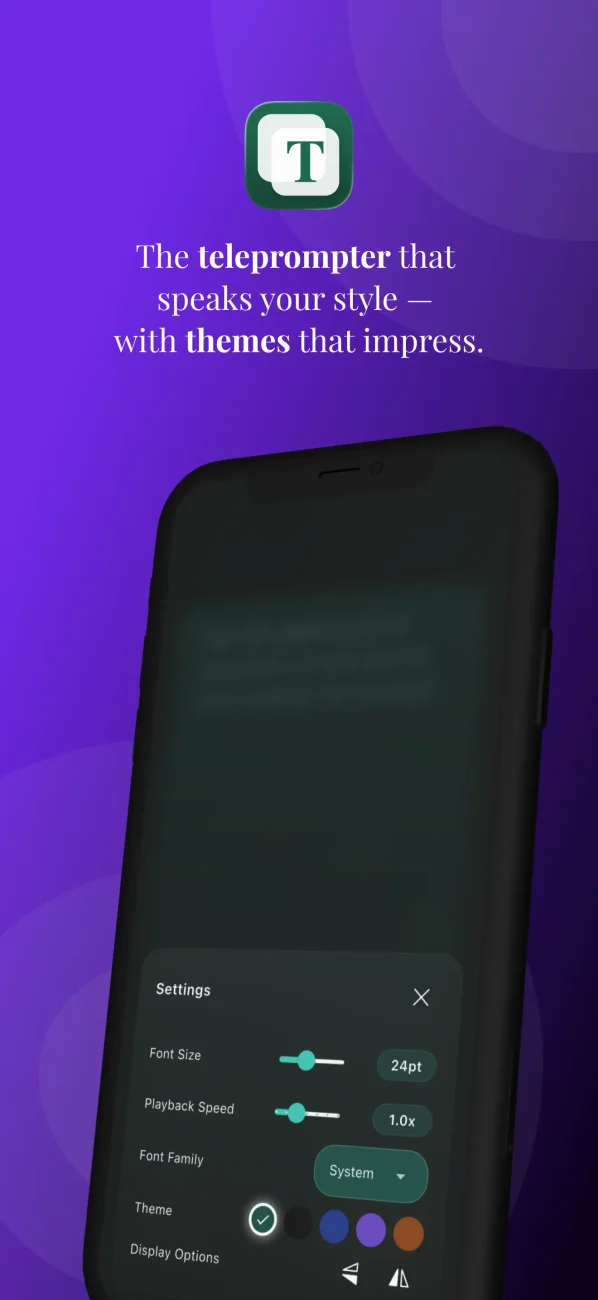

About
Capture Your Best Take Use our new Video and Audio Recording features to create content for YouTube, TikTok, or work presentations. Unlike other apps, Telewordly lets you save your files directly to your device's storage for easy sharing and editing.
Key Features You’ll Love:
- Record While You Read: Capture high-quality video or audio without ever looking away from your script.
- Multi-Language Support: A global interface for a global audience.
- No Ads, No Subs: Enjoy a premium experience at zero cost. No accounts or logins required.
- Precision Control: Adjust scroll speed, font size, and themes for a personalized reading experience.
- Total Privacy: Your data never leaves your phone. Offline functionality ensures your scripts and videos stay private.
Perfect for:
YouTube & Social Media Creators, Business Presentations & Video Calls, Public Speaking Practice, Language Learners & Students
What’s new
Version 2.60.2 · Oct 26, 2026
A big update, redesigned from the ground up.
WRITE, REHEARSE, RECORD
• New library with search, favourites, folders and a Continue card
• Write mode with autosave, plus simple markup: # sections, // pauses and [cue notes]
• A new prompter with a reading line, countdown and full-screen mode; the screen stays awake while you read
• Voice follow: the script scrolls as you speak (iOS 26)
• Control the prompter with a Bluetooth keyboard or presentation clicker
• Quick prompt: paste text and start reading straight away
TAKES
• Every recording is kept as a take you can rename, export and review
• Transcripts compared with your script, showing skipped and changed words
• Edit takes: trim, split, cut words from the transcript, remove fillers and long pauses, fade in/out and level the volume
• Save takes to a folder you choose, including iCloud Drive
LOOK AND FEEL
• A new Glass theme, with a floating tab bar on iPhone
• A short welcome to get you started, including reading here while another device records
App privacy
What Davide Vago declares on the App Store about how this app handles data.
-
Data not collected
The developer does not collect any data from this app.
Privacy practices may vary, for example with the features you use or your age.
Information
- Seller
- Davide Vago
- Category
- Productivity
- Version
- 2.60.2
- Updated
- Oct 26, 2026
- Released
- Sep 1, 2025
- Size
- 24.5 MB
- Requires
- iOS 15.0 or later
- Age rating
- 4+
- Price
- Free
- Languages
- English
- Copyright
- © 2026 Davide Vago
You might also like
-
 Amplified StrategiesAmplify your creativity!
-
 Hutfin Real EstateBuy, Sell & Lease CRE App
-
 TelepromptProductivity
-
 Gradient Members AppProductivity
-
 BTRAINEDProductivity
-
 Prompts by E-StringAI Prompt Library
-
 Nine Ideas: Build CreativityDaily Challenge for Your Mind
-
 CopyCat ClipboardLimitless Productivity
-
 Autoprompt Lite TeleprompterAI Voice Script Scroller
-
 Speakflow: TeleprompterOfficial app for speakflow.com