Template Mail
Reusable Emails, Sent in Taps
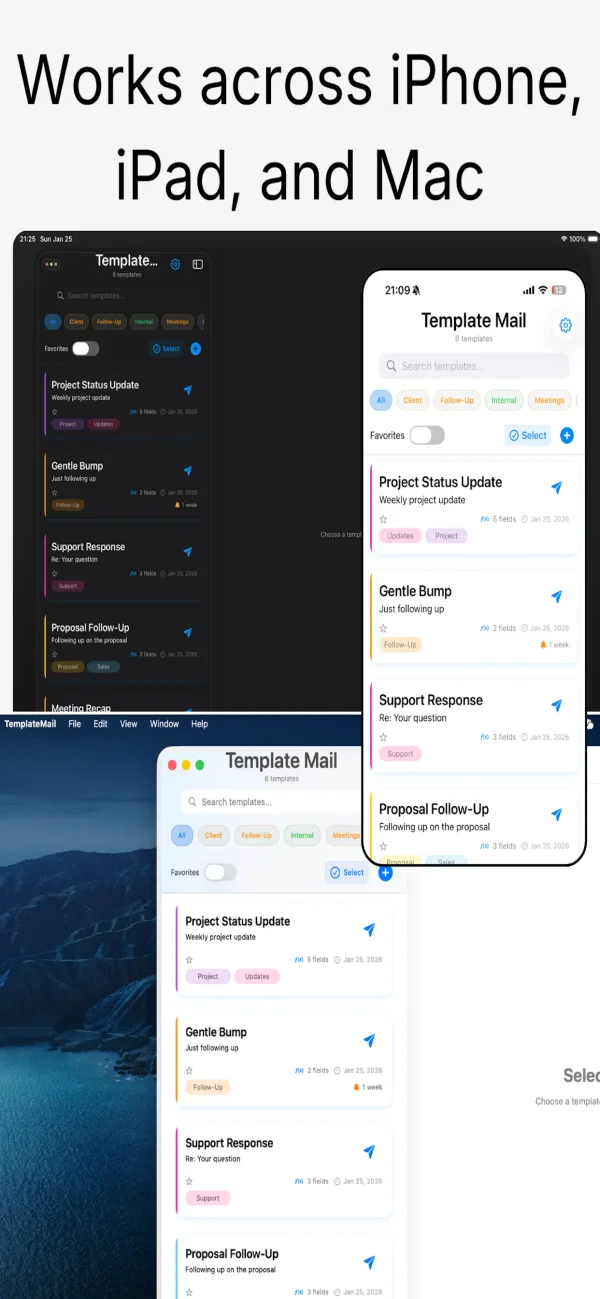
Designed for iPhone, iPad, Mac
Free · In-app purchases
- Age rating4+
- CategoryProductivity
- DeveloperRobert Van Deutekom
- LanguagesEnglish
- Size12.4 MB
Links to the official App Store page
Download.org hosts no file of Template Mail. The button opens its official App Store page, published by Robert Van Deutekom. Listing last checked on Nov 23, 2026.
Screenshots
About
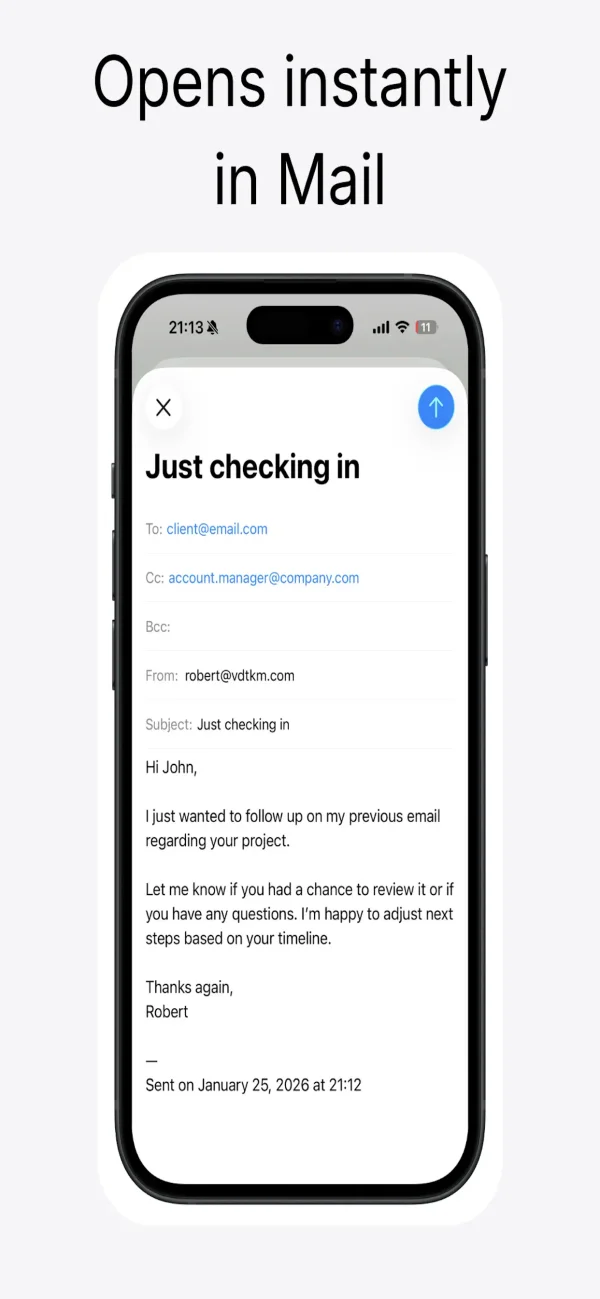
Template Mail turns your most-repeated emails into one-tap sends.
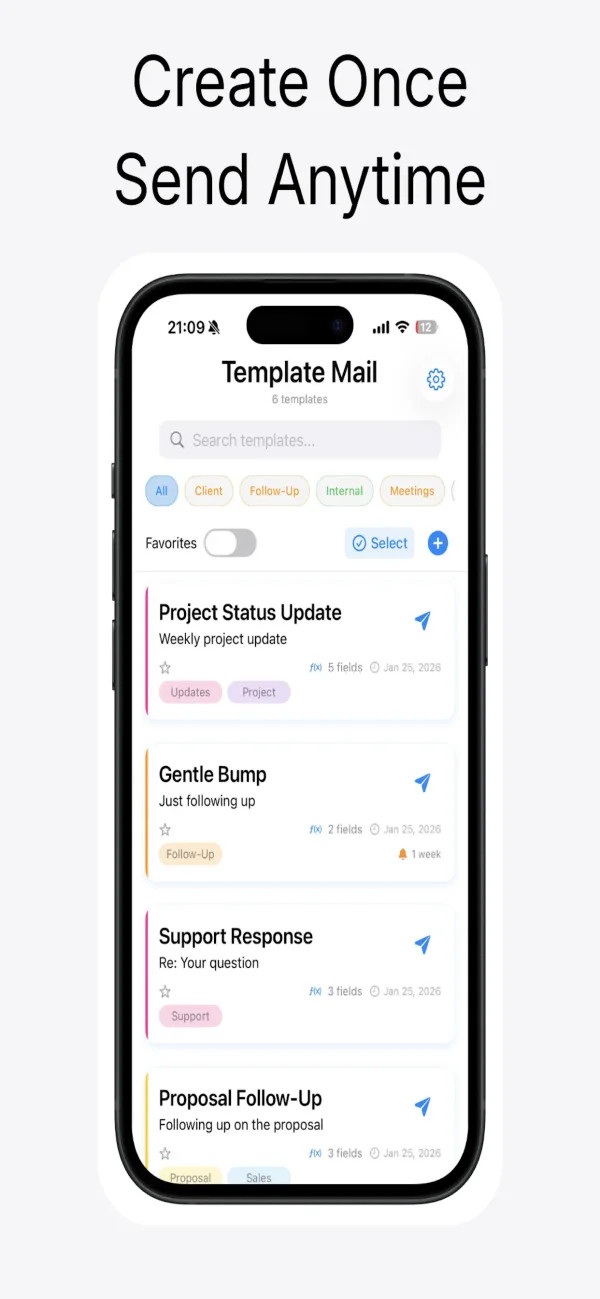
If you find yourself typing the same follow-up, intro, invoice reminder, or thank-you note over and over, Template Mail gives you a faster way. Build a library of email templates once — then send a personalized version to anyone in seconds, without opening Mail and starting from scratch.
WHY YOU'LL LOVE IT
• Save Time on Repetitive Emails
Turn your most-used messages into reusable templates with subject, body, and formatting already set up.
• Personalize in Seconds
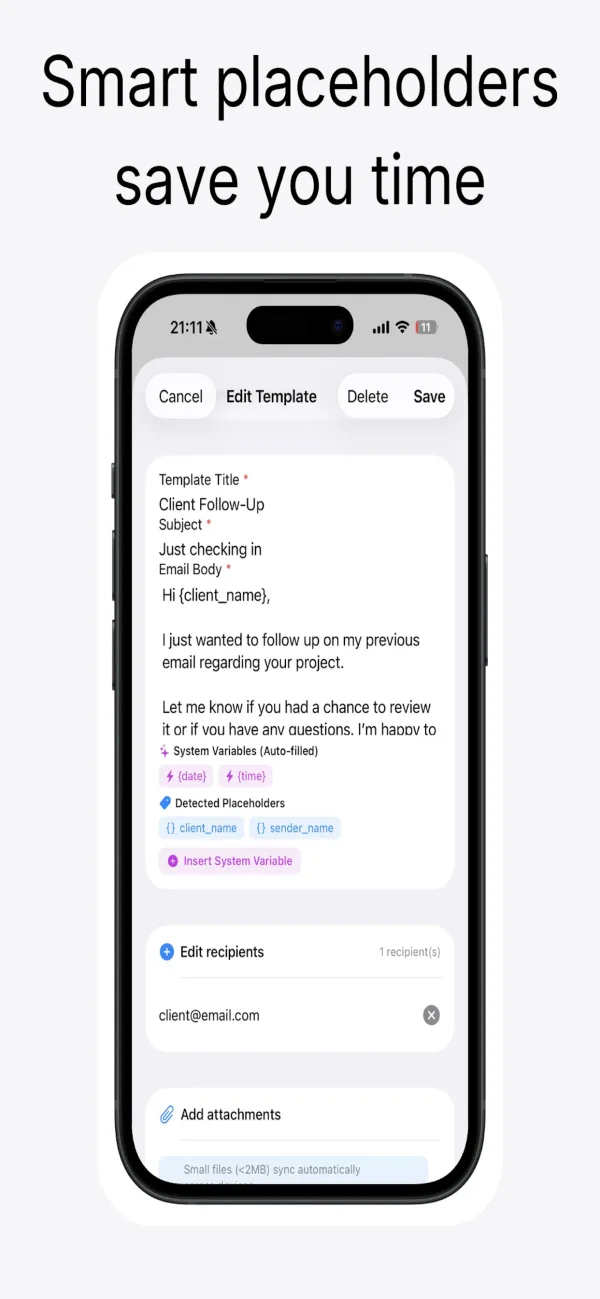
Use smart placeholders to swap in a recipient's name, company, or custom details before you hit send — no copy-paste, no typos.
• Send From Anywhere
Launch a template straight from your Home Screen widget — perfect for quick replies between meetings.
• Stay Organized With Tags
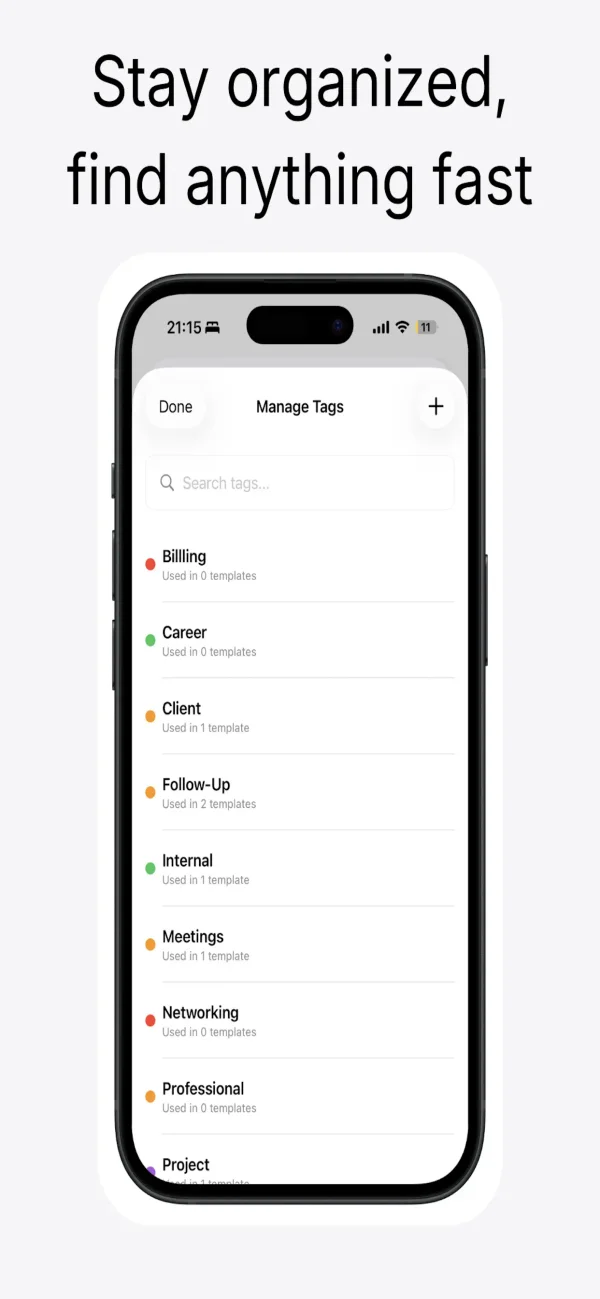
Group templates by client, project, or category so you can find the right message instantly, even with a growing library.
• Attach Files Instantly
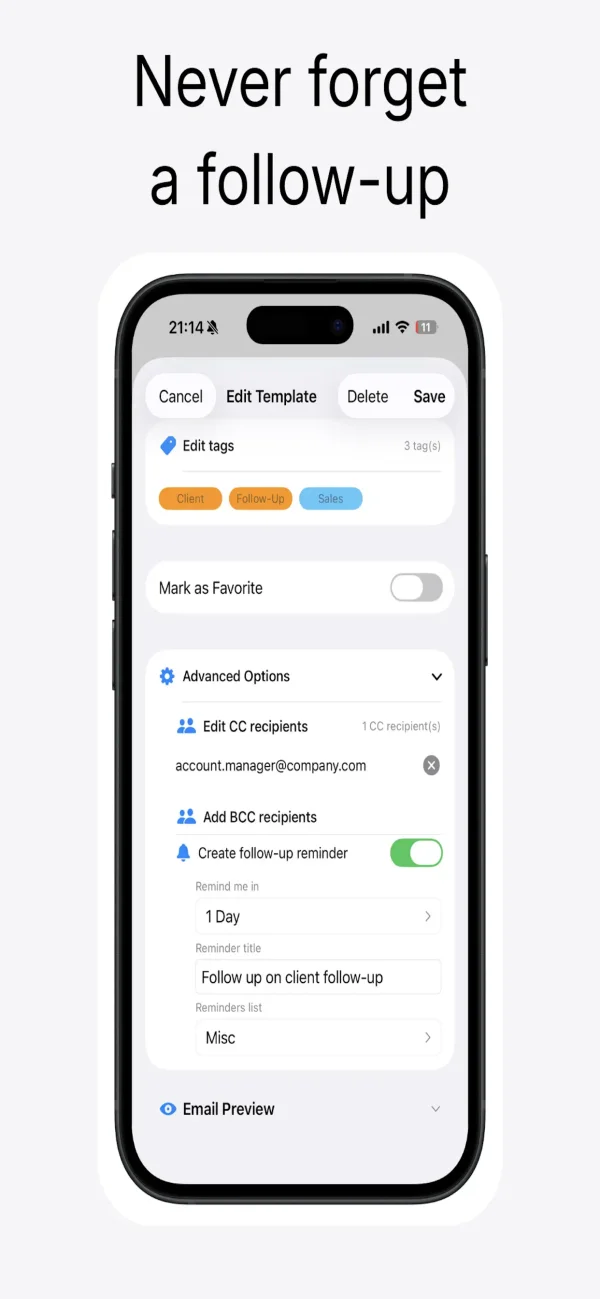
Keep documents, images, or PDFs linked to a template so recurring attachments go out with a single tap.
• Sync Across Your Devices
Your templates stay up to date on iPhone, iPad, and Mac with seamless iCloud sync.
• Built for Speed
A clean, distraction-free interface gets you from "I need to send this" to "sent" faster.
PERFECT FOR
• Freelancers and consultants sending proposals, invoices, and follow-ups
• Small business owners handling customer support and inquiries
• Recruiters and hiring managers sending interview and offer emails
• Students and professionals who send the same request emails again and again
• Anyone tired of retyping (or hunting for) the same email content
HOW IT WORKS
1. Create a template with your subject, message, and any placeholders
2. Tag it so it's easy to find later
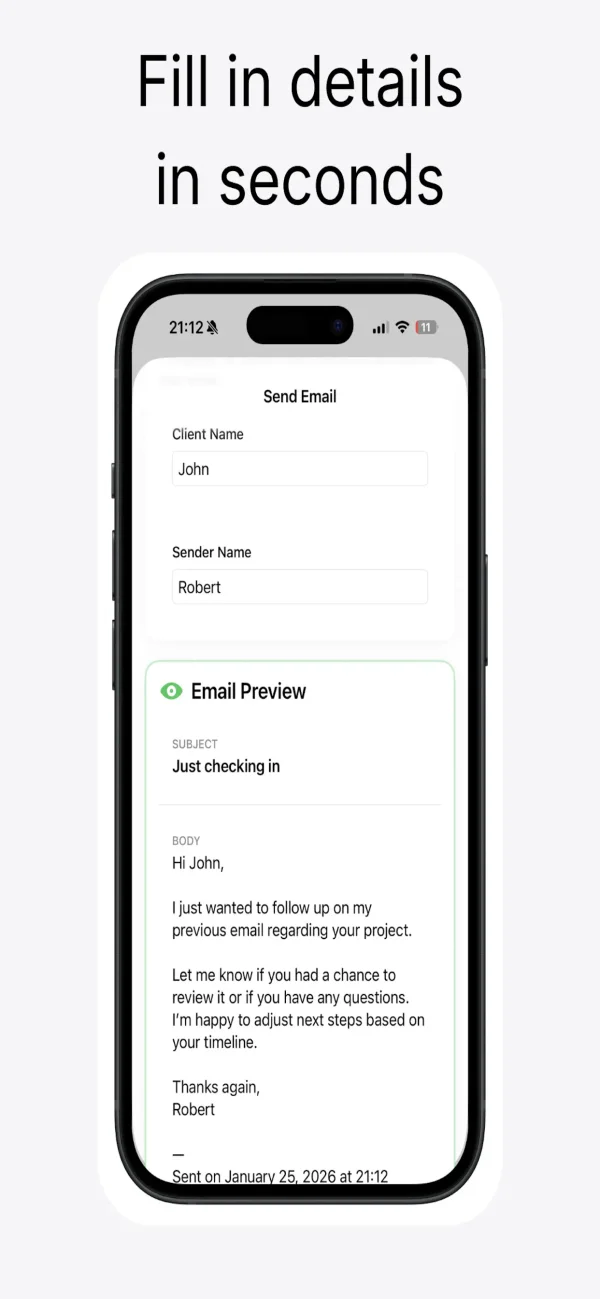
3. Tap to send — fill in the personalized details and go
4. Reuse it forever, from your phone, tablet, or computer
Template Mail isn't another inbox — it's the fastest way to send the emails you already know you're going to write. Download now and stop starting from a blank page.
What’s new
Version 5 · Nov 20, 2026
Updated Terms of Use and Privacy Policy.
App privacy
What Robert Van Deutekom declares on the App Store about how this app handles data.
-
Data linked to you
May be collected and linked to your identity.
- Contact info
Privacy practices may vary, for example with the features you use or your age.
Information
- Seller
- Robert Van Deutekom
- Category
- Productivity
- Version
- 5
- Updated
- Nov 20, 2026
- Released
- Feb 28, 2026
- Size
- 12.4 MB
- Requires
- iOS 26.0 or later
- Age rating
- 4+
- Price
- Free
- In-app purchases
- Yes
- Languages
- English
- Copyright
- © 2026 VDTKM Labs
You might also like
-
 Airo MailMagically Organized Email
-
 Incognito Mail - Temp MailDisposable inbox, block spam
-
 MailgnificentThe Zero-Storage E-Mail-Client
-
 Stamp MailAI Email Client and Assistant
-
 MailbuxFull-Featured Business Email
-
 Bmail — Encrypted EmailE2E encrypted mail, all yours
-
 Wahda MailWahdaBank Email - Libya
-
 Temp Mail | Temporary EmailDisposable Inbox, No Sign-up
-
 Mailbird - The Email AppOne Inbox. Zero Compromise.
-
 Verum MailPrivate. Instant. Disposable.