
- Age rating4+
- CategoryUtilities
- DeveloperDaniel Kang
- LanguagesEnglish
- Size2.4 MB
Links to the official App Store page
Download.org hosts no file of Templates - Custom Keyboard. The button opens its official App Store page, published by Daniel Kang. Listing last checked on Nov 23, 2026.
Screenshots
About
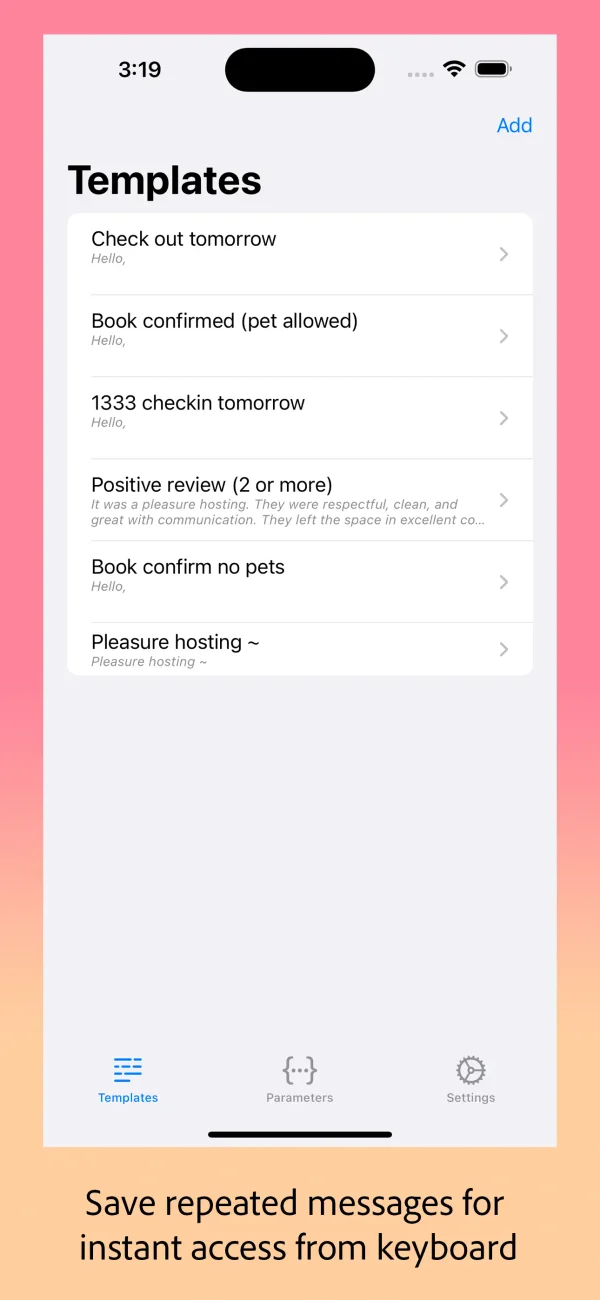
Stop typing the same messages over and over. Templates keeps your replies one tap away in a keyboard that works in any app, and fills in dates, prices and details for you.
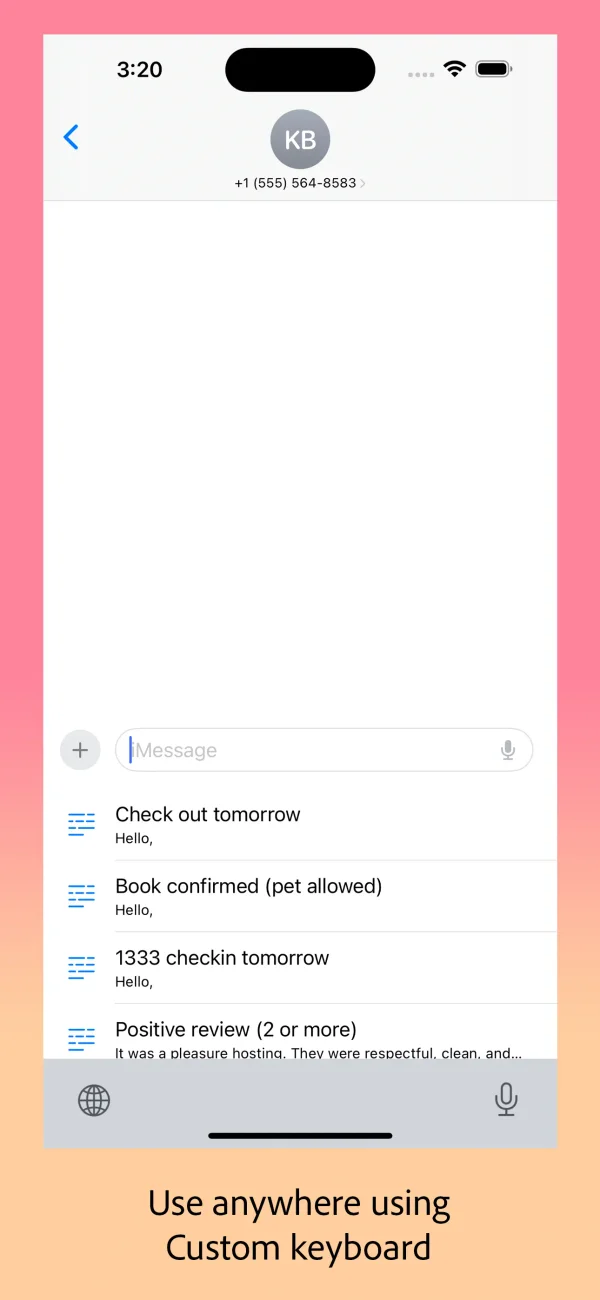
ONE TAP, ANY APP
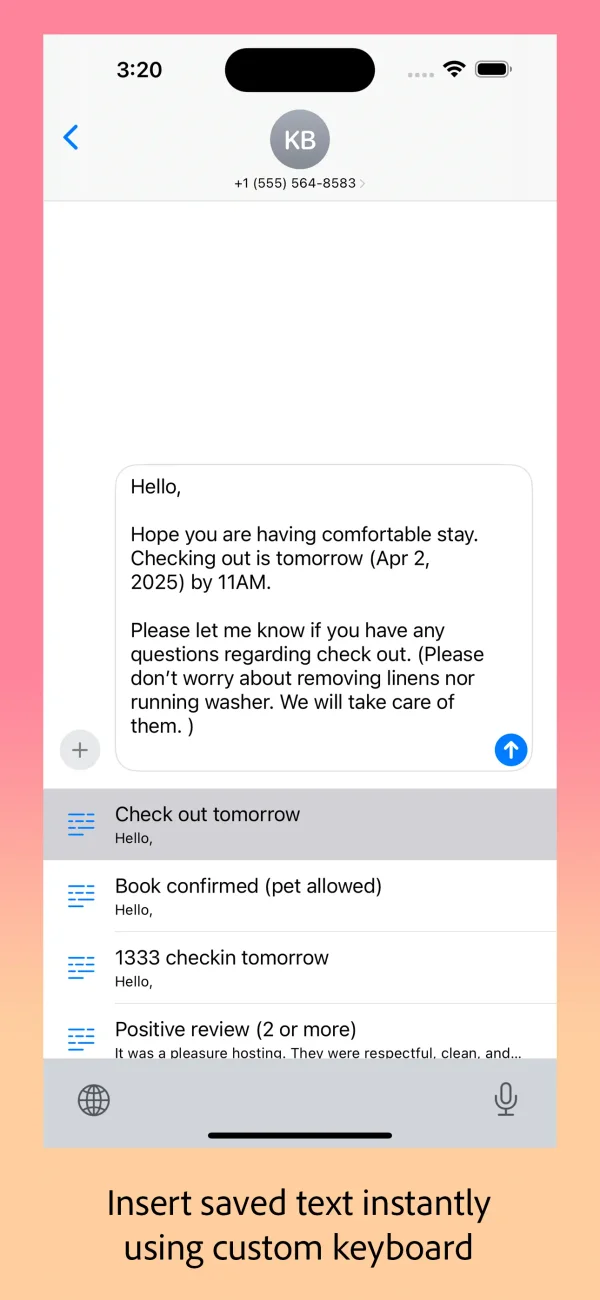
Switch to the Templates keyboard in Messages, Mail, WhatsApp or anywhere you type, and tap a template to insert it. Touch and hold to preview the full message first. Inserted the wrong one? Tap Undo.
MESSAGES THAT FILL THEMSELVES IN
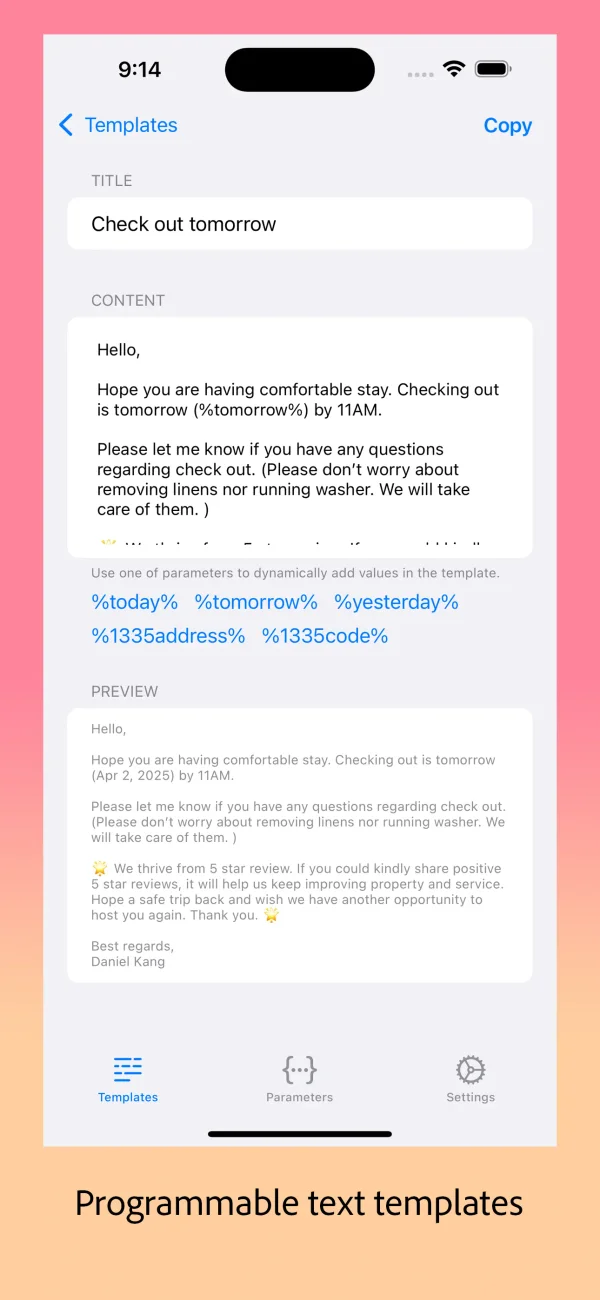
Write it once and it's correct every time you send it:
• {tomorrow | weekday} becomes "Saturday"
• {next friday} and {today + 3 days} work out the date for you
• {this year}, {end of month} and {now + 15 minutes | time} too
• {currency(nightly * nights + cleaning_fee)} calculates a total like "$630.00"
• {greeting} says Good morning, Good afternoon or Good evening at the right time
• {if weekend then "Enjoy your weekend!" else "Have a great week!"}
VARIABLES: CHANGE ONCE, UPDATE EVERYWHERE
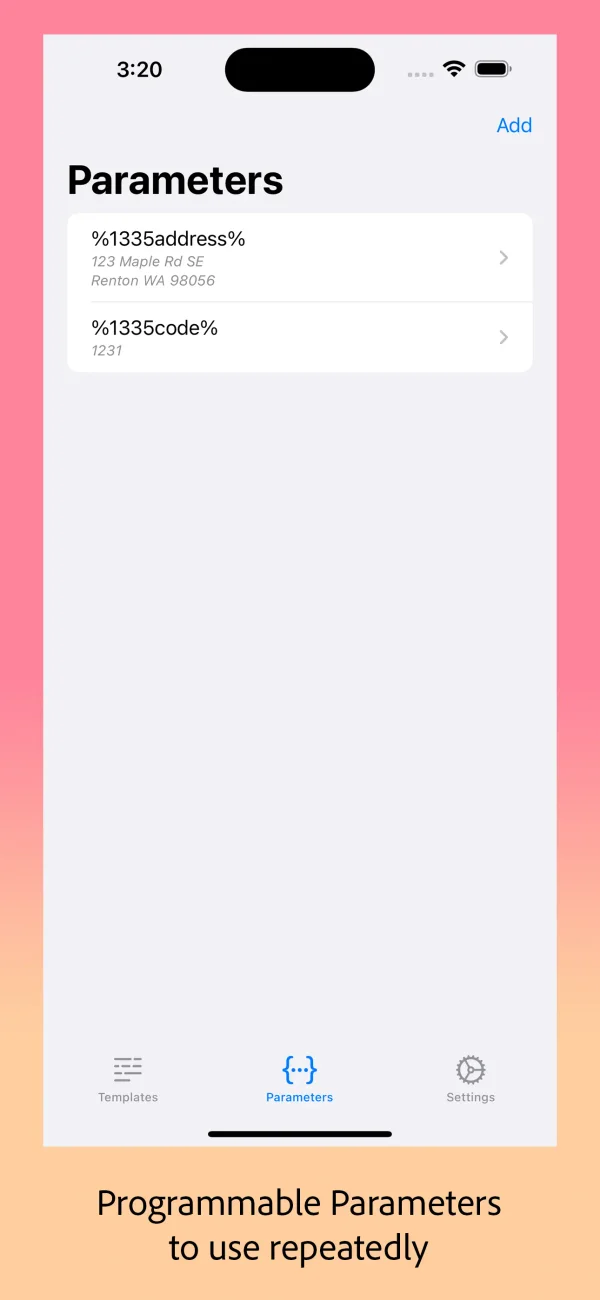
Keep door codes, Wi-Fi passwords, addresses and prices as variables. Change a value once and every template that uses it is updated.
ORGANIZED YOUR WAY
• Folders, with matching buttons in the keyboard
• Search, reorder and duplicate templates
• List or grid layout for the keyboard
EASY TO LEARN
• A live preview shows the finished message as you type
• Mistakes are highlighted, with suggestions like "Did you mean tomorrow?"
• A built-in guide shows every expression with a live example
• Ready-made starter templates for hosts, photographers and everyday messages
GREAT FOR
Short-term rental hosts, photographers, small businesses, customer support, and anyone who answers the same questions every day.
PRIVATE BY DESIGN
Your templates stay on your iPhone. There's no account, no ads and no tracking, and the keyboard works without Full Access.
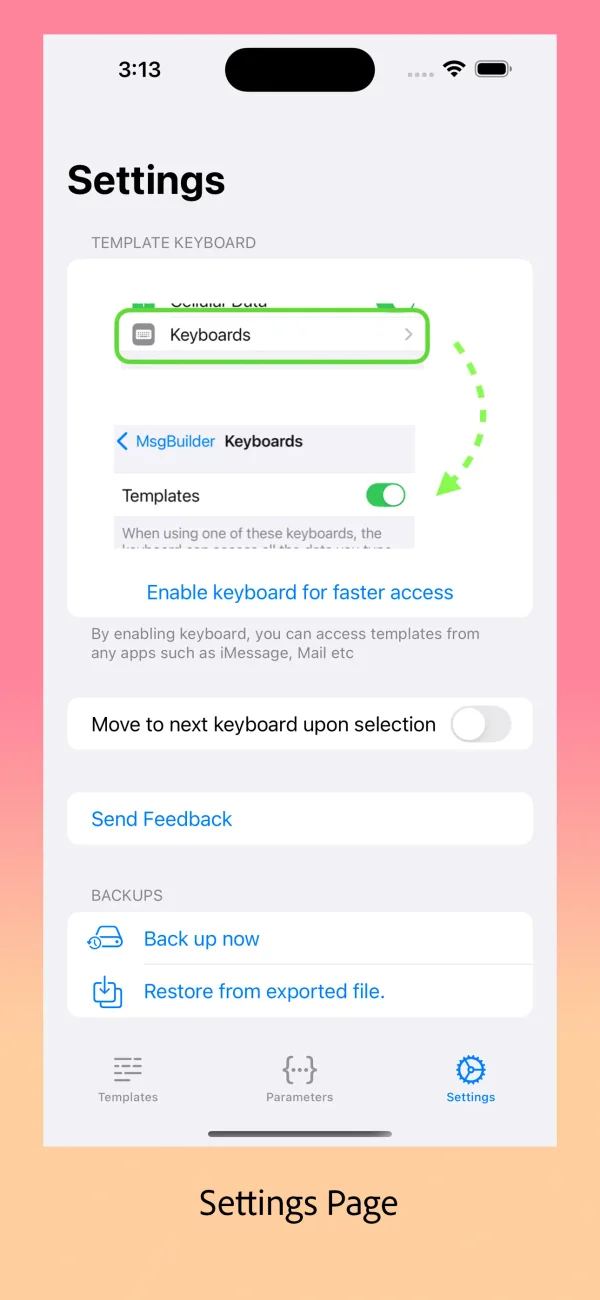
Also works with Siri and Shortcuts, and lets you back up and restore your templates.
What’s new
Version 26.11.20 · Nov 21, 2026
A big update:
• Template language: write {tomorrow}, {next friday}, {today + 3 days}, {this year}, prices with math, and more. Your existing %today% templates keep working.
• Live preview and mistake highlighting in the editor, plus a built-in language guide
• Folders and search, shown in the keyboard too
• Keyboard: list or grid layout, touch and hold to preview, and Undo after inserting
• Starter templates to get going fast
• Siri and Shortcuts support
• New app icon
• Fixed a blank keyboard on iOS 27
App privacy
What Daniel Kang declares on the App Store about how this app handles data.
-
Data not collected
The developer does not collect any data from this app.
Privacy practices may vary, for example with the features you use or your age.
Information
- Seller
- Daniel Kang
- Category
- Utilities
- Version
- 26.11.20
- Updated
- Nov 21, 2026
- Released
- Apr 2, 2025
- Size
- 2.4 MB
- Requires
- iOS 17.6 or later
- Age rating
- 4+
- Price
- Free
- Languages
- English
- Copyright
- © Daniel Kang
You might also like
-
 ClipCalctime & storage calculations
-
 Web Automation toolsWeb Automation Made Simple
-
 FenglingSync Across Devices
-
 EncriptadorUtilities
-
 MobileDiskTransfer files via Wi-Fi
-
 TimeToNextOptimize your time management.
-
 facEmoji -fun photoAI face emoji blocker 4 INFJs!
-
 Imgs2PDF - Image to PDFPDF to Image, Merge & Split
-
 Photo Cleaner - SwipliClean Photos & Gallery
-
 Speech & Audio To Text OfflineTranscribe Voice Messages