Tempo for Temporal
Polished, powerful, portable
Designed for iPhone, iPad, iPod touch
- Age rating4+
- CategoryDeveloper Tools
- DeveloperMichael Toscano
- LanguagesEnglish
- Size25.0 MB
Links to the official App Store page
Download.org hosts no file of Tempo for Temporal. The button opens its official App Store page, published by Michael Toscano. Listing last checked on Nov 12, 2026.
Screenshots




About
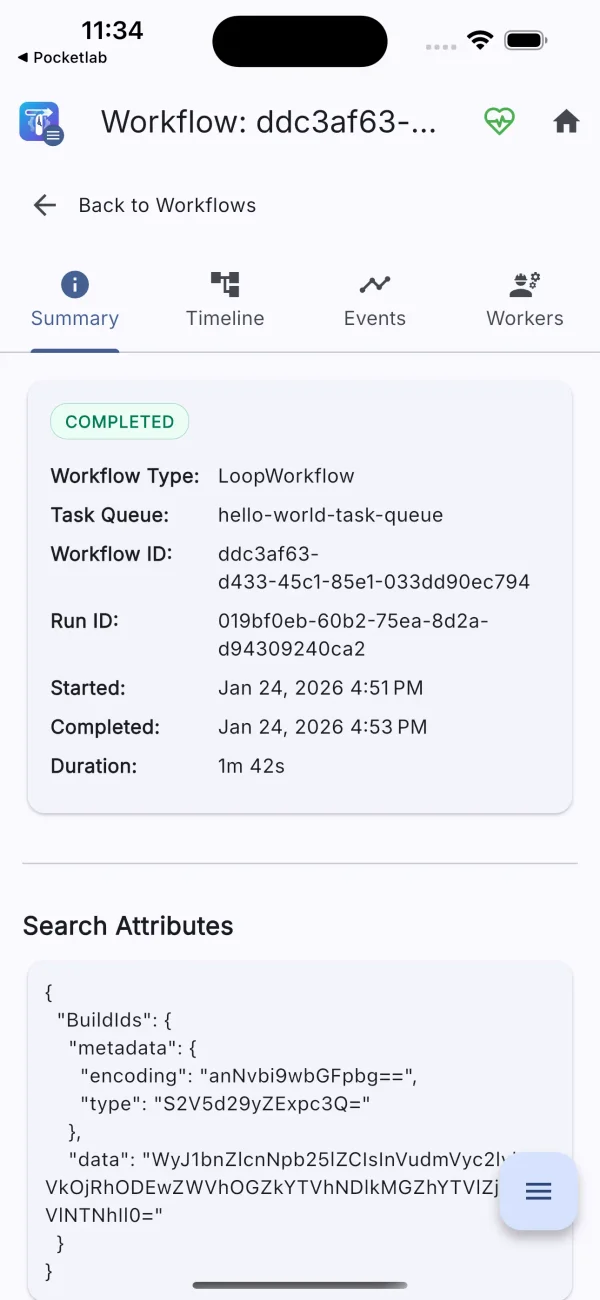
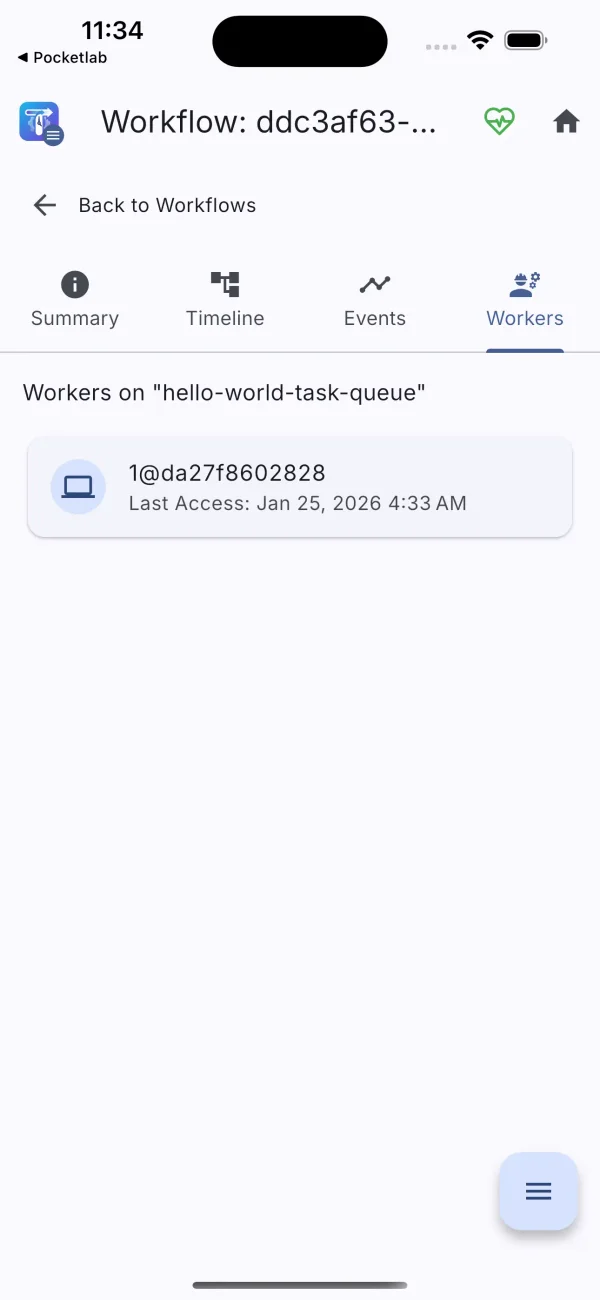
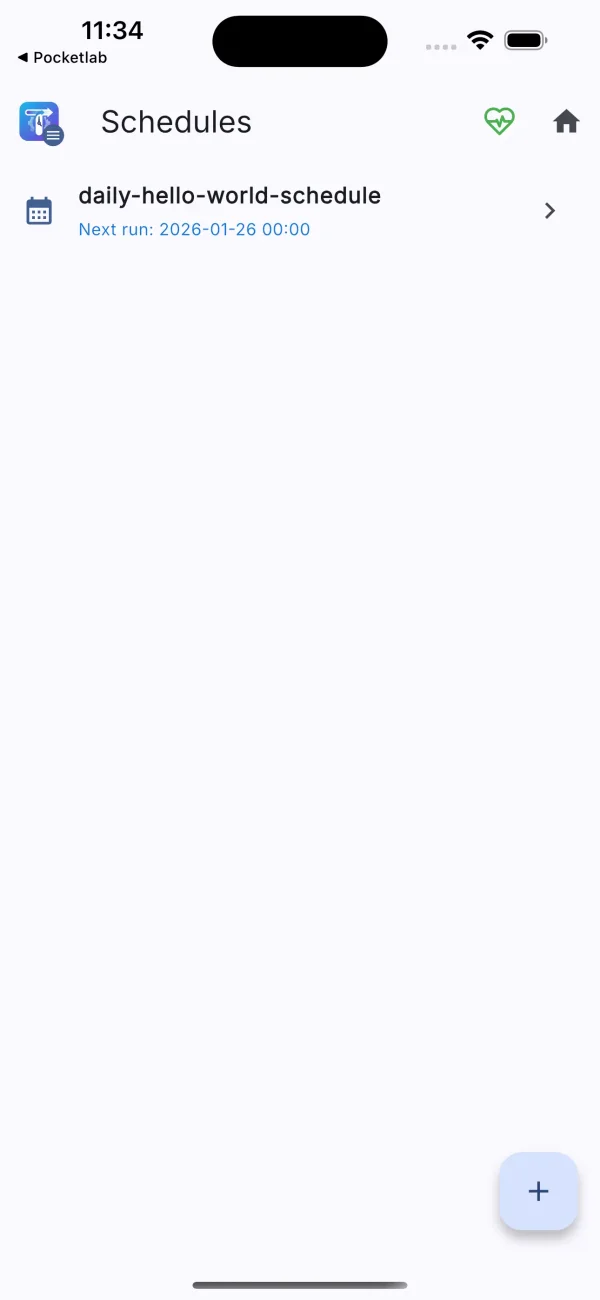
Don't let distance keep you from your workflows. Tempo brings the full power of Temporal to your mobile device. Monitor executions, investigate failures, and take action from anywhere. Because the best observability tool is the one you can take with you.
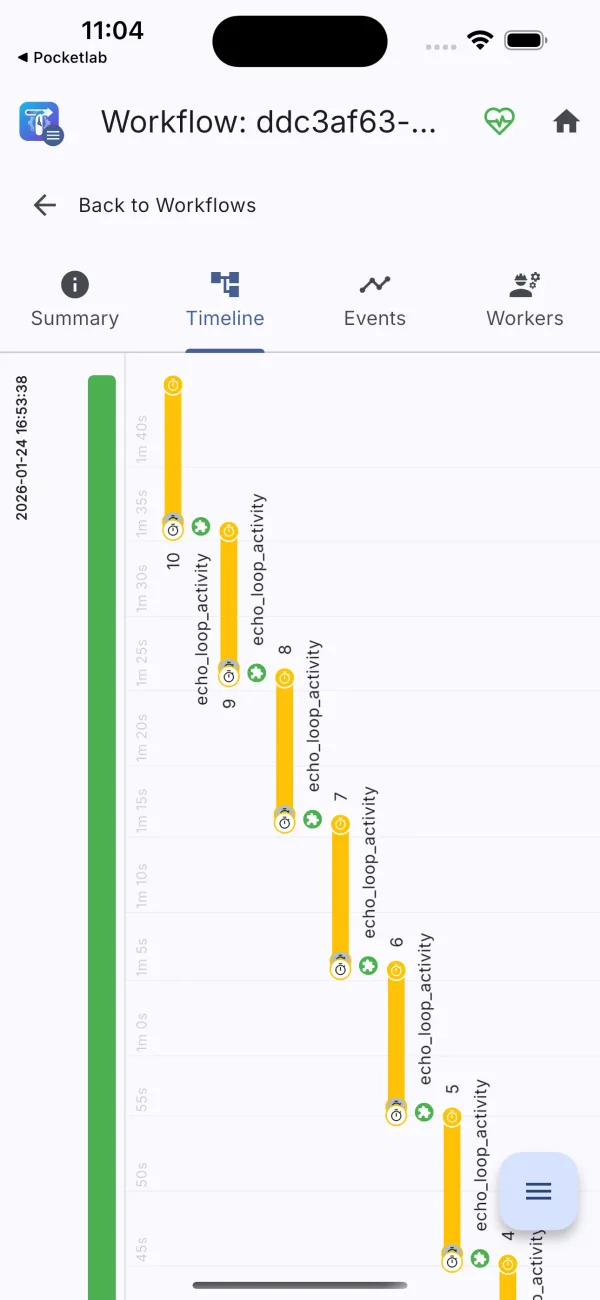
From high-level workflow status to granular event timelines, see everything happening in your Temporal cluster. Filter, search, and drill down into the details that matter most.
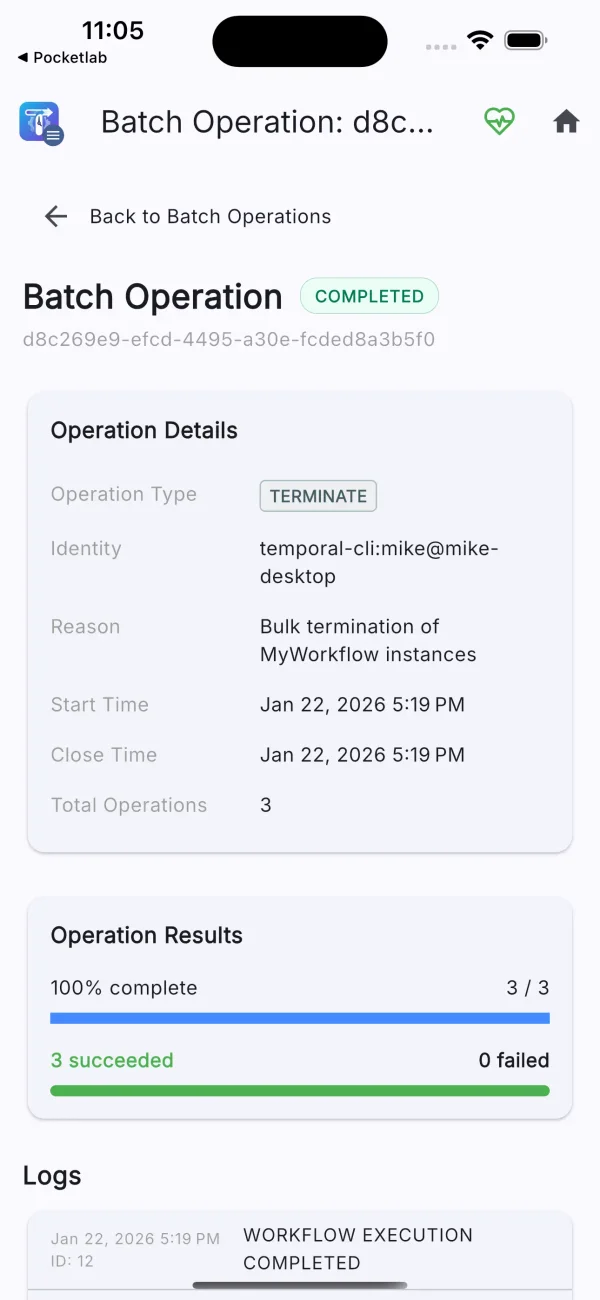
Respond to production issues without scrambling for a laptop. Send signals, terminate workflows, and trigger operations instantly. Your on-call team will thank you.
Find what you're looking for fast. Search by workflow ID, type, or status. Tempo's intuitive filters help you zero in on issues before they become incidents.
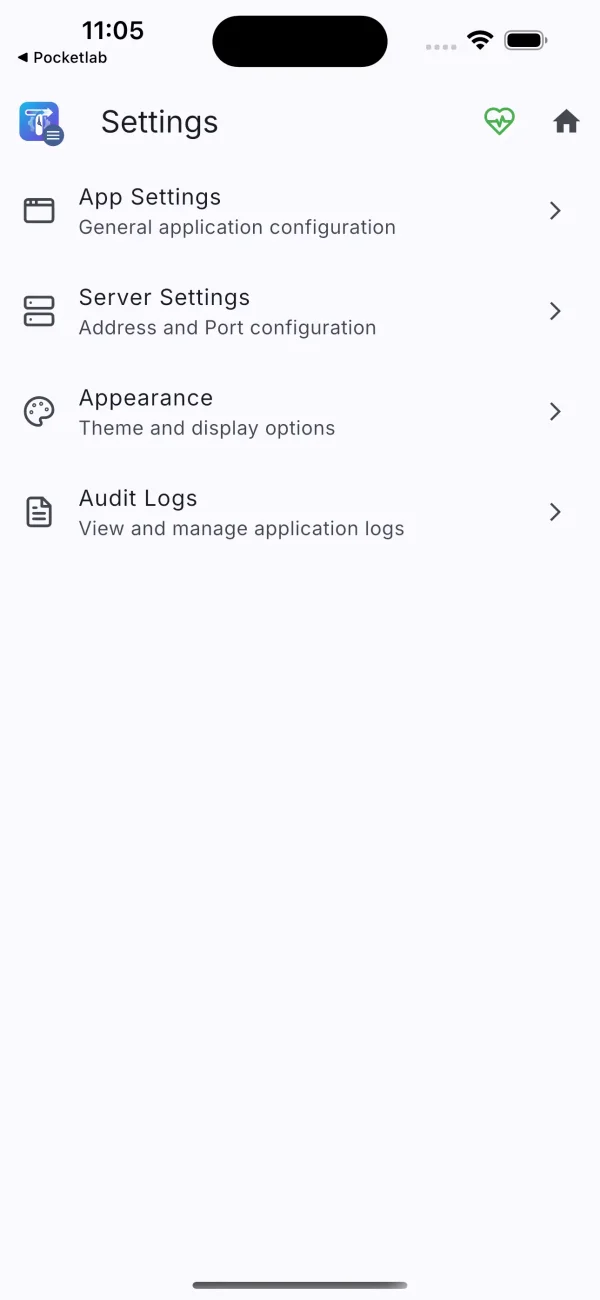
Connect directly to your Temporal deployment. Tempo provides gRPC-based connectivity to your Temporal cluster, allowing it to function on the same port as your workers.
Tempo provides fast, powerful, and portable access to Temporal for platform engineers, developers, and on-call teams.
What’s new
Version 1.1.0 · Jul 3, 2026
Added codec settings and codec server decoding for encrypted workflow, activity, query, memo, and standalone activity payloads
Added a Standalone Activities section with list, count, pagination, and detail screens scoped to standalone activity fields
Added demo-mode seed data for standalone activities, including inputs, outcomes, heartbeat details, failures, retry policy, and metadata
Added Tempo Web deployment support with Kubernetes manifests, Argo CD GitOps deployment, and a browser-compatible gRPC-Web proxy
Added workflow input and workflow output payloads to the workflow details Summary tab
Added platform icon links for the App Store, Android APK, and Linux download in update notifications and update screens
Fixed the Home button so it dismisses active bottom sheets before navigating back to Workflows
Improved timeline navigation on web so mouse wheel scrolling works with the horizontal timeline
Improved the Task Queues screen with a responsive search card, clearer Workflow/Activity selector, and better mobile button layout
App privacy
What Michael Toscano declares on the App Store about how this app handles data.
-
Data not collected
The developer does not collect any data from this app.
Privacy practices may vary, for example with the features you use or your age.
Information
- Seller
- Michael Toscano
- Category
- Developer Tools
- Version
- 1.1.0
- Updated
- Jul 3, 2026
- Released
- Jan 29, 2026
- Size
- 25.0 MB
- Requires
- iOS 15.0 or later
- Age rating
- 4+
- Languages
- English
- Copyright
- © 2026 Mike Toscano
You might also like
-
 GitlyMaster Git
-
 Docklet For DokployManage Dokploy Anywhere
-
 DokplaneDeveloper Tools
-
 Boxes.devAI coding in the cloud
-
 lil statsDeveloper Tools
-
 LabCoat for GitLabManage GitLab on the go
-
 CanIWebViewWebView Test App
-
 Lens for PlausibleCompanion App for Plausible
-
 Reattach - tmux remoteYour terminal, on your phone
-
 JSON Tools - View EditPro JSON editor for devs