- Age rating4+
- CategoryProductivity
- DeveloperPixelab Sarl
- LanguagesEnglish+ 4 more
- Size66.0 MB
Links to the official App Store page
Download.org hosts no file of Tempora – Sequence Timer. The button opens its official App Store page, published by Pixelab Sarl. Listing last checked on Nov 12, 2026.
Screenshots
About
Tempora is a sequence timer. An interval workout, focused work cycles, several dishes cooking at once, a meditation carried by time: anything that unfolds in phases can be described, saved and started in two taps.
SAY IT. IT'S COMPOSED
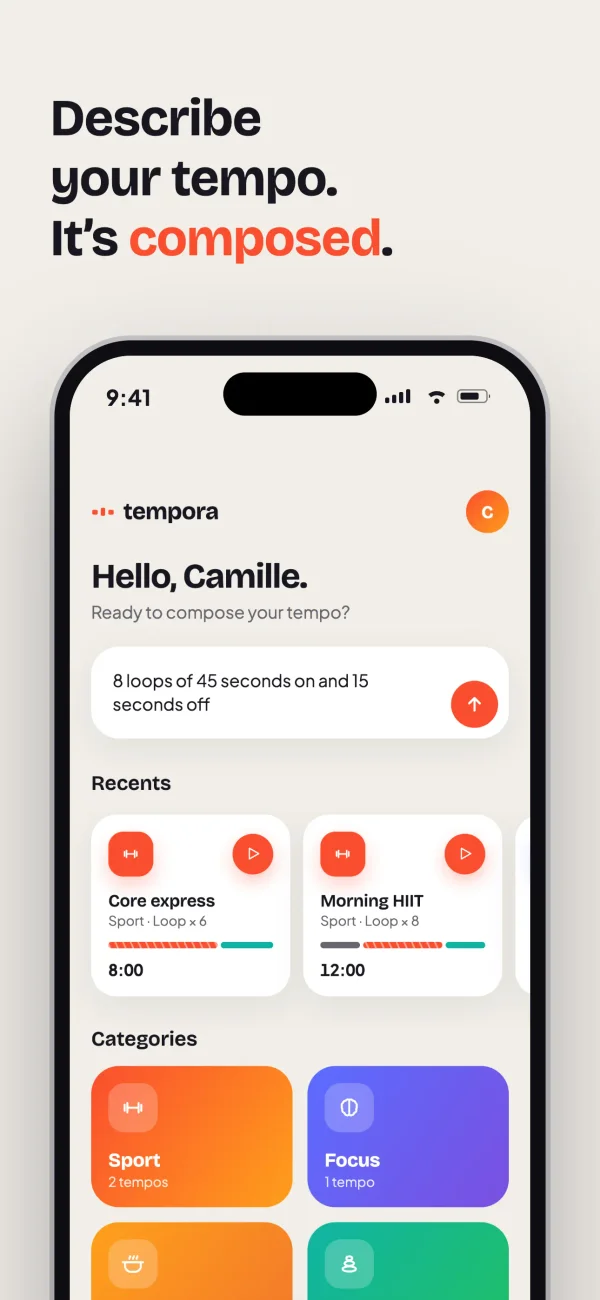
Write one sentence — "8 loops of 45 seconds on and 15 seconds off" — and the Composer turns it into a complete sequence, ready to start. Refine it phase by phase in the editor whenever you like. The Composer is a shortcut, never a requirement: everything can also be built by hand.
A SESSION YOU CAN READ FROM AFAR
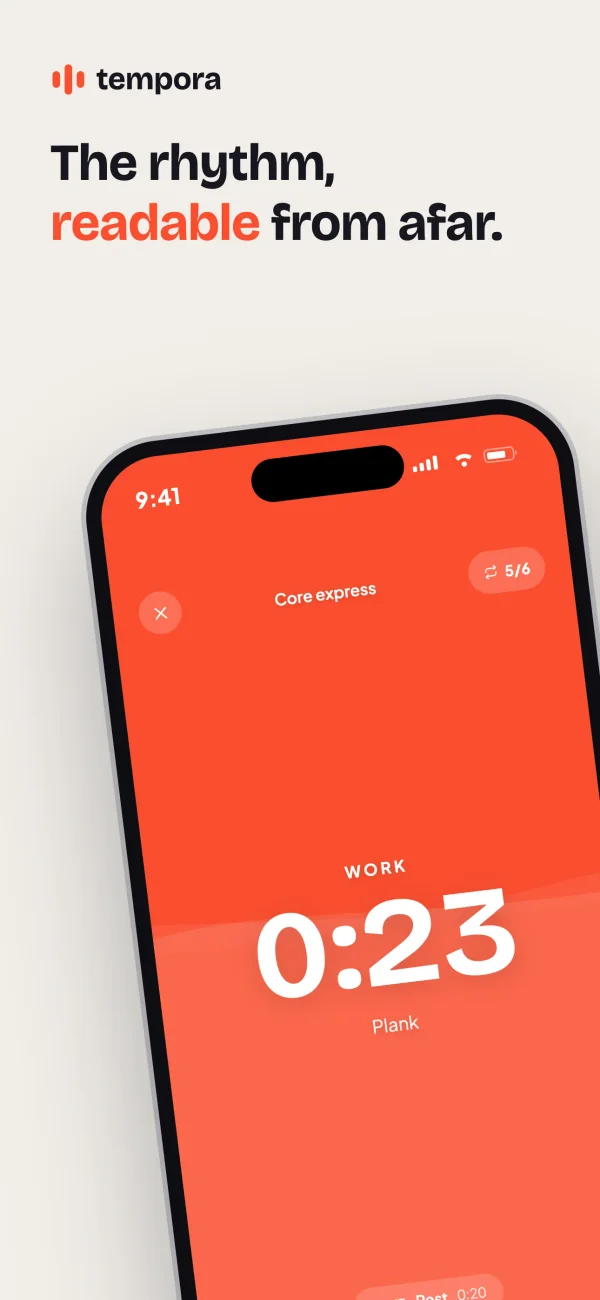
During a session the screen takes the colour of the phase — coral for work, turquoise for rest — and the liquid rises with time. The countdown reads from across the room, the next phase announces itself, transitions chime. Phone locked or app in the background? The session sounds keep playing, on the second; on iPhone, the session shows on the Lock Screen and in the Dynamic Island.
MULTI-SEQUENCE
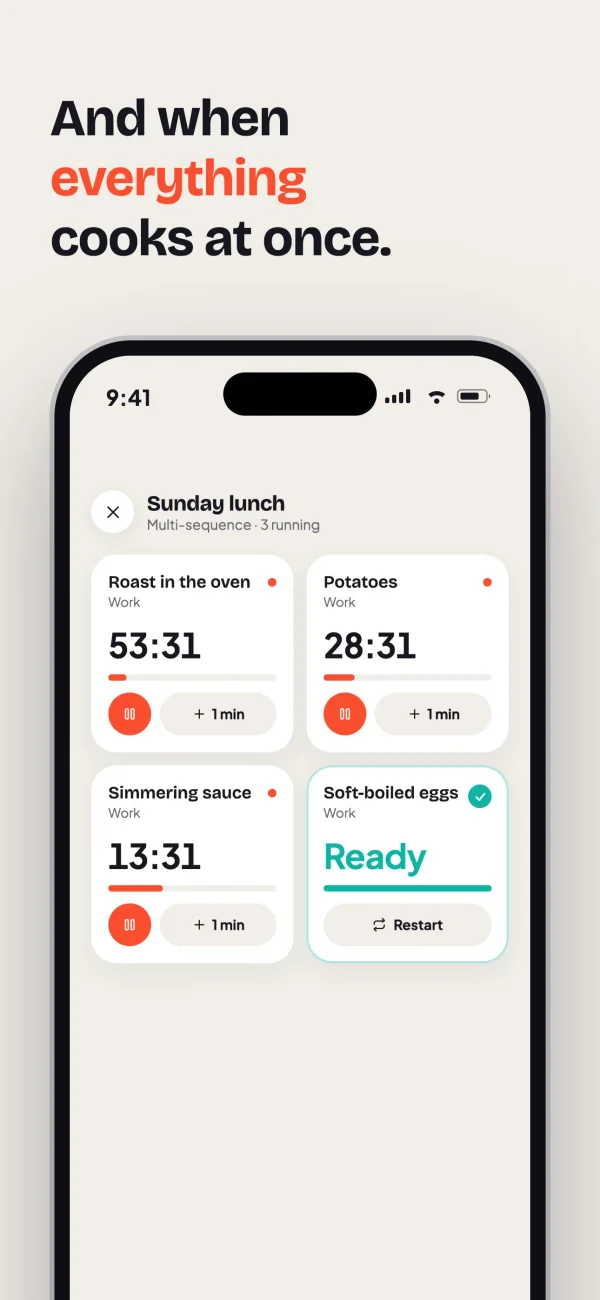
Several independent timers on one screen: the eggs, the pasta, the sauce. Each one starts, pauses, gets an extra minute — and says "Ready" when it is.
YOUR COLLECTION, YOUR PROGRESS
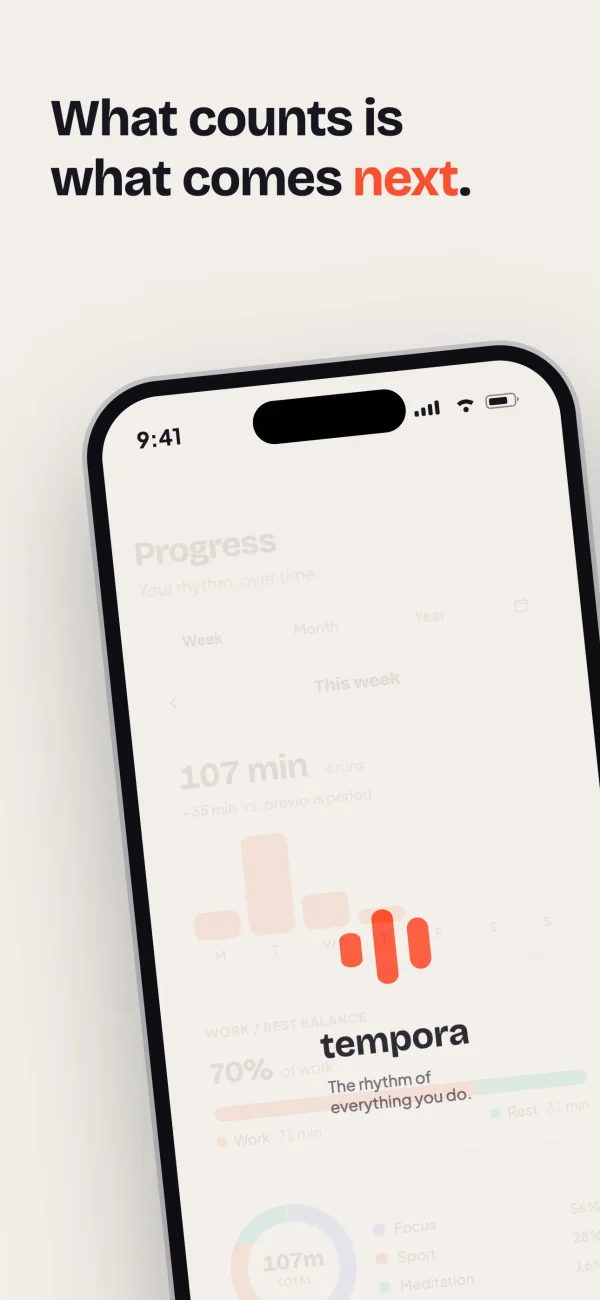
Your tempos are saved to your account and synced across devices, readable offline. Every session feeds your progress: time per week, work/rest balance, breakdown by category, current streak, records. On-device reminders help you keep the rhythm.
WHAT TEMPORA DOES NOT DO
No ads, no selling of data, no follower counts. Your data is hosted in Switzerland and you can erase it — history or entire account — right from the app.
Tempora is built in Geneva by Pixelab.
What’s new
Version 1.1.0 · Oct 29, 2026
Dictate your tempo: tap the mic, say your session, and it appears in the field.
Share a session as an image from the finish screen or your history: colour or photo background, save to Photos.
Export your tempos as a spreadsheet, or download all your data.
Session sounds keep going when you leave the app or lock the screen: the 3-2-1, the transition and the finish, right on the second. Your music is no longer lowered. Closing the app stops everything.
On iPhone, the current session shows on the Lock Screen and in the Dynamic Island.
History: delete a single session, restart it or save its tempo again.
Schedule a reminder straight from your collection.
Progress: press and hold a day in Consistency to see its minutes.
Offline, your changes show up right away.
App privacy
What Pixelab Sarl declares on the App Store about how this app handles data.
-
Data linked to you
May be collected and linked to your identity.
- Contact info
- User content
- Usage data
- Other data
Privacy practices may vary, for example with the features you use or your age.
Information
- Seller
- Pixelab Sarl
- Category
- Productivity
- Version
- 1.1.0
- Updated
- Oct 29, 2026
- Released
- Oct 7, 2026
- Size
- 66.0 MB
- Requires
- iOS 16.4 or later
- Age rating
- 4+
- Price
- Free
- Languages
- English, French, German, Italian, Spanish
- Copyright
- © 2026 Pixelab Sàrl
You might also like
-
 FlowState - AI TimerAI Focus Timer
-
 Planner365Time Management
-
 Vane: Daily Habits & RoutinesGoal Tracker & Checklists
-
 ReservingBookings, payments & BLE
-
 StudyBuddy: Pomodoro TimerFocus Timer for Students
-
 Klist: To-Do & Task ManagerTo-do list and task manager
-
 NoteMe - Note AnywhereNotes and Reminders Anywhere
-
 WhenToMeetCalendar-synced scheduling
-
 Cronos • Task and Time ManagerPriority control Eisenhower
-
 To Do List: Simple ChecklistTasks, Reminders, Grocery List