
TensionRadar
HRV and stress at a glance
Designed for iPhone
Free · In-app purchases
- Age rating4+
- CategoryHealth & Fitness
- DeveloperChen He
- LanguagesEnglish+ 8 more
- Size52.2 MB
Links to the official App Store page
Download.org hosts no file of TensionRadar. The button opens its official App Store page, published by Chen He. Listing last checked on Nov 20, 2026.
Screenshots
About
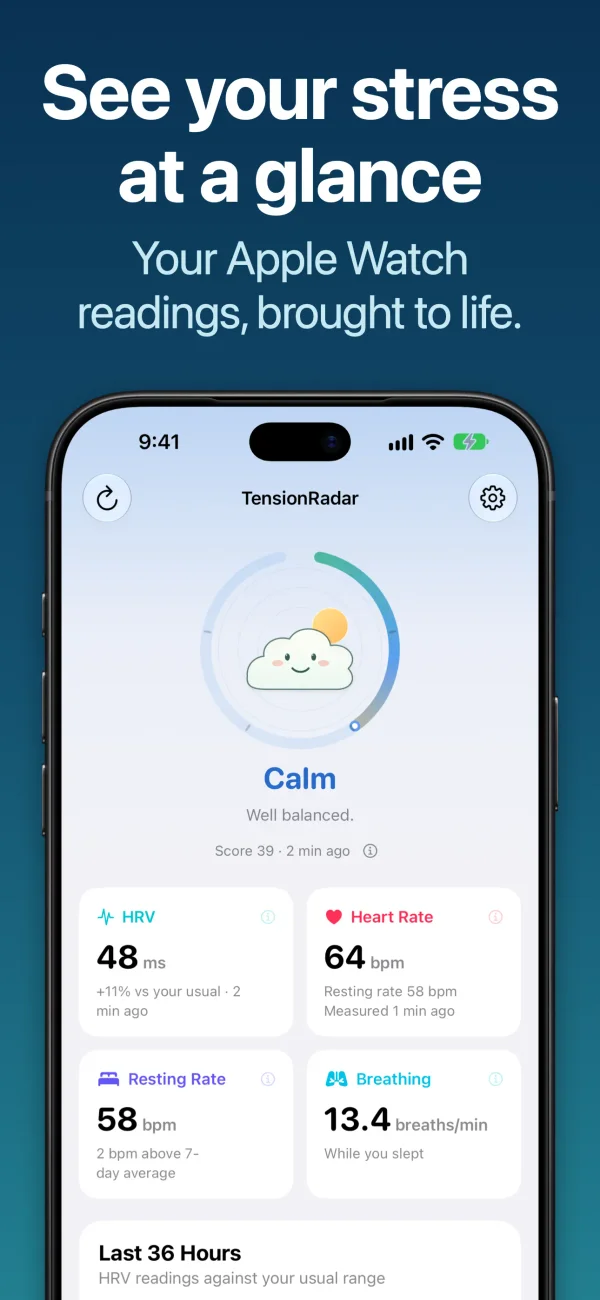
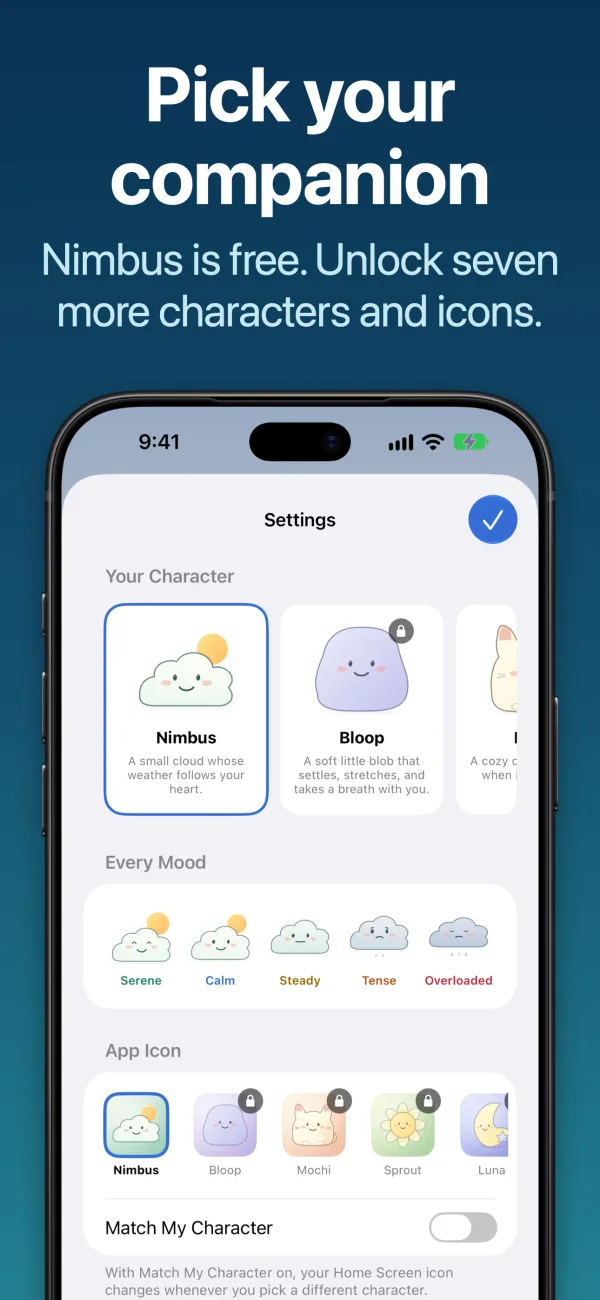
TensionRadar helps you explore the heart data your Apple Watch records in Apple Health, with expressive characters, personal comparisons and guided breathing.
UNDERSTAND YOUR READINGS
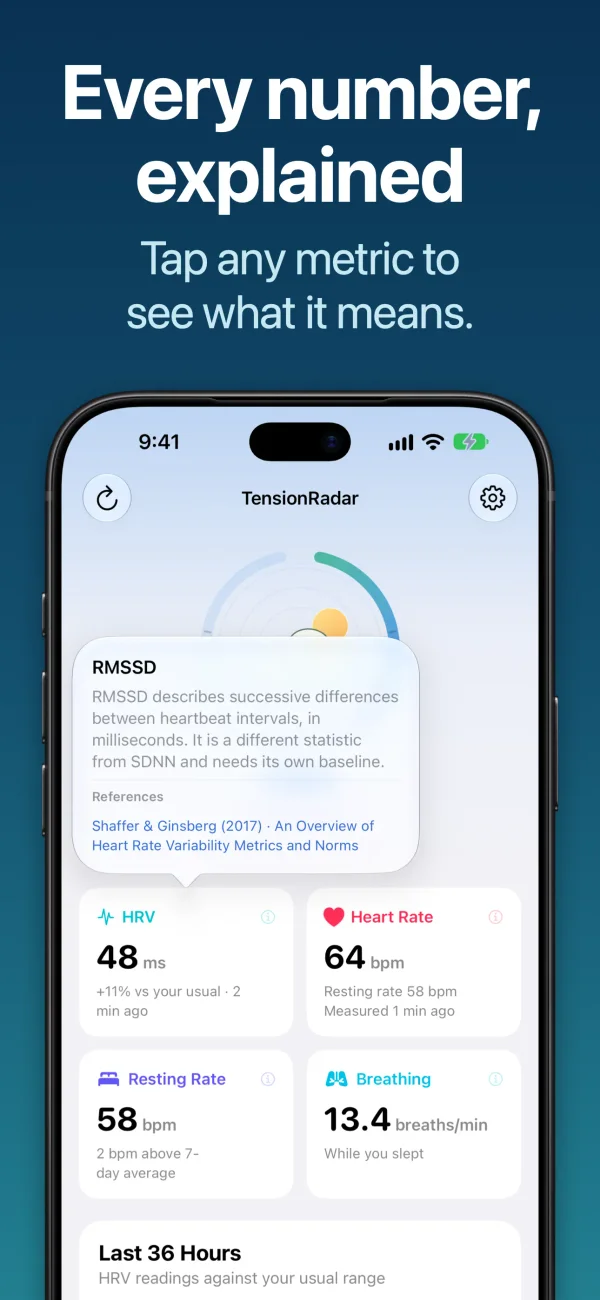
The 0–100 score is a wellness estimate based on HRV relative to your personal history, with heart rate included when suitable data is available. Current readings use references for the same HRV statistic and time of day. See the reading age, supporting values and confidence. Missing, stale or activity-affected data can leave the current score unavailable. HRV does not directly measure emotions, and the score is not a diagnosis.
While newer data arrives, Radar keeps the last qualified assessment visible with its original measurement time. If no qualified assessment is saved, it shows the latest available HRV without a tension score. Historical results do not trigger new stress alerts. The app, Watch dashboard and Radar/score widgets use the same reading policy; background refresh timing can differ.
EXPLORE YOUR HISTORY
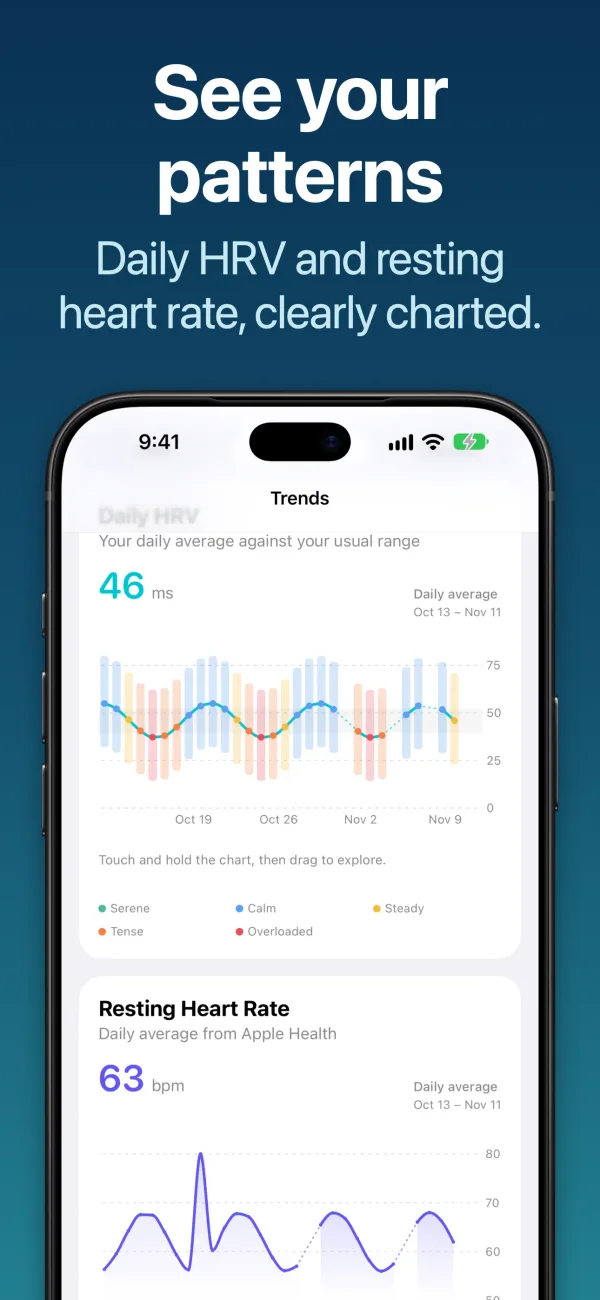
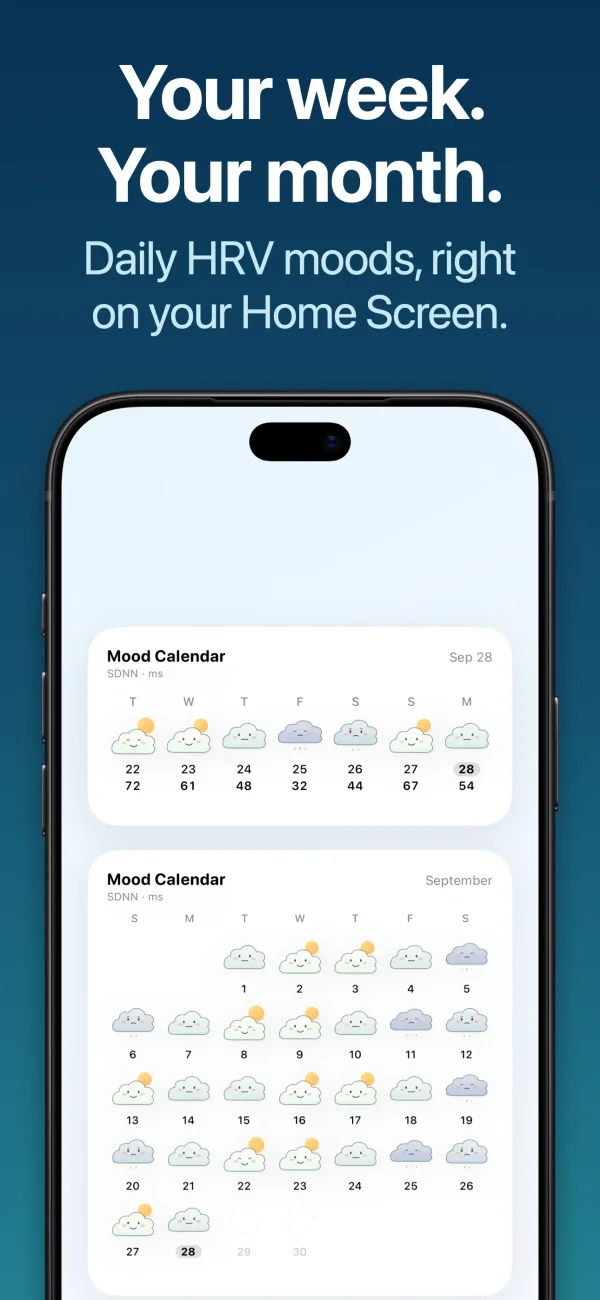
View daily HRV, individual SDNN measurements, resting heart rate and hourly patterns. The daily HRV calendar compares daily averages with your usual days; it is not a record of your mood. On unfolded iPhone Duo, keep the calendar beside the selected day's details.
TAKE A BREATH
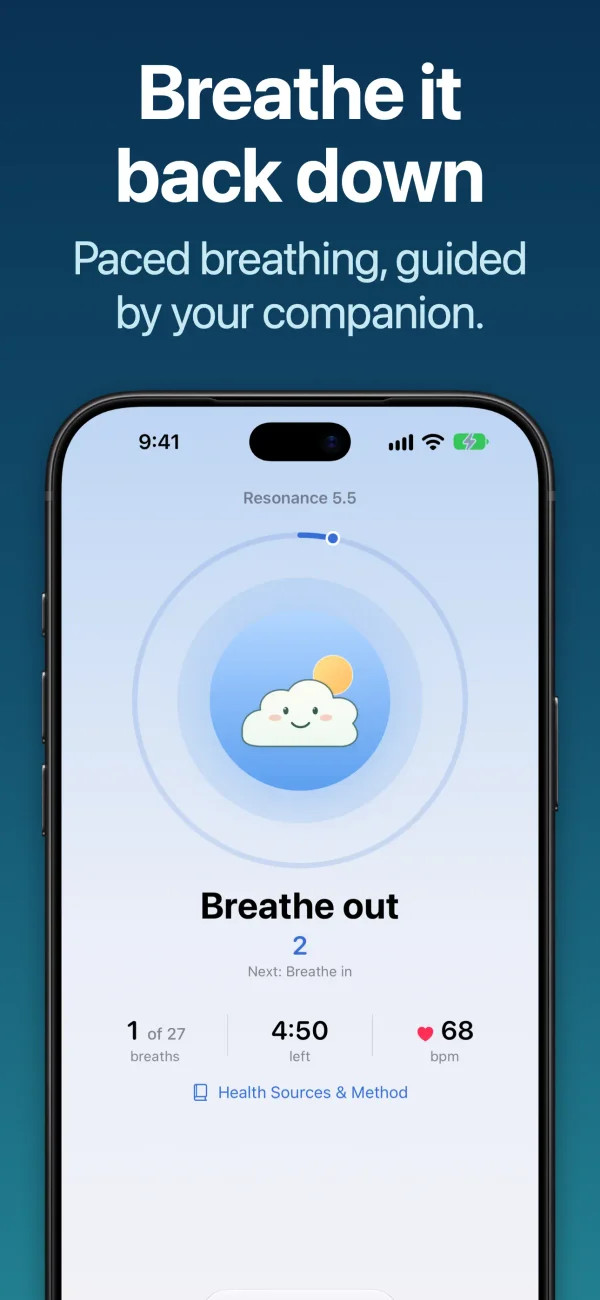
Follow paced breathing, review saved sessions and keep a journal. Add HRV and resting heart rate trend widgets. Use the Apple Watch app and compatible complications. Nimbus is included; additional characters are available through the optional Character Pack purchase.
UPDATES AND PRIVACY
Apple controls when measurements and background updates arrive. Readings and alerts are not continuous or guaranteed to be immediate. No account is required. Health data is processed on your devices.
Requires iOS 18 or later and an Apple Watch that records HRV. TensionRadar is a wellness tool, not a medical device. It does not diagnose or treat conditions. Consult a healthcare professional before making medical decisions.
The optional Character Pack purchase is processed by Apple. RevenueCat receives purchase records and an anonymous customer identifier for purchase reporting. TensionRadar does not send HealthKit measurements, HRV or tension scores, or journal content to RevenueCat. There is no advertising or cross-app tracking.
RevenueCat also receives anonymous paywall views, dismissals and interactions for analytics.
What’s new
Version 1.4.1 · Nov 18, 2026
Start a breathing session on Apple Watch and it now shows on iPhone too: open Breathe to see the same breath count, time left and heart rate, and end it from either device.
Starting on iPhone while a session is running on Apple Watch no longer creates a second session.
App privacy
What Chen He declares on the App Store about how this app handles data.
-
Data not linked to you
May be collected but is not linked to your identity.
- Purchases
- Usage data
Privacy practices may vary, for example with the features you use or your age.
Information
- Seller
- Chen He
- Category
- Health & Fitness
- Version
- 1.4.1
- Updated
- Nov 18, 2026
- Released
- Oct 6, 2026
- Size
- 52.2 MB
- Requires
- iOS 18.0 or later
- Age rating
- 4+
- Price
- Free
- In-app purchases
- Yes
- Languages
- English, French, German, Japanese, Korean, Portuguese, Simplified Chinese, Spanish, Traditional Chinese
- Copyright
- © 2026 Chen He
You might also like
-
 SparkFit: 15 Min WorkoutsHome, Gym & AI Fitness Coach
-
 Ghost Go RunRace against your best
-
 Goutly: Live Well with GoutMed reminders, urate & flares
-
 KiKi: Stress, HRV & DaylightSleep, Light & Sitting Log
-
 Issho-RyuHealth & Fitness
-
 Flyback: Step CounterYour steps, worth looking at
-
 PulseState: HRV & RecoverySleep Tracker & Stress Monitor
-
 MacroSenseMacro diary log
-
 LoadScore: Stress & HRVSleep & Recovery Tracker
-
 Senso by QblufitMood, calm & self-care