
Tepilot: Screenshot Maker
App Screenshots & Poster Maker
Designed for iPhone, iPad, iPod touch
Free
- Age rating4+
- CategoryProductivity
- DeveloperBeijing Texiaobai Technology Co., Ltd.
- LanguagesEnglish
- Size4.8 MB
Links to the official App Store page
Download.org hosts no file of Tepilot: Screenshot Maker. The button opens its official App Store page, published by Beijing Texiaobai Technology Co., Ltd. Listing last checked on Nov 14, 2026.
Screenshots
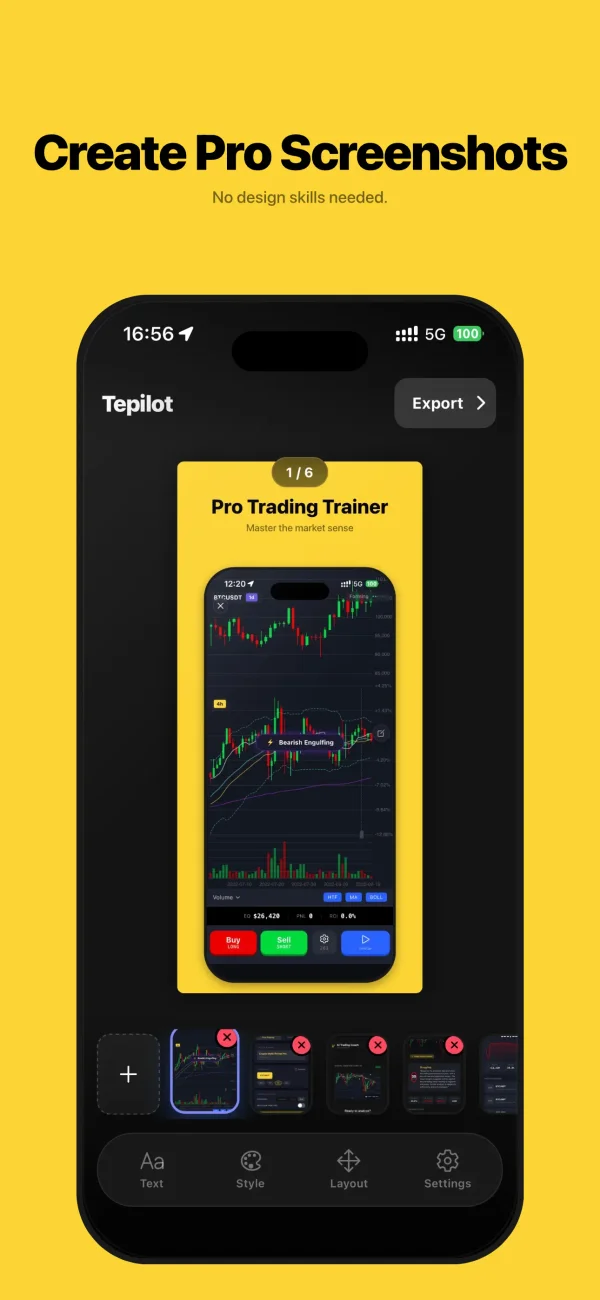
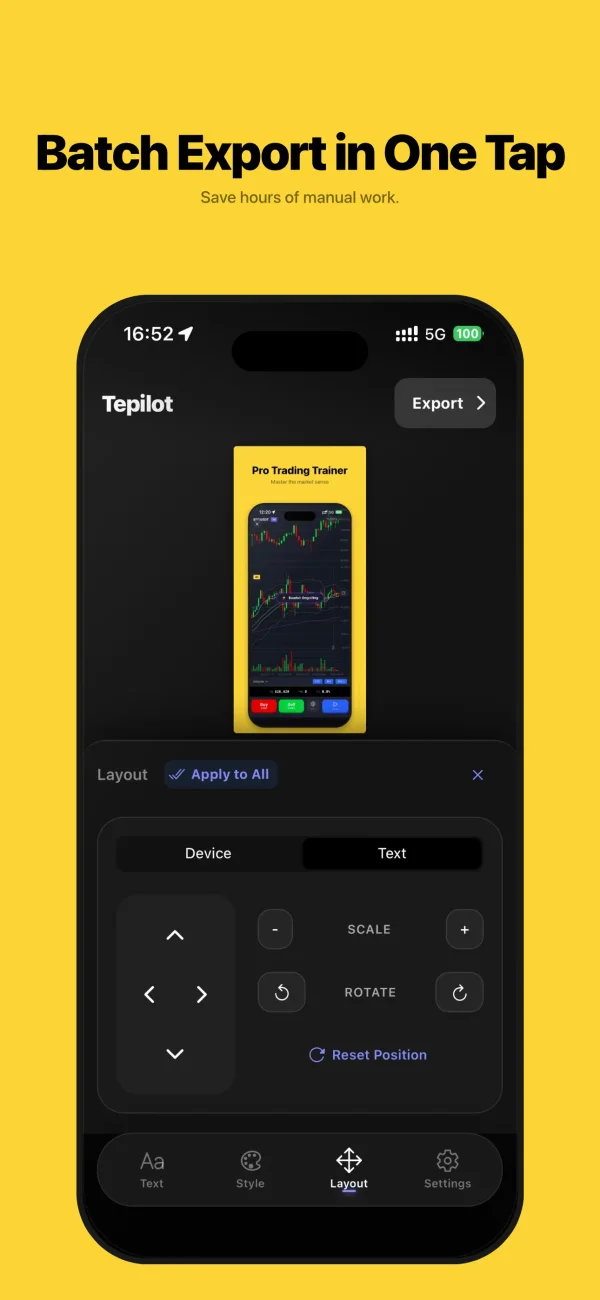
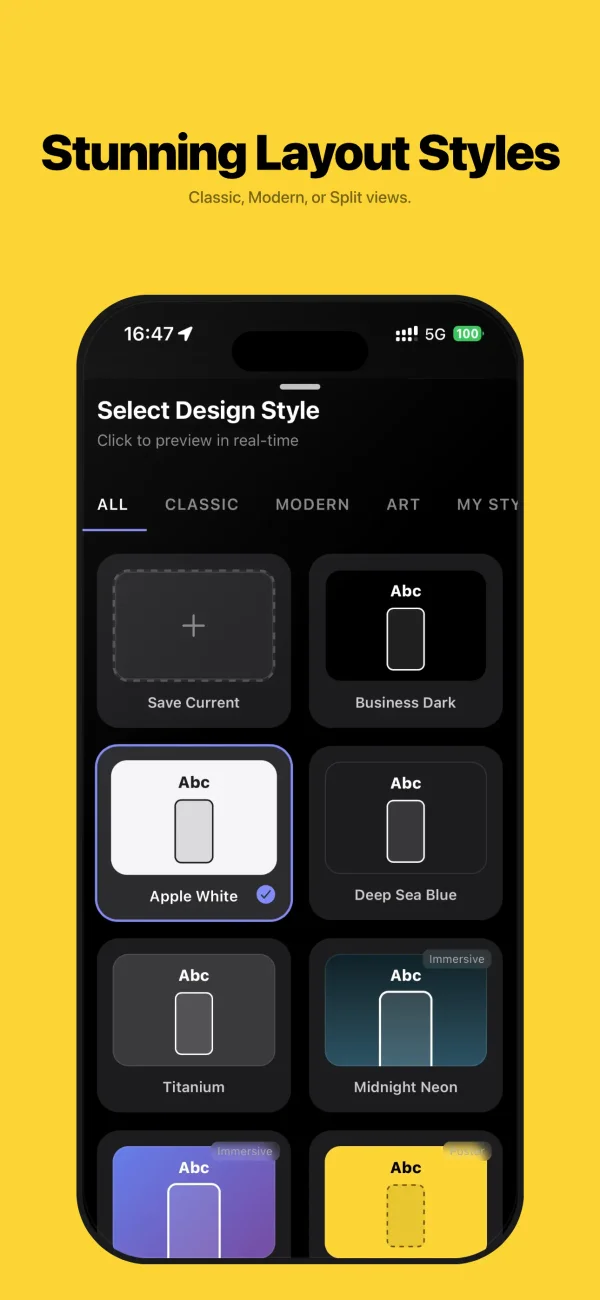
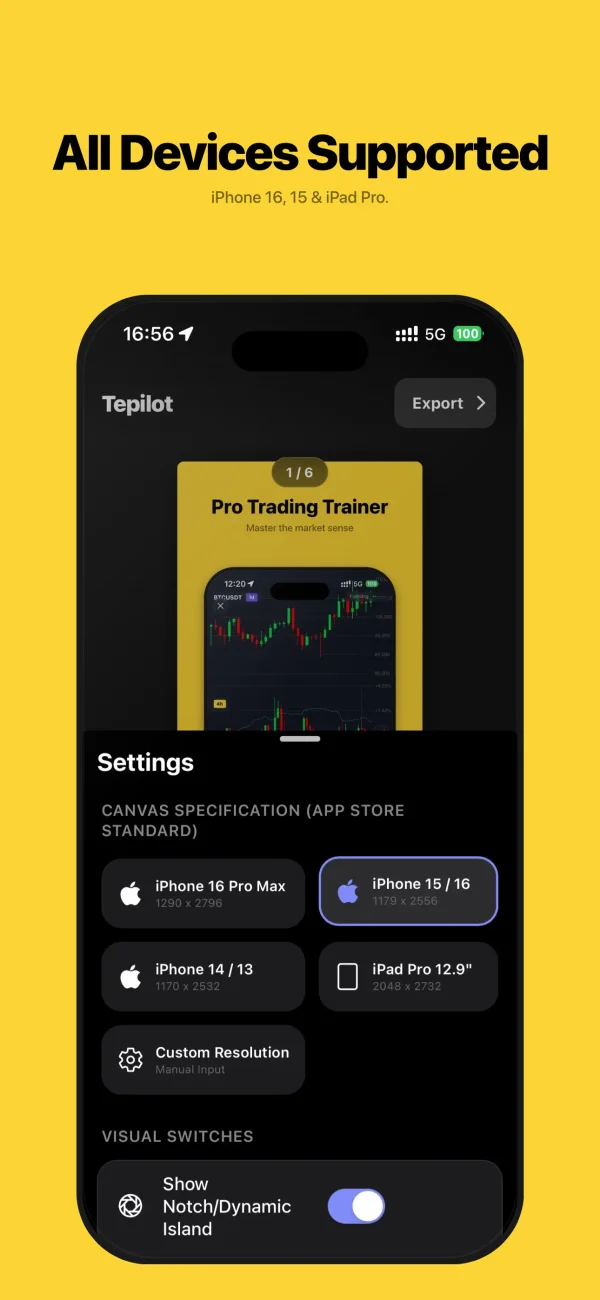
About
Tepilot - Your All-in-One Mobile Design Studio
Tepilot V2.0 is the ultimate offline productivity tool for indie developers, product managers, and designers. Create stunning 4K App Store screenshots and social media marketing posters effortlessly directly on your phone.
【V2.0 Key Features】
Custom Canvas Engine Go beyond the App Store! Tepilot V2.0 fully supports mainstream social media sizes like 1:1 (Post), 4:5 (Social), and 9:16 (Story). The new "No Frame" mode frees your creativity from device bezels, perfect for general poster design.
Tactile Interaction System Desktop-grade precision on a mobile screen.
Smart Manipulator: Silky smooth drag and pinch-to-zoom gestures.
Precision Rotation: A dedicated Rotation Dial at the bottom allows for accurate 1° adjustments.
Safety Net: Top toolbar includes Undo, Redo, Center, and Reset Rotation buttons for a worry-free design process.
Advanced Typography
Multi-Subtitle System: Add multiple subtitle lines, each with independent font size and color settings.
Flexible Alignment: Supports Left, Center, and Right alignment for complex layouts.
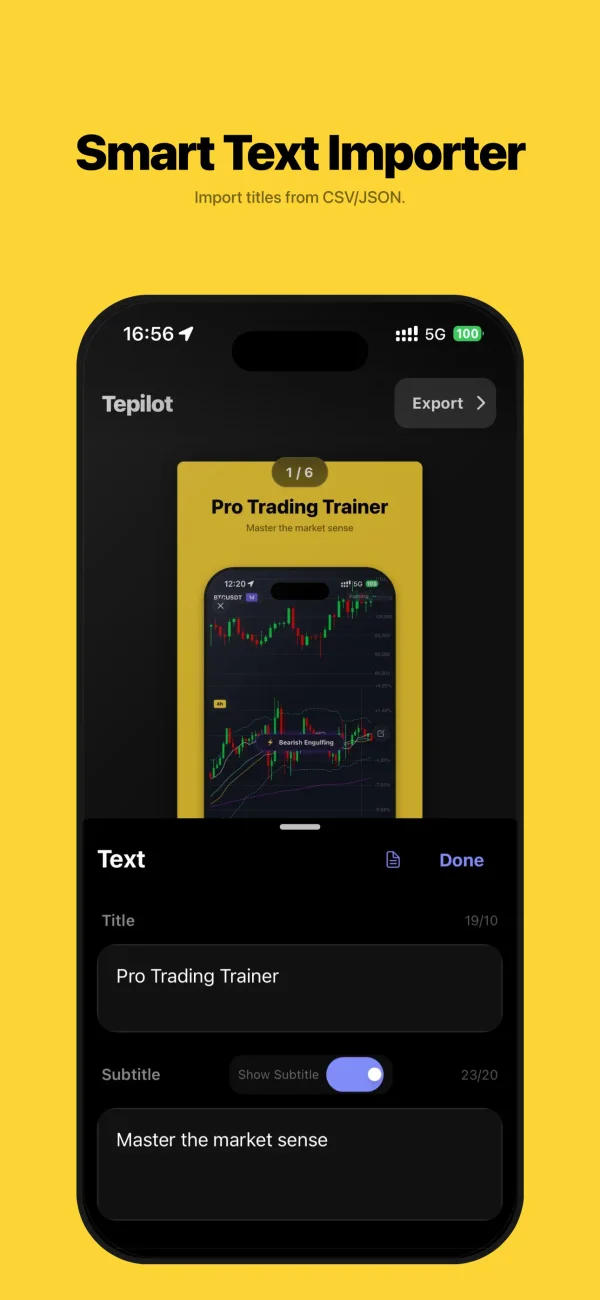
Batch Management: A new visual Batch Editor panel to manage text across all your slides efficiently.
Immersive Workflow
Fullscreen Preview: Tap anywhere on the canvas to toggle a clean, distraction-free preview mode.
Side Drawer: A Photoshop-inspired sidebar maximizes your screen real estate for designing.
Offline-First & 4K Export Retaining the core strength of V1.0, all data processing happens locally on your device to ensure privacy. Our exclusive physical pixel rendering engine guarantees crisp, jagged-free exports, perfectly optimized for the latest iPhone 16 Pro Max resolution.
What’s new
Version 2.0 · Jan 9, 2026
Version 2.0.0 - The Designer Evolution
Tepilot has evolved from a screenshot tool into your mobile design studio!
Custom Canvas Engine: Support for 1:1 (Post), 4:5 (Social), and 9:16 (Story) aspect ratios.
No Frame Mode: Import raw images for free-form poster design without device bezels.
Tactile Interaction: Industrial-grade gesture engine. Smooth drag & pinch-to-zoom, plus a precision Rotation Dial for 1° adjustments.
Advanced Typography: Add unlimited subtitles with independent color/size control. New text alignment options (Left/Center/Right).
Immersive UX: New Sidebar Drawer and Tap-to-Preview fullscreen mode.
Batch Text Editor: Visual manager to edit titles and subtitles for all slides in one place.
App privacy
What Beijing Texiaobai Technology Co., Ltd. declares on the App Store about how this app handles data.
-
Data not collected
The developer does not collect any data from this app.
Privacy practices may vary, for example with the features you use or your age.
Information
- Seller
- Beijing Texiaobai Technology Co., Ltd.
- Category
- Productivity
- Version
- 2.0
- Updated
- Jan 9, 2026
- Released
- Jan 6, 2026
- Size
- 4.8 MB
- Requires
- iOS 15.0 or later
- Age rating
- 4+
- Price
- Free
- Languages
- English
- Copyright
- © Kuankr Co., Ltd.
You might also like
-
 Time Broadcast AssistantCustom Spoken Time Reminders
-
 Stream Me By On StationLive Video Feed Over WiFi
-
 Veura: Voice to TextAudio Recorder & Transcription
-
 Decision Engine AIDecide faster. Think smarter
-
 ShowUp: Open House RemindersReduce Open House No-Shows
-
 sort & find documents: DocSortSmart Document Photos Manager
-
 Save Button AppProductivity
-
 Shortcut RecorderShortcut Audio & Transcription
-
 TapRecOne-Tap Voice Recorder Watch
-
 muxd AI AgentAI agent for all your machines