Termex
SSH terminal and SFTP client
Designed for iPhone, iPad
Free · In-app purchases
- Age rating4+
- CategoryUtilities
- DeveloperGyorgy Bolyki
- LanguagesEnglish+ 5 more
- Size18.2 MB
Links to the official App Store page
Download.org hosts no file of Termex. The button opens its official App Store page, published by Gyorgy Bolyki. Listing last checked on Nov 23, 2026.
Screenshots

About
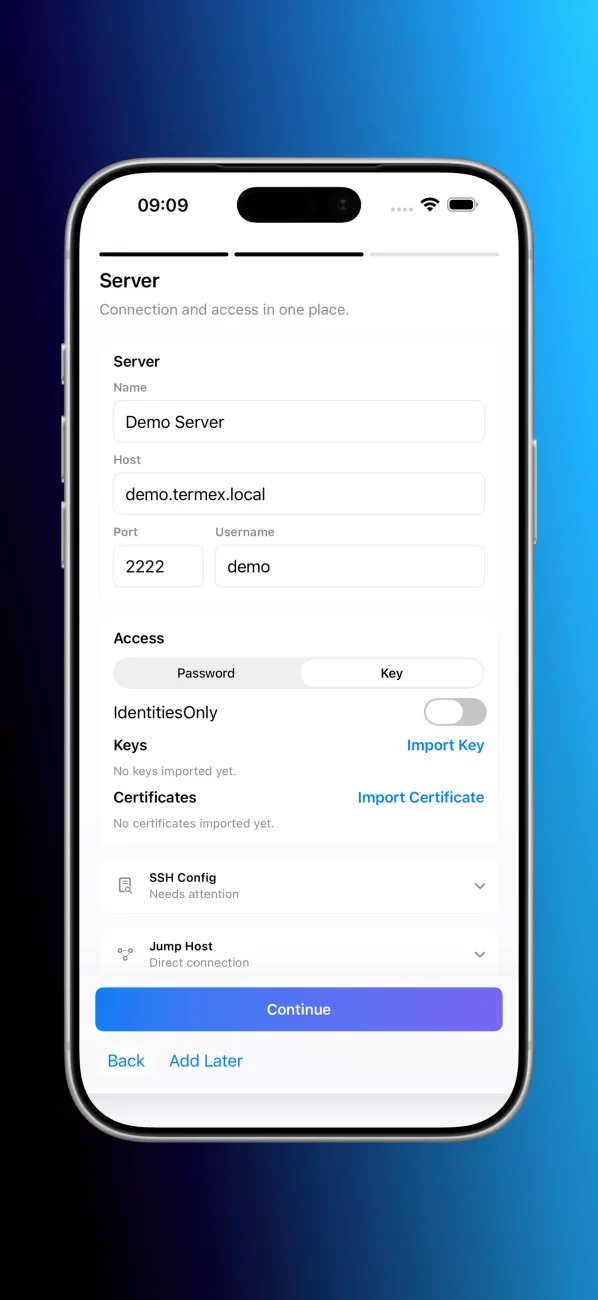
Termex is an SSH client for people who work on real servers from iPhone and iPad. It is built around reliable terminal sessions, strict host-key trust, local secrets, tmux continuity, native SFTP file transfer, and a native terminal interface that supports iOS 27.
WHY TERMEX
- Terminal-first SSH. Termex keeps the terminal as the center of the app. Connect to servers, keep sessions readable, use tmux for continuity, and get back to work quickly after backgrounding or relaunch.
- Native SFTP transfer. Upload and download files over SFTP without adding another SSH library or weakening host trust. Transfers use the same server credentials and known-host model as the terminal.
- Current-folder uploads. With optional shell integration, Termex reads OSC 7 current-directory updates from your shell so uploads land where your terminal is open. If no directory has been reported yet, Termex falls back to the server home directory and shows that before starting.
- Strict trust. Known-host validation is enforced before SSH connections. Host-key prompts are serialized and explicit.
- Local secrets. Passwords, keys, and sensitive material stay in Keychain-backed storage. Archive export keeps secrets encrypted with the password you choose.
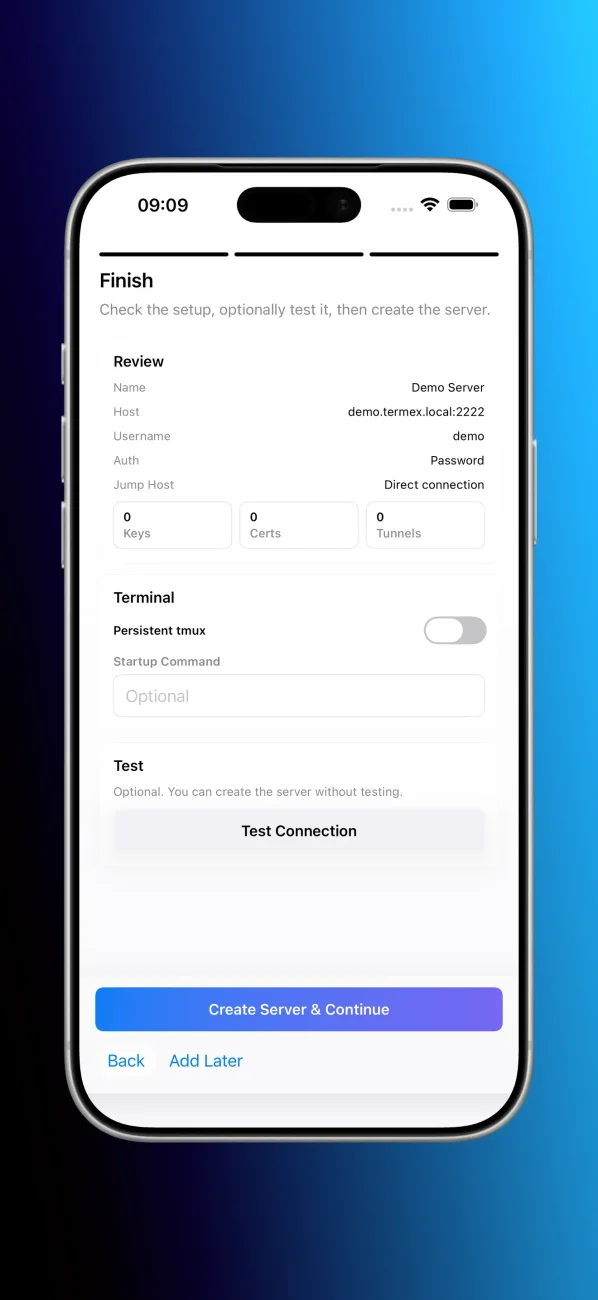
- tmux continuity. Termex is designed for persistent tmux workflows: attach, detach, reconnect, and resume without treating every background event as a lost session.
WHAT YOU GET
SSH Terminal
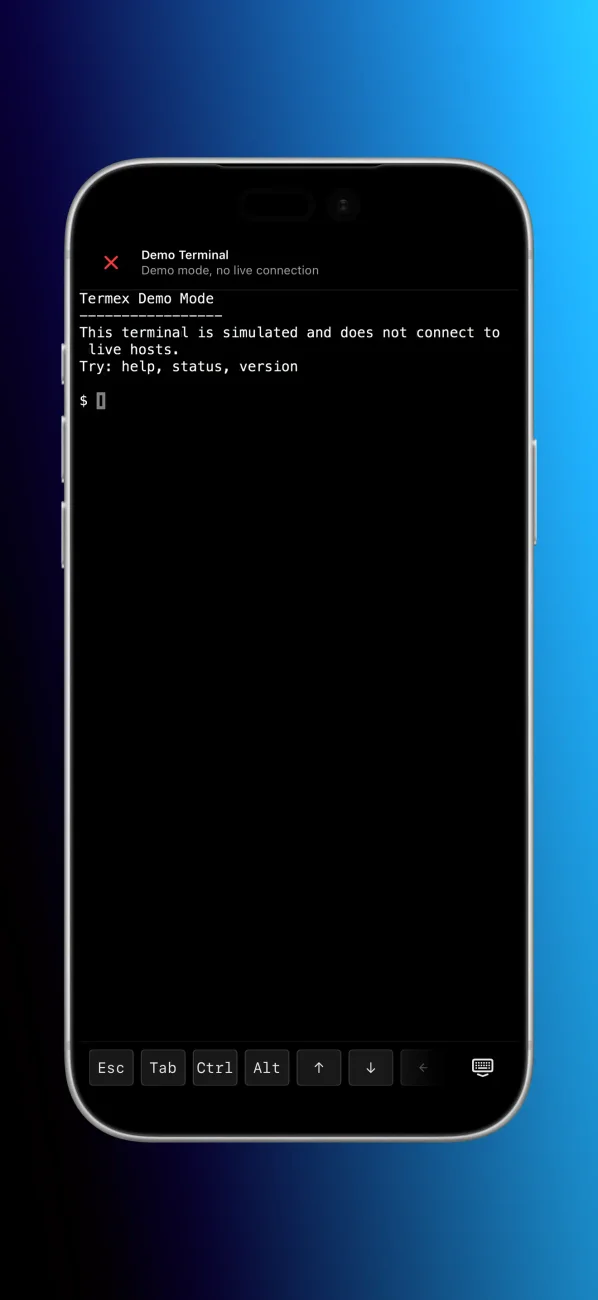
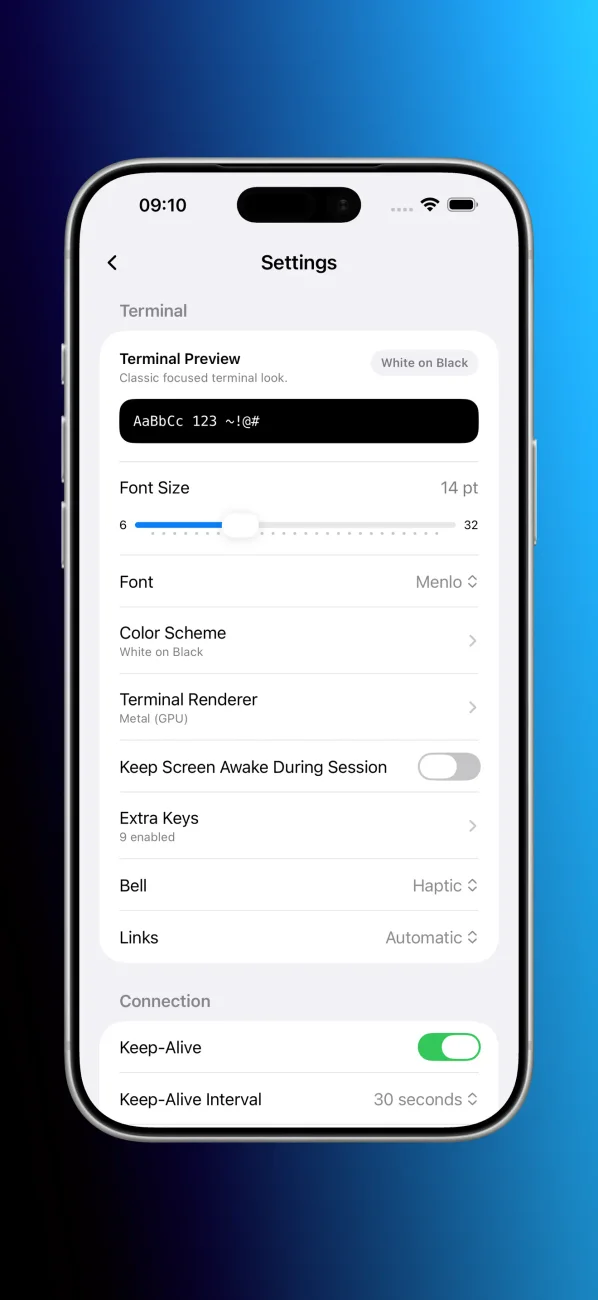
A clean iOS terminal built for repeated server work, with reconnect handling, diagnostics, snippets, extra keys, search, terminal themes, and Liquid Glass terminal chrome tuned for keyboard-heavy work.
SFTP File Transfer
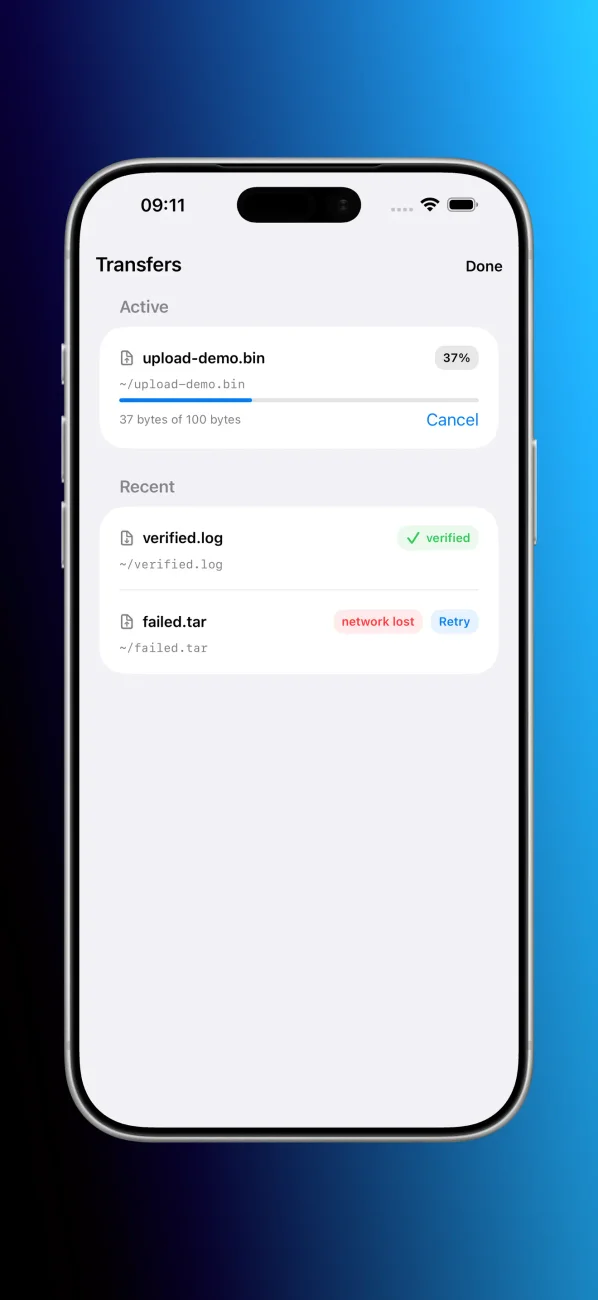
Upload local files to the current remote folder, download remote files by path or use Download on a folder to download its contents recursively. Watch progress, cancel active work and review recent transfers. Existing destination files can be overwritten, renamed or skipped.
SHA-256 Verification
For single-file transfers, Termex asks the remote server to hash the result when sha256sum or shasum is available. Verified transfers are marked clearly. If the server lacks the tool, Termex reports the transfer as completed but unverified.
Shell Integration
Install an optional zsh, bash, or fish snippet so the remote shell reports the current directory. The installer is idempotent and can remove the Termex block again.
Jump Hosts and Agent Paths
Use password, key, key-then-password, jump-host, and agent-forwarding workflows already used by the terminal connection.
Server Archive Transfer
Export and import Termex server data using an encrypted archive. Secrets stay protected and local.
Diagnostics
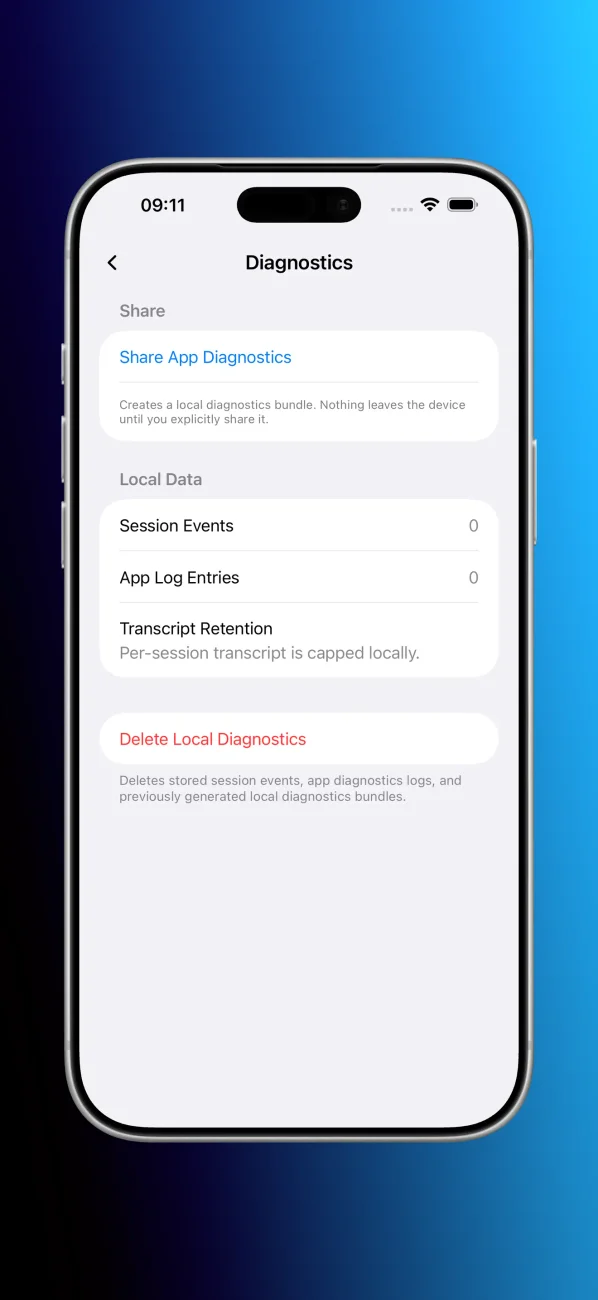
Create support bundles with connection reports and transcripts when troubleshooting.
Demo Mode
Try the terminal experience without a live server.
IMPORTANT DETAILS
Single-file transfers can resume after network drops or app pauses. Keep Termex open for best speed.
Termex is not affiliated with OpenSSH, tmux, Apple, or any server provider.
FULL ACCESS (ONE-TIME PURCHASE)
Try every Termex feature free for seven days, then unlock Full Access permanently with a single $9.99 purchase (US price; local prices vary). The trial does not renew or charge automatically. You choose whether to buy.
The trial includes the entire app: unlimited servers, terminal workspaces, SFTP, port forwarding, jump hosts, snippets and iCloud sync. After the trial, basic SSH with up to two saved servers remains free. Premium features require Full Access, and your saved data stays on your device. Restore Purchases recovers your unlock or the remaining original trial period. Existing active subscriptions are honoured.
Privacy Policy: https://magrathean.uk/solutions/termex/privacy/
Terms of Use (EULA): https://magrathean.uk/solutions/termex/terms/
What’s new
Version 6.1 · Nov 21, 2026
Termex now supports iOS 27. App Lock works with Face ID on supported devices.
- Terminal Actions and Command Palette use the native glass design, and Terminal Actions can scroll so the heading and controls stay visible.
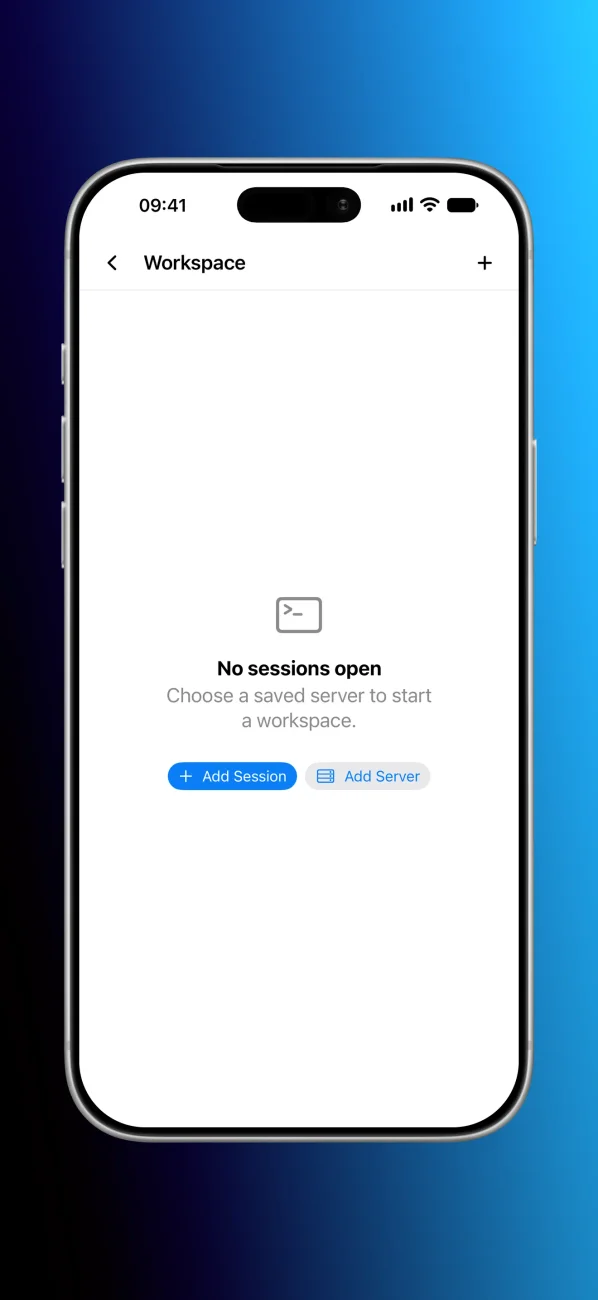
- An empty Workspace now shows how to add a session or a server.
- Welcome text is easier to read in light mode. This update also includes reliability fixes.
App privacy
What Gyorgy Bolyki declares on the App Store about how this app handles data.
-
Data not collected
The developer does not collect any data from this app.
Privacy practices may vary, for example with the features you use or your age.
Information
- Seller
- Gyorgy Bolyki
- Category
- Utilities
- Version
- 6.1
- Updated
- Nov 21, 2026
- Released
- Mar 1, 2026
- Size
- 18.2 MB
- Requires
- iOS 26.0 or later
- Age rating
- 4+
- Price
- Free
- In-app purchases
- Yes
- Languages
- English, French, German, Japanese, Simplified Chinese, Spanish
- Copyright
- © 2026 Magrathean UK. All rights reserved.
You might also like
-
 HullBook: Boat Maintenance LogRepairs, spares & checklists
-
 2FAuth CompanionGenerate 2FA Codes Offline
-
 Auto Paste Keyboard・CopyCPY#1 Repeat Texts・Clipboard App
-
 FastScan - QR ReaderCreate Custom QR Codes
-
 BlueRadar: Bluetooth FinderFind Lost Headphones & Devices
-
 Font Editor KeyboardHandwriting Font Maker
-
 WiFi Tools & AnalyzerIP Scanner, Network Ping, DNS
-
 Countdown Widgets - MomentsCount Down & Up, Day Counter
-
 FreeNet VPN: Fast and Safe VPNGo Online in 1 Tap Securely
-
 iLOQYour smartphone as a key