
TermiForge
All in one SSH client
Designed for iPhone, iPad
Free · In-app purchases
- Age rating4+
- CategoryDeveloper Tools
- DeveloperCANLIU WU
- LanguagesEnglish
- Size19.5 MB
Links to the official App Store page
Download.org hosts no file of TermiForge. The button opens its official App Store page, published by CANLIU WU. Listing last checked on Nov 22, 2026.
Screenshots
About
TermiForge is the SSH client built for developers who actually get things done on iPad. Not just a terminal — a complete remote workstation with Remote Desktop, a file manager, text editor, and browser, all talking to the same server.
Remote Desktop is a Pro feature — one-time in-app purchase after a 14-day free trial. SSH Terminal, file manager, and private web browsing are always free.
– YOUR MAC, ON YOUR IPAD –
See and control your Mac’s screen from your iPad. Hardware-accelerated video with low latency on Wi-Fi, adaptive bitrate over cellular. Full trackpad, hardware keyboard, Apple Pencil, and MFi game controller input — all routed cleanly. Mac asleep or at the login screen? TermiForge wakes it automatically. A free menu-bar Agent on your Mac (one drag-to-Applications) gets it running.
– YOUR WHOLE TOOLCHAIN, JUST WORKS –
Most SSH apps break your CLI tools. AWS CLI, GitHub CLI, the Claude CLI, and similar utilities store their auth tokens in your system Keychain — and a standard SSH session can’t reach them. TermiForge automatically loads those credentials into every terminal session, so your tools authenticate exactly as they do on your Mac. No manual token copying. No broken pipelines.
– BROWSE RUNNING SERVICES, PRIVATELY –
Your dev server, Jupyter notebook, Grafana dashboard, or self-hosted admin panel — TermiForge tunnels any remote port through SSH and opens it in a built-in browser. Nothing is exposed to the internet. No VPN. No firewall rules to change. You see your running app as if you were sitting at the server.
– EDIT FILES WHERE THEY LIVE –
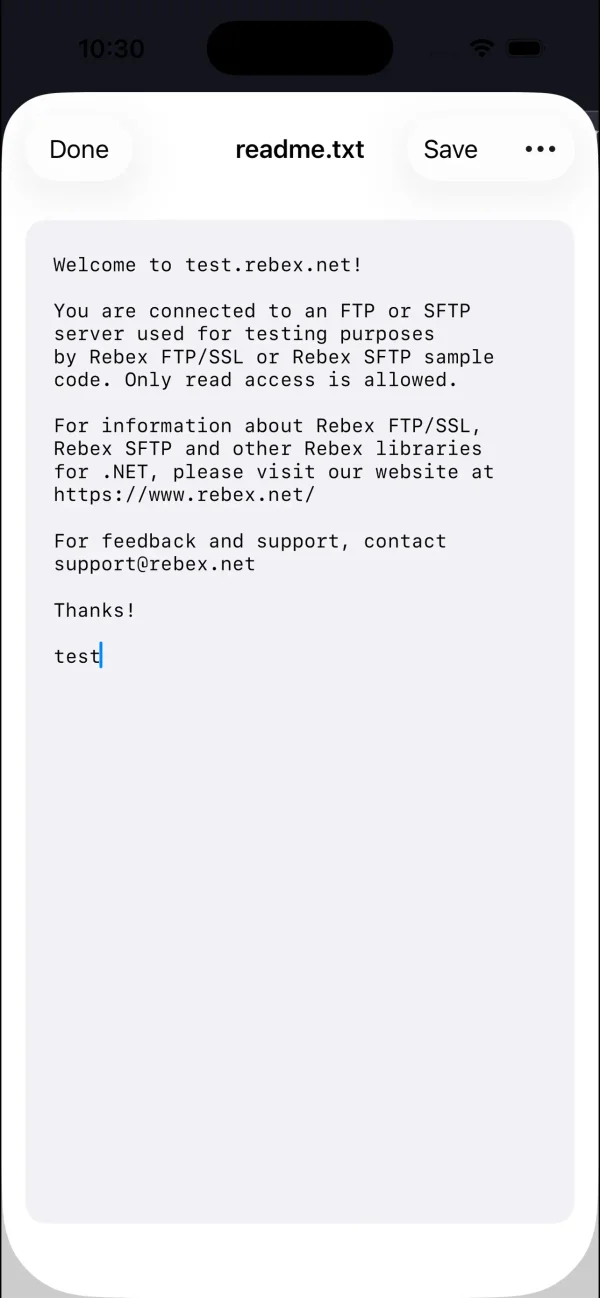
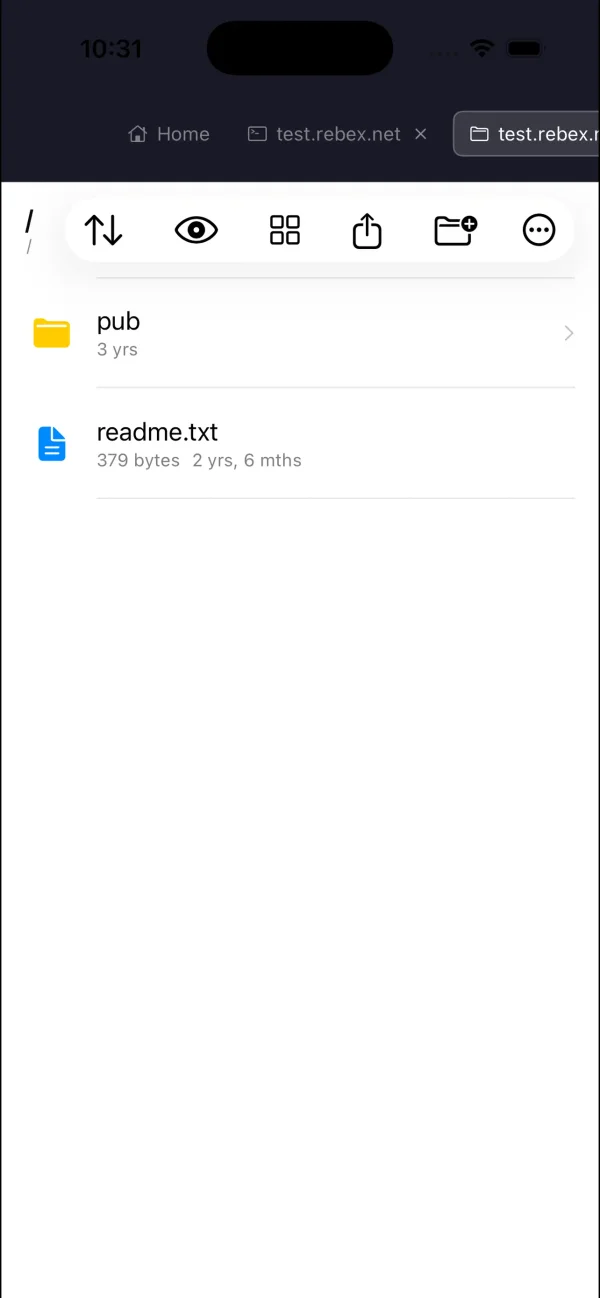
The built-in SFTP file manager includes a full text editor. Open any file on your server, edit it, and save — no downloading, no round-trips, no leaving the app.
– A TERMINAL THAT KEEPS UP WITH YOU –
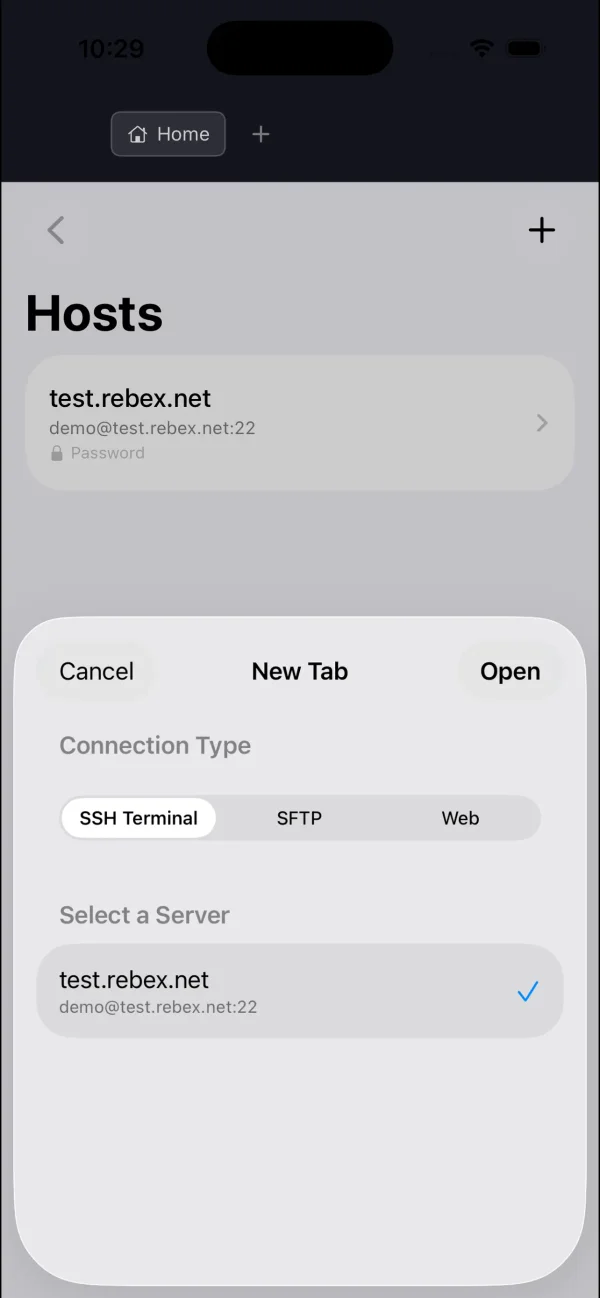
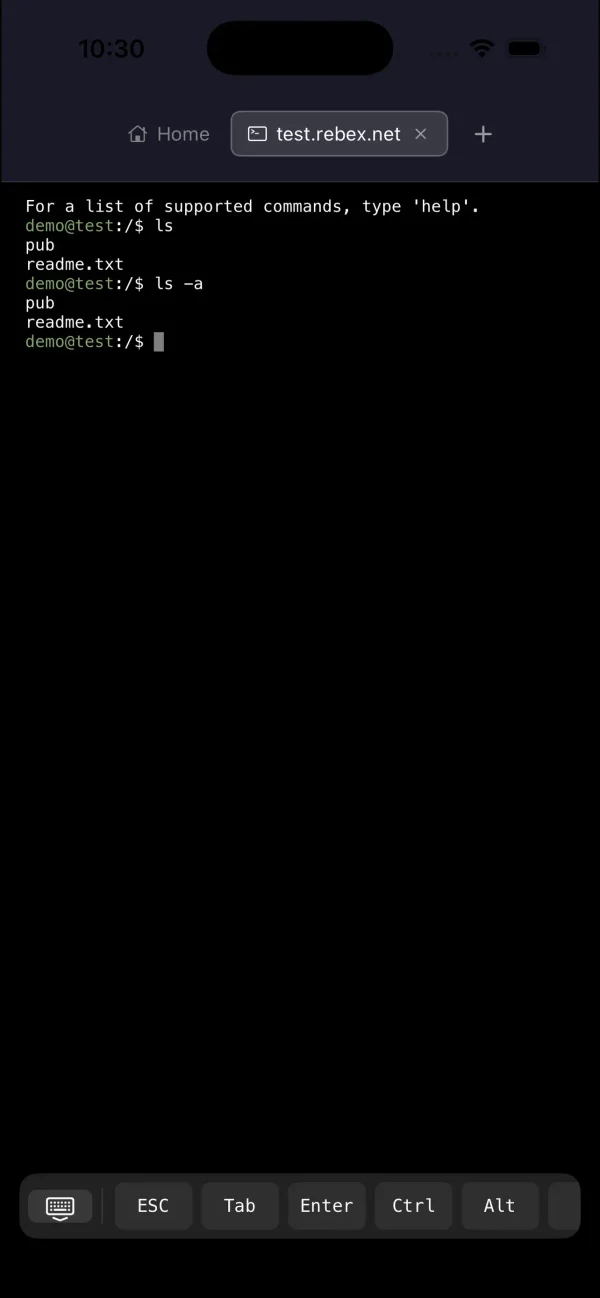
Multiple tabs, each with its own SSH connection. An extended keyboard row with ESC, Tab, Enter, and Ctrl always visible. Automatic reconnection when you switch networks or return from background. Long-running processes stay alive even while your iPad is locked.
– SECURE FROM THE START –
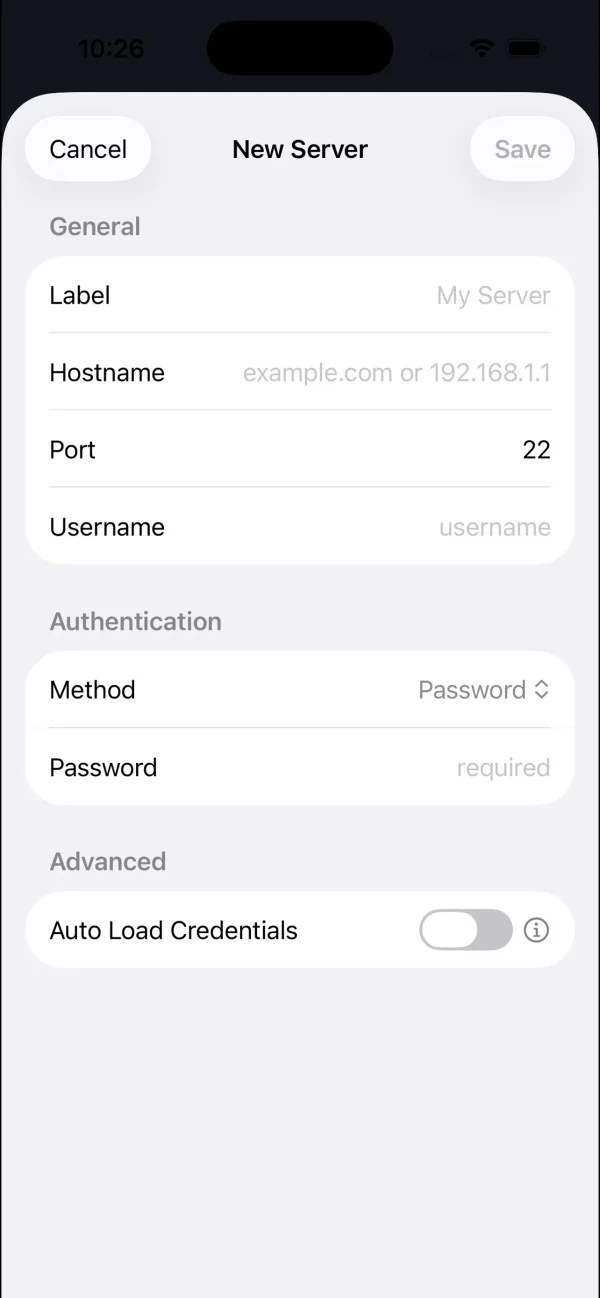
Passwords and SSH keys are stored in the iOS Keychain — encrypted at rest, never sent to any server, never backed up to iCloud without your knowledge. Generate keys on-device, import existing ones, or connect with password auth. Your credentials stay yours.
– WHAT YOU CAN DO –
• Remote Desktop to your Mac with hardware-accelerated video and full input
• Full SSH terminal with multi-tab support
• SFTP file manager with built-in text editor
• Browse private services through SSH port forwarding
• Automatic Keychain credential loading for CLI tools
• SSH key generation, import, and management
• Files app integration — remote files appear system-wide
• Automatic reconnection over WiFi and cellular
What’s new
Version 1.4 · May 30, 2026
Resumable Terminals: keep a shell running on your Mac even after you disconnect, background the app, or drop off Wi-Fi — then reattach from any device and pick up exactly where you left off. Manage and reattach to your sessions from the new Resumable Terminals sidebar.
Built-in image viewer: tap an image in the file browser to view it full-screen, and swipe to page through the other images in the folder.
Also: a refreshed, more concise in-app guide.
App privacy
What CANLIU WU declares on the App Store about how this app handles data.
-
Data not collected
The developer does not collect any data from this app.
Privacy practices may vary, for example with the features you use or your age.
Information
- Seller
- CANLIU WU
- Category
- Developer Tools
- Version
- 1.4
- Updated
- May 30, 2026
- Released
- Apr 7, 2026
- Size
- 19.5 MB
- Requires
- iOS 17.0 or later
- Age rating
- 4+
- Price
- Free
- In-app purchases
- Yes
- Languages
- English
- Copyright
- © 2026 CANLIU WU
You might also like
-
 TermiXDeveloper Tools
-
 Termi - SSH Client & TerminalShell,Server Monitor,Docker
-
 Terminux: SSH ClientSecure shell & Automation
-
 SSH Client - Secure ShellFishTerminal, Files & Finder
-
 Termix: SSH Client & TerminalMost powerful SSH, SFTP client
-
 Prompt 3The SSH app with speed & style
-
 Blink Shell, Build & CodeThe Pro tool for developers
-
 Runestone Text EditorEdit plain text and code
-
 Terminal#SSH client
-
 Code Editor - Compiler & IDEProgramming on mobile