
- Age rating4+
- CategoryDeveloper Tools
- DeveloperMichael Silvers
- LanguagesEnglish+ 1 more
- Size10.3 MB
Links to the official App Store page
Download.org hosts no file of Terminal List. The button opens its official App Store page, published by Michael Silvers. Listing last checked on Nov 18, 2026.
Screenshots

About
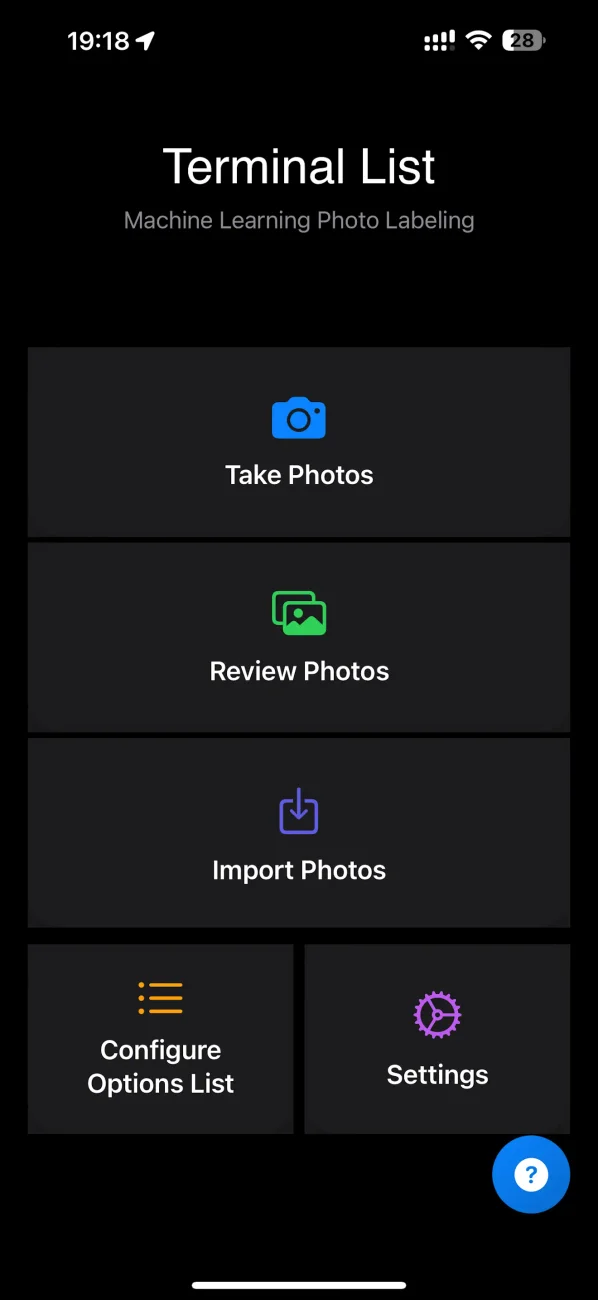
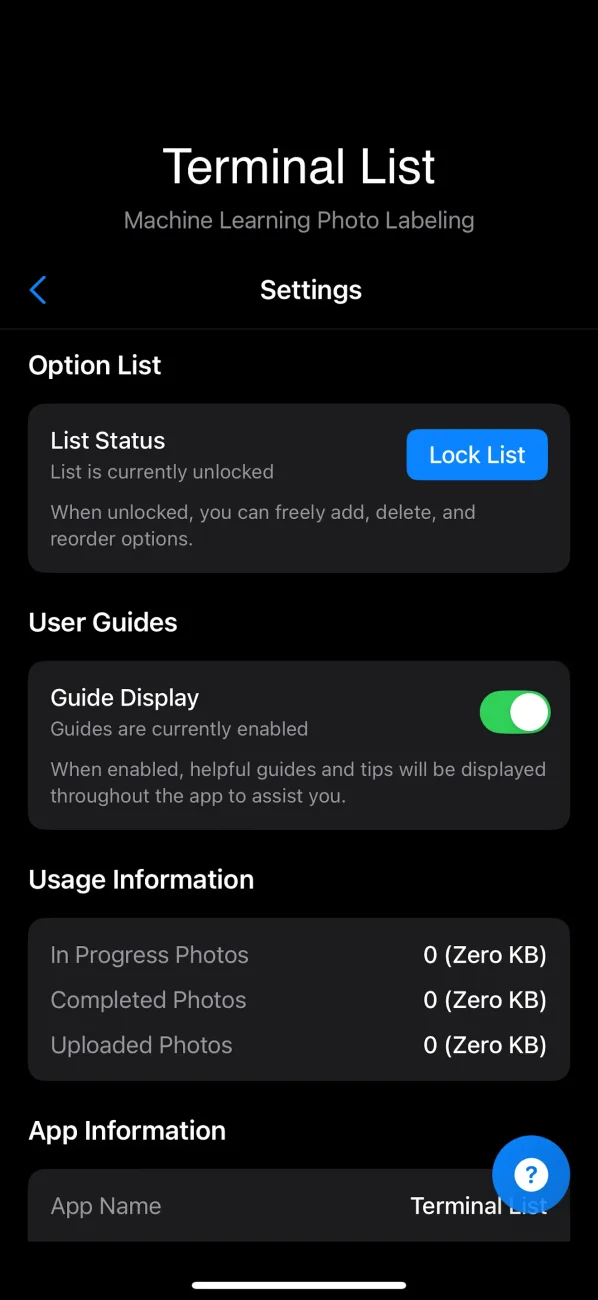
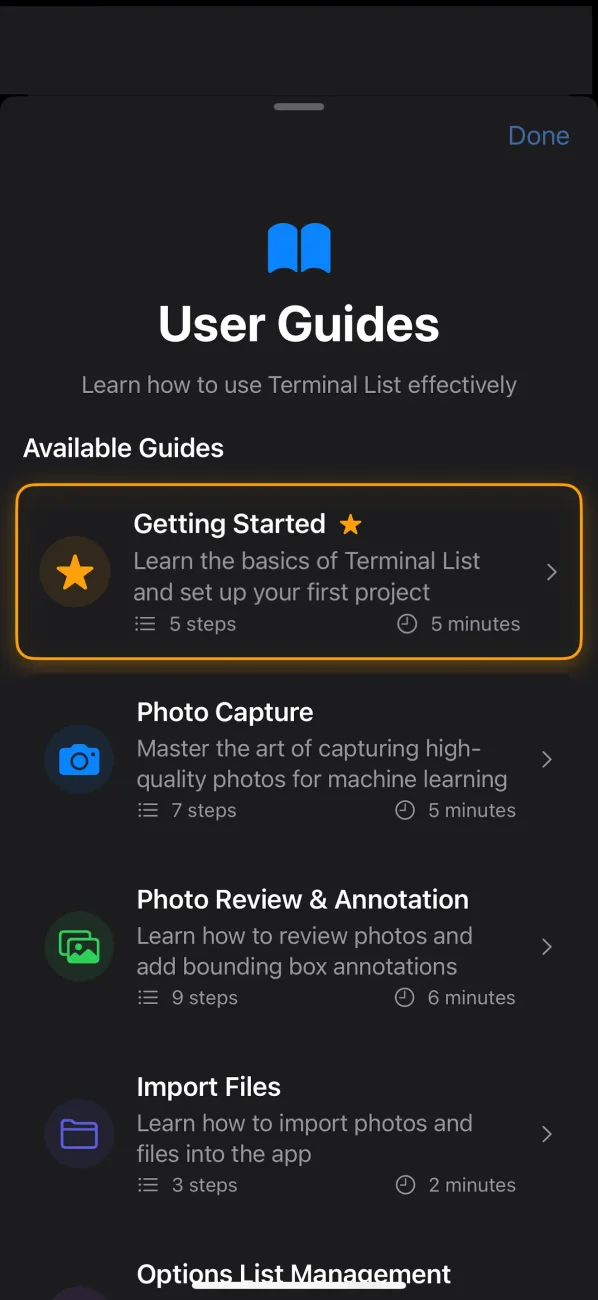
Terminal List is a powerful tool for capturing and labeling photos—built specifically to streamline dataset creation for machine learning and image analysis workflows. Whether you're collecting field data, training custom models, or preparing datasets for annotation, Terminal List makes the process simple and structured.
Key Features:
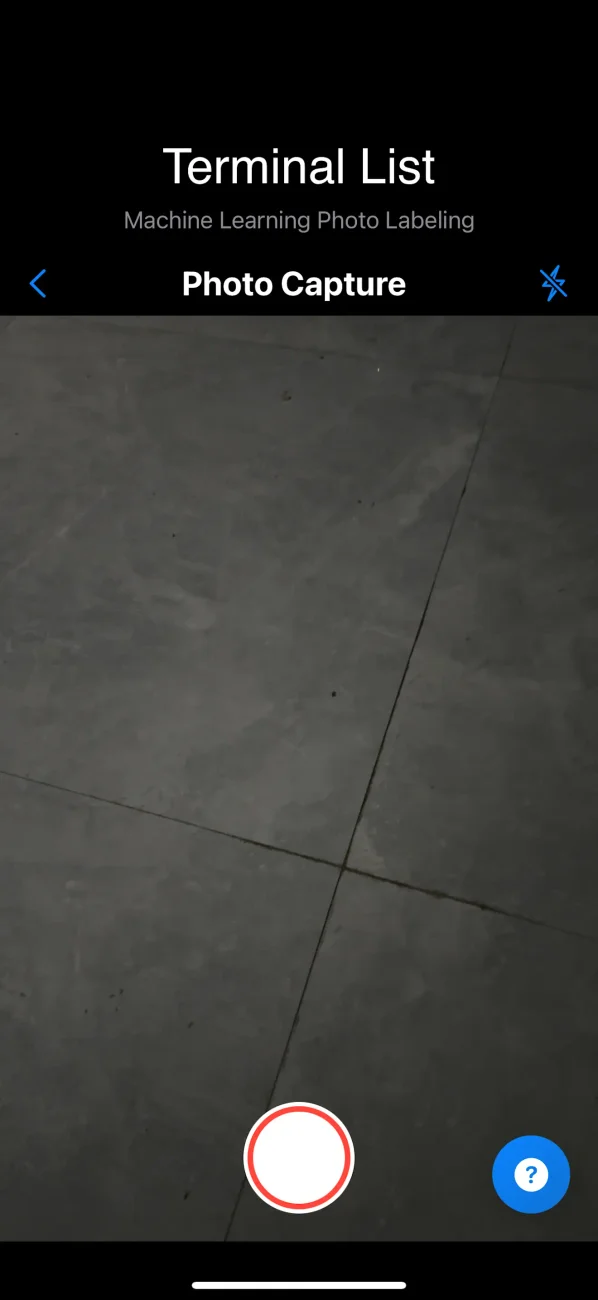
- Capture Photos: Quickly take photos using the built-in camera interface.
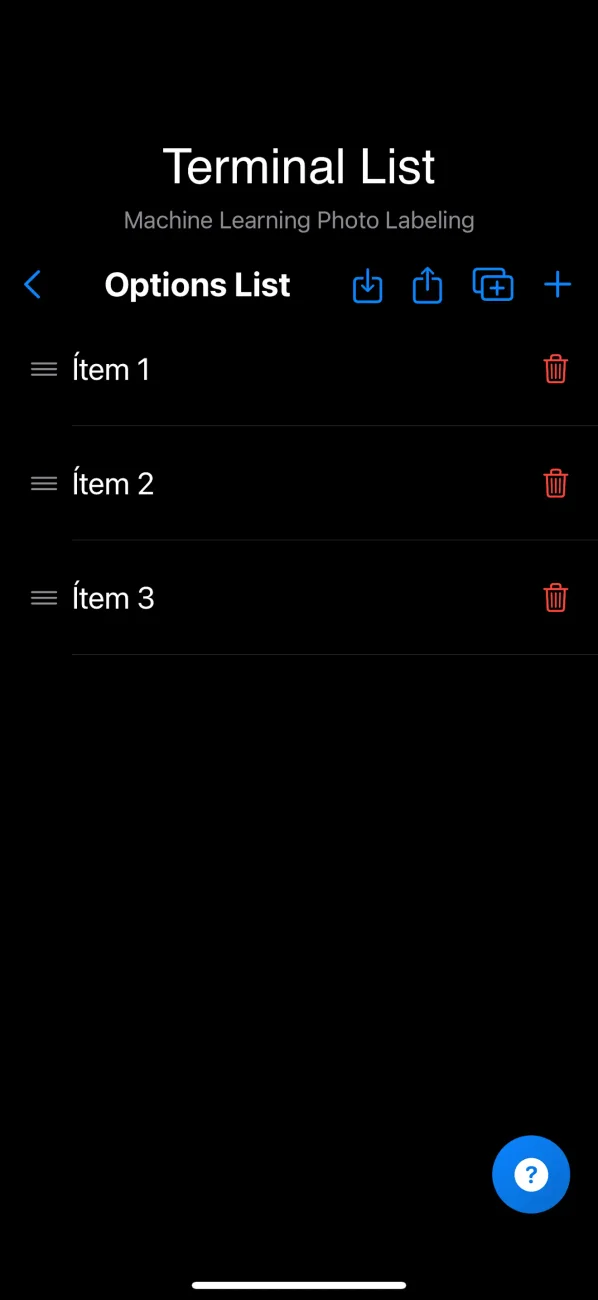
- Custom Labeling: Create and manage your own list of labels for consistent tagging.
- Bounding Boxes: Add boxes to highlight objects of interest directly on each image.
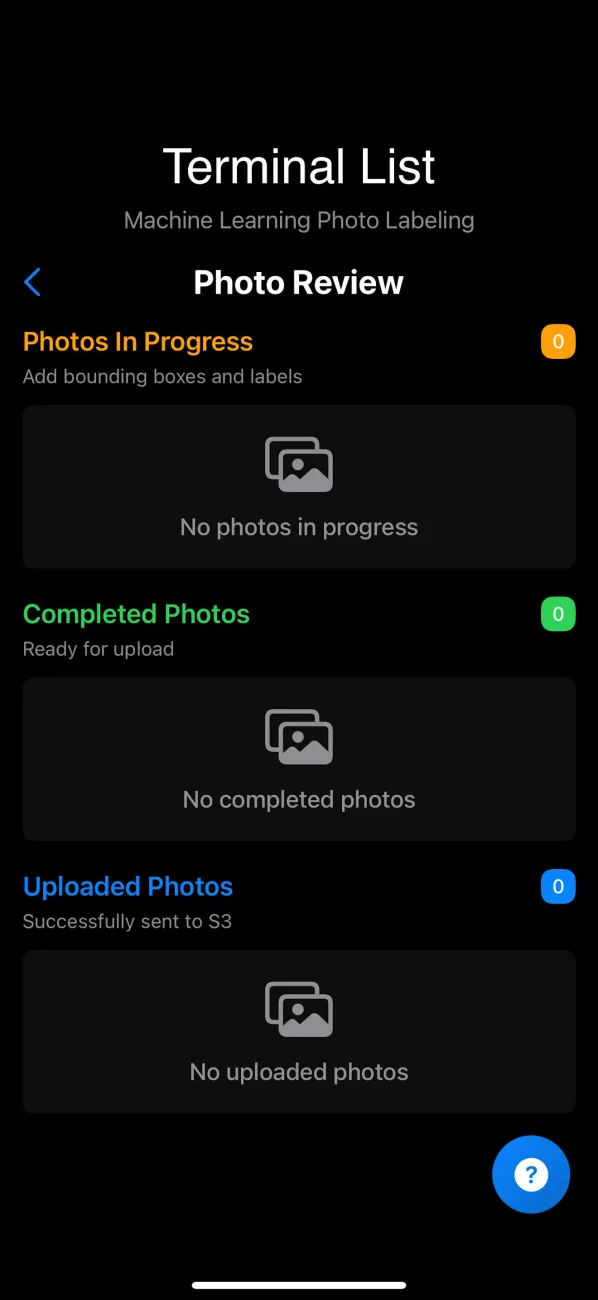
- Organized Review: Edit and manage your images and annotations with an intuitive photo review system.
- Export Options: Export individual or batch datasets as JSON or ZIP files, ready for machine learning pipelines.
- Cloud Integration: Upload datasets to an S3 bucket or save locally for offline work.
- Simple Permissions Flow: Easily manage photo access and app settings when needed.
Designed for professionals, researchers, and developers, Terminal List offers a lightweight yet robust toolset for image dataset preparation—directly from your iPhone or iPad.
No clutter. No unnecessary features. Just fast, accurate image capture and labeling.
If you would like to use Terminal List AWS S3 for uploads, please contact us by email. If you would like to use your own export process, please use the export function and the images and bounding boxes will be exported in a zip file.
App privacy
What Michael Silvers declares on the App Store about how this app handles data.
-
Data not collected
The developer does not collect any data from this app.
Privacy practices may vary, for example with the features you use or your age.
Information
- Seller
- Michael Silvers
- Category
- Developer Tools
- Version
- 1.0
- Updated
- Aug 12, 2025
- Released
- Aug 12, 2025
- Size
- 10.3 MB
- Requires
- iOS 18.0 or later
- Age rating
- 4+
- Price
- Free
- Languages
- English, Spanish
- Copyright
- © 2025 Michael Silvers
You might also like
-
 DebugShare: Screenshot NotesOrganizer & Bug Report for QA
-
 PokeMe - Terminal in PocketDeveloper Tools
-
 App Debug AssistantFile transfer, network debug
-
 Image ∞ Base64Convert between image & Base64
-
 Network Scanner: Scan LAN IPsScan All IPs & Ports on LAN
-
 LogShow - Log Viewer & ParserServer Log Viewer & Parser
-
 Haptics StudioCompose haptics for iPhone
-
 Commander | Terminal CommandsTerminal Commands
-
 OpenLens- OpenCode clientOpenCode remote client
-
 Wireless DebugWireless Debug&Shell Terminal