- Age rating4+
- CategoryPhoto & Video
- DeveloperTakumi Shinoda
- LanguagesEnglish+ 1 more
- Size24.0 MB
Links to the official App Store page
Download.org hosts no file of TetherDrop. The button opens its official App Store page, published by Takumi Shinoda. Listing last checked on Nov 24, 2026.
Screenshots

About
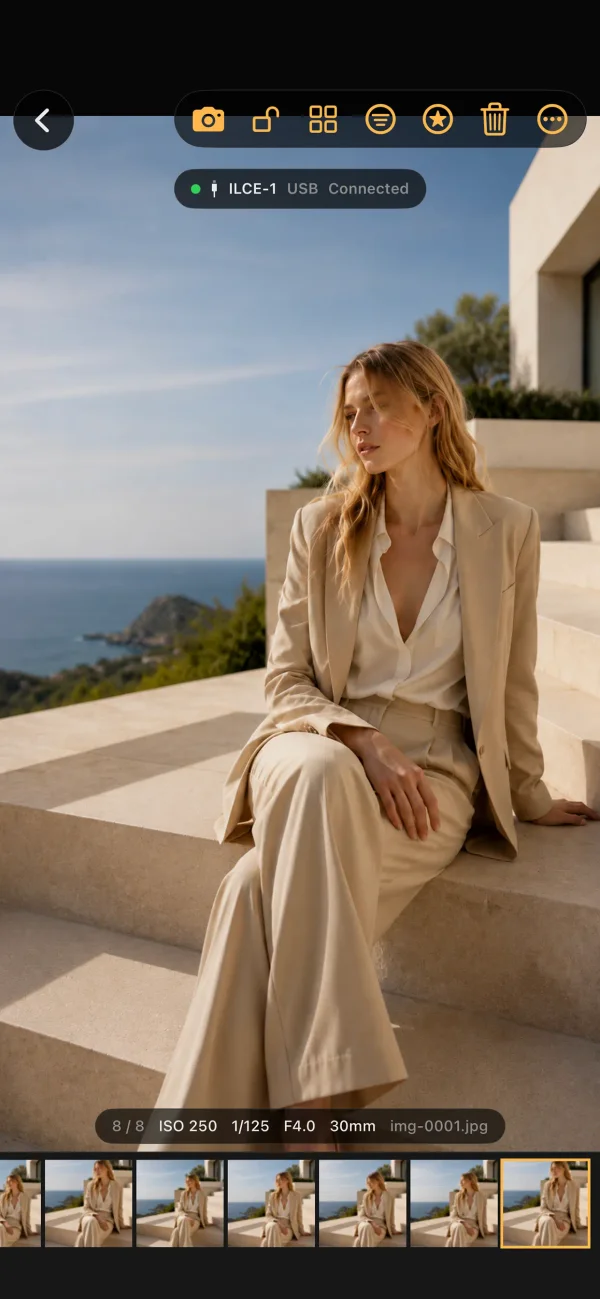
TetherDrop is a focused tethered shooting app for receiving JPEG images from cameras on iPhone and iPad.
External camera connection and automatic JPEG receiving over USB-C, Wi-Fi (PTP/IP), or FTP require an active subscription.
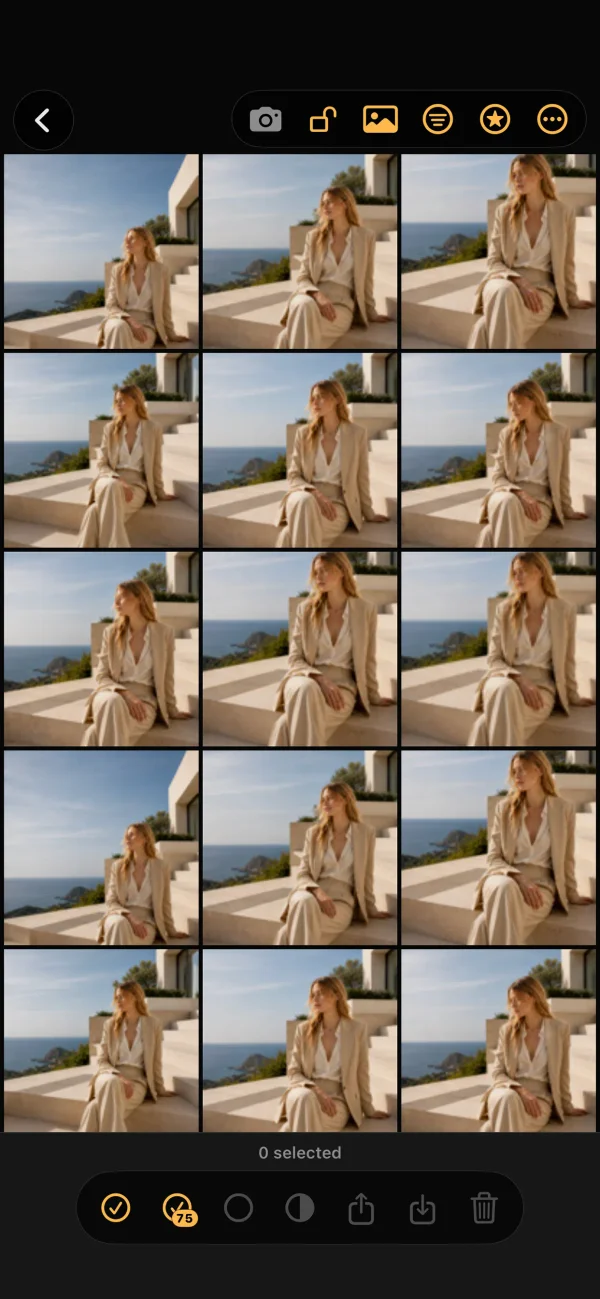
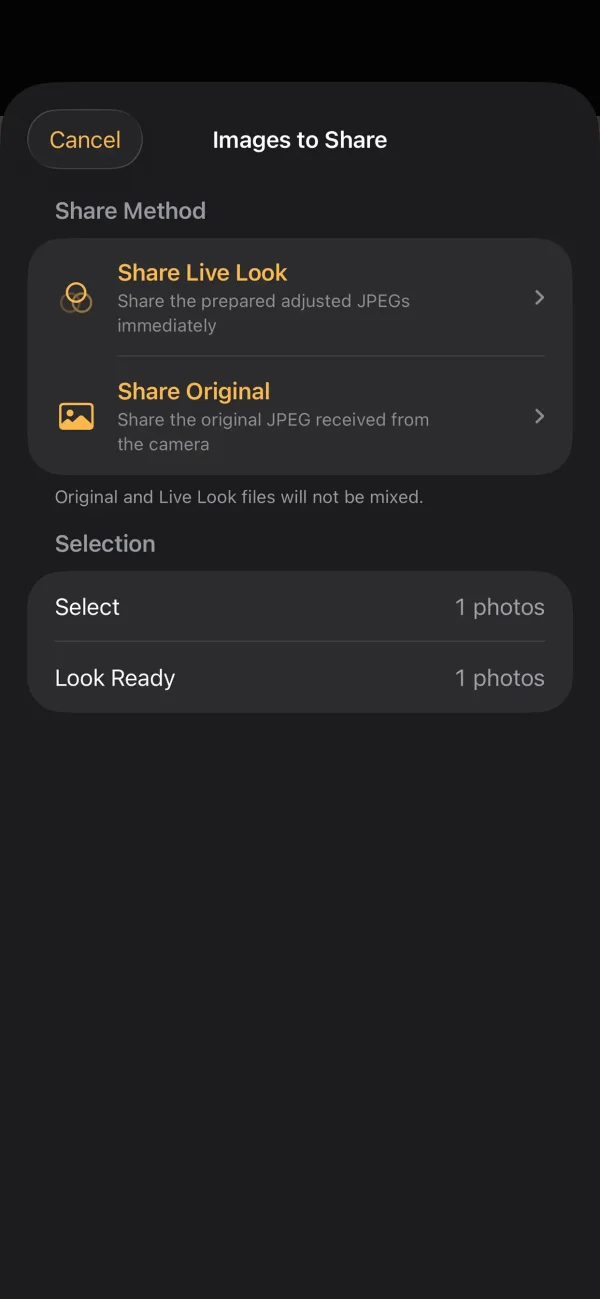
Importing photos from your library, viewing, rating, color tagging, grid selection, filtering, sharing through the iOS share sheet (including AirDrop), and saving to Photos are available without a subscription.
Subscription features:
• Receive JPEGs over USB, Wi-Fi, or FTP
• View new captures immediately
• Select receiving card slots on supported cameras and reduce duplicate JPEG deliveries
Free features:
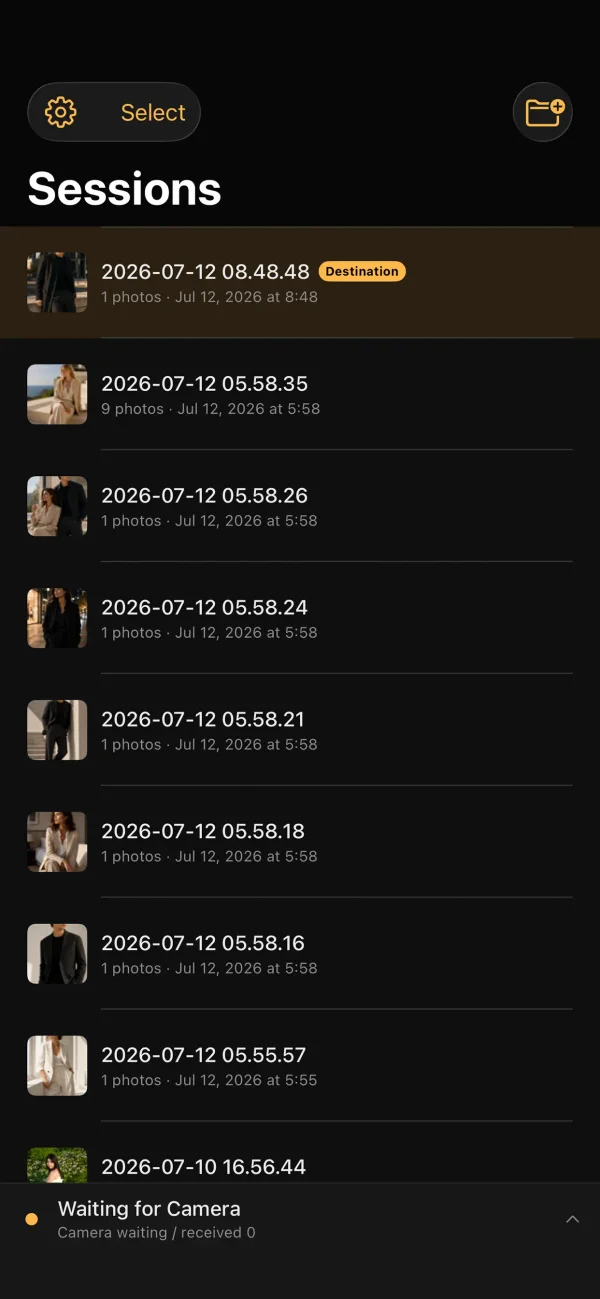
• Store new sessions on an external SSD or drive
• HDMI / AirPlay photo display, including iPad comparison and synchronized zoom
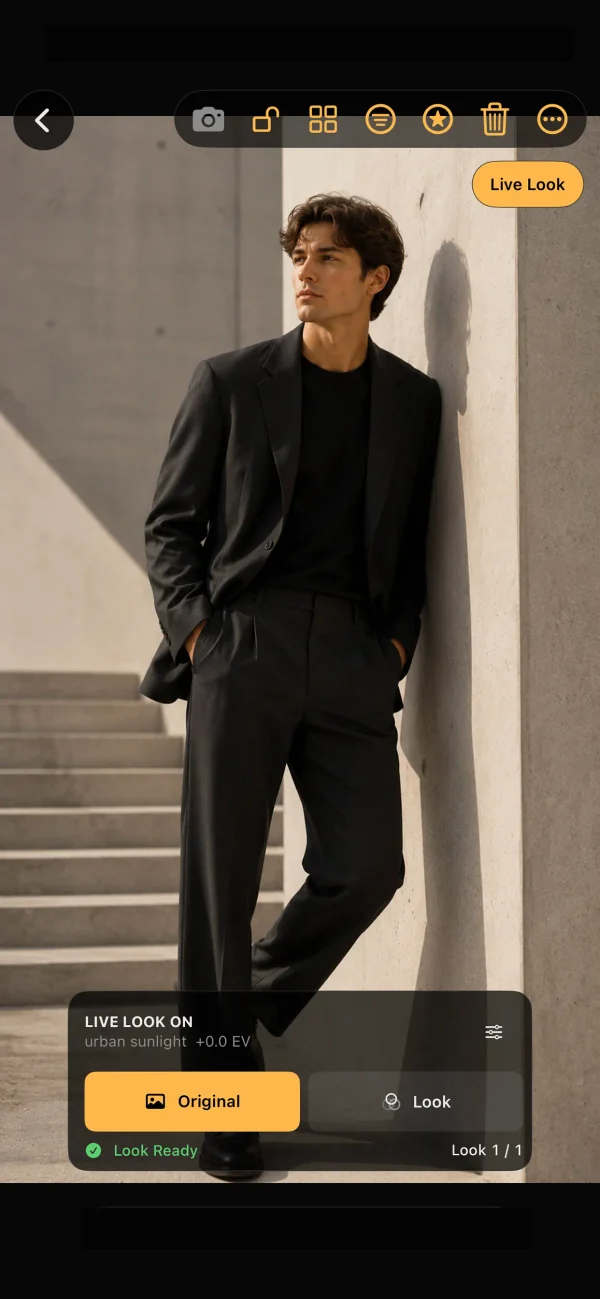
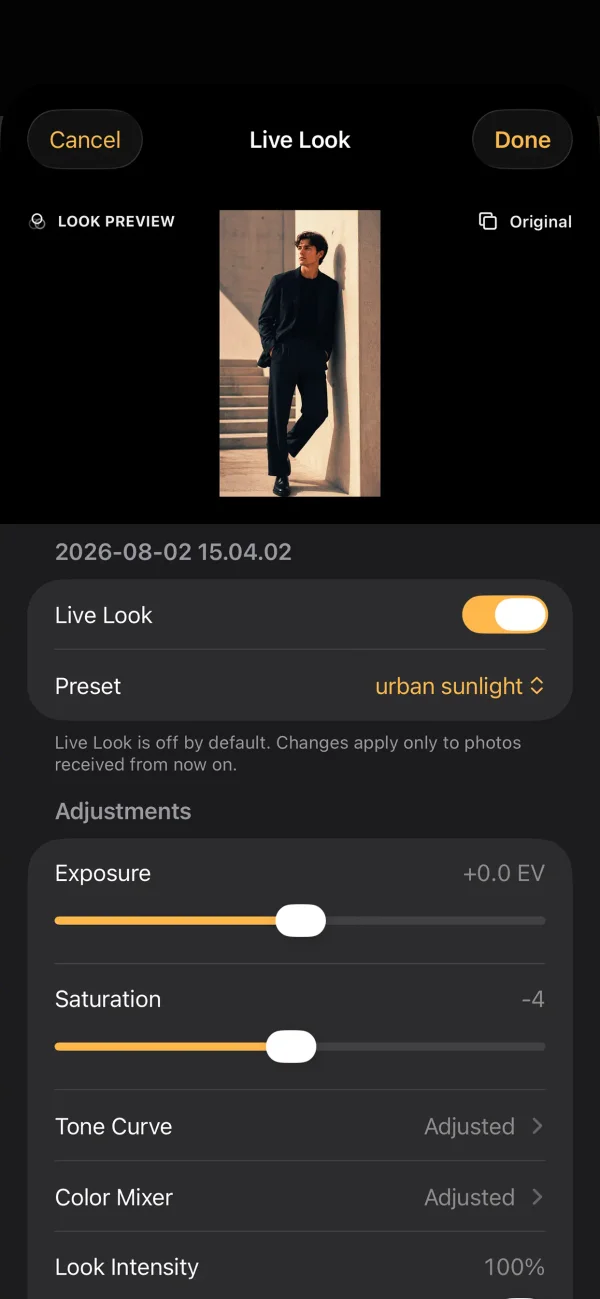
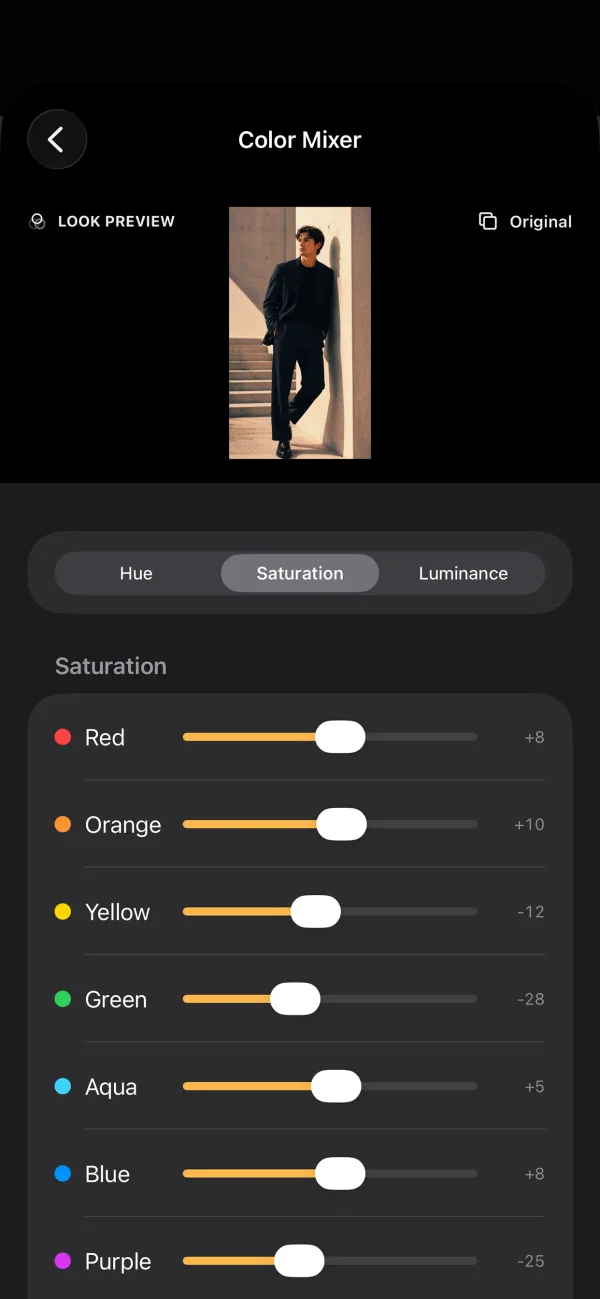
• Live Look editing with offline Skin Smoothing and Slim Face
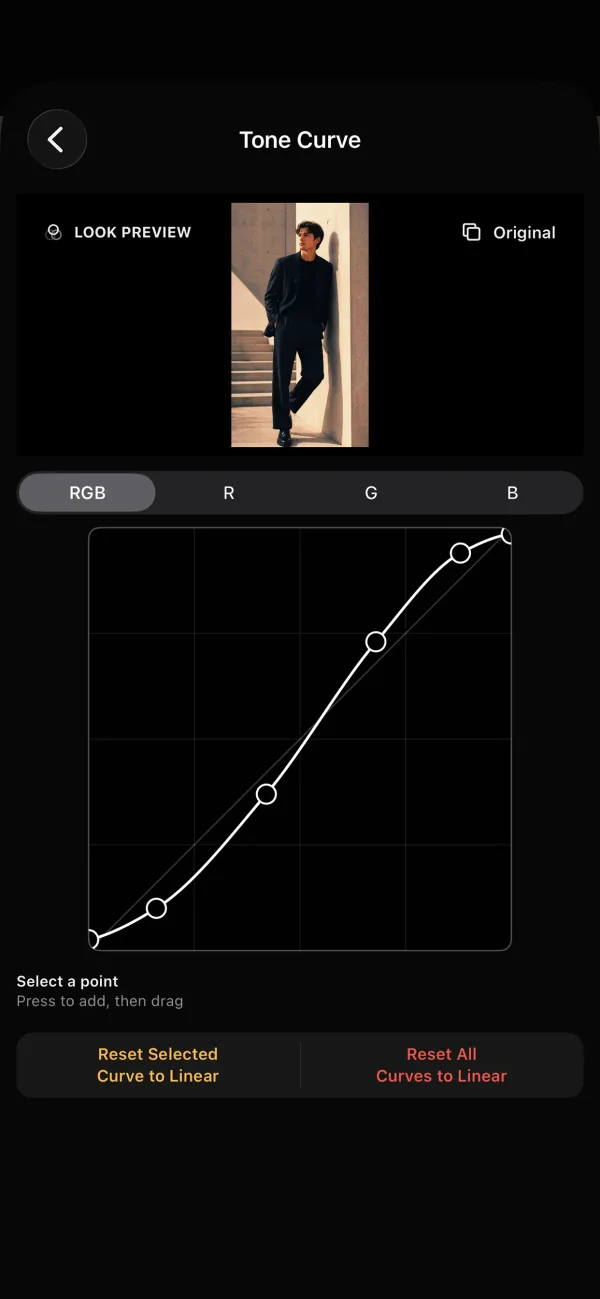
• Larger editing preview with pinch-to-zoom and tone curve undo/redo
• Folder duplication and photo-grid aspect-ratio options
• Import photos from your photo library
• Single-photo and grid views
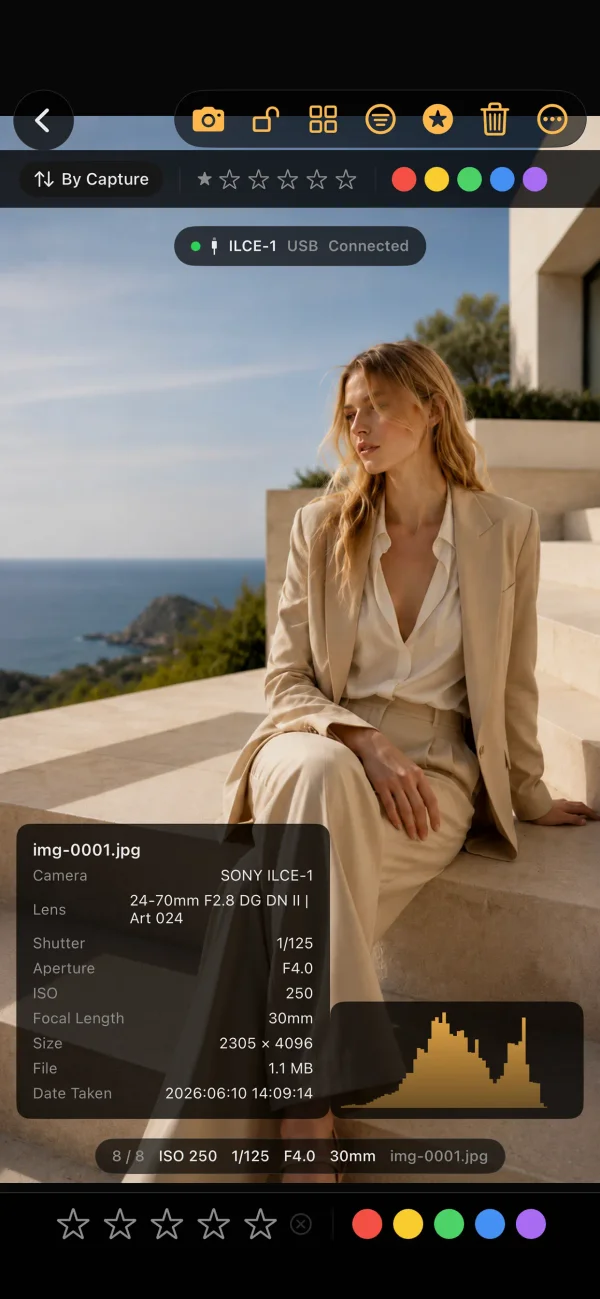
• 1:1 pixel zoom
• Ratings and color tags
• Sort by capture order, newest first, or rating
• Filter by rating and tag
• Share selected photos, including with AirDrop
• Save selected photos to Photos
• External keyboard shortcuts
• Camera-specific connection guide
Verified connection examples include selected Canon EOS, Sony α, Nikon Z, and Fujifilm GFX cameras. Compatibility may vary depending on camera model, firmware, connection mode, USB cable, and memory card condition.
Note:
TetherDrop is JPEG-only. It does not save RAW files or videos. In RAW+JPEG mode, supported cameras receive the JPEG files only.
External camera connection and automatic JPEG receiving require an active subscription. Subscriptions can be managed or canceled in the App Store at any time. Sharing features, including AirDrop, are not paywalled.
USB connections require a data-capable cable. If the camera does not connect, check the camera connection mode, network settings, memory card, and cable.
Optional Refer a Friend Campaign:
Every five new valid referrals can earn another three-month free offer after review and approval. Email verification is required. Active subscribers continue on the same paid plan after the free period. Offers for new or expired subscribers end automatically after the free period. Apple eligibility, offer availability and verification of previous redemptions may delay issuance. Terms: https://invite.tetherdrop.app/terms/#english
Terms of Use (Apple Standard EULA): https://www.apple.com/legal/internet-services/itunes/dev/stdeula/
Privacy Policy: https://takumishinoda0625-beep.github.io/TetherDrop-Support/#privacy
What’s new
Version 3.2.4 · Nov 22, 2026
- You can now carry your Live Look settings over to new sessions. Turn on Settings > Live Look > “Carry Live Look Settings to New Sessions” and each new session starts with the Live Look you last used (on/off, Look, adjustments, and retouch). This option is off by default.
App privacy
What Takumi Shinoda declares on the App Store about how this app handles data.
-
Data linked to you
May be collected and linked to your identity.
- Purchases
- Contact info
- Contacts
- Identifiers
- Usage data
Privacy practices may vary, for example with the features you use or your age.
Information
- Seller
- Takumi Shinoda
- Category
- Photo & Video
- Version
- 3.2.4
- Updated
- Nov 22, 2026
- Released
- Jul 28, 2026
- Size
- 24.0 MB
- Requires
- iOS 16.0 or later
- Age rating
- 4+
- Price
- Free
- In-app purchases
- Yes
- Languages
- English, Japanese
- Copyright
- © 2026 Takumi Shinoda
You might also like
-
 THE TetherWireless Photo Workflow
-
 Cascable Studio: Camera TetherCapture, automate & backup
-
 NX MobileAirPhoto & Video
-
 Capture OneCreate without limits
-
 Camera Connect & ControlConnect a wifi camera or DSLR
-
 Evoto: Photo Editor & RetouchColor Match & Natural Beauty
-
 PromoCut: AI Video EditorFor brands, products, creators
-
 Sony | Monitor & ControlPhoto & Video
-
 Shutter+ Canon Camera RemotePhoto transfer, remote control
-
 Atlas Photo – Photo CompanionTake Better Photos