
Texlet: LaTeX & Math Editor
Formula & Equation Editor
Designed for iPhone, iPad
Free · In-app purchases
- Age rating4+
- CategoryProductivity
- DeveloperJulian Lau
- LanguagesEnglish+ 1 more
- Size7.4 MB
Links to the official App Store page
Download.org hosts no file of Texlet: LaTeX & Math Editor. The button opens its official App Store page, published by Julian Lau. Listing last checked on Nov 24, 2026.
Screenshots

About
Write formulas in LaTeX and see them typeset right away. Texlet opens in an instant – no account, no setup, no internet needed. For homework, lecture notes, slides, theses and every equation that should look good.
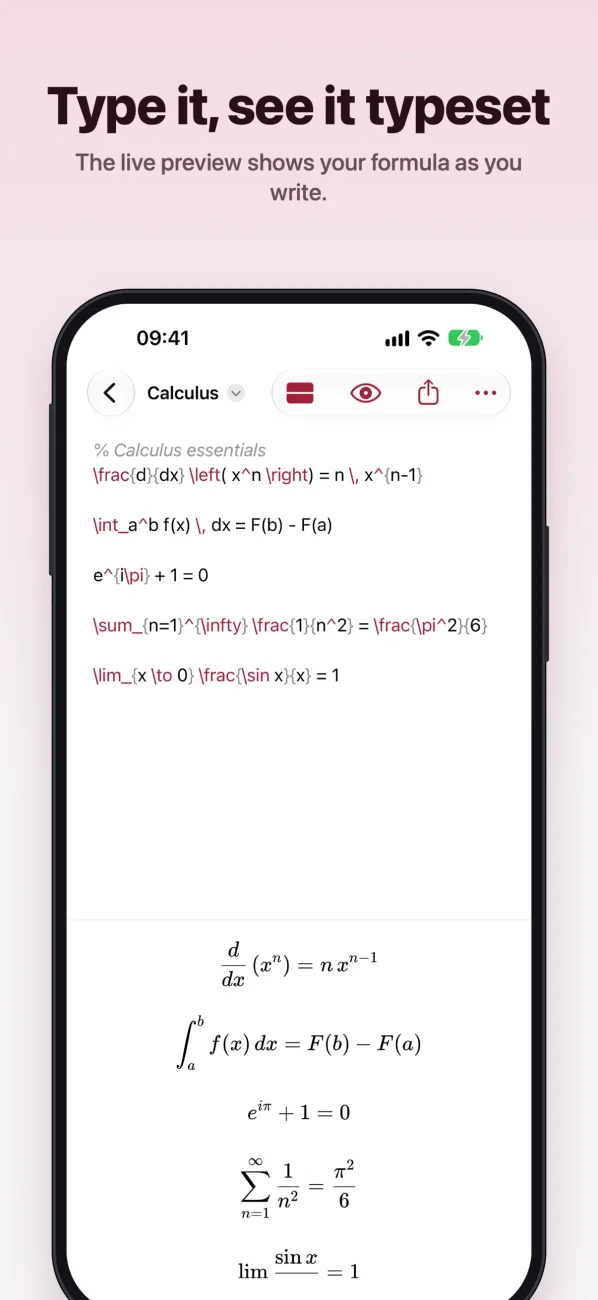
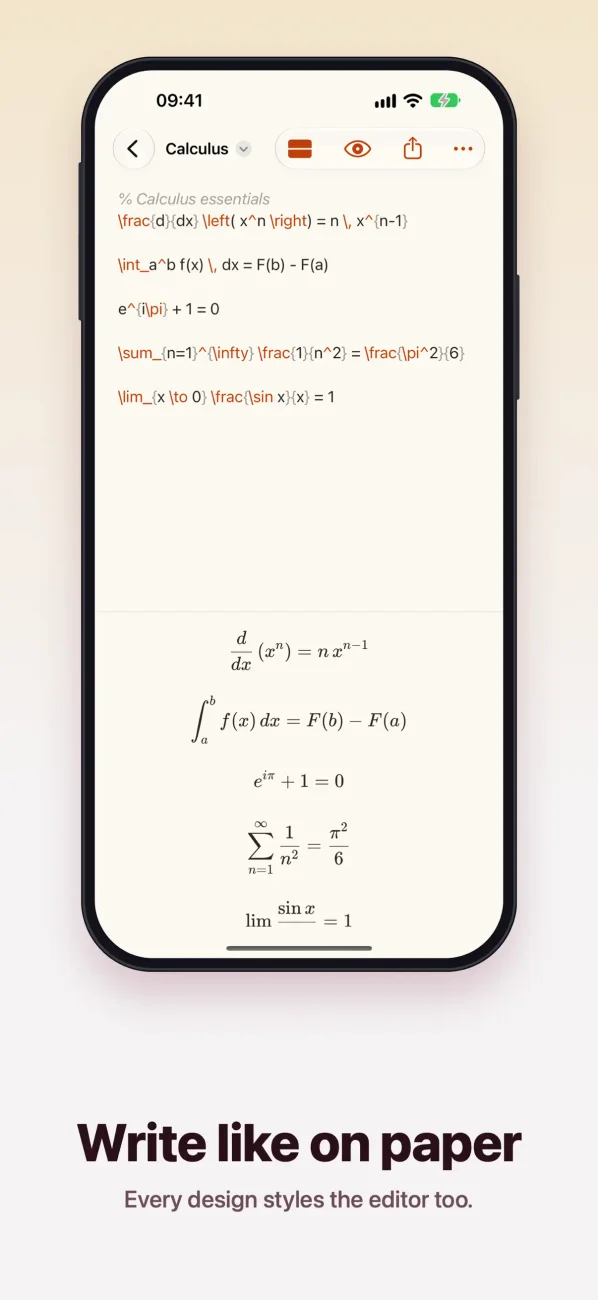
TYPE IT, SEE IT TYPESET
The live preview shows your formula as you write – right below it on iPhone, next to it on iPad, and on iPhone Duo half open, right on the other half. Or view it full screen, free of distractions. Fractions, integrals, sums, matrices, cases and chemistry with \ce are typeset cleanly, even offline.
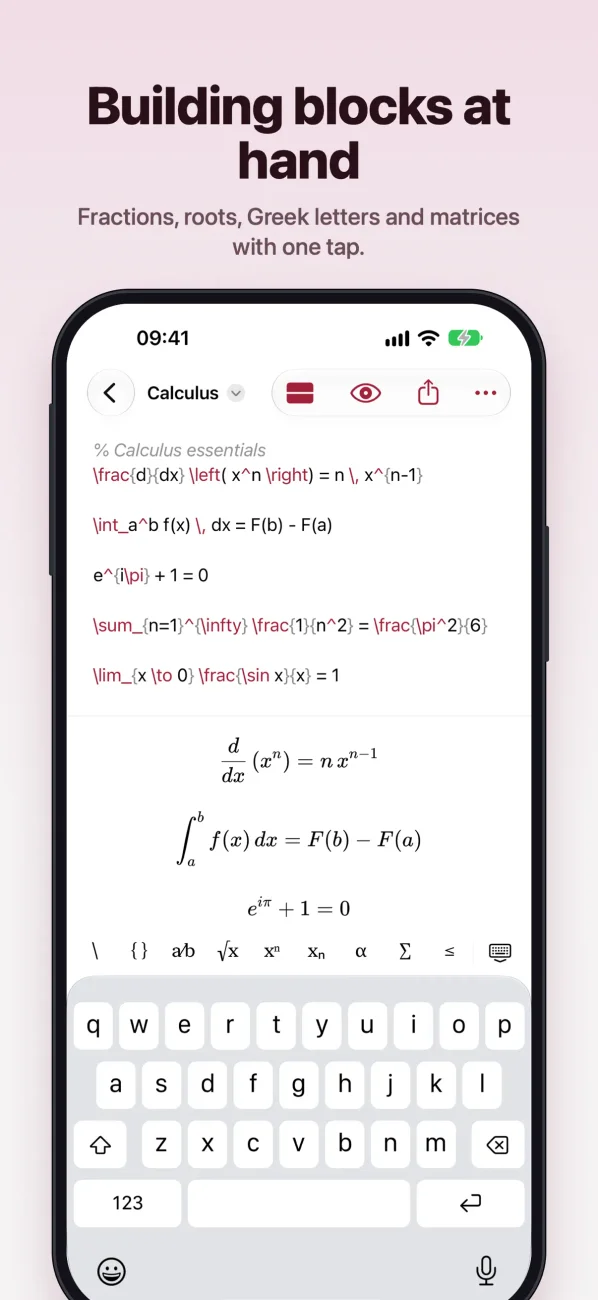
BUILDING BLOCKS AT HAND
• Above the keyboard: fraction, root, superscript and subscript, Greek letters, sums and integrals, relations, arrows, brackets, matrices and environments
• Brackets close themselves
• Return after \begin{…} adds the matching \end{…}, and lists continue with the next \item
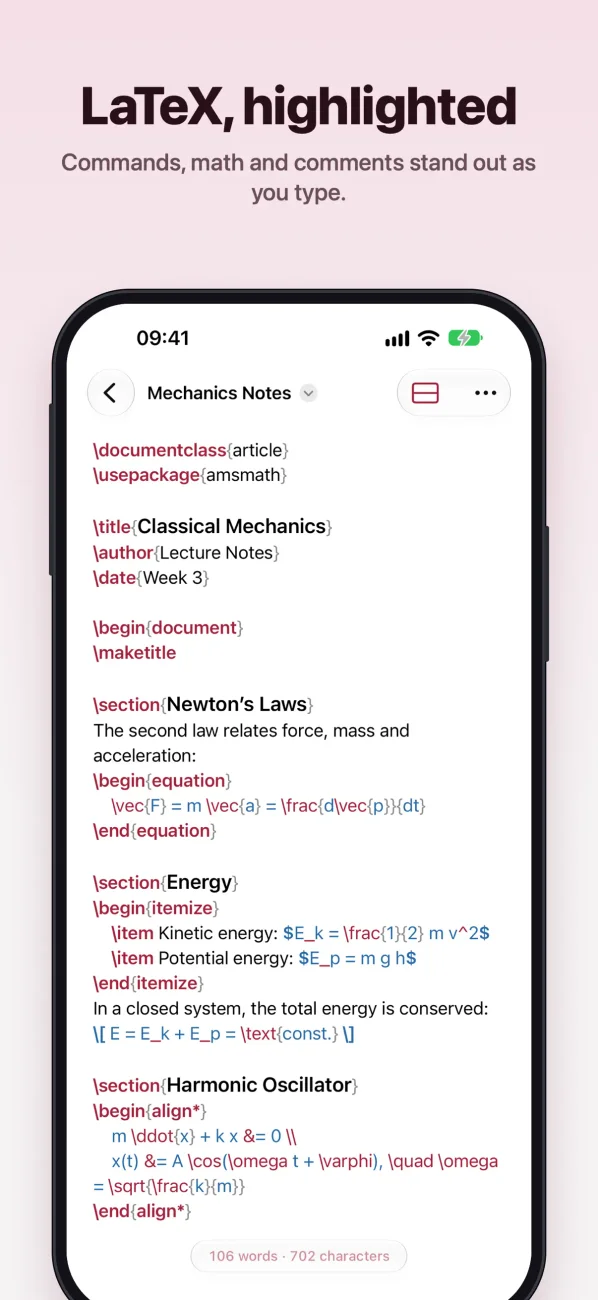
• Syntax highlighting for commands, math, environments and comments
WHOLE DOCUMENTS, TOO
Put formulas in text with $…$, or write a whole document with \section, lists, tables and numbered equations – the preview typesets it beautifully, with title and sections. Your own \newcommand macros work too.
REAL .TEX FILES
Your formulas are plain .tex files in the Files app under “On My iPhone › Texlet”. Open .tex files from iCloud Drive or other apps and edit them right where they are. Copy the LaTeX code with one tap.
ORGANIZED YOUR WAY
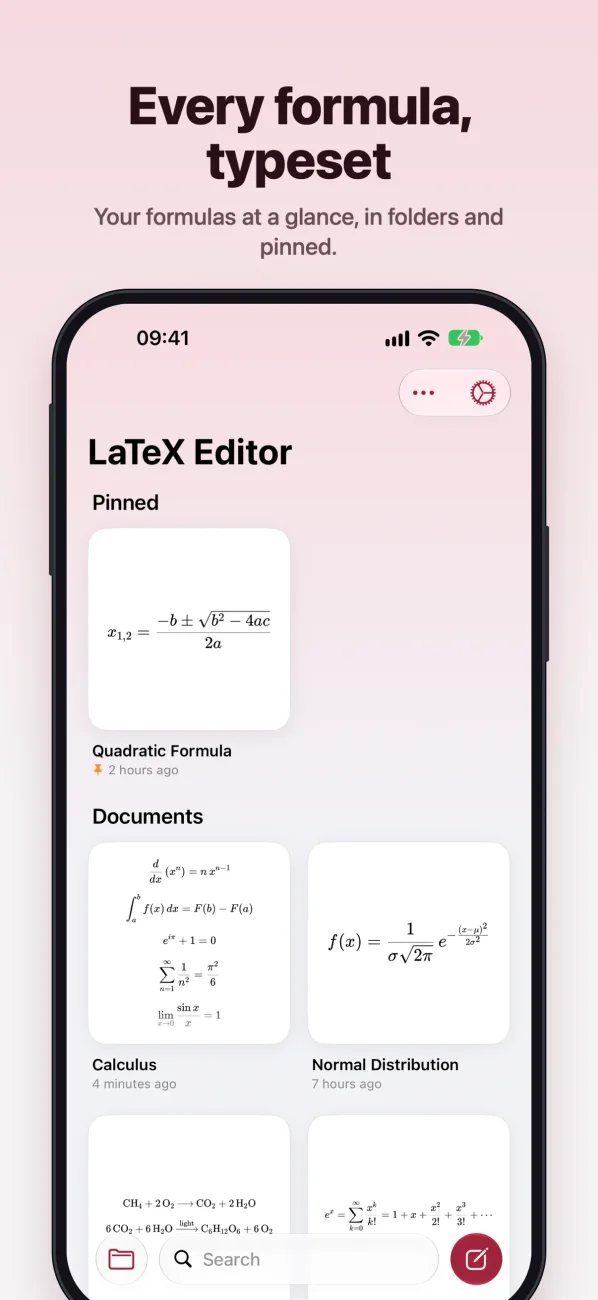
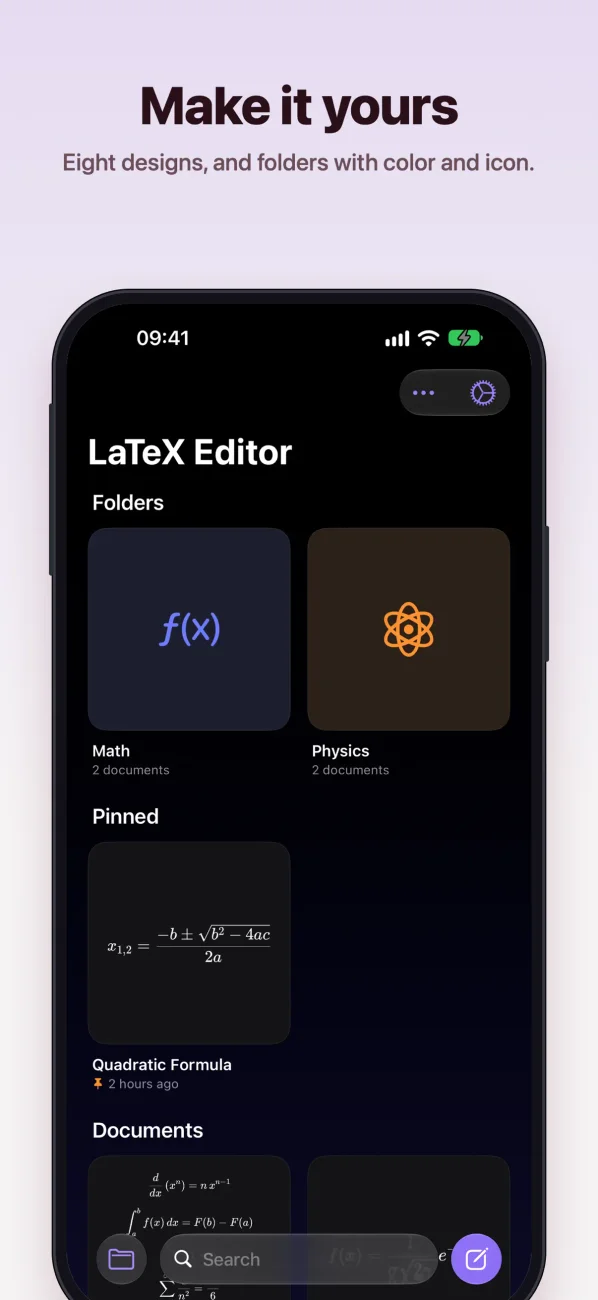
• Every formula as a typeset thumbnail on the home screen
• Folders with their own color and icon
• Pin what matters, sort by date, name or your own order
• Search, find and replace, printing and a LaTeX guide with examples
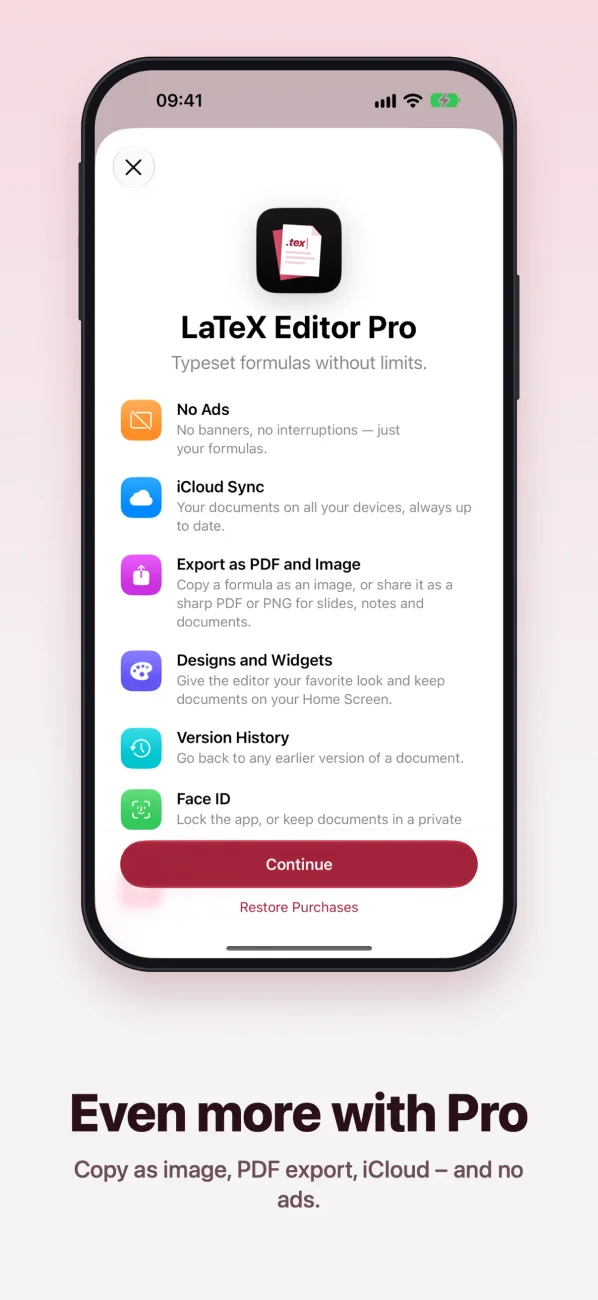
TEXLET PRO
For when you want more – as a monthly or yearly subscription:
• No ads
• Copy a formula as an image – sharp in Keynote, Pages, Notes and more
• Export as PDF (vector) and PNG
• iCloud sync between iPhone and iPad
• Eight designs, from warm paper to deep black midnight
• Widgets for your Home Screen and Lock Screen
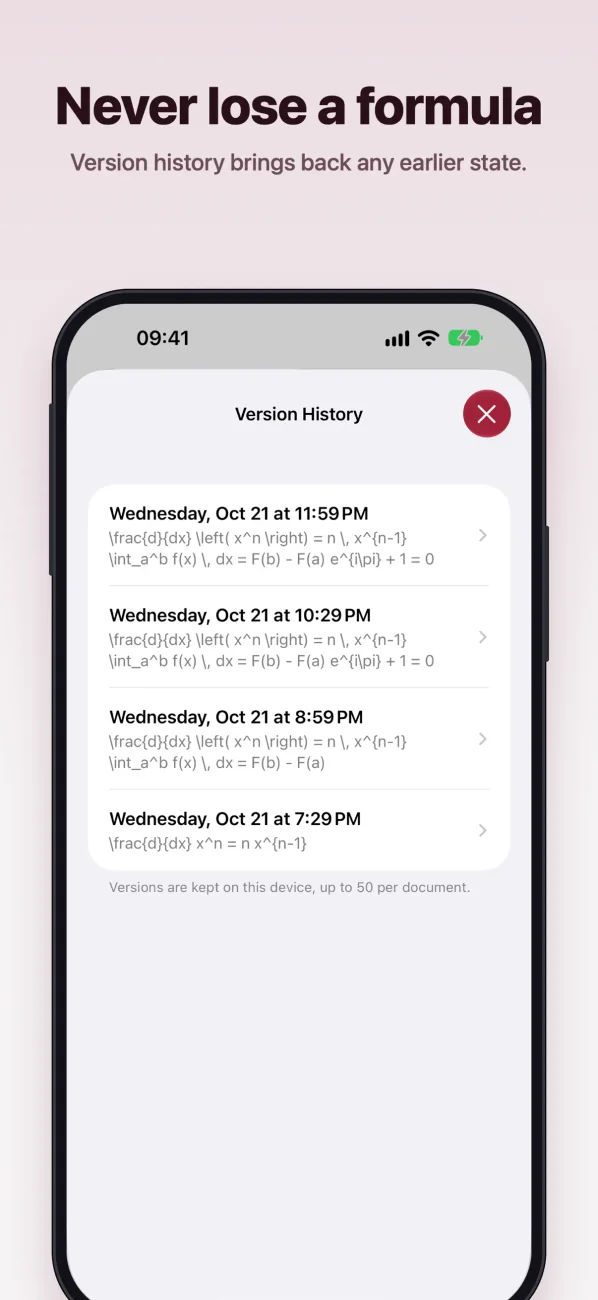
• Version history: bring back any earlier state
• App lock and a private folder with Face ID
Payment is charged to your Apple Account. The subscription renews automatically unless canceled at least 24 hours before the end of the current period. You can manage and cancel it anytime in your App Store account settings.
Terms of Use: https://www.apple.com/legal/internet-services/itunes/dev/stdeula/
Privacy Policy: https://jlau.netlify.app/latex-editor/privacy/
Texlet is built by an independent developer. If you enjoy it, a rating means a lot!
What’s new
Version 2.0.4 · Nov 23, 2026
Black Friday: a year of Texlet Pro for less – only until November 29. Plus small improvements.
Thanks for using Texlet – if you enjoy it, a rating helps a lot!
App privacy
What Julian Lau declares on the App Store about how this app handles data.
-
Data used to track you
May be used to track you across apps and websites owned by other companies.
- Location
- Identifiers
- Usage data
-
Data not linked to you
May be collected but is not linked to your identity.
- Location
- Identifiers
- Usage data
- Diagnostics
Privacy practices may vary, for example with the features you use or your age.
Information
- Seller
- Julian Lau
- Category
- Productivity
- Version
- 2.0.4
- Updated
- Nov 23, 2026
- Released
- May 1, 2022
- Size
- 7.4 MB
- Requires
- iOS 26.0 or later
- Age rating
- 4+
- Price
- Free
- In-app purchases
- Yes
- Languages
- English, German
- Copyright
- © Julian Lau
You might also like
-
 VerbTeX LaTeX EditorCompile LaTeX to PDF
-
 LaTeX Editor Tex ProLaTeX compiler typeset writer
-
 SymEditor - Formula editorIME, Latex, MathML, Keyboard
-
 MathTech minMobile equation editor
-
 Mathpix SnipPDF and Notes app for STEM
-
 LaTeX NoteWrite and organize math notes
-
 Texifier : LaTeX editorWrite & typeset LaTeX on iOS
-
 Mathify DocsMath OCR scanner, LaTeX & PDF
-
 Pic2LaTeX - Image to LaTeX AIPicture to LaTeX
-
 Math Notes - Math SolverCalculator, LaTeX, Math AI