
Text Message Export: PDF
SMS Backup,CSV & Print
Designed for iPhone, iPod touch
Free · In-app purchases
- Age rating4+
- CategoryUtilities
- DeveloperKinor Studio
- LanguagesEnglish
- Size36.4 MB
Links to the official App Store page
Download.org hosts no file of Text Message Export: PDF. The button opens its official App Store page, published by Kinor Studio. Listing last checked on Nov 24, 2026.
Screenshots


About
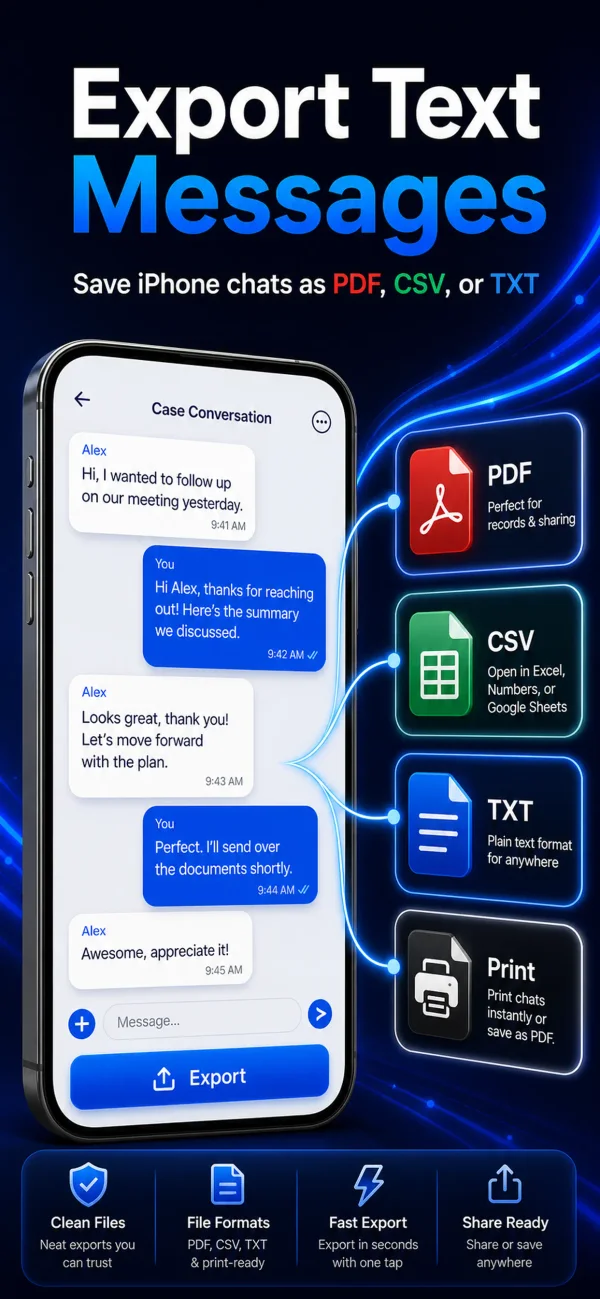
Turn important text messages and chat screenshots into clean files you can review, save, print, and share.
Message Export helps you organize conversations into readable PDF, CSV, and TXT files. Keep personal records, prepare work conversations, save proof for important situations, or turn long chat screenshots into files that are easier to search and review later.
KEY FEATURES
· Export conversations to PDF, CSV, and TXT
· Save important SMS and chat records
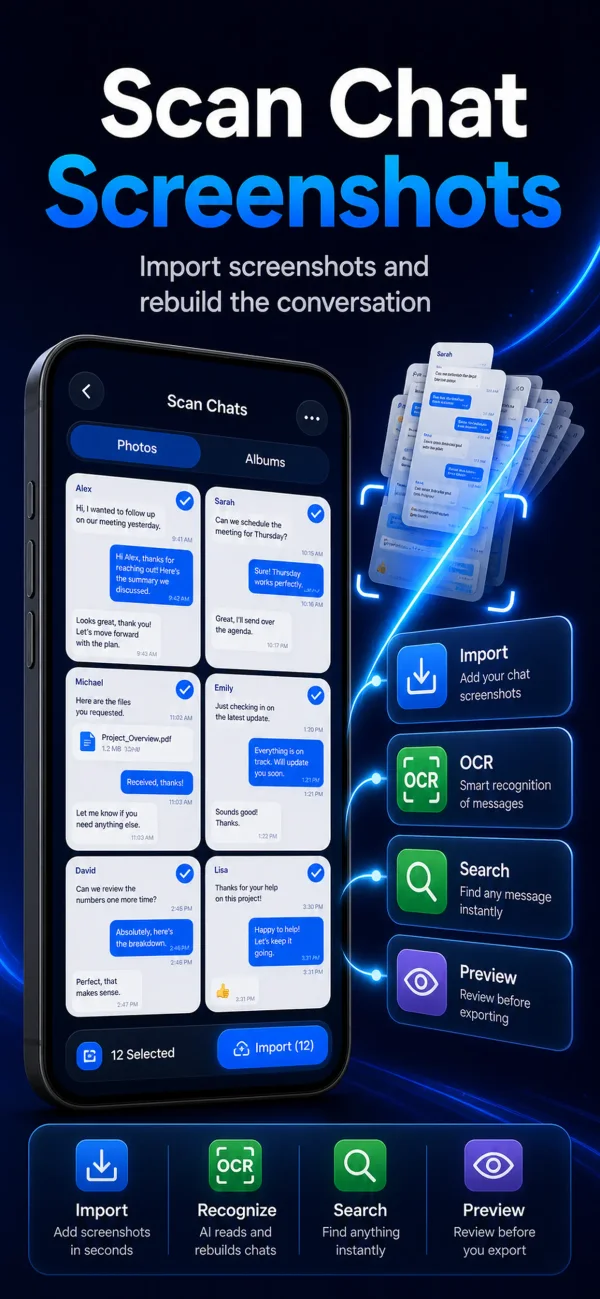
· Import chat screenshots and recognize message text
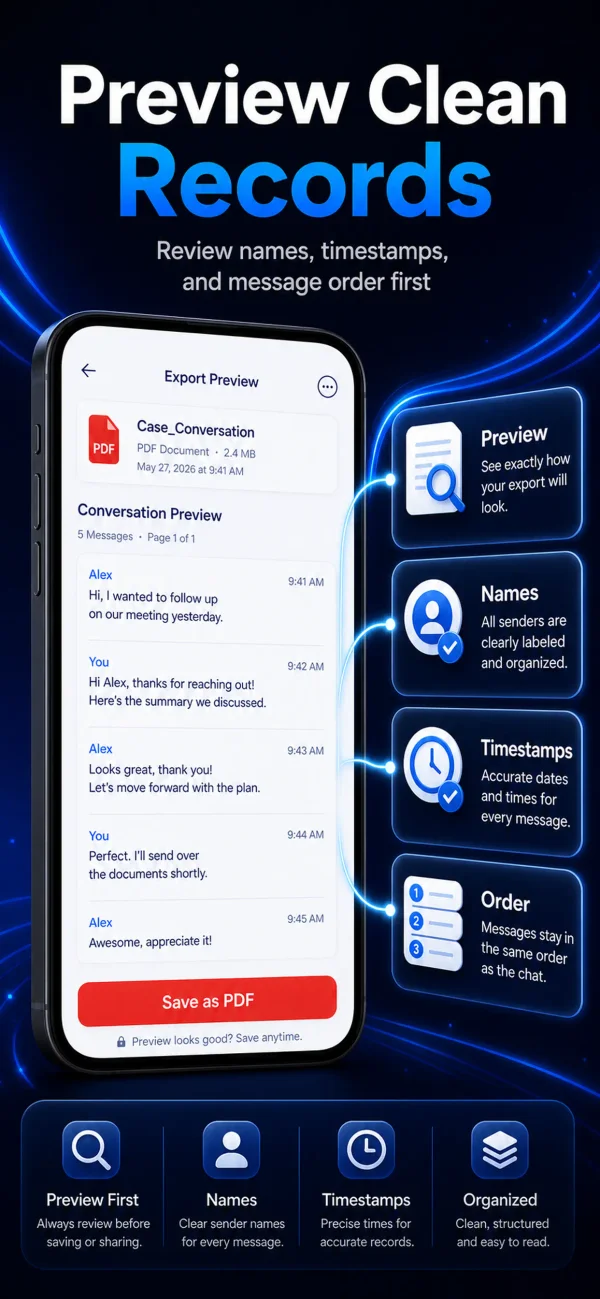
· Preview conversations before saving the final file
· Keep names, timestamps, and message order easy to review
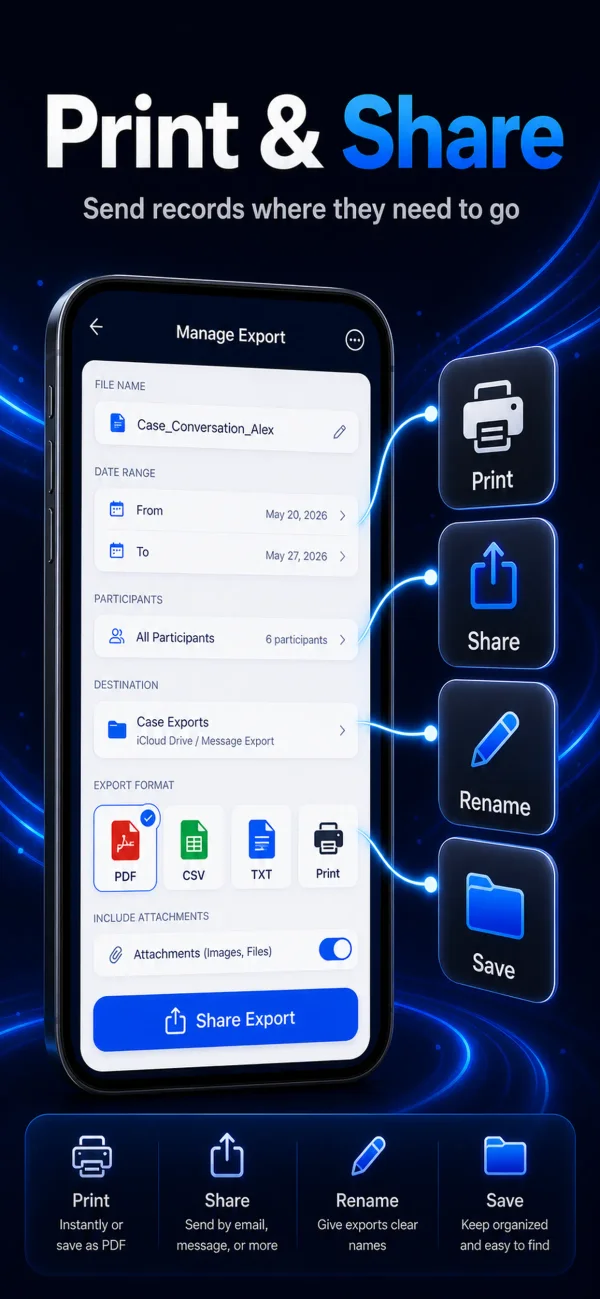
· Organize saved exports in folders
· Print, share, or store records when you need them
· Useful for personal archives, work conversations, client records, receipts, legal records, and important proof
HOW IT WORKS
1. Import chats or screenshots.
2. Let Message Export recognize and organize the conversation.
3. Preview the result before saving.
4. Unlock full export to create PDF, CSV, TXT, or print-ready files.
WHY USERS NEED IT
Important conversations often get buried in screenshots, long threads, or old chats. Message Export helps turn those conversations into organized files that are easier to keep, review, print, and share when the moment matters.
SUBSCRIPTION
Message Export offers a subscription for full export access, including PDF, CSV, TXT, print, sharing, saved exports, and ongoing access to premium export tools.
Payment will be charged to your account at confirmation of purchase. Subscriptions renew automatically unless canceled at least 24 hours before the end of the current period. You can manage or cancel your subscription in your App Store account settings.
Premium Subscription
Unlock unlimited access to premium measurement tools and project management features.
Subscription Plans
· Weekly Plan — $9.99/week
· Annual Plan — $49.99/year
Payment will be charged to your Apple ID account at confirmation of purchase.
Subscriptions automatically renew unless auto-renew is turned off at least 24 hours before the end of the current billing period.
Your account will be charged for renewal within 24 hours prior to the end of the current subscription period.
You can manage subscriptions and turn off auto-renewal anytime in your App Store account settings after purchase.
Privacy Policy: https://jp.sdoc.ink/web/#/p/a7787cc1f43f92994175f76b492f56bb
Terms of Use: https://jp.sdoc.ink/web/#/p/88fd54ec0658167138b737a3176689fe
Payment Agreement: https://jp.sdoc.ink/web/#/p/1f77c85f78378d4c80550a6990235647
What’s new
Version 1.1 · Jul 16, 2026
bug fix
App privacy
What Kinor Studio declares on the App Store about how this app handles data.
-
Data used to track you
May be used to track you across apps and websites owned by other companies.
- Identifiers
-
Data linked to you
May be collected and linked to your identity.
- Identifiers
-
Data not linked to you
May be collected but is not linked to your identity.
- Usage data
Privacy practices may vary, for example with the features you use or your age.
Information
- Seller
- Taiyuan Junnuo Xiaoxiang Technology Co., Ltd
- Category
- Utilities
- Version
- 1.1
- Updated
- Jul 16, 2026
- Released
- Jul 9, 2026
- Size
- 36.4 MB
- Requires
- iOS 15.0 or later
- Age rating
- 4+
- Price
- Free
- In-app purchases
- Yes
- Languages
- English
- Copyright
- ©️Kinor Studio
You might also like
-
 Text Message Export - ChatKeepSMS Backup and Restore tool
-
 Cairn: Text Message ExportKeep conversations as PDF/CSV
-
 TextVault: SMS Backup & ExportSave SMS as PDF, Print & Share
-
 TextTrace: Text Message ExportPrint SMS, Backup Chats to PDF
-
 ChatUp:Message Backup & ExportScan, Import & Save Messages
-
 MsgPort: Text Message ExportSMS Export & Chat Backup
-
 数字签章签字宝-电子合同签名Utilities
-
 Linu - Interactive MessagingSecure, Interactive, Powerful
-
 Wonder Port - SMS ExportExport Text Messages
-
 CJ Precision Tracking SolutionUtilities