
- Age rating4+
- DeveloperJyoti Yadav
- LanguagesEnglish
- Size9.1 MB
Links to the official App Store page
Download.org hosts no file of Text Message Stickers. The button opens its official App Store page, published by Jyoti Yadav. Listing last checked on Nov 14, 2026.
Screenshots
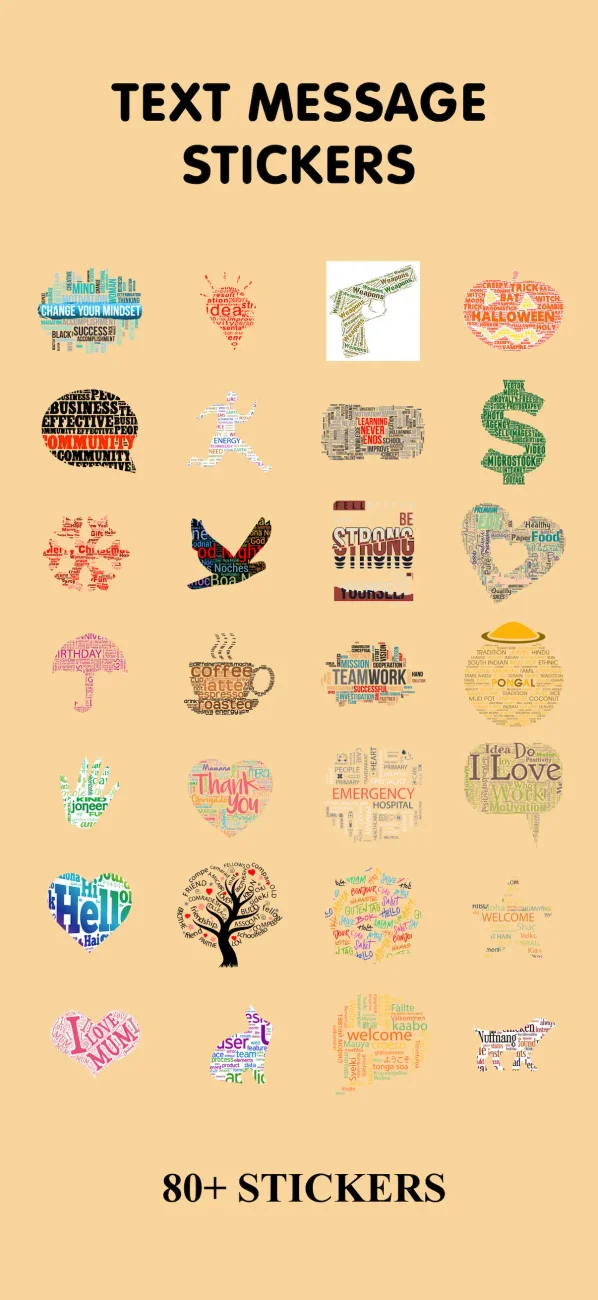
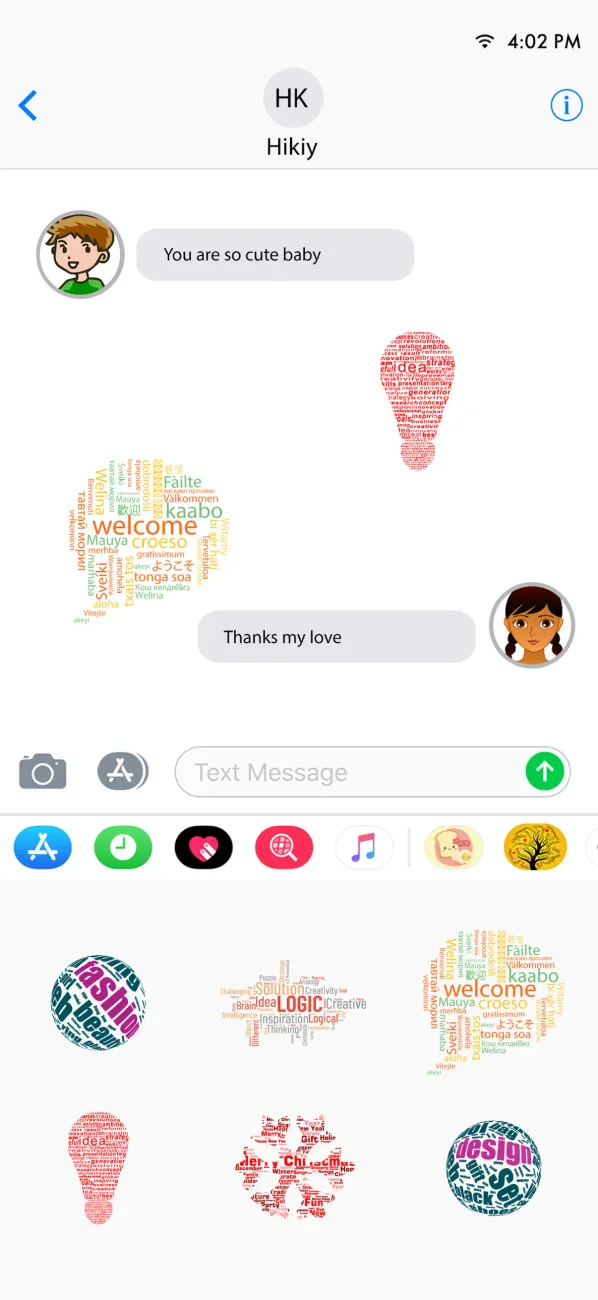
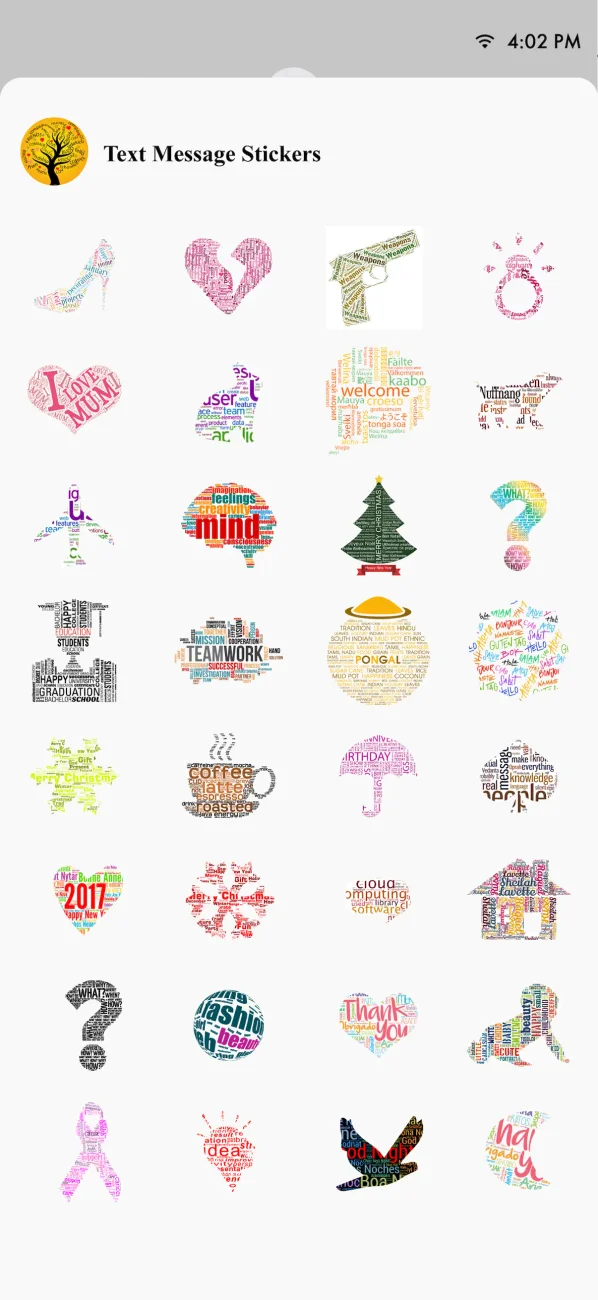
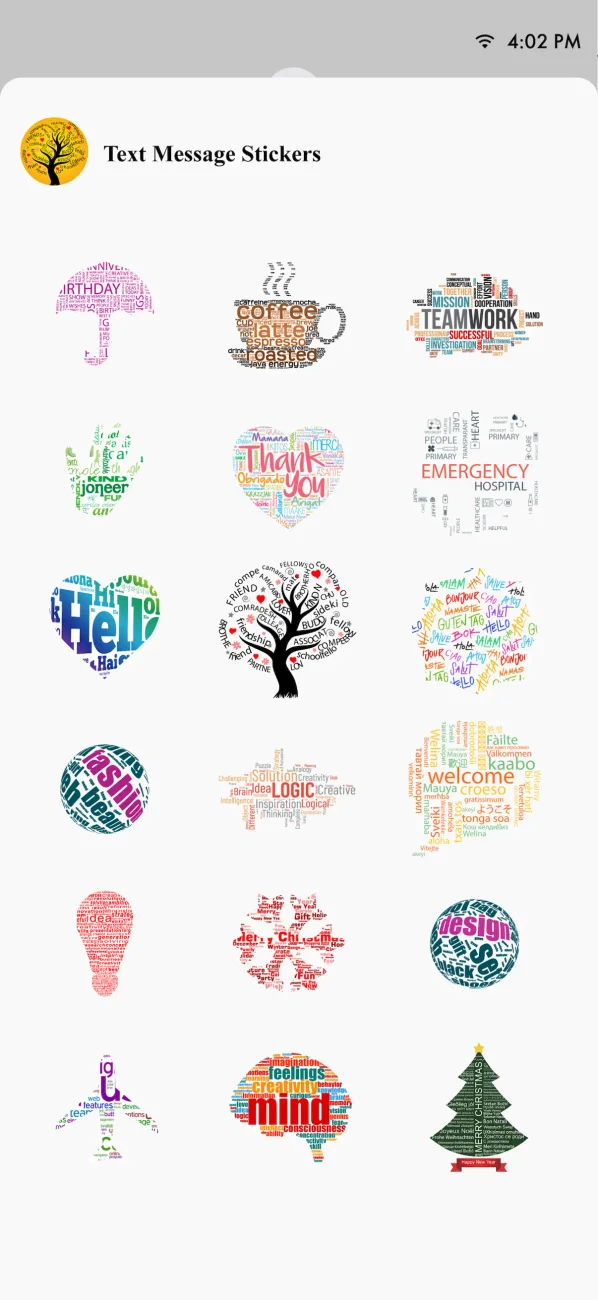
About
Download Text Message Stickers Pack for iMessage and Enjoy.
How To Install iMessage App and Use Stickers :
- Open iMessage from your iPhone.
- Click on the Appstore icon.
- Tap the four oval icon on the lower left corner to open the app drawer. From there, tap the plus icon labelled 'Store' to access the Messages App Store.
- In the App Store, tap the Manage tab in the top right to add your purchased apps to your app drawer
- Select the your stickers app .
- Just with a single tap send stickers.
- Also simply long touch and peel off the stickers to add them with your texts!! or existing stickers.
- Scale & Rotate stickers by using a second finger before you place it on a bubble.
What’s new
Version 1.3 · Oct 16, 2026
- Stability fixes and added new set of stickers.
App privacy
What Jyoti Yadav declares on the App Store about how this app handles data.
-
Data not collected
The developer does not collect any data from this app.
Privacy practices may vary, for example with the features you use or your age.
Information
- Seller
- Jyoti Yadav
- Version
- 1.3
- Updated
- Oct 16, 2026
- Released
- Aug 18, 2017
- Size
- 9.1 MB
- Requires
- iOS 17.6 or later
- Age rating
- 4+
- Languages
- English
- Copyright
- © Awesome Apps. All Rights Reserved.
You might also like
-
 Sticker Cosplaykazuya fujinami
-
 Rose Gold Elegant StickersChirstmas.New Year.Rose Gold
-
 Deer Emoji StickersRamesh Kumar
-
 Retro Flower StickiesGroovy, Colorful Retro Flowers
-
 Horse StickerssArti Sharma
-
 Vintage Bird StickersKai Huei Leow
-
 Cursive Script StickersBeautiful Caligraphy and Art
-
 Watercolor Sea Life EmojisAman Kumar
-
 Bird Stickers!Bird Emojis
-
 Bee Amazing Bee Pun StickersA buzzing good time!