Text Scanner - SLOX
Scan text from photos fast
Designed for iPhone, iPad, iPod touch
- Age rating4+
- CategoryUtilities
- DeveloperSEOKWON YANG
- LanguagesEnglish
- Size59.5 MB
Links to the official App Store page
Download.org hosts no file of Text Scanner - SLOX. The button opens its official App Store page, published by SEOKWON YANG. Listing last checked on Nov 8, 2026.
Screenshots
About
Text Scanner - SLOX extracts printed text from photos using on-device OCR.
FEATURES
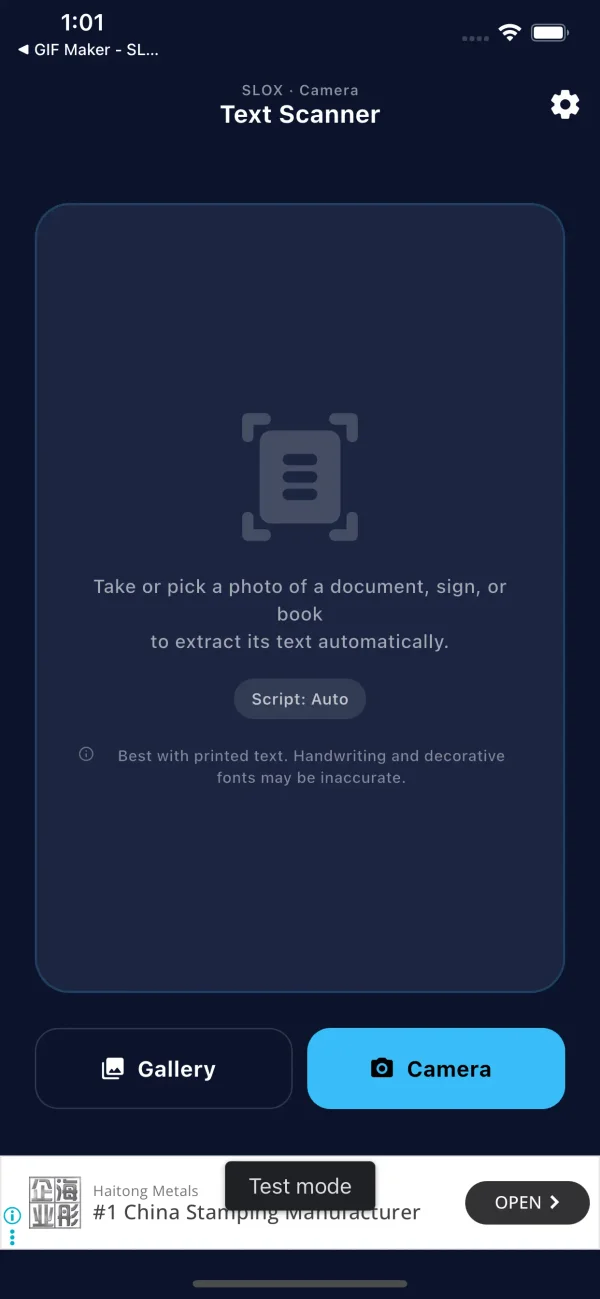
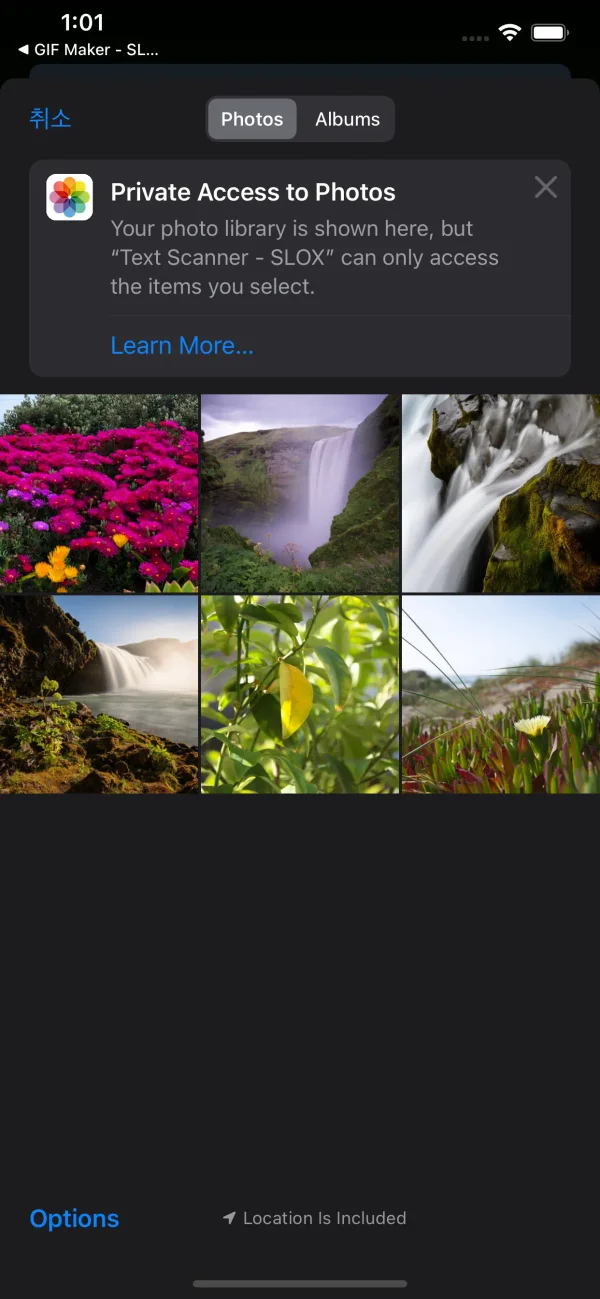
- Scan with camera or pick from photo library
- On-device text recognition (Google ML Kit)
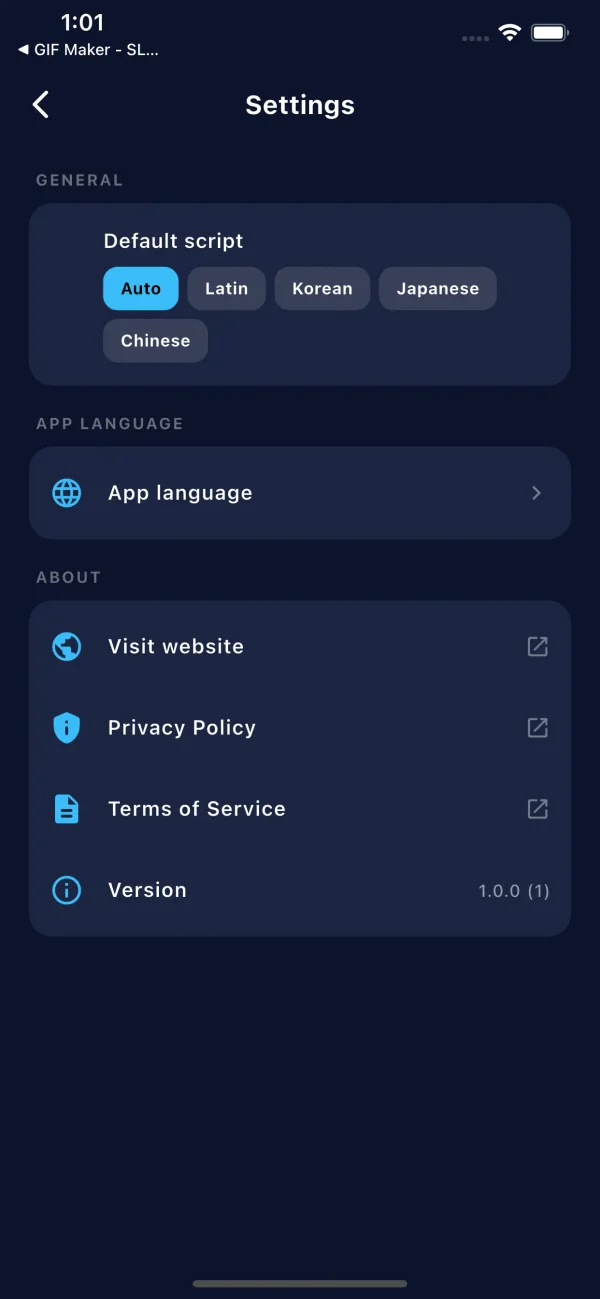
- Script modes: Auto, Korean, Latin, Japanese, Chinese
- Highlight recognized text regions on the image
- Character and word count
- Copy full text to clipboard
- Share extracted text
- 7 languages: English, Korean, Japanese, Chinese (Simplified & Traditional), Spanish, Portuguese
- No account or sign-in required
HOW IT WORKS
1. Take a photo or choose one from your library
2. Select a script (Auto works best for mixed text)
3. View recognized text with optional region boxes
4. Copy or share the result
PRIVACY
All OCR runs on your device. Your photos and text are not uploaded to our servers.
NOTE
Best with clear printed text. Handwriting and decorative fonts may be less accurate.
What’s new
Version 1.0.1 · Jun 25, 2026
Fixed an issue that could affect app stability. Text scanning, copy, and share continue to work as before.
App privacy
What SEOKWON YANG declares on the App Store about how this app handles data.
-
Data not linked to you
May be collected but is not linked to your identity.
- Identifiers
- Usage data
Privacy practices may vary, for example with the features you use or your age.
Information
- Seller
- SEOKWON YANG
- Category
- Utilities
- Version
- 1.0.1
- Updated
- Jun 25, 2026
- Released
- Jun 24, 2026
- Size
- 59.5 MB
- Requires
- iOS 15.5 or later
- Age rating
- 4+
- Languages
- English
- Copyright
- © 2026 SLOX
You might also like
-
 PixPDF: Scan & Photo ResizerPassport Photo, Compress & PDF
-
 PdfSeverPdf Araçları Tek Uygulamada
-
 Doc Scanner by GoldmanScan Documents to Mobile PDF
-
 QR Scanner & Barcode: ScanQRScan, Check Links & Create QR
-
 dB Lab: Noise & HealthAnalyze · Protect · Action
-
 Company informationAI-powered company research
-
 Owl SenseUtilities
-
 Storage Cleaner - FreeUpPhoto Cleaner for Duplicates
-
 Calculator MAX- All in oneBest Scientific Calculator
-
 SnapDrive AIAI Car Identifier by Photo