- Age rating17+
- CategoryEntertainment
- Developer雪 曹
- LanguagesEnglish+ 2 more
- Size5.8 MB
Links to the official App Store page
Download.org hosts no file of TextAnimateScreen. The button opens its official App Store page, published by 雪 曹. Listing last checked on Nov 21, 2026.
Screenshots

About
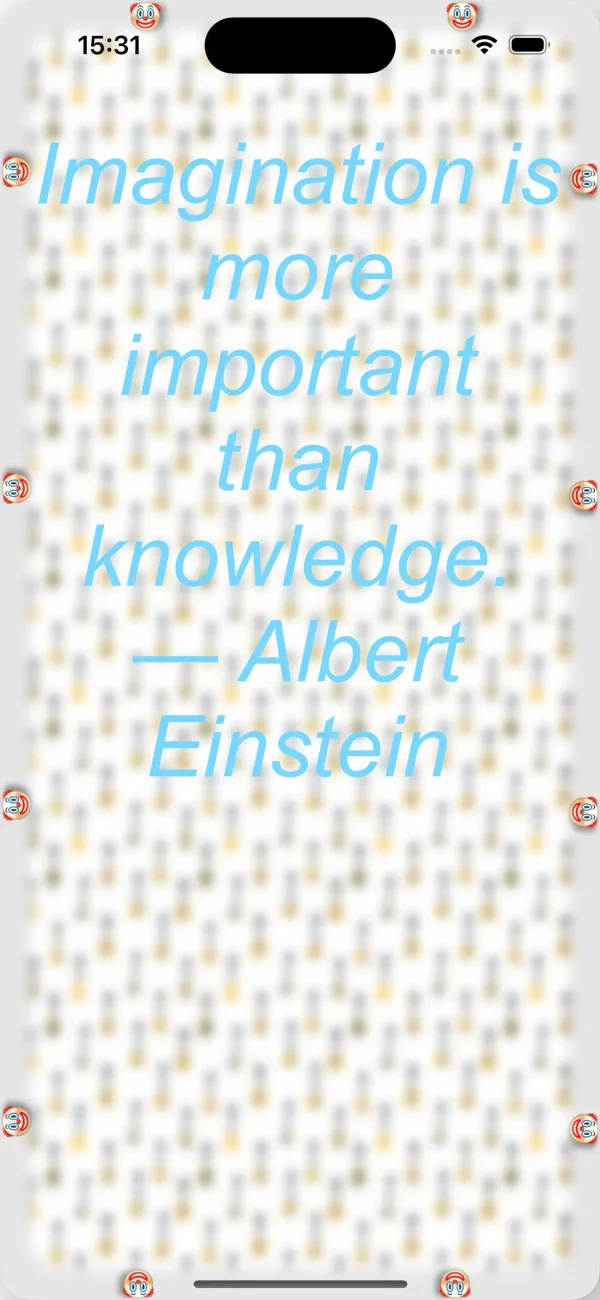
Subtitle scrolling
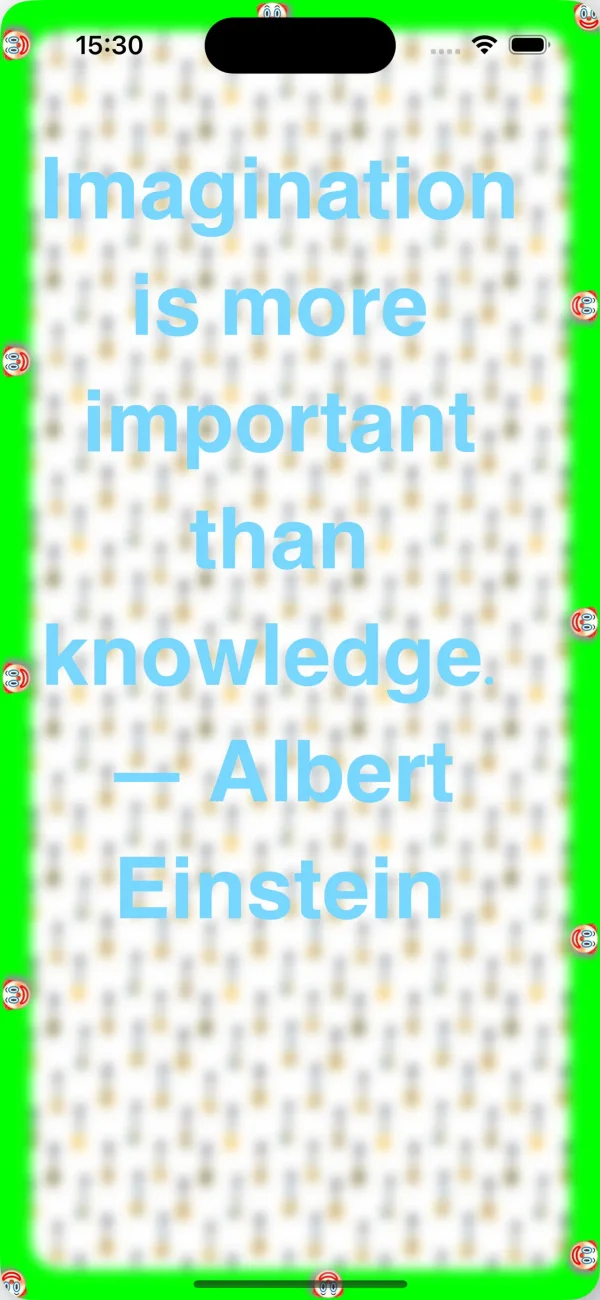
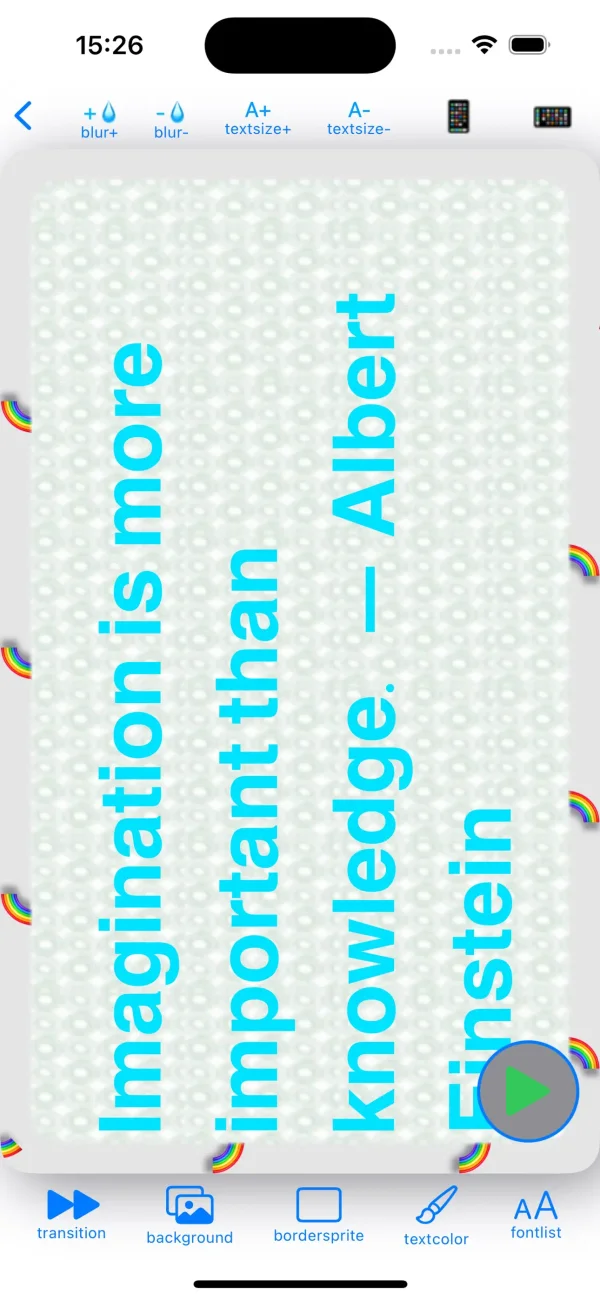
1. Customize Text Appearance: Adjust the text color, size, and style, and choose a background image or color for the text. You can even apply a blur effect to the background image for added visual interest.
2. Animate the Text: Add dynamic animations to your text, such as moving it up and down or side to side, to create engaging and lively displays
3. Style the Text Background: Design the text background with various border styles, including animations and sprites, to make it stand out.
4. Set Screen Orientation: Choose the screen orientation for displaying your text—landscape or portrait—depending on your preference and needs.
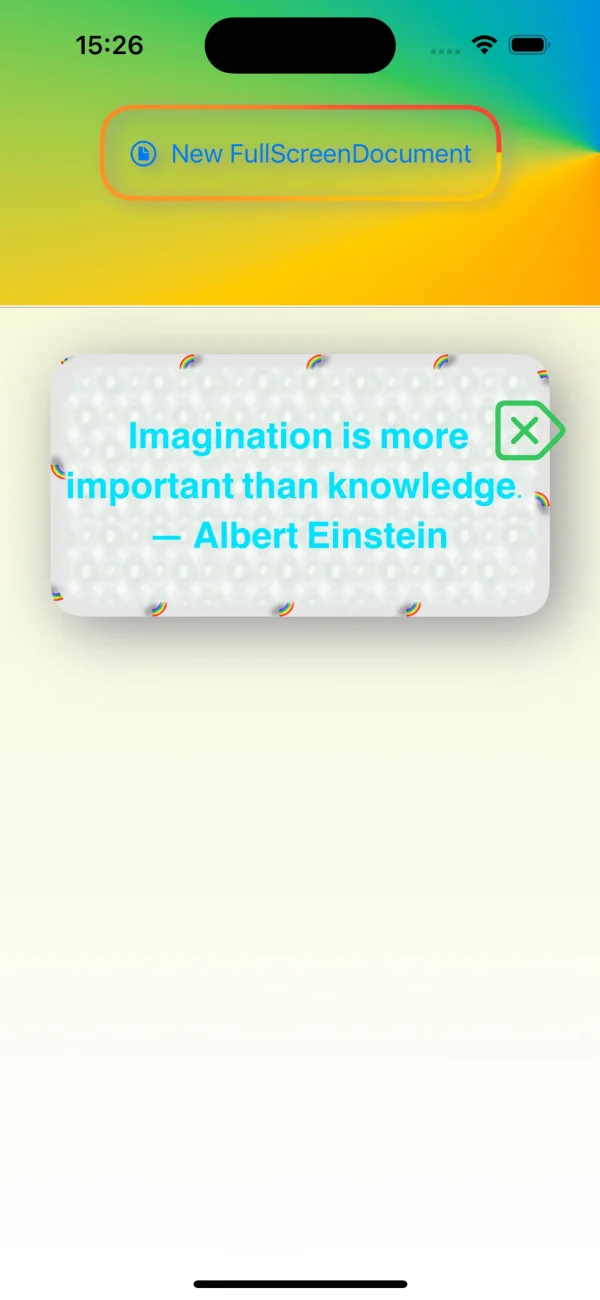
5. Activate Full-Screen Display: Once you’ve customized everything to your liking, trigger the full-screen display to showcase your personalized text.
What’s new
Version 2.4 · Sep 2, 2024
1. delete pick up photo from album function, add choose background image function from software
2. modify play function icon
App privacy
What 雪 曹 declares on the App Store about how this app handles data.
-
Data not collected
The developer does not collect any data from this app.
Privacy practices may vary, for example with the features you use or your age.
Information
- Seller
- 雪 曹
- Category
- Entertainment
- Version
- 2.4
- Updated
- Sep 2, 2024
- Released
- Jun 6, 2024
- Size
- 5.8 MB
- Requires
- iOS 14.0 or later
- Age rating
- 17+
- Price
- Free
- Languages
- English, Japanese, Simplified Chinese
- Copyright
- © 2024 caoxue
You might also like
-
 Flashboard: LED Banner SignScrolling Text & Concert Sign
-
 Led Banner Edge LightingLED Text Neon Borders & Alerts
-
 LedPad - Mega Led Banner TextCustom Scroll Signboard Maker
-
 TEXT Animation BannerScrolling Text Display App
-
 Video Player for iPhone AllA New All-in-One Video Player
-
 Custom Decision RouletteInstant Decision Roulette
-
 Life Key- Master Your Futurefuture me & better life
-
 Colouring for kids - GratokaToddler coloring & puzzles 2-6
-
 Pocket Party Games150+ Games to Play w/ Friends
-
 AI Face ChangerVideo Photo face changing