Textify: Image to Text
Scan, Extract & Copy Text
Designed for iPhone, iPod touch
Free · In-app purchases
- Age rating4+
- CategoryUtilities
- DeveloperJigneshbhai Kevadiya
- LanguagesEnglish+ 17 more
- Size142.0 MB
Links to the official App Store page
Download.org hosts no file of Textify: Image to Text. The button opens its official App Store page, published by Jigneshbhai Kevadiya. Listing last checked on Nov 20, 2026.
Screenshots
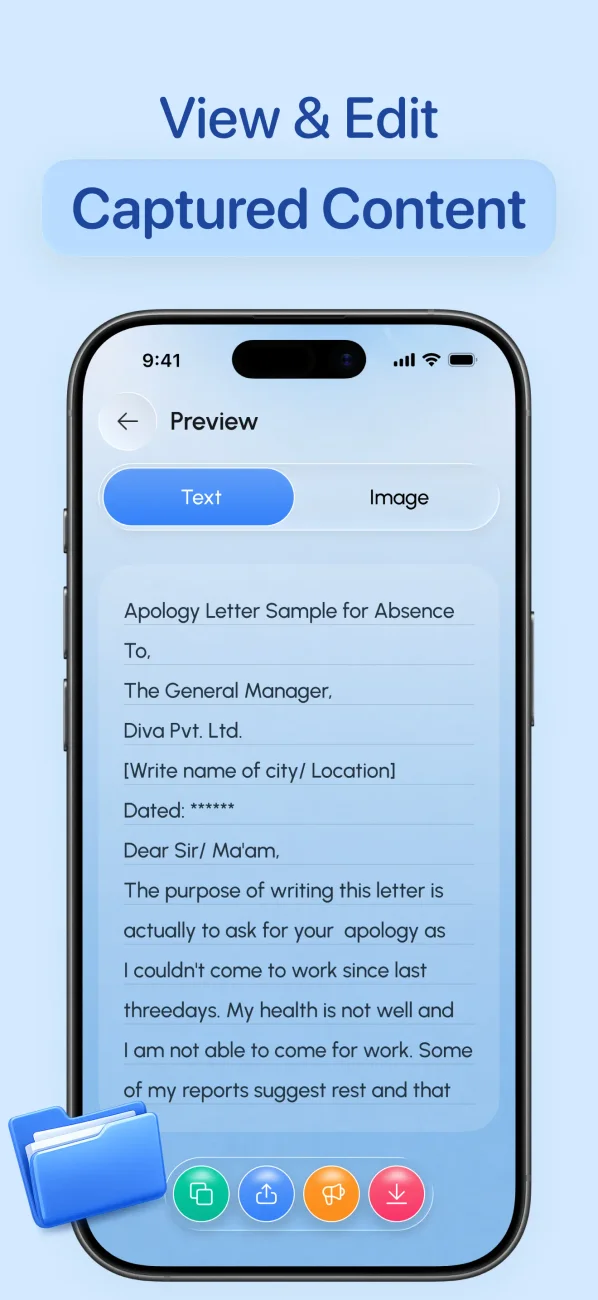
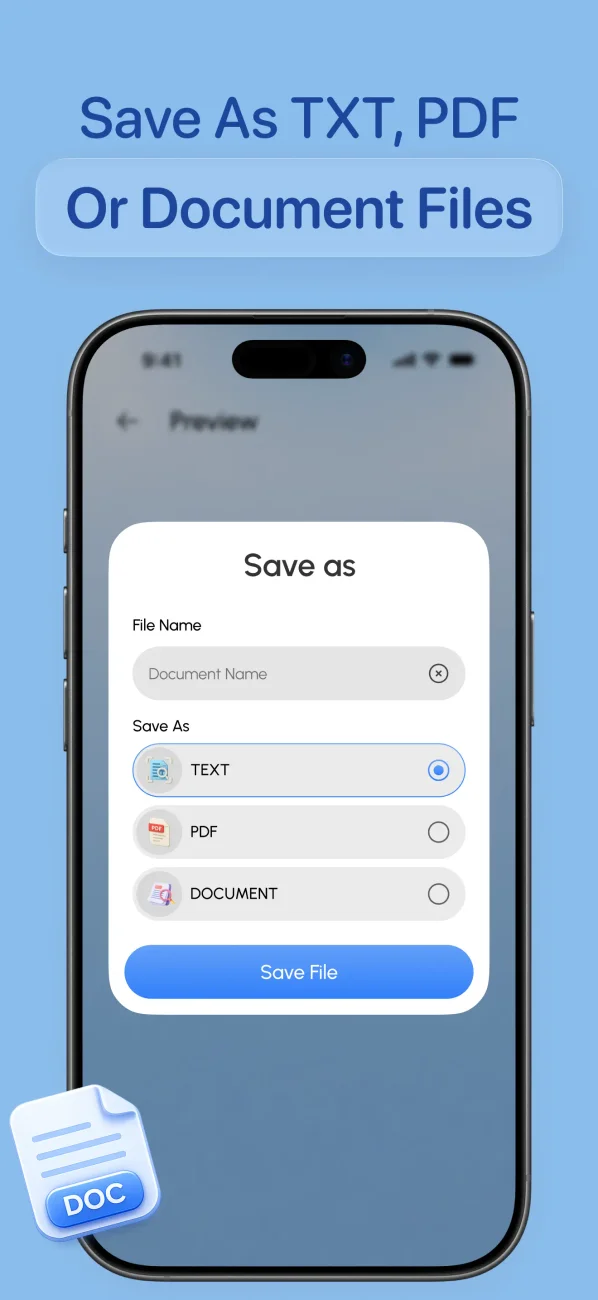

About
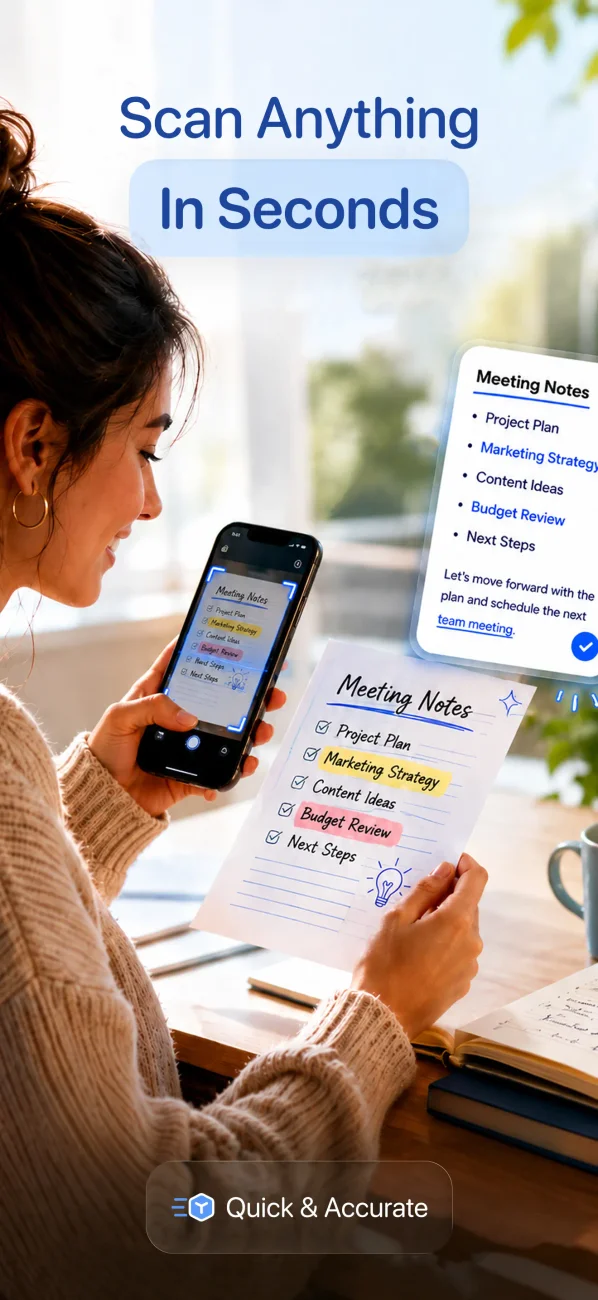
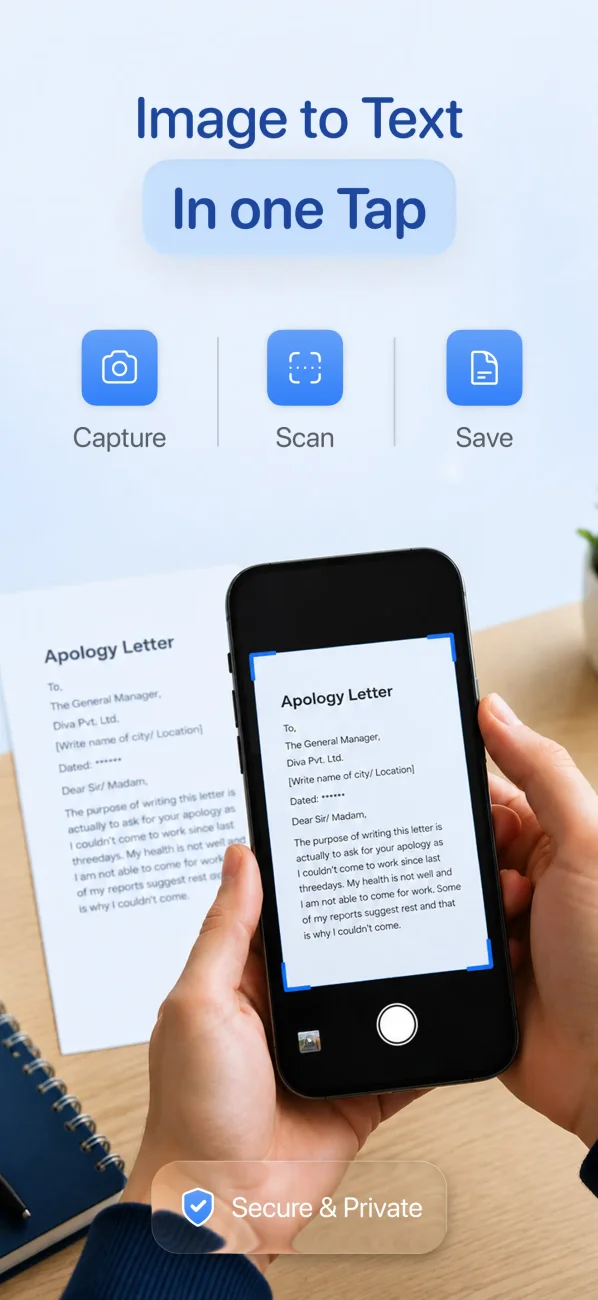
Turn images, photos, documents, and PDFs into editable text with Textify: Image to Text. Quickly scan, recognize, extract, and copy text from almost any document or image using a simple text scanner experience.
Whether you’re digitizing handwritten notes, capturing information from a photo, scanning documents, or extracting text from a PDF, Textify helps you get the content you need without typing everything manually.
Features
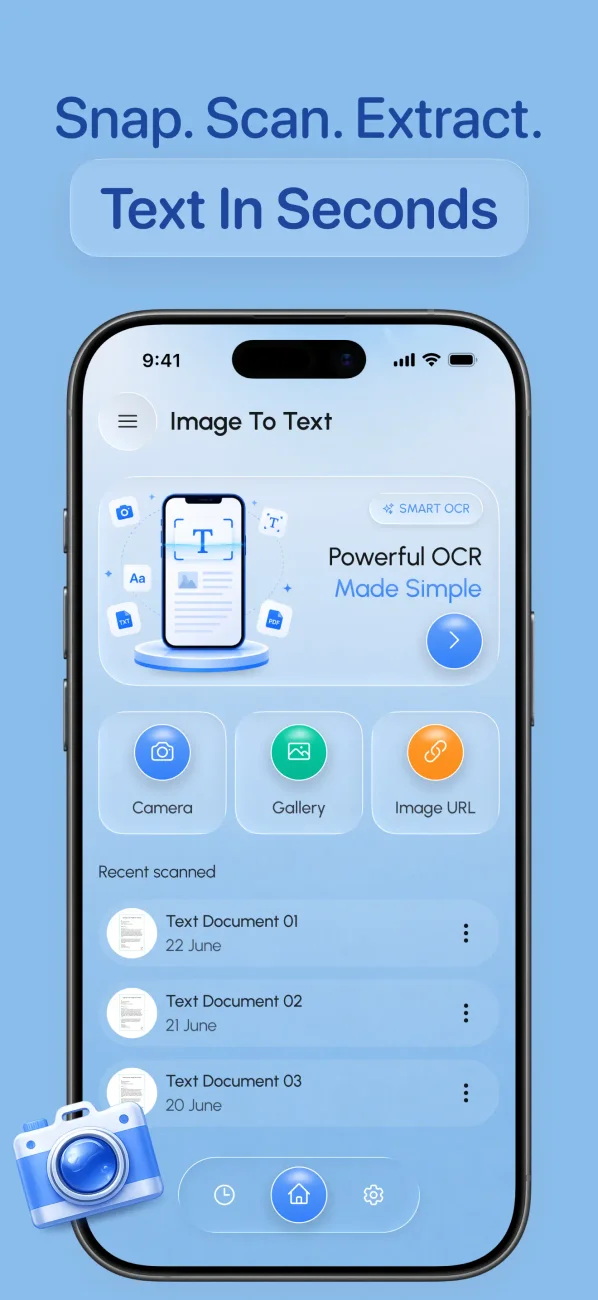
• Extract text from images and photos
• Scan documents and recognize text with OCR
• Convert scanned content into editable text
• Extract text from PDFs and documents
• Copy extracted text quickly for use in other apps
• Scan notes, receipts, books, papers, and more
• Capture text directly using your camera
• Recognize multiple sections of text from an image
• Save and organize extracted text for later use
• Simple and fast text scanning experience
Scan and Extract Text Easily
Use Textify whenever you need to turn printed or photographed content into usable digital text. Capture a page with your camera or select an existing image and let Textify extract the readable content.
From image to text, photo to text, document scanning, OCR text recognition, and PDF text extraction, Textify gives you a convenient way to digitize information and make it easier to copy, edit, and reuse.
Perfect for students, professionals, researchers, travelers, and anyone who regularly works with printed or scanned information.
Scan it. Extract it. Turn it into text with Textify.
A Premium subscription is required to unlock unlimited access to all features.
Privacy : https://jigneshk4586.blogspot.com/2026/05/privacy-policy.html
Terms of Use : https://jigneshk4586.blogspot.com/2026/05/terms-conditions.html
What’s new
Version 2.0 · Sep 17, 2026
- Fixed minor bugs and improved performance.
App privacy
What Jigneshbhai Kevadiya declares on the App Store about how this app handles data.
-
Data used to track you
May be used to track you across apps and websites owned by other companies.
- Identifiers
- Usage data
-
Data not linked to you
May be collected but is not linked to your identity.
- Identifiers
- Usage data
- Diagnostics
Privacy practices may vary, for example with the features you use or your age.
Information
- Seller
- Jigneshbhai Kevadiya
- Category
- Utilities
- Version
- 2.0
- Updated
- Sep 17, 2026
- Released
- Sep 2, 2026
- Size
- 142.0 MB
- Requires
- iOS 15.6 or later
- Age rating
- 4+
- Price
- Free
- In-app purchases
- Yes
- Languages
- English, Arabic, Dutch, French, German, Hindi, Indonesian, Japanese, Korean, Malay, Portuguese, Punjabi + 6 more
- Copyright
- © Jigneshbhai Kevadiya
You might also like
-
 Calculator & Unit ConvertersSmart Math, EMI & Finance Tool
-
 Digital Contact CardCreate, scan, share contacts
-
 Duplicate Photo Cleaner: AloeScreenshots & Large Videos
-
 Tazora AIUtilities
-
 QR Code Reader : Barcode Scan+QR Code Reader
-
 NoCall: Spam Call BlockerIdentify spam calls and texts
-
 Anti Theft Alarm & TrackerLoud Siren + GPS Protection
-
 Cleaner Aid: Cleanup StorageDelete Photos & Clean Up Phone
-
 QR Scanner: Docs & BarcodeScan QR, PDF, Cards Instantly
-
 Text Remover & Editor - QutuErase,Edit & Change Photo Text