
Textify: OCR Image to text
Make searchable PDF documents
Designed for iPhone, iPad
Free · In-app purchases
- Age rating4+
- CategoryUtilities
- DeveloperiSolid apps
- LanguagesEnglish+ 9 more
- Size28.2 MB
Links to the official App Store page
Download.org hosts no file of Textify: OCR Image to text. The button opens its official App Store page, published by iSolid apps. Listing last checked on Nov 12, 2026.
Screenshots

About
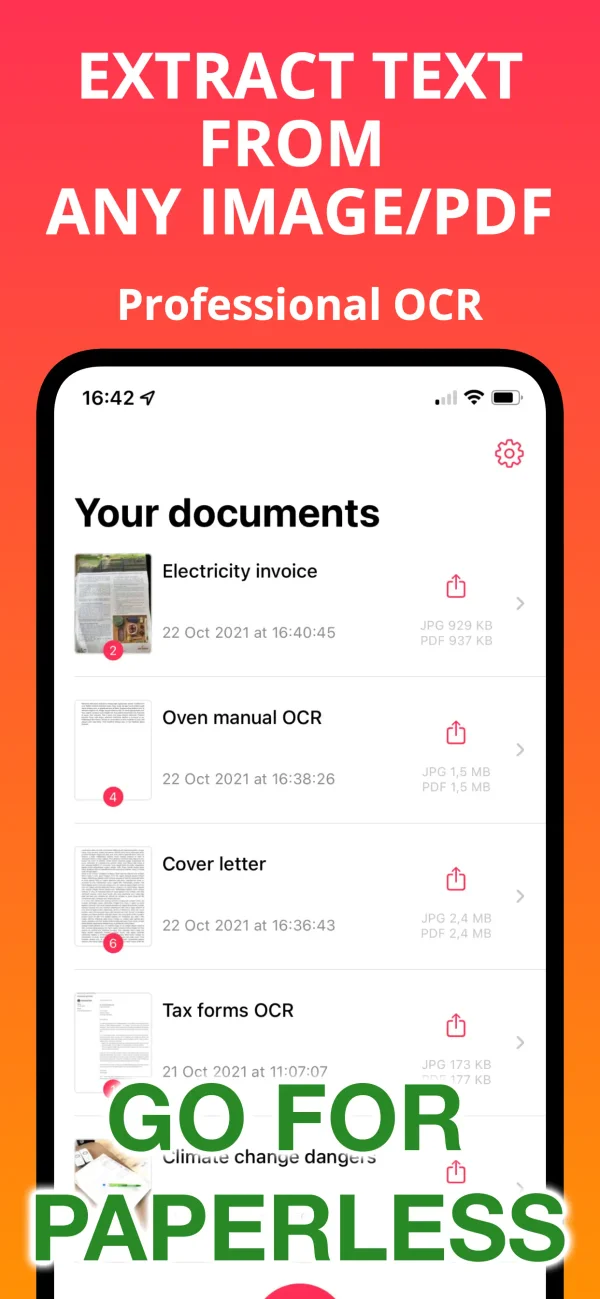
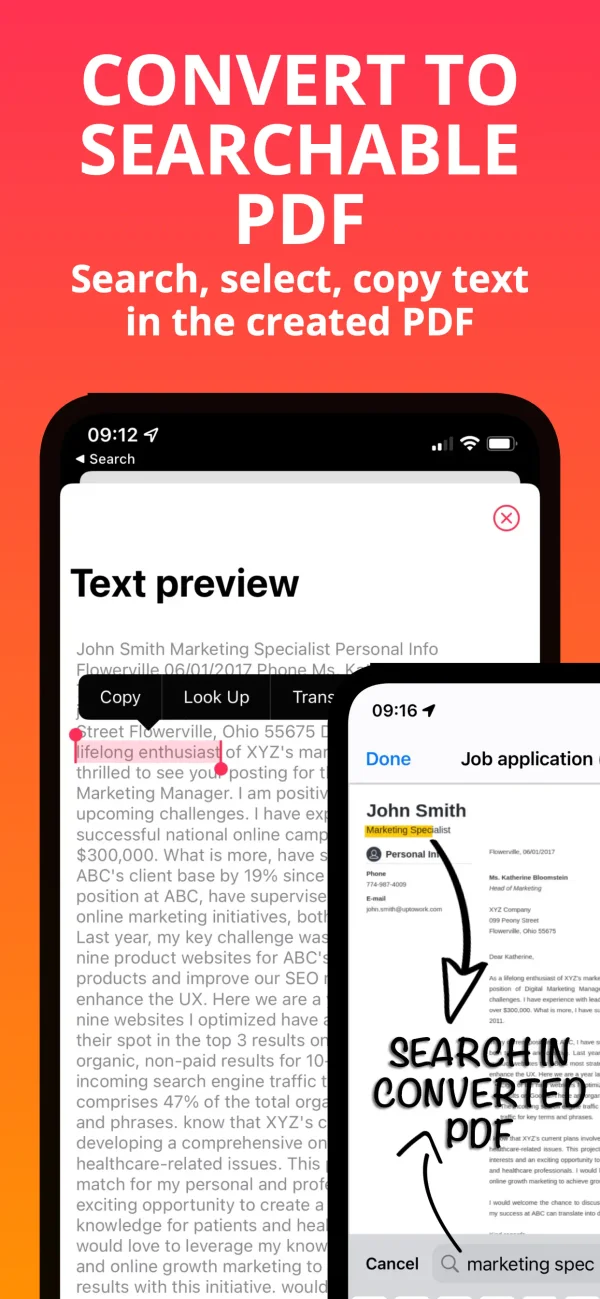
Convert any PDF / image to searchable PDF files with PDF Converter, thanks to OCR (text recognition) which supports many languages.
In the created PDF files, you can, thanks to on-device OCR:
• Search inside the PDF
• Select text
• Copy text (and paste it elsewhere)
→ Perfect for a paperless organization. And everything happens offline, no data is collected.
As input, you can use:
• existing PDF files (even non-searchable ones)
• existing images/photos
• scan documents with your device's camera
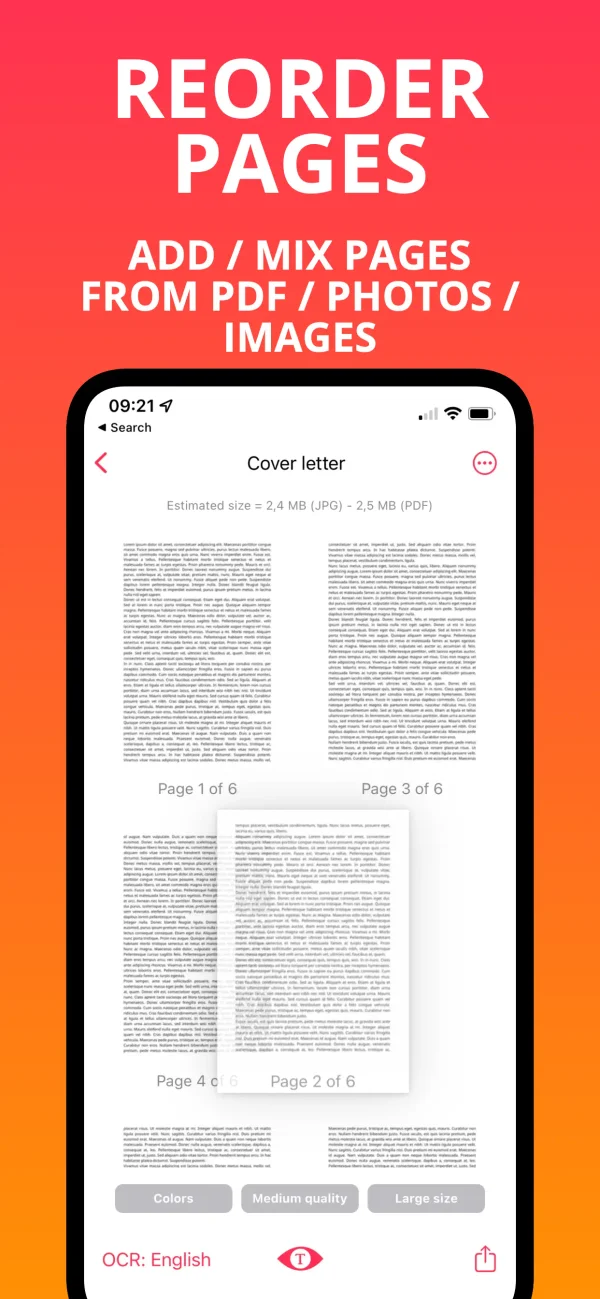
Mix all these together and create splendid PDF files.
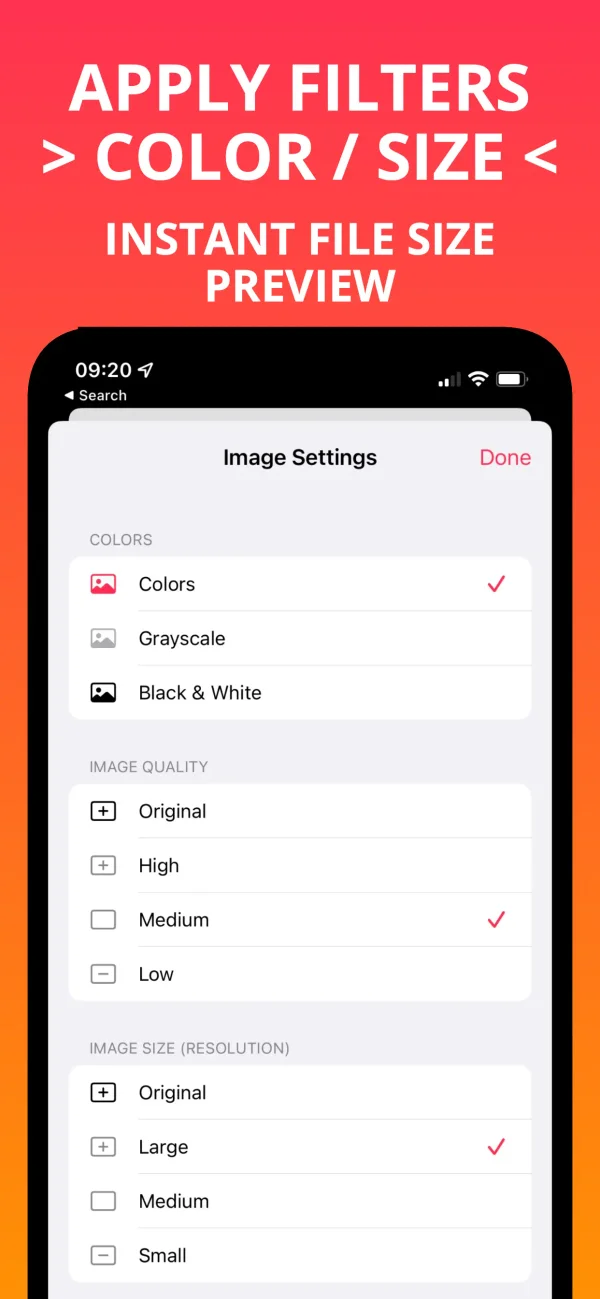
Apply color/size filters to customize your files:
• Color / Grayscal / Black & White
• Choose the resolution of the images
• Choose the quality of the images
→ Instant preview of the output file size
Also extract to text:
• Save the extracted text to a .txt file
• or immediately copy the extracted text to paste it elsewhere
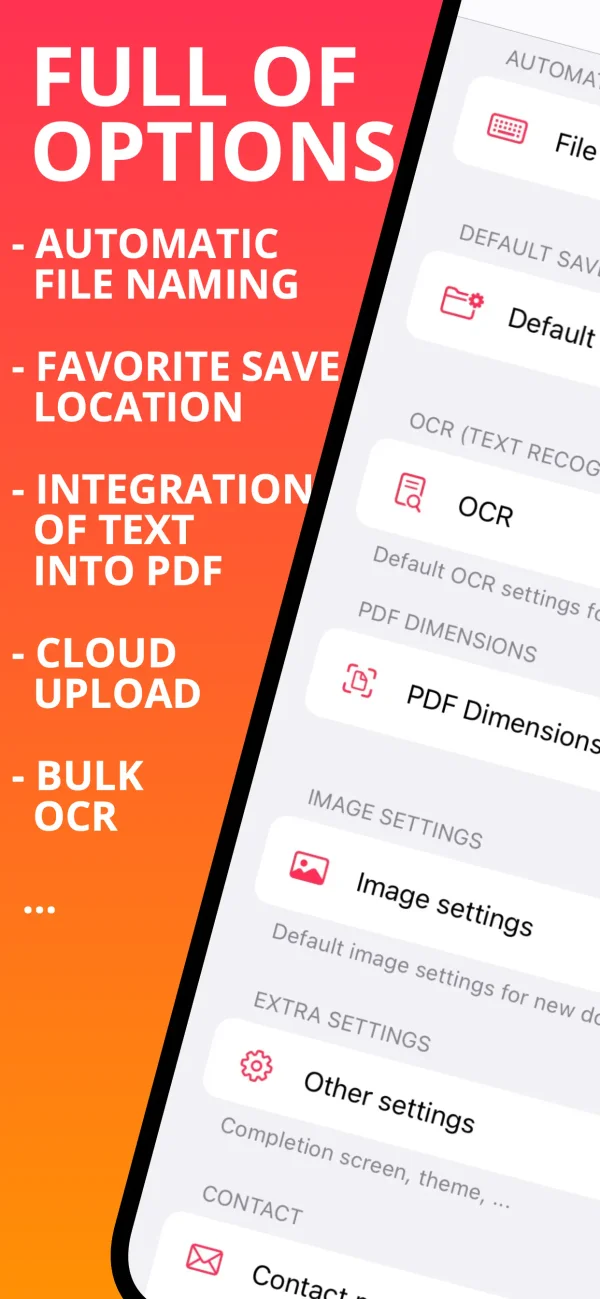
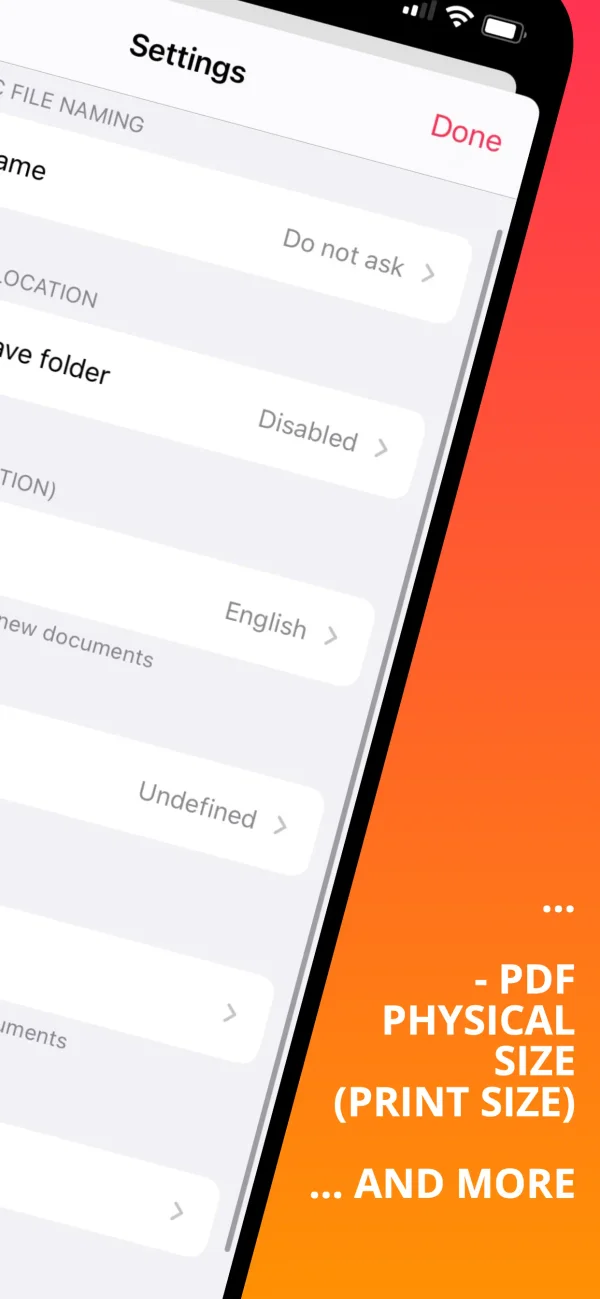
Many options available:
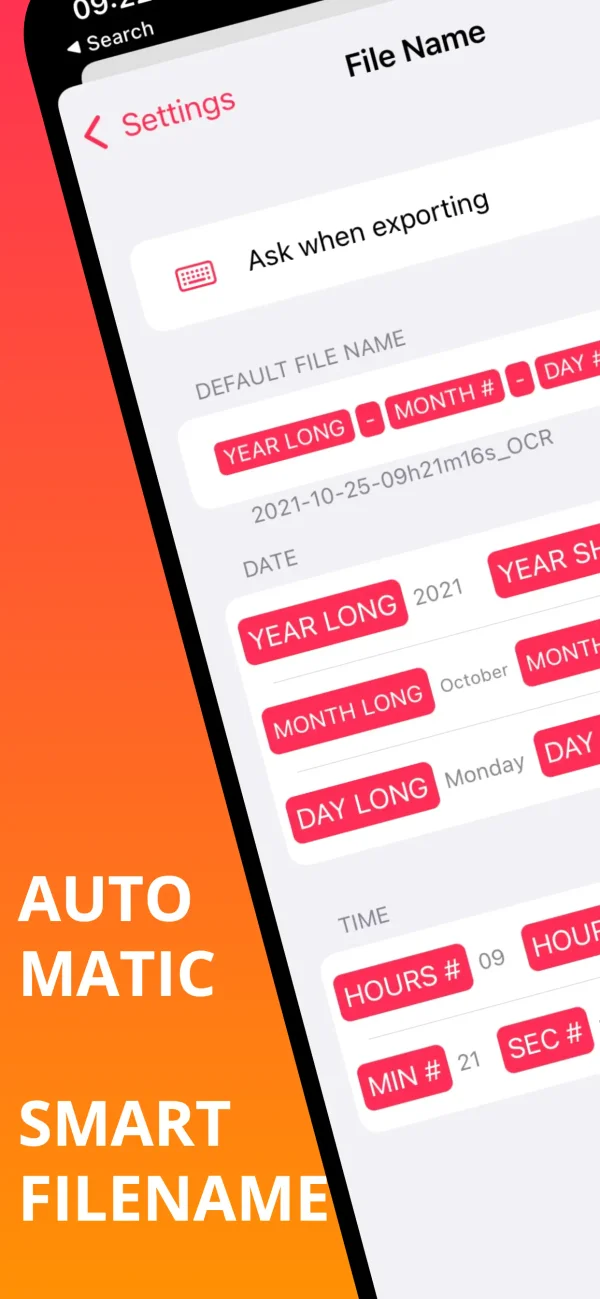
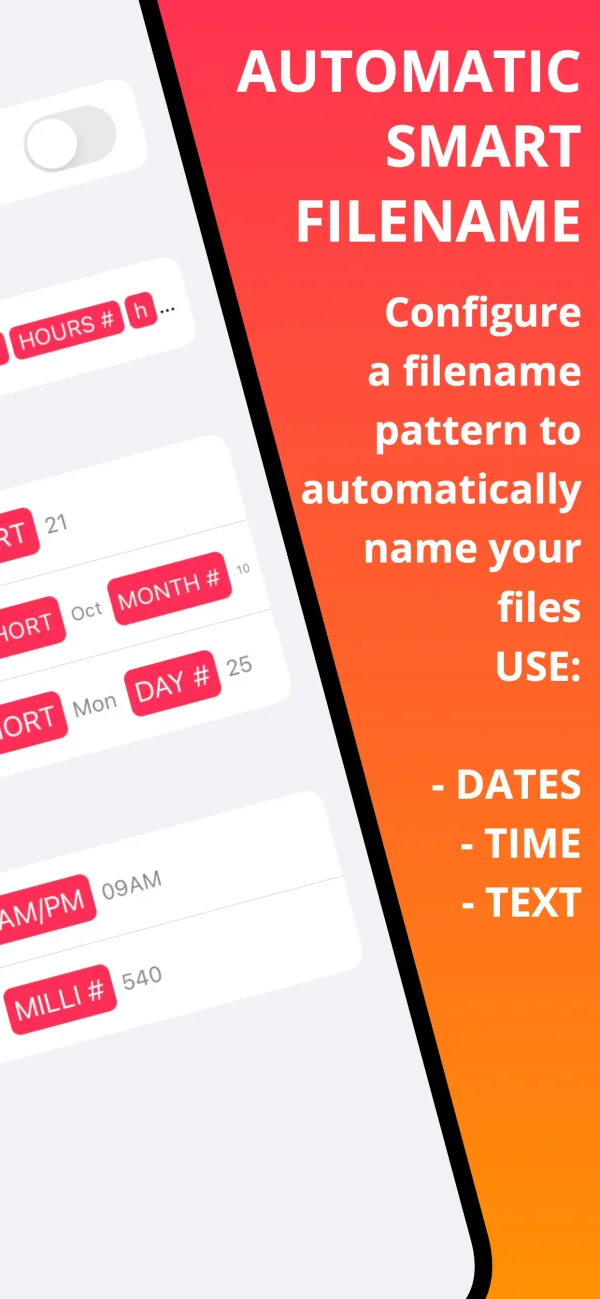
• Automatic file naming: configure a pattern with dates/time/text to generate the filename automatically on document creation
• Cloud upload: iCloud Drive/WebDAV/Dropbox/OneDrive/Google Drive/NAS/SMB/NextCloud/pCloud/Email/paperless-ngx and more...
• Export Favorites: configure multiple destinations with specific settings (OCR/image/file format/...) that can be accessed quickly when exporting.
• Widgets (home screen & lock screen) & Siri Shortcuts: they can be used to trigger a scan. Moreover, they can be associated with an Export Favorite to trigger an export automatically to the associated favorite.
• PDF physical size: choose the PDF print size: A4, A3, US LETTER,...
BULK OCR:
• The Bulk OCR functionality allows you to quickly convert many documents/images to searchable PDF(s) in one batch
NO DATA COLLECTION:
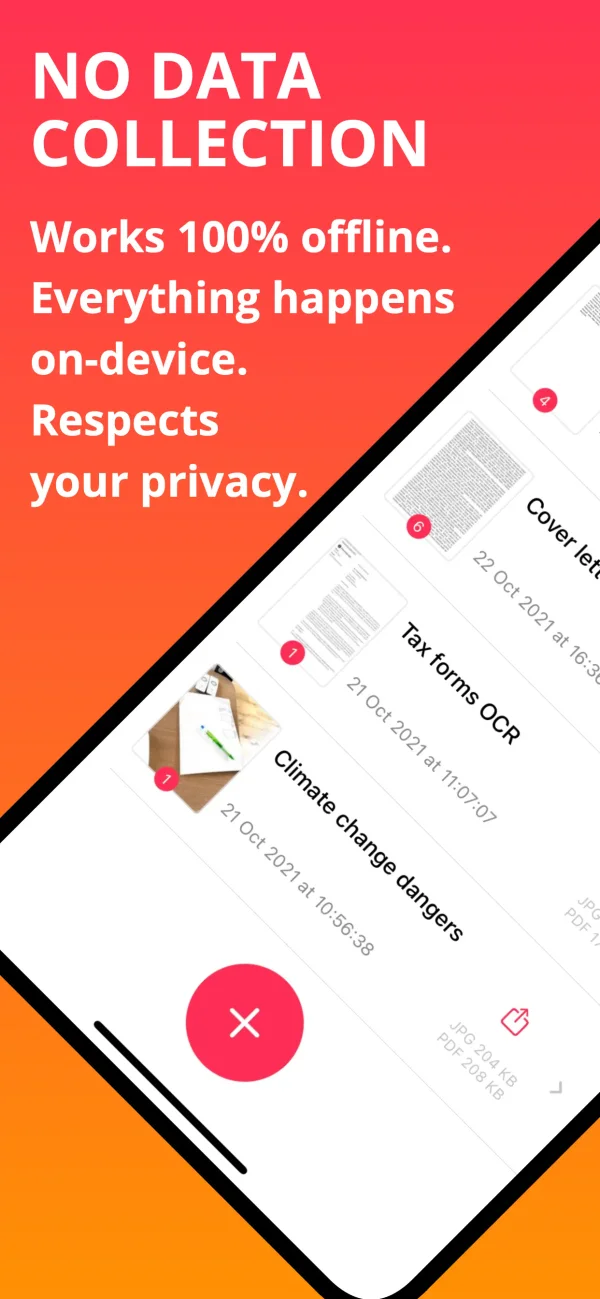
• Everything works offline, on your device
• No data is collected, your privacy is respected
I hope you enjoy the app made with love & care by an independant developer!
Jonathan
-----
The app is entirely free to use with no restrictions on the functionalities. A watermark might be added on the created PDF, but this can be removed by purchasing a pro access (via a one-time purchase or a subscription, your choice).
The privacy policy and terms of use can be found here: https://www.isolidapps.com/textify/privacy.php
What’s new
Version 3.7 · Oct 31, 2026
MAJOR UPDATE:
• Improved design.
• Scan to Excel: Textify recognizes the tables in your documents and creates Excel (xlsx) or CSV files. Requires iOS 26.
• Smart file naming: your files are named automatically with the document's date, title, issuer, type or total amount. Requires iOS 26 and Apple Intelligence.
• Summary and Q&A: Textify summarizes your documents, and you can ask questions about them. Requires iOS 26 and Apple Intelligence.
• Siri: ask Siri questions about your documents. Requires iOS 27 and Apple Intelligence.
• OCR: 12 new languages: Danish, Swedish, Dutch, Norwegian, Norwegian Nynorsk, Norwegian Bokmål, Czech, Polish, Romanian, Turkish, Indonesian and Malay. Requires iOS 26.
• PDF import: faster, with better results, and the original vector content can be kept.
• Search: faster, in the current folder or everywhere, and finds documents whose words are spread over several pages.
• Pages: select several pages to export, rotate or delete them at once.
• Duplicate: copy any document to edit it separately.
• Export Favorites: SharePoint, folders inside Textify, and more reliable SMB.
• iPad: your documents and the open document side by side. Optimized for iPhone Duo.
• Many other improvements.
App privacy
What iSolid apps declares on the App Store about how this app handles data.
-
Data not collected
The developer does not collect any data from this app.
Privacy practices may vary, for example with the features you use or your age.
Information
- Seller
- iSolid SPRL
- Category
- Utilities
- Version
- 3.7
- Updated
- Oct 31, 2026
- Released
- Oct 26, 2021
- Size
- 28.2 MB
- Requires
- iOS 16.4 or later
- Age rating
- 4+
- Price
- Free
- In-app purchases
- Yes
- Languages
- English, Dutch, French, German, Italian, Japanese, Portuguese, Simplified Chinese, Spanish, Swedish
- Copyright
- © 2022 - 2027 iSolid apps
You might also like
-
 easySearch - File Search ToolFind text, bookmark & research
-
 Pdf Text SearchUtilities
-
 OCR Scanner - Scan PDF & ImagePDF Document Scanner Text OCR
-
 Image to Text - Scan & ConvertHandwriting to Text Converter
-
 Image to Text [OCR Scanner]Utilities
-
 Samurai Search: text or PDFiCloud sync, search, preview.
-
 Supercopy for SafariQuickly copy links
-
 Image to Text: AI Text ScannerPhoto & Handwriting Converter
-
 Picture to Text: OCR ScannerScan and Read Photo, Image
-
 Prizmo Go › Text scanner (OCR)Capture, translate, read aloud