
TextLab: Format,Edit & Convert
Cleaner, Case, JSON, Markdown
Designed for iPhone, iPad, Mac
Free · In-app purchases
- Age rating4+
- CategoryUtilities
- DeveloperIgor Bidenko
- LanguagesEnglish
- Size26.9 MB
Links to the official App Store page
Download.org hosts no file of TextLab: Format,Edit & Convert. The button opens its official App Store page, published by Igor Bidenko. Listing last checked on Nov 23, 2026.
Screenshots




About
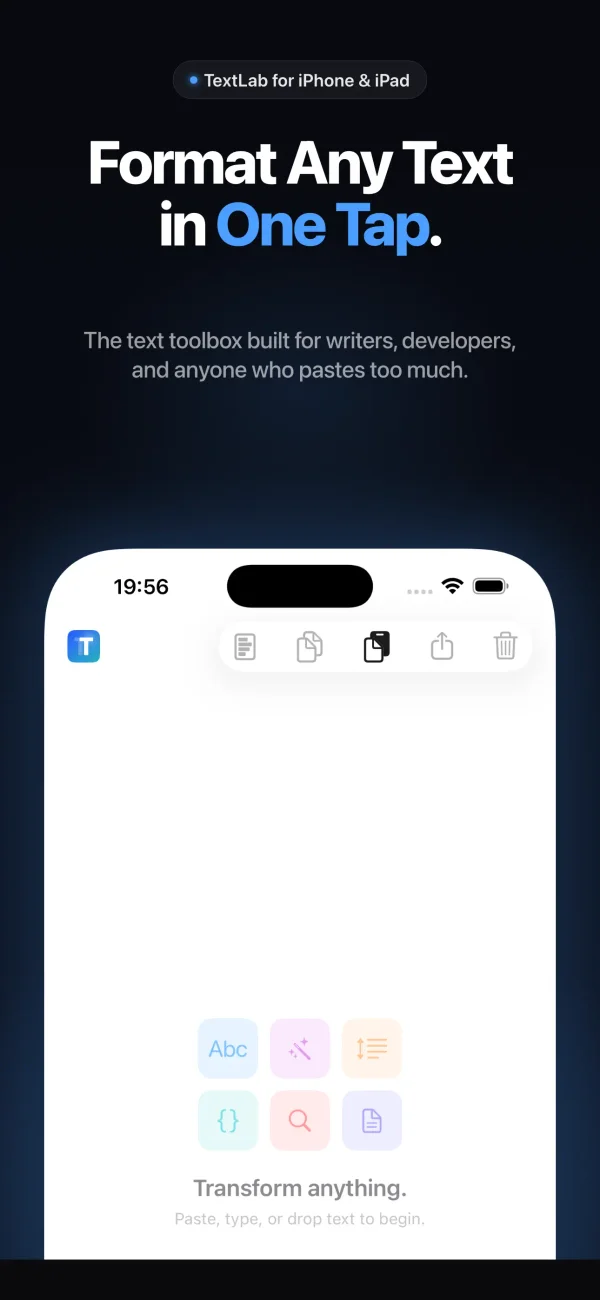
TextLab is a fast text utility for iPhone and iPad. Paste any text, pick a transformation, copy the result. No setup, no signup, no clutter.
Whether you write copy, ship code, edit content, or just clean up messy text from emails and documents, TextLab handles the boring parts so you do not have to.
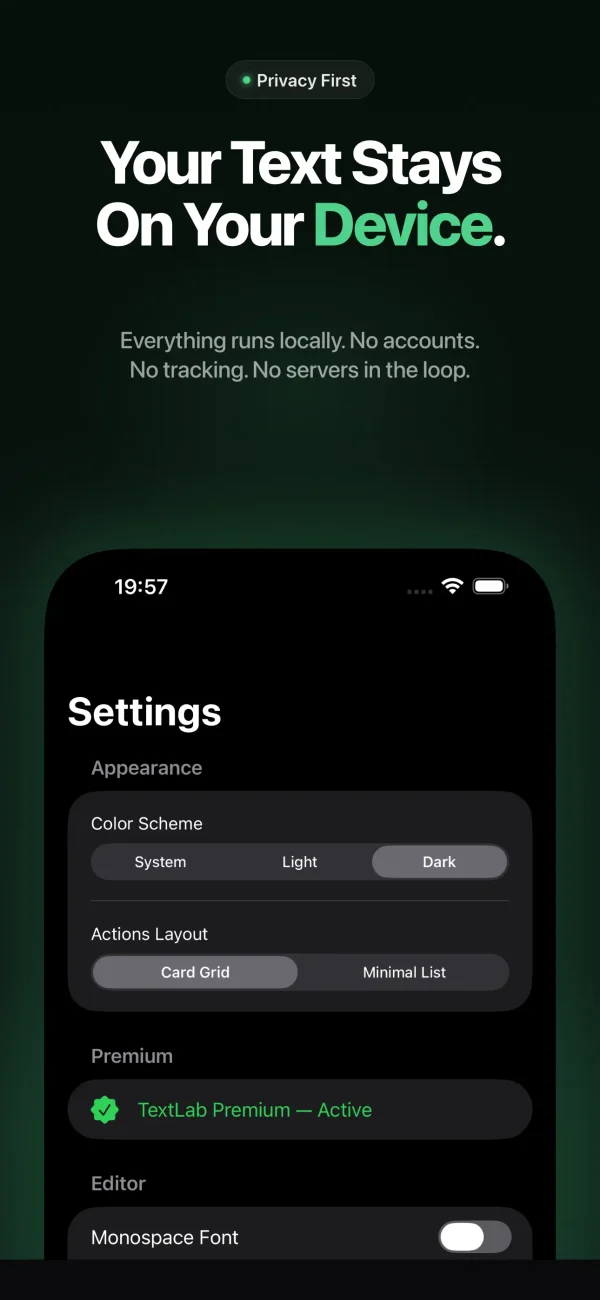
Everything runs on your device. Your text never leaves your iPhone.
WHAT IT DOES
• Convert case in one tap. UPPERCASE, lowercase, Title Case, Sentence case, camelCase, PascalCase, snake_case, kebab-case. All the formats developers and writers actually use.
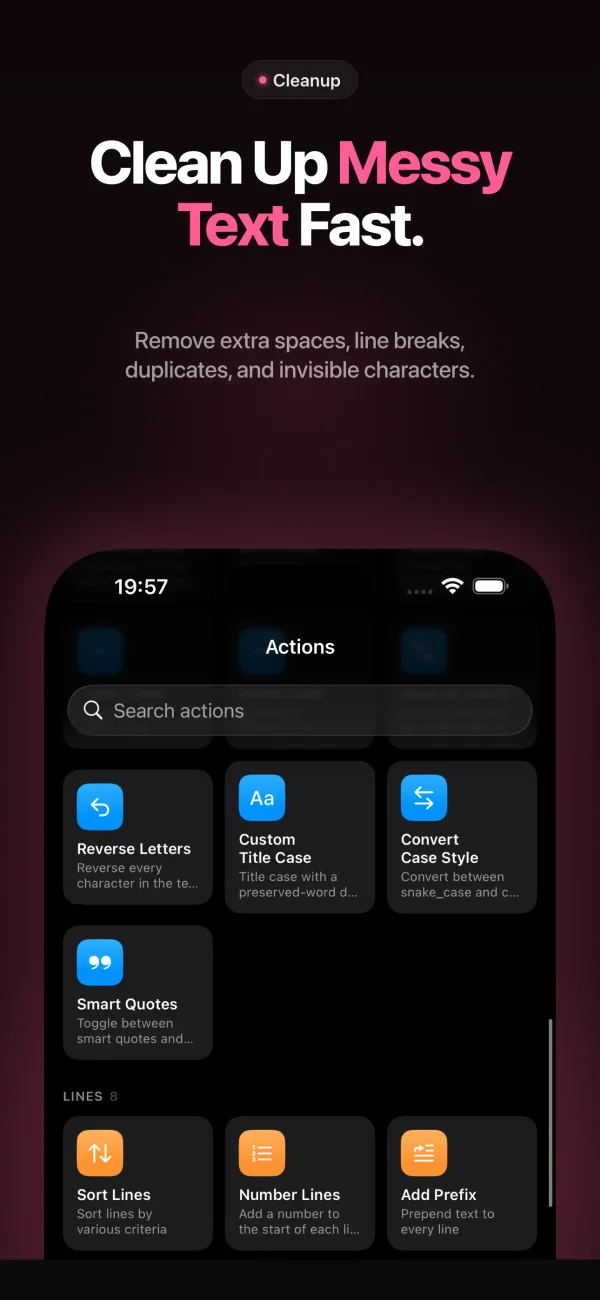
• Clean up text fast. Remove extra spaces, empty lines, line breaks, duplicate words, duplicate lines. Trim whitespace. Strip rich text formatting in one tap.
• Count what matters. Characters, words, lines, sentences, paragraphs, reading time. Live as you type.
• Reverse, shuffle, sort. Reverse words, reverse letters, sort lines alphabetically or by length, shuffle randomly.
PREMIUM TOOLS
• Workflows. Chain any number of actions into a single reusable transformation. Save it, name it, give it an icon, run it on any text in one tap. Edit a workflow once, use it forever.
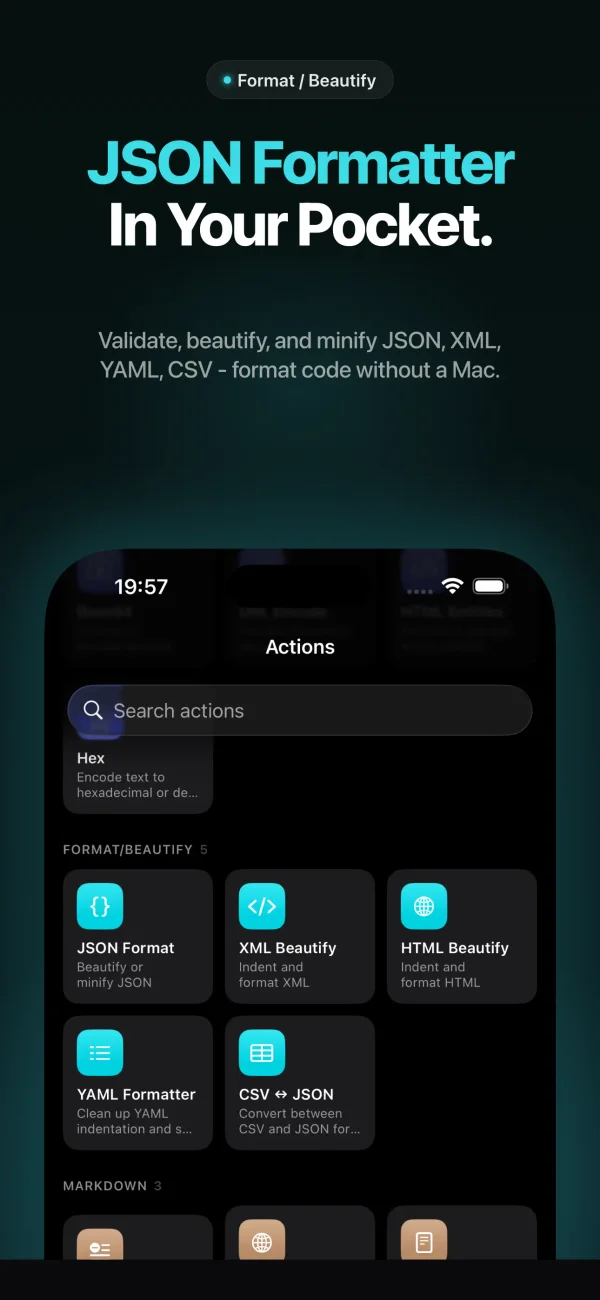
• JSON and data formatters. Beautify or minify JSON. Format XML, HTML, YAML. Convert CSV to JSON and back with custom delimiters. Strip HTML tags. Strip Markdown.
• Encoders and decoders. Base64, URL encoding, HTML entities, hex. Encode or decode in one tap.
• Find and replace with regex. Full NSRegularExpression support for advanced search and replace.
• Extract anything. Pull emails, links, phone numbers, dates from any block of text. Or write your own regex pattern to extract whatever you need.
• Line tools. Sort lines, number lines (decimal or Roman), add prefix or suffix to every line, delete lines containing or not containing text, break lines after every word, sentence, or position.
• Cleanup pro. Remove diacritics. Remove invisible Unicode characters that break text from web pages. Remove emojis. Filter words by pattern.
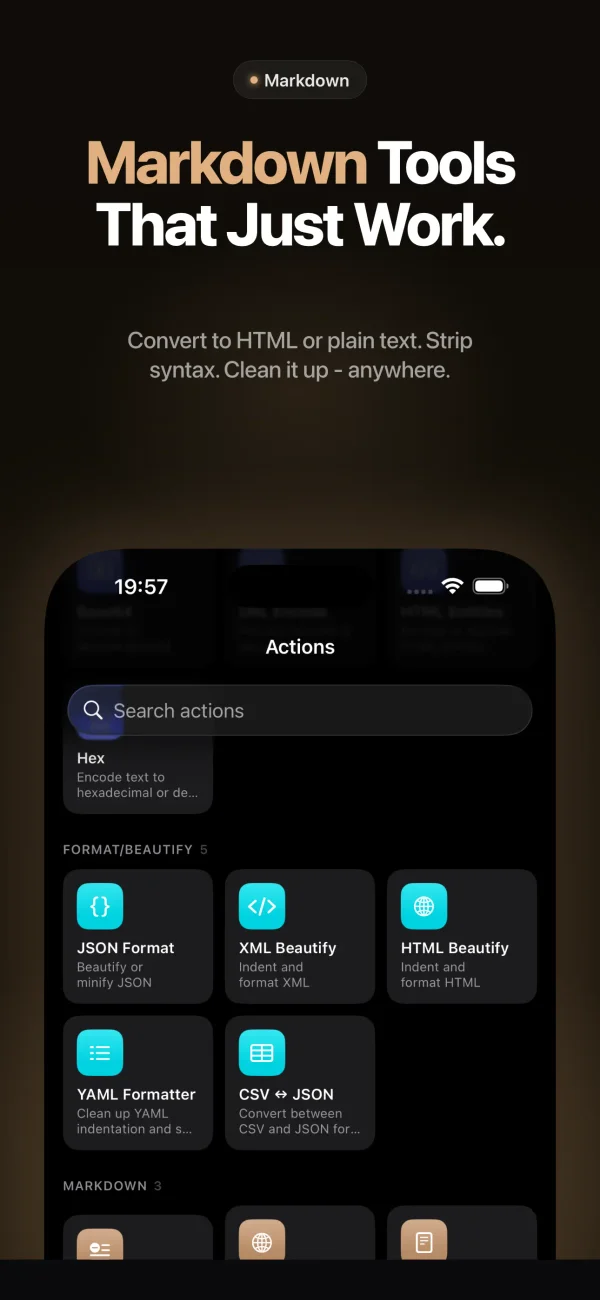
• Markdown tools. Convert Markdown to HTML. Strip Markdown syntax to plain text. Clean Markdown formatting.
• Apple Intelligence. On supported devices running iOS 26, run text through the on-device language model with your own prompt. Translate, rephrase, fix grammar, summarize. All on device.
• Shortcuts integration. Every TextLab action and every workflow you create works as a Shortcuts action. Build automations, run them with a tap, a Siri command, or a Home Screen widget.
• Share extension. Select text in any app, hit Share, run any TextLab action without leaving the app you are in.
• iCloud sync. Your workflows follow you across iPhone and iPad.
PRICING
Free tier covers basic case conversion, cleanup, counters, and reverse. Genuinely useful with no time limits, no daily caps, no nags.
PRIVACY
TextLab does not collect any data. No analytics. No tracking. No accounts. All transformations run on your device. Your text is never sent over the internet. iCloud sync uses your private iCloud database, encrypted by Apple.
WHO IT IS FOR
• Developers who format JSON, debug data, convert case styles, encode tokens, test regex patterns.
• Writers and journalists who clean up draft text, fix smart quotes, strip formatting, count words.
• Marketers and copywriters who format headlines, generate slugs, count characters for ad copy, prepare social posts.
• Students and researchers who clean up scraped text, format citations, transform data sets.
• Anyone tired of pasting text into ten different websites just to fix capitalization.
Terms: https://www.apple.com/legal/internet-services/itunes/dev/stdeula/
What’s new
Version 6.2 · Nov 22, 2026
Your spelling list, right beside your text
• Find Misspelled Words opens a list of every misspelled word with the line it is on, and your text stays exactly as it is. Tap a word to jump straight to it and fix it in place, or review them all in one pass.
Spelling help the moment you paste
• Paste text from anywhere and TextLab tells you how many words look misspelled. One tap on Review takes you through them, and the banner sits neatly above your text.
Change All, in any capitals
• Fix a typo once and every copy follows, whatever the capitals. Change "teh" to "the" and "Teh" at the start of a sentence becomes "The" as well.
Paste at the cursor
• Paste in the menu places your text right where the cursor is, as its own step in Undo.
Also in this update: a tidier editor menu and other refinements.
App privacy
What Igor Bidenko declares on the App Store about how this app handles data.
-
Data not collected
The developer does not collect any data from this app.
Privacy practices may vary, for example with the features you use or your age.
Information
- Seller
- Igor Bidenko
- Category
- Utilities
- Version
- 6.2
- Updated
- Nov 22, 2026
- Released
- May 6, 2026
- Size
- 26.9 MB
- Requires
- iOS 17.0 or later
- Age rating
- 4+
- Price
- Free
- In-app purchases
- Yes
- Languages
- English
- Copyright
- © Igor Bidenko
You might also like
-
 SourceExtractSave media from any website
-
 Simple ViewerThe quiet file viewer
-
 PageExtract - Webpage AnalyzerText, Images, Fonts & Source
-
 Yonder: Text DisplaySigns & Cue Cards
-
 LocalDrop: Wi-Fi File TransferLocal file sharing, no cloud
-
 PING: Send notificationsPush notifications made easy
-
 TokenHub - AI Key VaultManage AI Keys & Models
-
 HTML Viewer & CSS EditorCookie Editor & HTML Inspector
-
 Calculator : personalized CalcFast personalized Calculator
-
 Screen Share CastNowp2p screen share and itercomm