
- Age rating4+
- CategoryUtilities
- DeveloperSaleh Albatati
- LanguagesEnglish
- Size1.5 MB
Links to the official App Store page
Download.org hosts no file of TextPeek. The button opens its official App Store page, published by Saleh Albatati. Listing last checked on Nov 20, 2026.
Screenshots
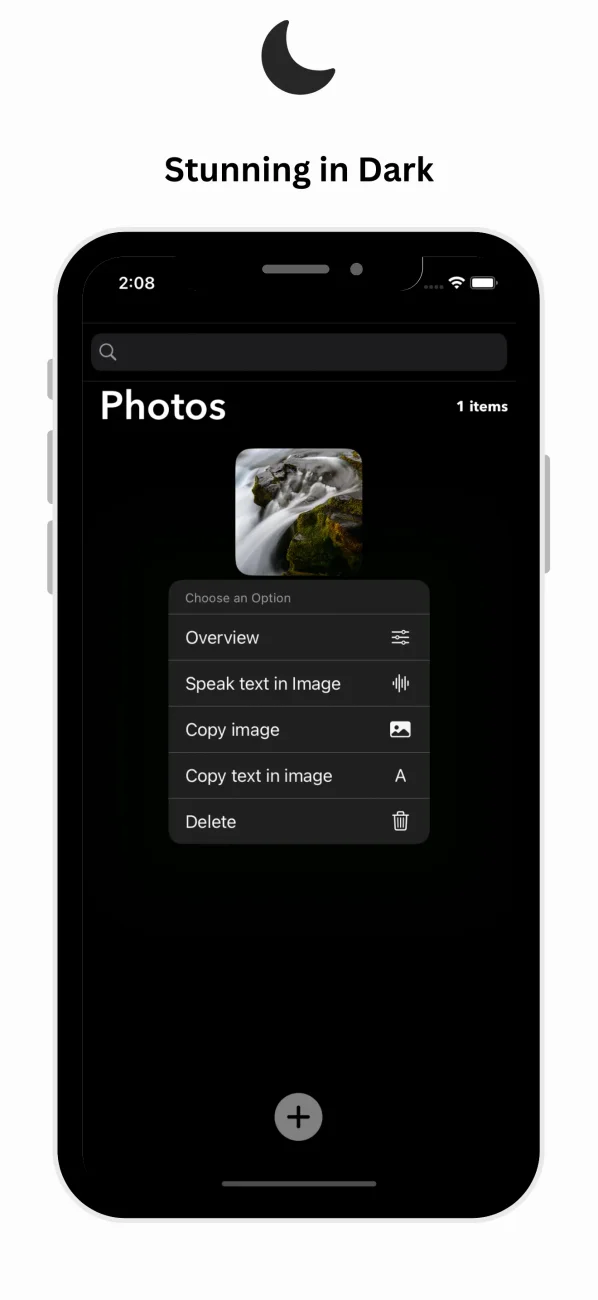
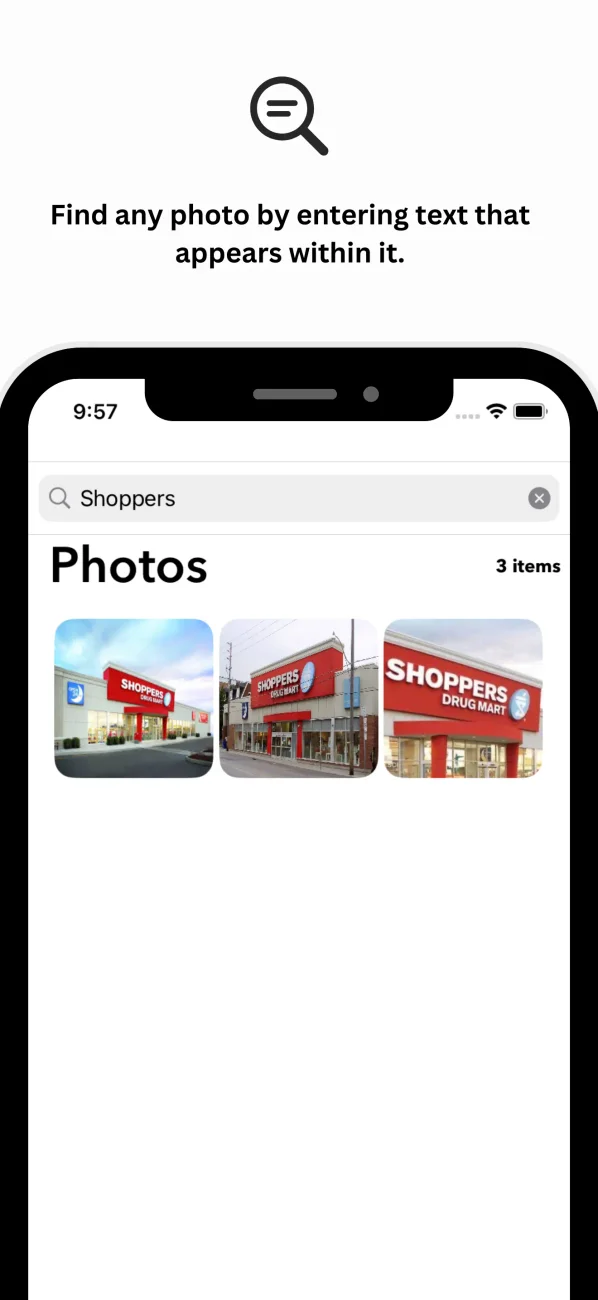
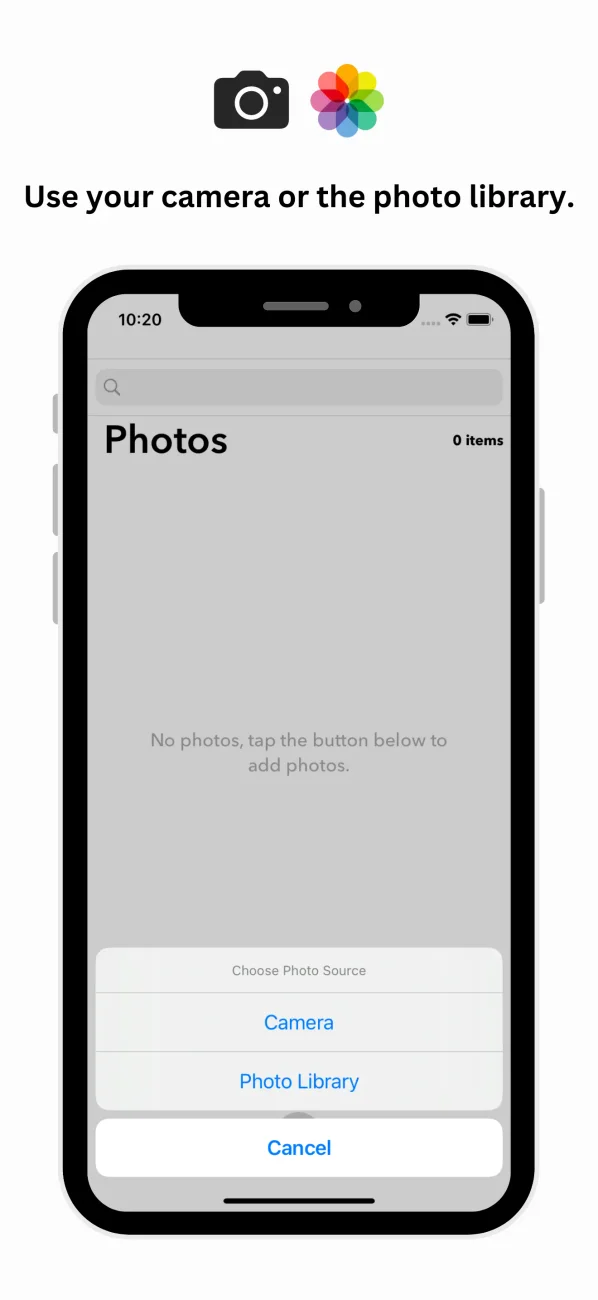
About
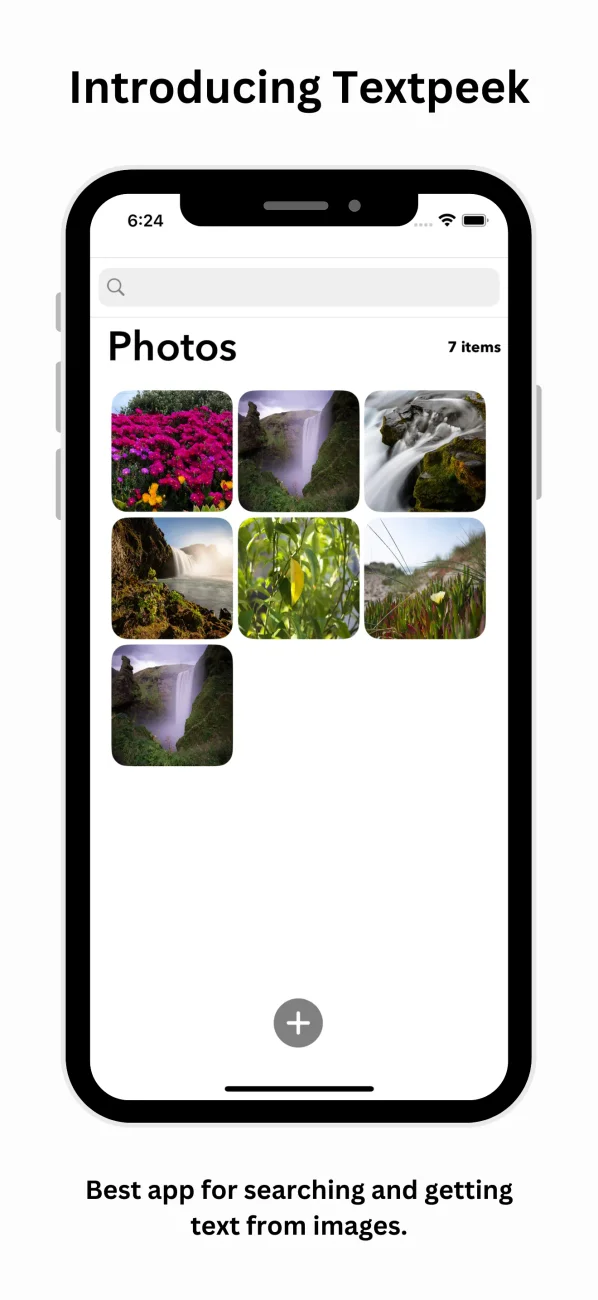
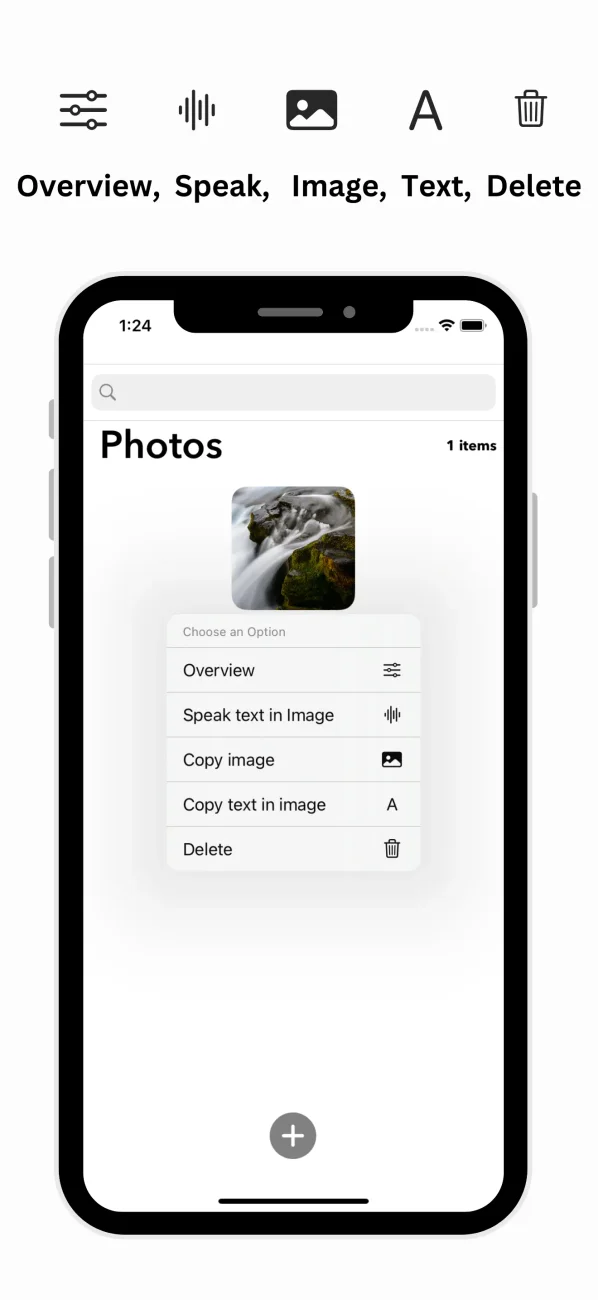
TextPeek is the ultimate tool for extracting and searching text from images. Simply upload any image, and TextPeek instantly scans it, identifying and extracting all visible text. With a user-friendly search bar, you can easily find specific words or phrases in your images, making it ideal for quickly accessing important information. Copy the extracted text with a single click and use it anywhere. Whether you're organizing documents, photos, or screenshots, TextPeek makes text extraction fast and effortless.
What’s new
Version 3.0.0 · Apr 8, 2025
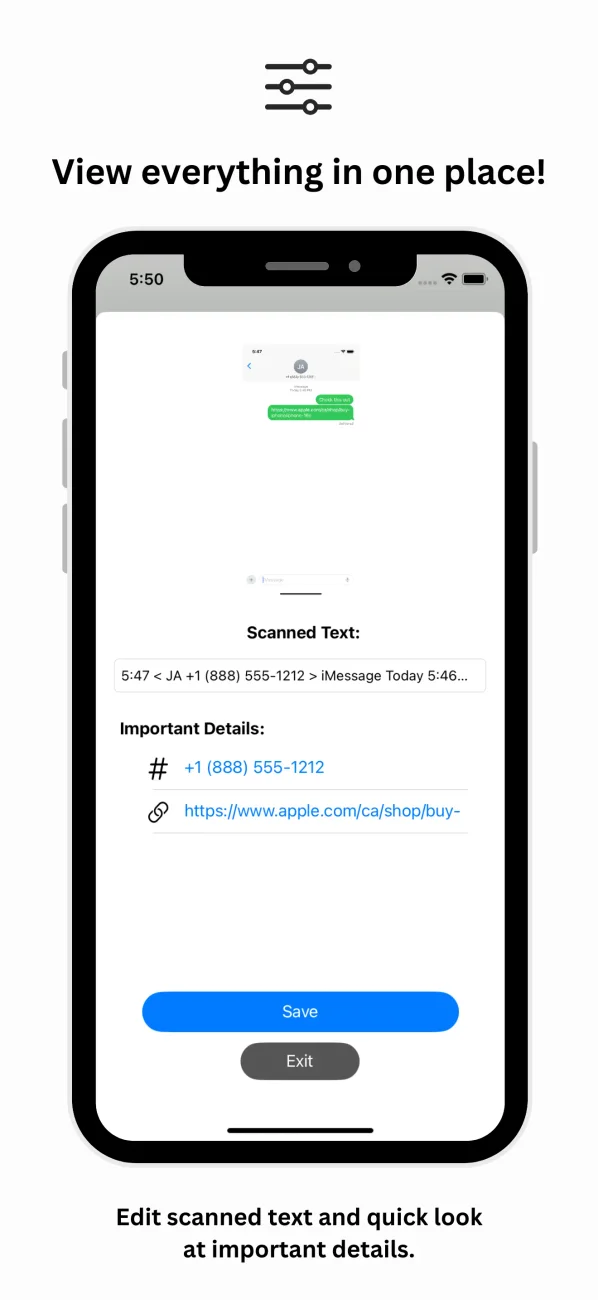
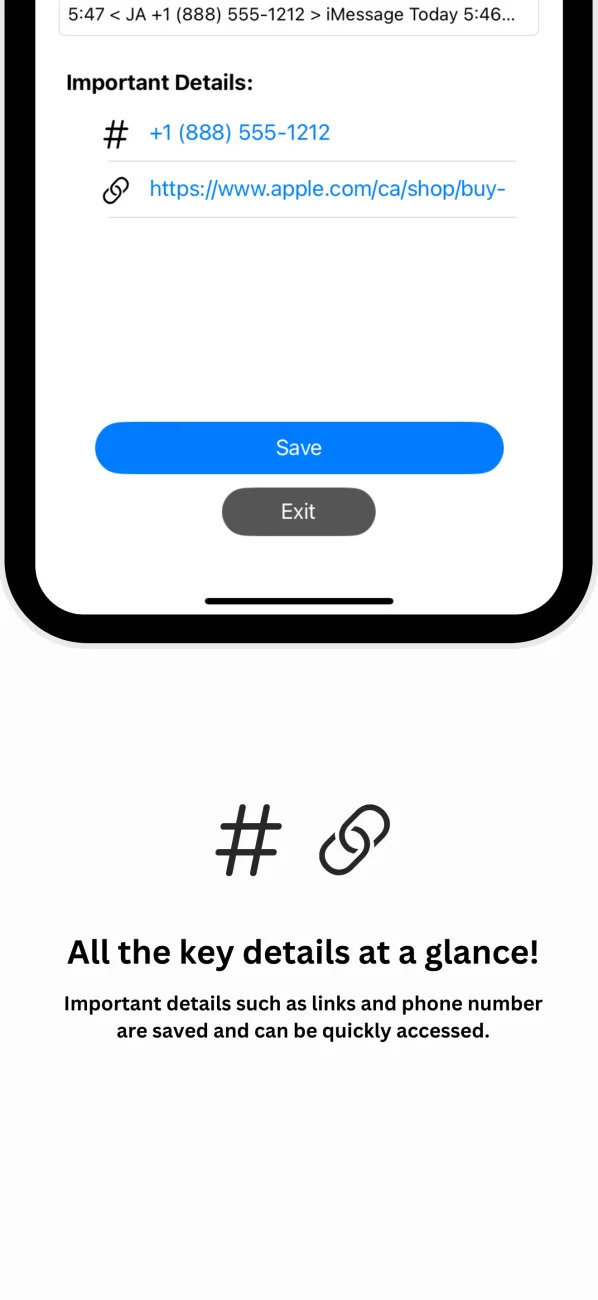
A new system that collects important information such as phone numbers and links in a list for quick access.
A new redesigned logo.
More refined screenshots.
Minor UI changes
App privacy
What Saleh Albatati declares on the App Store about how this app handles data.
-
Data not collected
The developer does not collect any data from this app.
Privacy practices may vary, for example with the features you use or your age.
Information
- Seller
- Saleh Albatati
- Category
- Utilities
- Version
- 3.0.0
- Updated
- Apr 8, 2025
- Released
- Jan 30, 2025
- Size
- 1.5 MB
- Requires
- iOS 15.6 or later
- Age rating
- 4+
- Price
- Free
- Languages
- English
- Copyright
- © 0xack
You might also like
-
 Private AI ModelsOffline AI Chat & Local LLM
-
 WiFi Device FinderFind devices on your WiFi
-
 Countdown: Days To GoBirthday & vacation widget
-
 Second Phone Number: 2nd line.Virtual SMS, Text & Call App
-
 Notebook : Notes & To Do ListVoice Notes, Memo & Notepad
-
 Keyboard Clipboard: SnippetsAuto Text Expander & AI Import
-
 TokCut-Save&Edit TT VideoTT HD Video Downloader
-
 ZellaContact Management Autopilot!
-
 200+ Apps in 1 - AppBundle 2All-in-One App Utility Bundle
-
 Tracker Detector: TraceItDetect Trackers, Find Devices