
TexVoice
Transform Text into Audiobooks
Designed for iPhone, iPad, iPod touch
Free
- Age rating4+
- CategoryBooks
- DeveloperGiacomo Cavallini
- LanguagesEnglish
- Size64.8 MB
Links to the official App Store page
Download.org hosts no file of TexVoice. The button opens its official App Store page, published by Giacomo Cavallini. Listing last checked on Nov 14, 2026.
Screenshots

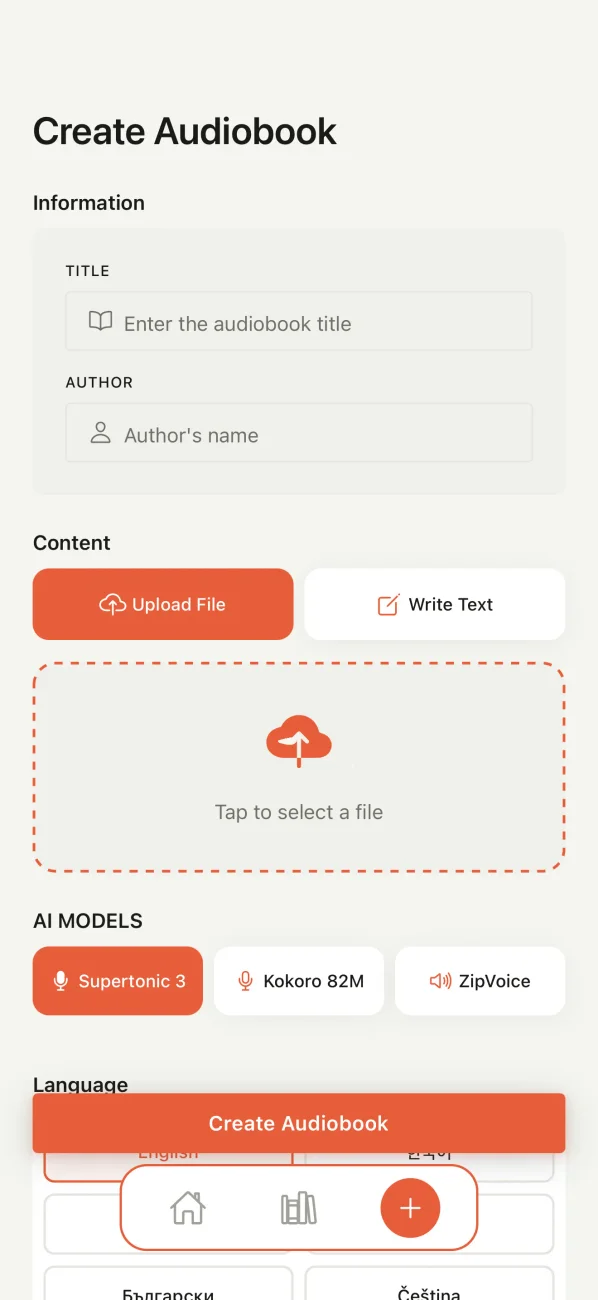
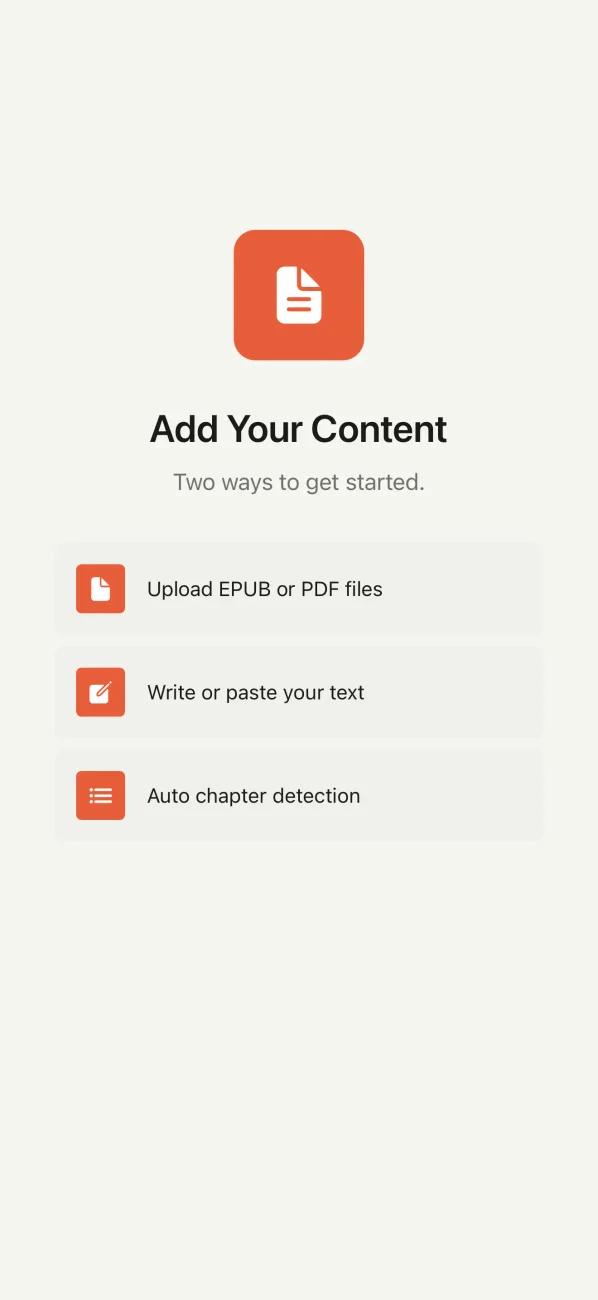
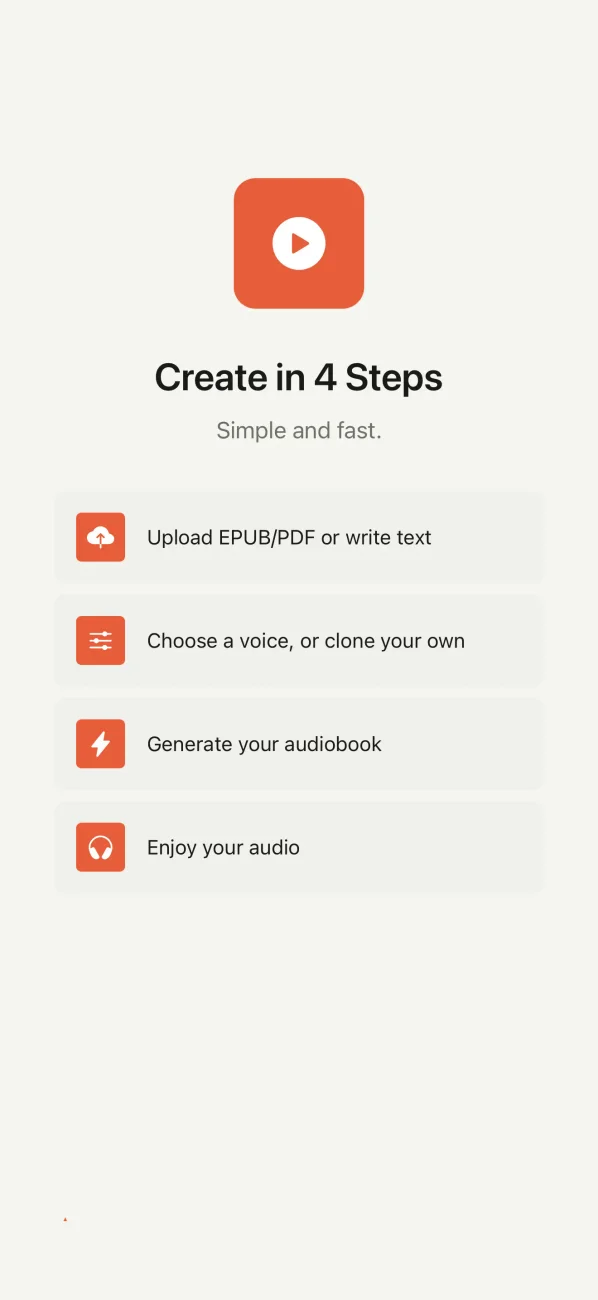
About
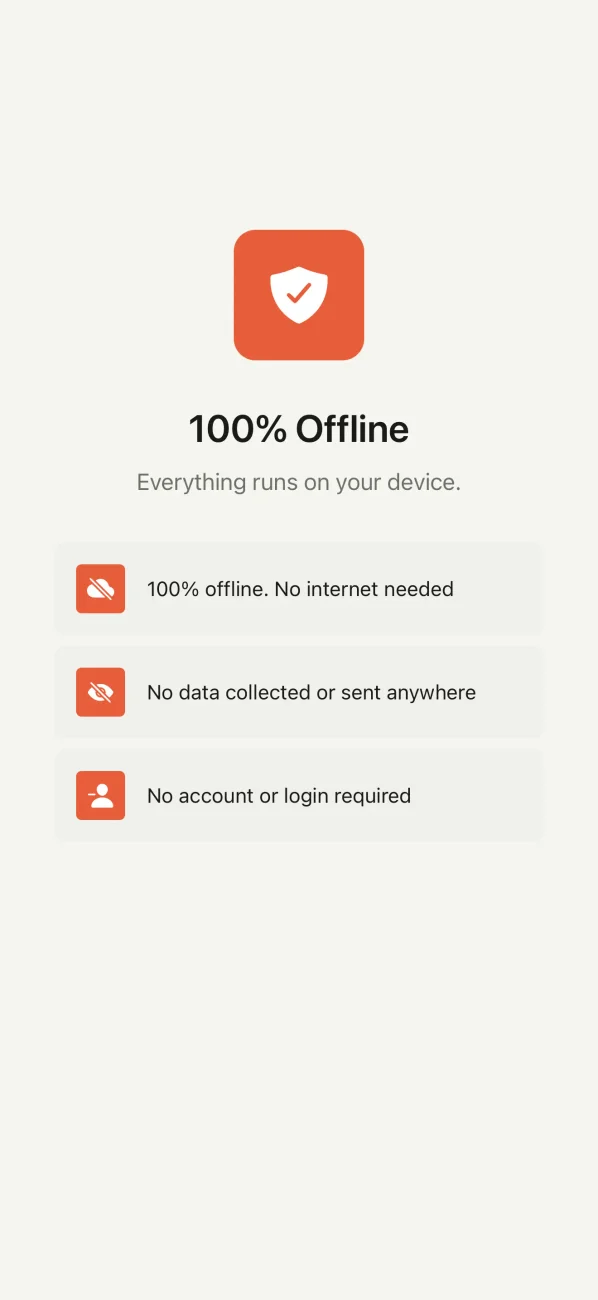
100% Offline AI Audiobooks. No Login Required. Your Voice, Your Privacy.
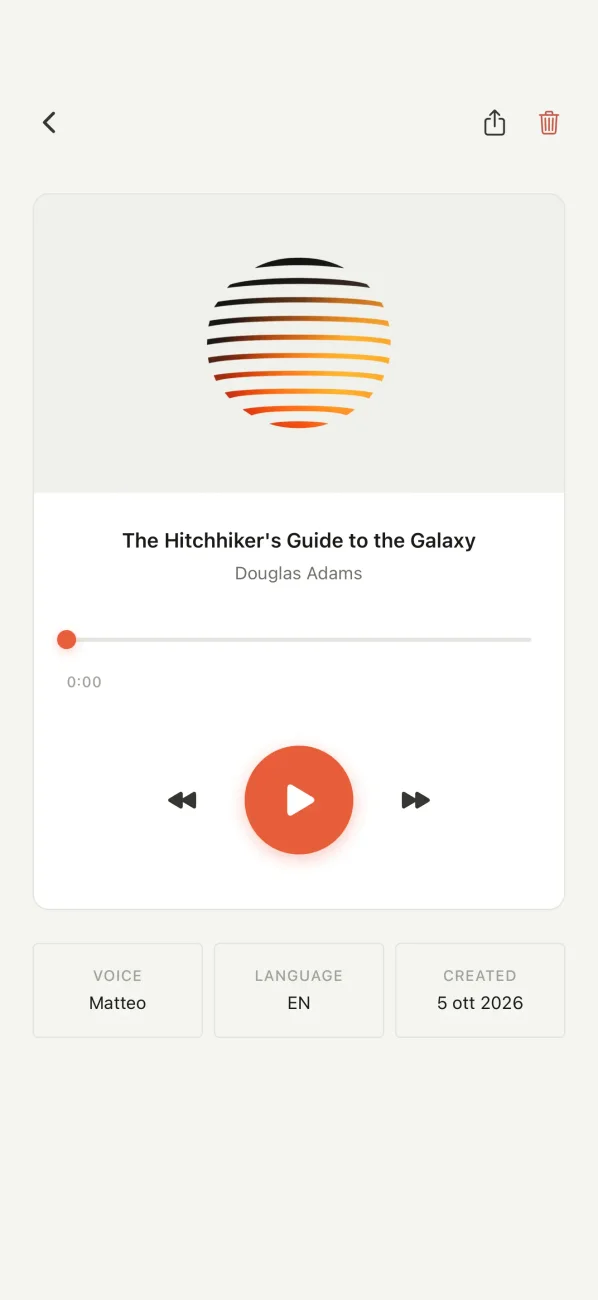
Turn any text, PDF, or EPUB into a natural-sounding audiobook, entirely on your iPhone, iPad or Mac.
TexVoice brings powerful AI voice technology directly to your device. No cloud processing, no accounts, no subscriptions, and no tracking. Your documents, recordings, and generated audio stay private.
Import a book, choose an AI voice or clone your own, and start listening.
Key Features
100% Offline & Private All AI processing happens directly on your device. Download your preferred voice model once and use it without an internet connection. No servers, no cloud, no tracking.
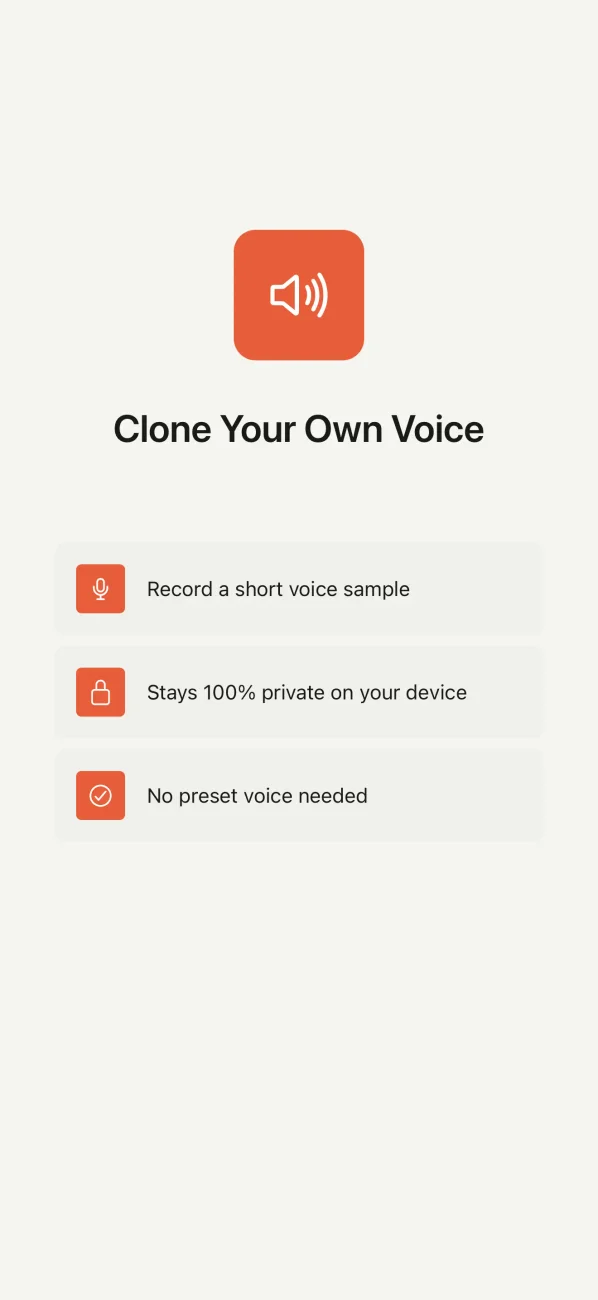
AI Voice Cloning Make your audiobooks truly personal. With ZipVoice, clone your own voice from a short recording and listen to books narrated in your voice. Available in English.
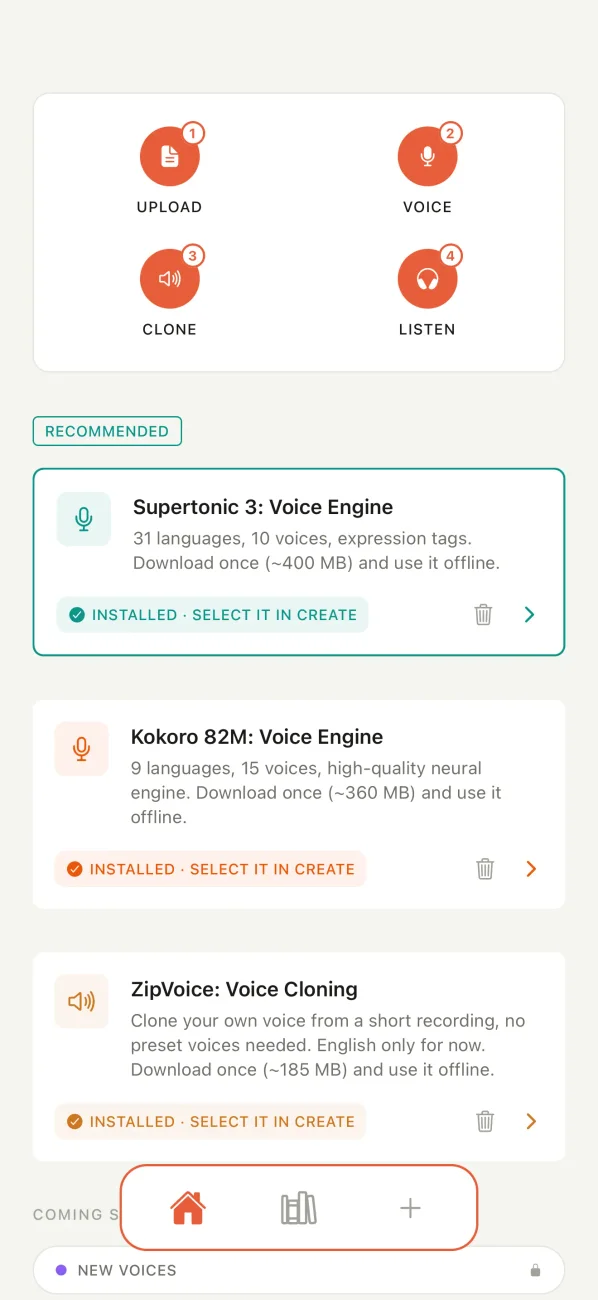
3 Powerful AI Voice Engines Choose the voice technology that suits you best:
- Supertonic 3: Fast, expressive speech synthesis with 10 natural voices and support for 31 languages.
- Kokoro 82M: High-quality, natural-sounding English voices.
- ZipVoice: Personalised narration using voice cloning.
+31 Languages Generate audiobooks in English, Italian, Spanish, French, German, Portuguese, Japanese, Korean, Chinese, and many more.
+10 AI Voices Choose each with its own character and natural intonation.
PDF & EPUB to Audiobook Import your documents and books with automatic text extraction, chapter detection, and metadata recognition. You can also paste or write your own text.
Chapter Detection Automatically identify chapters. Preview, rename, merge, or split chapters to organise your audiobook exactly how you want.
Generate Selected Chapters Don't need the entire book? Generate audio for individual chapters and save time.
Save Audio to Your Device Export your generated audio files and keep them for offline listening or just listening from the app.
No Account, No Subscription.
Your books. Your voice. Your device.
What’s new
Version 2.0.0 · Oct 5, 2026
Supertonic 3.0 Upgraded from Supertonic 2 to 3 for enhanced voice generation quality.
Voice Cloning Clone voices to create personalized audiobook narrations.
Generate Individual Chapters Save time by generating audio only for the chapters you select.
Download Audio to Your Device Save your generated audiobooks directly to your device for offline listening.
Improved Chapter Detection Smarter and more accurate chapter detection for seamless audiobook creation.
App privacy
What Giacomo Cavallini declares on the App Store about how this app handles data.
-
Data not collected
The developer does not collect any data from this app.
Privacy practices may vary, for example with the features you use or your age.
Information
- Seller
- Giacomo Cavallini
- Category
- Books
- Version
- 2.0.0
- Updated
- Oct 5, 2026
- Released
- Feb 9, 2026
- Size
- 64.8 MB
- Requires
- iOS 15.1 or later
- Age rating
- 4+
- Price
- Free
- Languages
- English
- Copyright
- © Giacomo Cavallini
You might also like
-
 Murmura: AI Audiobook ReaderPDF to Audiobook · AI Voices
-
 NovelHive AI: Audiobook MakerMulti-Voice EPUB/PDF Narrator
-
 Audiobook AI: Create & ListenAudiobooks on any topic.
-
 Chorus Reader: Audiobook MakerText to Speech for EPUB & PDF
-
 NaturalLocalReader: Read AloudPDF, EPUB & Safari to Audio
-
 TTSReader: Text to SpeechRead Aloud PDF, Books & Docs
-
 Morph BooksRead & Listen to Books. AI TTS
-
 VocaRead: Text to SpeechRead Books & PDF Aloud Offline
-
 StorydioEvery Story, in Your Voice
-
 FolientaPrivate EPUB & PDF Reader