
- Age rating4+
- CategoryBusiness
- DeveloperOptimum Output
- LanguagesEnglish
- Size431.3 MB
Links to the official App Store page
Download.org hosts no file of The BPR. The button opens its official App Store page, published by Optimum Output. Listing last checked on Nov 17, 2026.
Screenshots


About
Improve your processes and products every day, from the office to the shop floor.
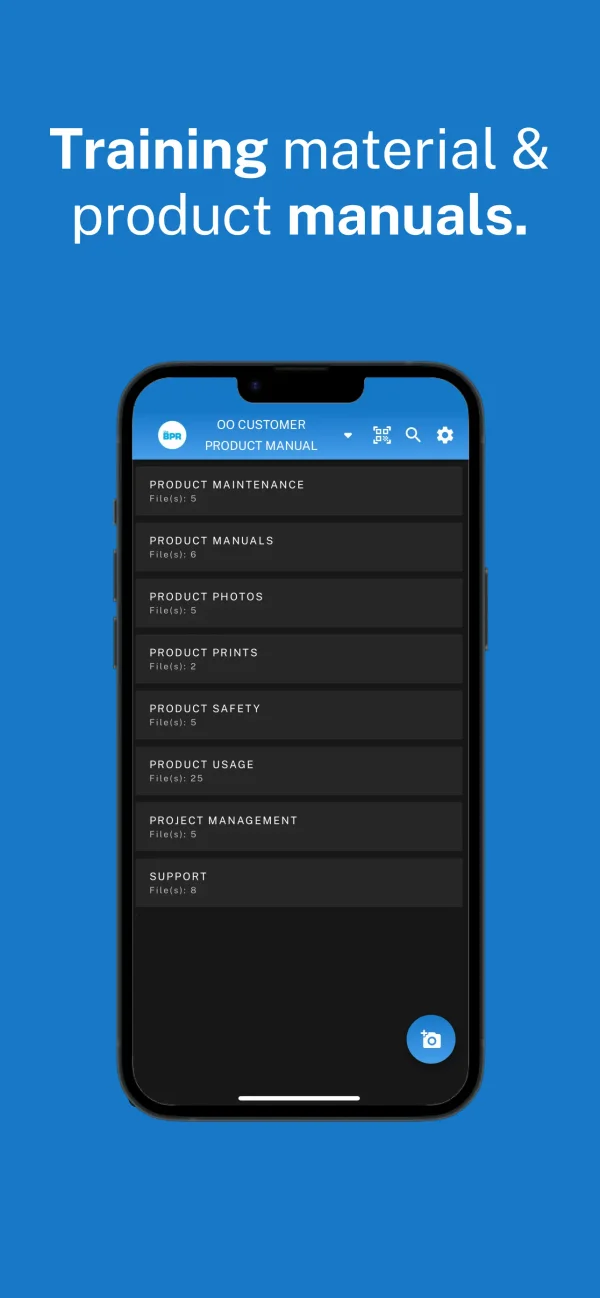
The BPR puts your company's knowledge library in your pocket: work instructions, product manuals, procedures and 3D models, always the latest version and always where your team needs them.
CREATE JAW-DROPPING INSTRUCTIONS
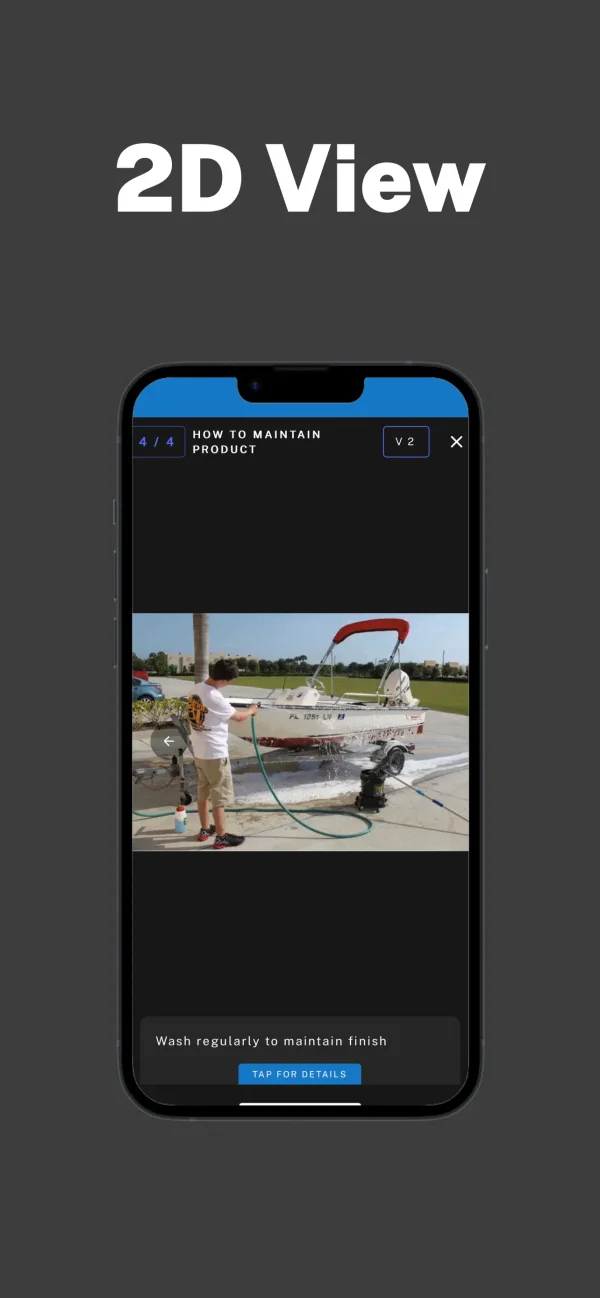
• Build step-by-step work instructions and product manuals your team can follow at a glance.
• Get a head start with the AI Writer.
• Organize everything by library and department, so people find the right document fast.
CONNECT IT TO THE REAL WORLD
• Link any document or model to equipment, workstations and products with secure QR codes.
• Write NFC tags straight from your phone.
• Scan a code and open exactly the right content, instantly.
EXPLORE IN 3D AND AR
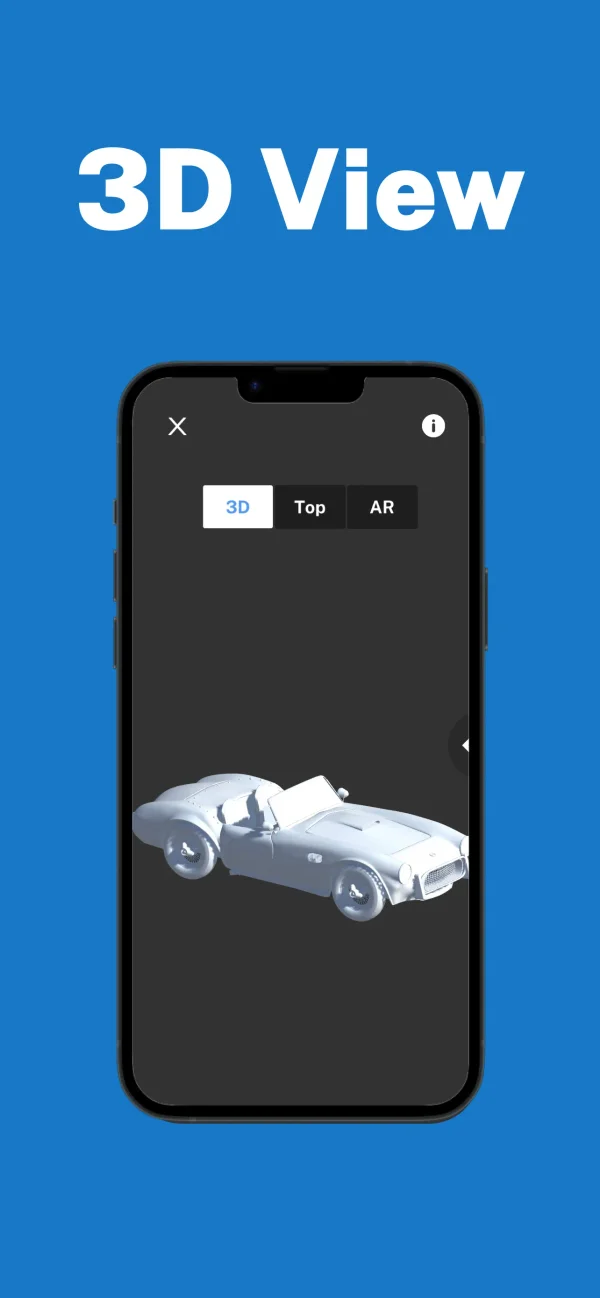
• View models in 3D, top-down or in augmented reality, right where the work happens.
• Explode models to see how every part fits together.
• Add comments, first-person markers and QR codes right on the model.
WORK ANYWHERE, EVEN OFFLINE
• Save documents and 3D models to your device and open them with no internet.
• Keep track of everything you've saved in Downloads and 3D Downloads.
SECURE BY DESIGN
• Sign in securely, with biometric login on supported devices.
• Saved models are stored encrypted on your device.
• Your content stays in your company's private library.
The BPR requires an account. Contact your administrator for access.
What’s new
Version 4.1.0 · Oct 6, 2026
Take your 3D models anywhere.
• Save 3D models for offline use: tap Save Offline on any model, then open it from 3D Downloads with no internet.
• New 3D Downloads page in the menu, listing every model you've saved.
• A progress bar shows each model as it saves, and the app stays fully usable while models download.
• Any model you open online is also saved for offline use.
• Opening and closing 3D models is faster and more reliable.
App privacy
What Optimum Output declares on the App Store about how this app handles data.
-
Data linked to you
May be collected and linked to your identity.
- Location
- Contact info
- Identifiers
- Usage data
- Diagnostics
Privacy practices may vary, for example with the features you use or your age.
Information
- Seller
- Optimum Output, LLC
- Category
- Business
- Version
- 4.1.0
- Updated
- Oct 6, 2026
- Released
- Dec 23, 2018
- Size
- 431.3 MB
- Requires
- iOS 17.6 or later
- Age rating
- 4+
- Price
- Free
- Languages
- English
- Copyright
- © Optimum Output, LLC
You might also like
-
 American Pipe & SupplyBusiness
-
 Acumatica eventsBusiness
-
 Take Control AppletBusiness
-
 AcumaticaAcumatica cloud ERP client
-
 Image to PDF : PDF MakerAll in One Pdf Maker
-
 Integrated Videoby Verizon Connect
-
 Zebra Printer Setup UtilityBusiness
-
 RampTime is money. Save both
-
 Empower, by ISNThe App for Contractor Workers
-
 Attendee MobileBusiness