
The Image Converter □
Convert JPG, PNG, HEIC, PDF
Designed for iPhone, iPad
Free · In-app purchases
- Age rating4+
- CategoryProductivity
- DeveloperFloat Tech, LLC
- LanguagesEnglish+ 22 more
- Size36.9 MB
Links to the official App Store page
Download.org hosts no file of The Image Converter □. The button opens its official App Store page, published by Float Tech, LLC. Listing last checked on Nov 24, 2026.
Screenshots

About
Quickly convert your photos to nearly any image format!
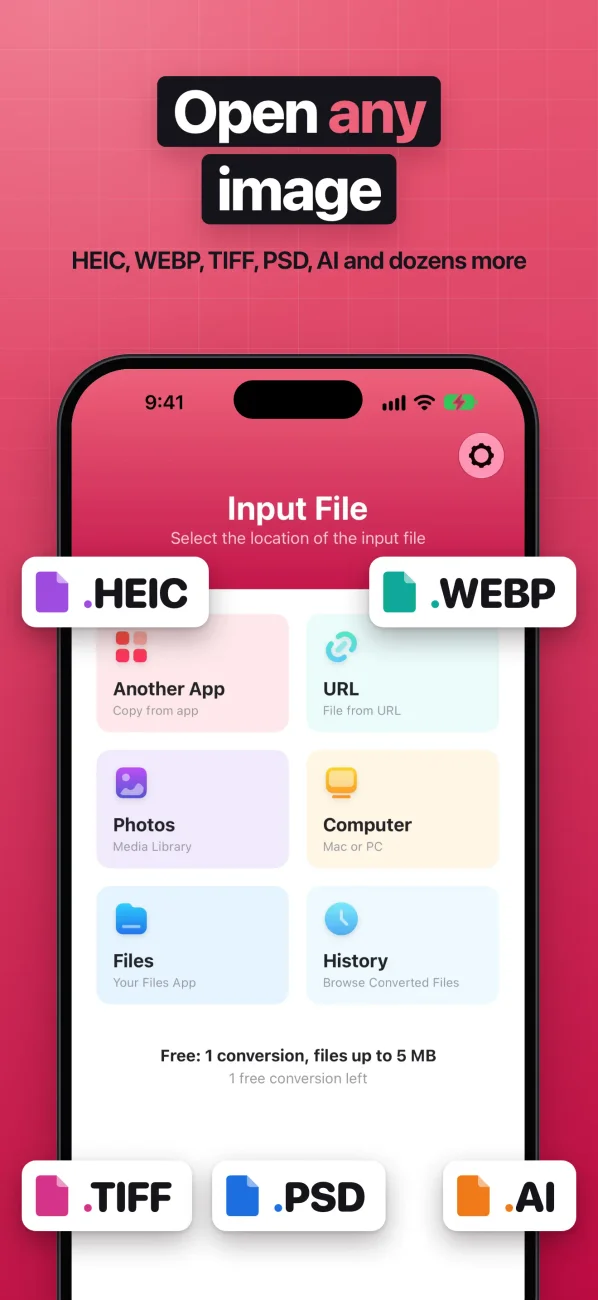
1. Select your input file
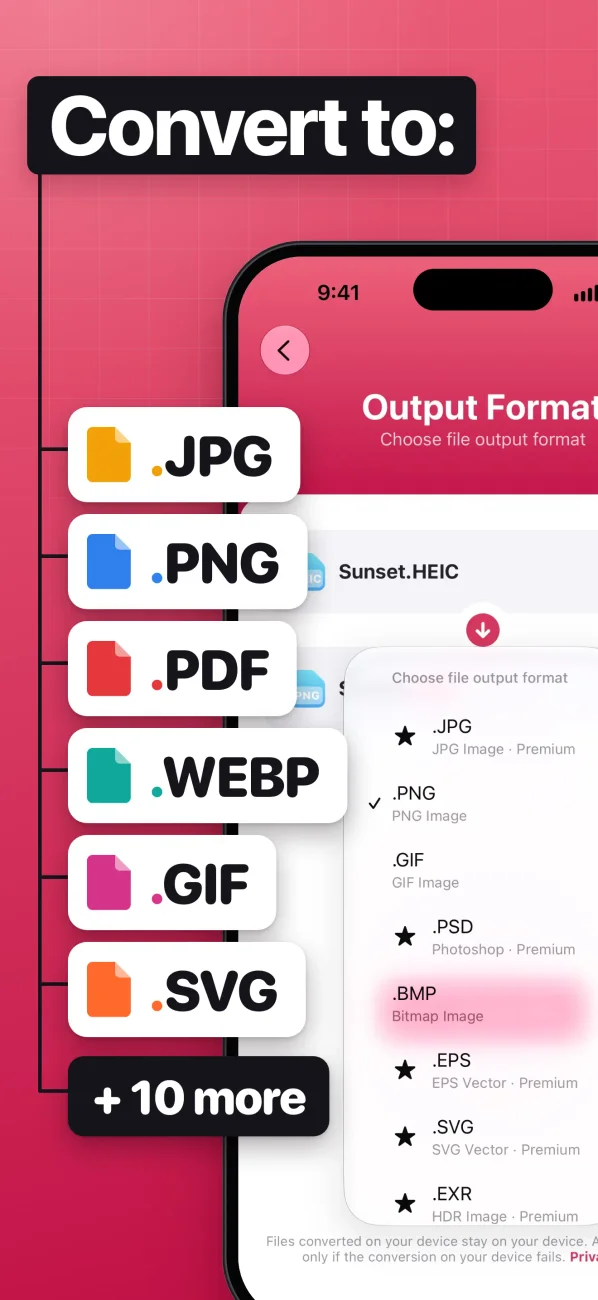
2. Choose your output format ( SVG, JPG, PNG, GIF etc. )
3. Convert!
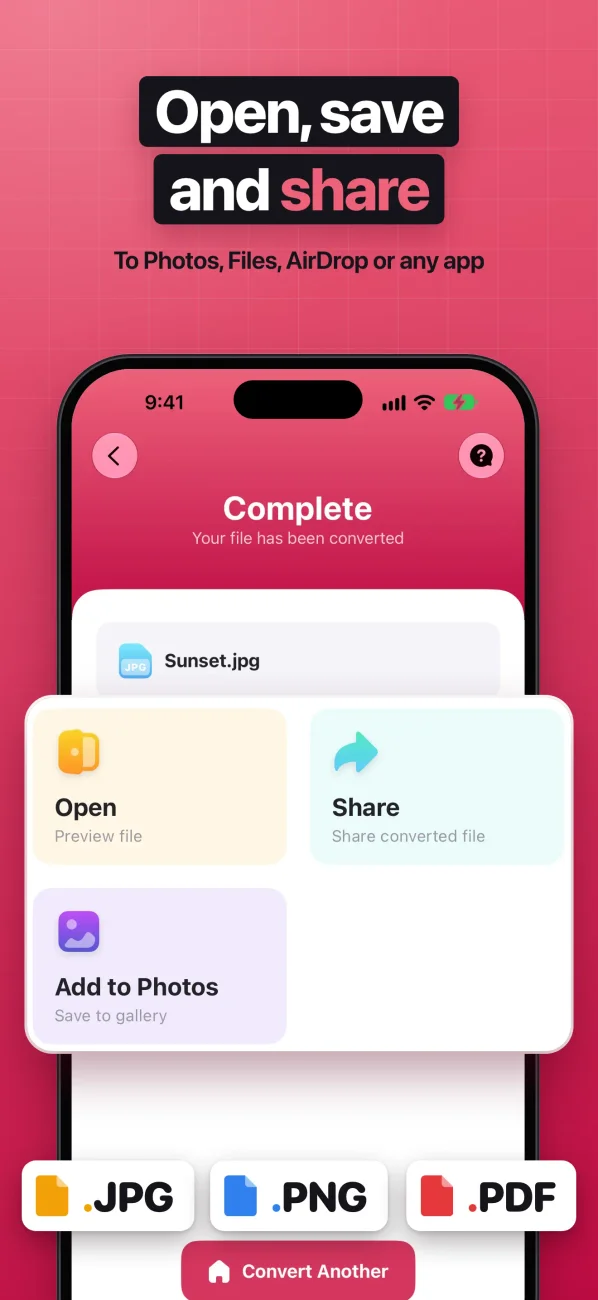
4. Save your file, or open it in your favorite app!
Here are the output formats you can choose from:
JPG, PNG, GIF, PSD, BMP, EPS, SVG, EXR, ICO, TIFF, TGA, WBMP, WEBP, ODD, PS, PDF
You can convert from dozens of input formats, here are some of the most popular formats we support converting from:
JPG, PNG, HEIC, PDF, SVG, EPS, WEBP, GIF, TIF, DOCX, AI, PAGES and many more!
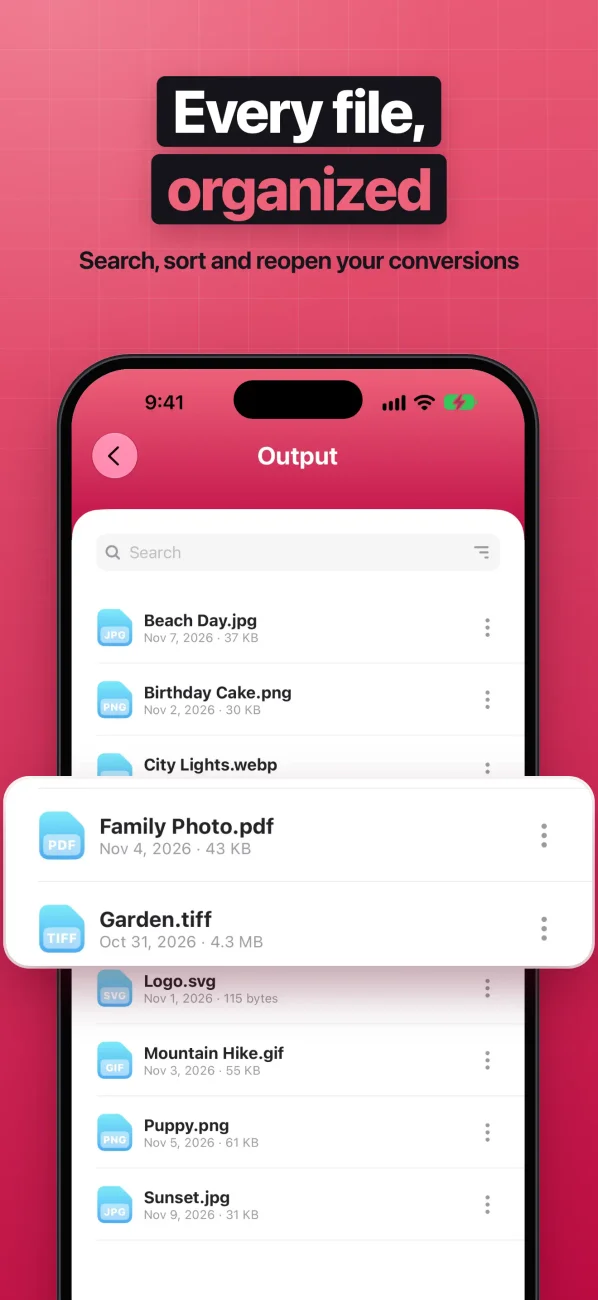
Save, Share or View your converted images in your favorite apps immediately. You can even browse your previously converted files with our in-app file browser.
After conversion, you can immediately AirDrop your photos right to your Mac or another device.
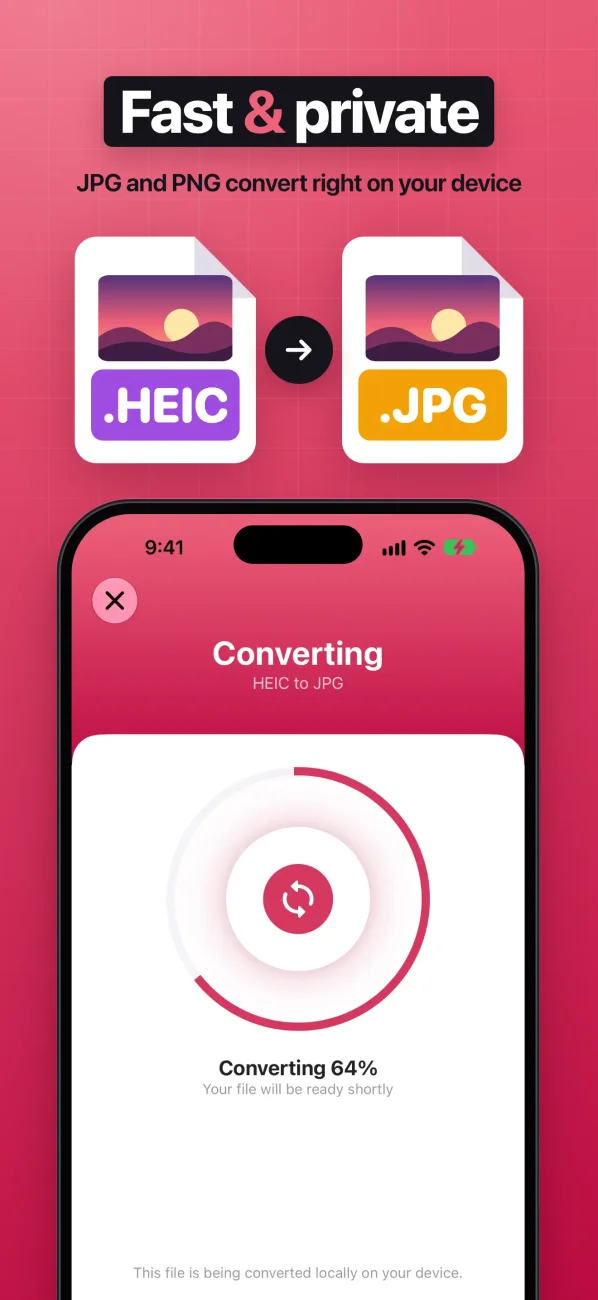
Converting to JPG or PNG happens right on your iPhone or iPad, so those photos stay on your device and no internet connection is needed. Other formats are converted on our secure conversion service: your file is renamed with a random code, sent over an encrypted connection, used only for your conversion, and deleted when it's done, within 24 hours at most.
Try it for free: convert one image up to 5 MB to PNG, GIF, BMP, TIFF, WEBP and more. Premium Pass unlocks every format, including JPG, PDF, SVG and PSD, unlimited conversions, several files at once and files up to 20 GB.
Premium Pass is available as a one-time Lifetime Pass or as an auto-renewable monthly subscription, which starts with a free trial for eligible new subscribers. Payment is charged to your Apple Account at confirmation of purchase. The subscription renews automatically at the same price unless auto-renew is turned off at least 24 hours before the end of the current period, and your account is charged for the renewal within the 24 hours before the period ends. You can manage your subscription and turn off auto-renewal in your Apple Account settings after purchase. Any unused portion of a free trial is forfeited when you purchase a subscription.
Privacy Policy: https://float.support/the-image-converter/privacy
Terms of Use: https://float.support/the-image-converter/terms
What’s new
Version 27.0.0 · Nov 11, 2026
• A refreshed design that works in every orientation, in iPad windows, with larger text and with VoiceOver
• Convert several files at once with Premium Pass
• Conversions keep going in the background, and large uploads pick up where they left off
• See what's free before you start
• Bug fixes and performance improvements
App privacy
What Float Tech, LLC declares on the App Store about how this app handles data.
-
Data not linked to you
May be collected but is not linked to your identity.
- User content
- Usage data
- Diagnostics
Privacy practices may vary, for example with the features you use or your age.
Information
- Seller
- Float Tech, LLC
- Category
- Productivity
- Version
- 27.0.0
- Updated
- Nov 11, 2026
- Released
- Apr 24, 2014
- Size
- 36.9 MB
- Requires
- iOS 26.0 or later
- Age rating
- 4+
- Price
- Free
- In-app purchases
- Yes
- Languages
- English, Danish, Dutch, Finnish, French, German, Greek, Hindi, Indonesian, Italian, Japanese, Korean + 11 more
- Copyright
- © 2026 Float Tech LLC
You might also like
-
 Image Converter: JPEG PDF HEICConvert to JPG PNG & SVG File
-
 Image Converter: photos to PDFConvert photo to jpeg png svg
-
 Image Converter to JPG-PDF-PNGJPEG Converter HEIC to JPG
-
 Photos PDF : Scanner ConverterPhoto & image to Scan Document
-
 Photo & Image ConverterResizer & convert files bulk
-
 HEIC to JPEG : image converterconvert photo to png gif jpeg
-
 Image Converter • JPG to PDFConvert HEIC, PNG & JPEG Photo
-
 Image Converter : PDF PhotosConvert JPG , PNG, HEIC to PDF
-
 PDF it All Document ConverterCompress PDF Photos,Files,Word
-
 PDF Converter• Convert to WordPDF Merger, Compressor & OCR