The Room Display
Meeting Room Display for iPad
Designed for iPhone, iPad, iPod touch
$75.00
- Age rating17+
- CategoryBusiness
- DeveloperElin Egholm
- LanguagesEnglish+ 11 more
- Size6.2 MB
Links to the official App Store page
Download.org hosts no file of The Room Display. The button opens its official App Store page, published by Elin Egholm. Listing last checked on Nov 20, 2026.
Screenshots
About
NO SUBSCRIPTION, EASY TO USE MEETING ROOM DISPLAY
The Room Display turns your iPad or iPhone into a professional meeting room display that shows real-time availability and allows instant booking — right outside each room. No more awkward interruptions or double bookings. Unlike most competitors that lock you in with expensive subscriptions, this app comes with a one-time purchase and then you can use it as long as you want.
Works with Google Workspace and Microsoft 365.
We are very open to feedback — please get in touch at hi@elinegholm.com!
CRYSTAL CLEAR STATUS
Your room's availability is visible from across the hallway:
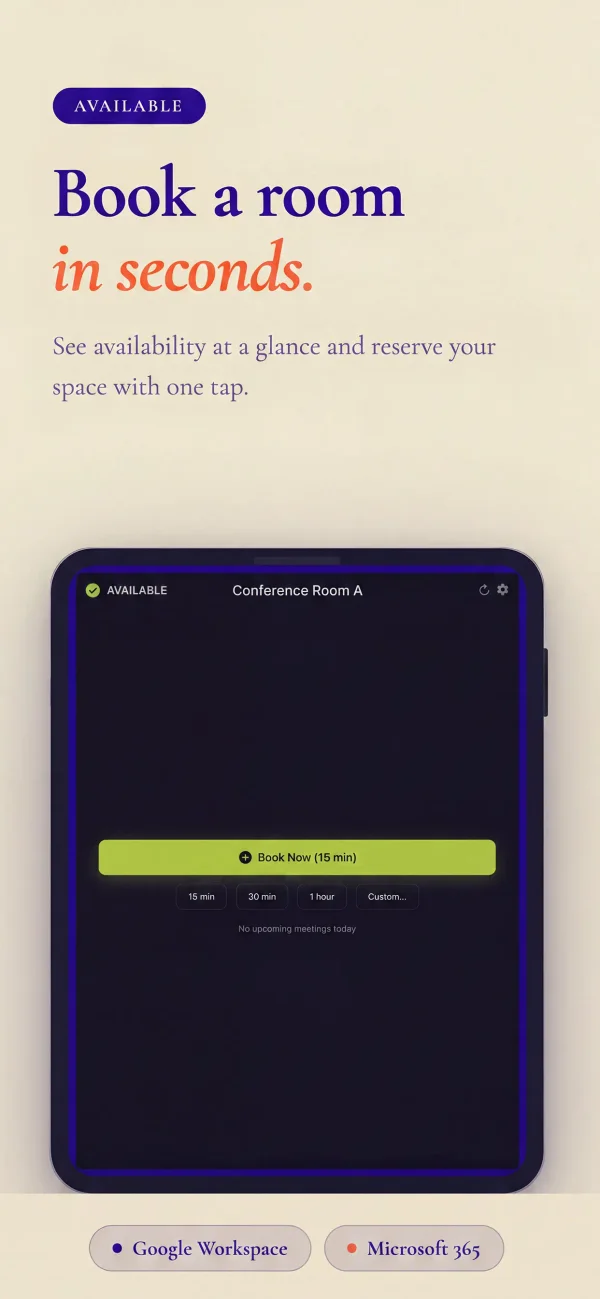
• Vivid green border when the room is available
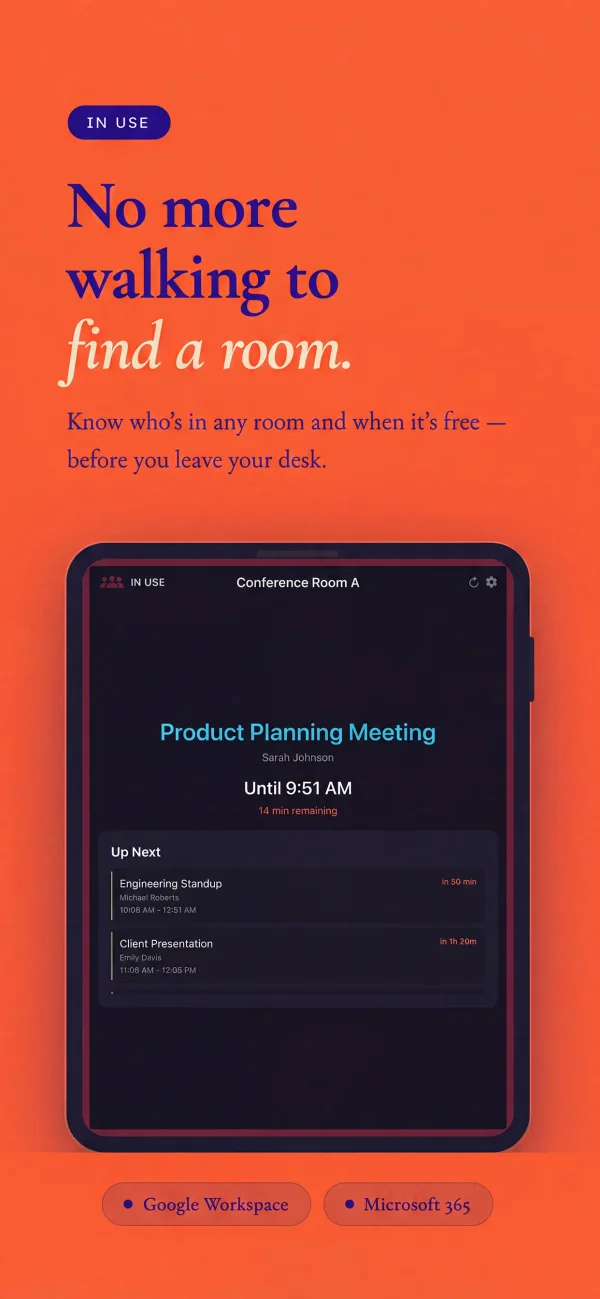
• Bold red border during active meetings
• Orange alert when the current meeting is ending soon
See exactly what's happening now and what's coming up next, all at a glance.
INSTANT BOOKING
Need a room right now? Book it in seconds:
• Quick-book buttons: 15 minutes, 30 minutes, or 1 hour
• Custom duration picker for precise scheduling
• Works seamlessly with your existing calendar
GOOGLE WORKSPACE & MICROSOFT 365
Perfect integration with your organization:
• Google Workspace via Service Account or OAuth
• Microsoft 365 via OAuth (MSAL)
• Shows all meetings from your calendar resources
• Respects meeting privacy settings
• Auto-refreshes every 30 seconds for real-time accuracy
PROFESSIONAL DISPLAY
Purpose-built for wall-mounted iPads and iPhones:
• Large, readable text visible from a distance
• Clean, minimal interface that looks great 24/7
• Meeting organizer and time remaining at a glance
• Scrollable upcoming events list
• No distracting elements — just the information that matters
AVAILABLE IN 9 LANGUAGES
English, Danish, Faroese, German, Spanish, French, Portuguese, Chinese, and Japanese.
SIMPLE SETUP
Getting started takes just minutes:
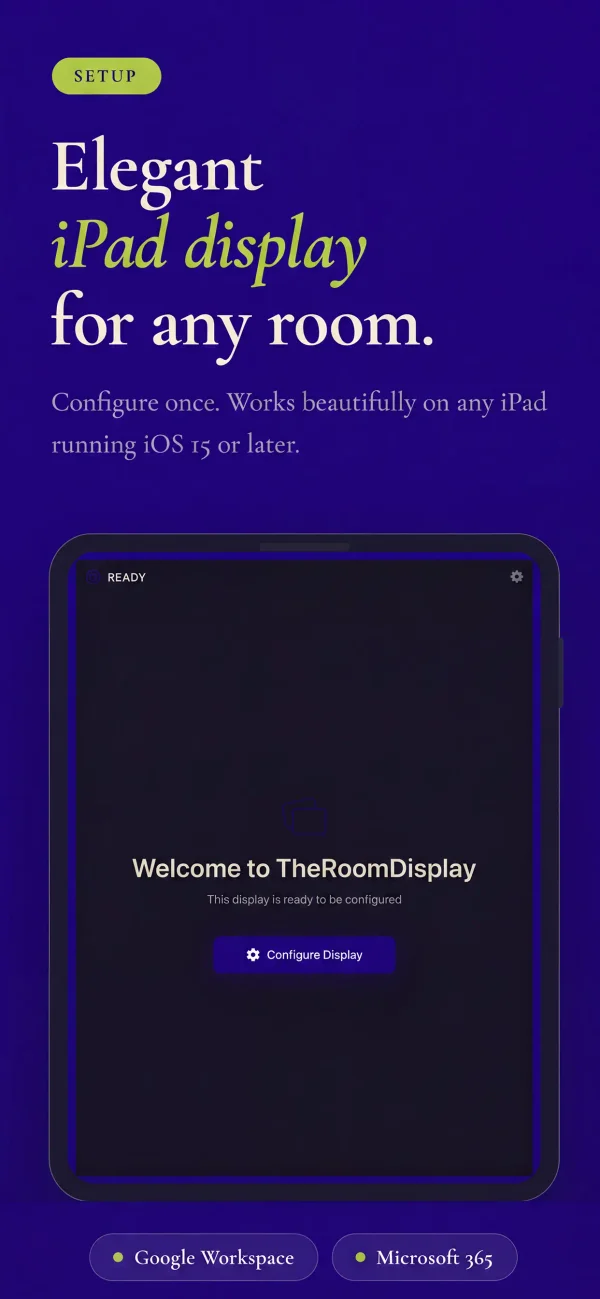
1. Choose Google Workspace or Microsoft 365
2. Connect with your account
3. Select which room this display represents
4. Mount your device outside the room
That's it. Your display is live and updating automatically.
PRIVACY CONSCIOUS
Meeting privacy is built in:
• Private meetings show as "Private Meeting" without details
• Only displays meeting organizers, not attendee lists
• Secure credential storage in iOS Keychain
IDEAL FOR
• Conference rooms
• Huddle spaces
• Executive board rooms
• Training rooms
• Any bookable meeting space in your office
REQUIREMENTS
• iPad or iPhone running iOS 15 or later
• Google Workspace or Microsoft 365 account with calendar access
Make your meeting rooms smarter. Download The Room Display today and bring clarity to your office scheduling.
What’s new
Version 1.9.1 · Oct 27, 2026
Fixed an issue where the quick booking buttons (15 min, 30 min, 1 hour, Custom…) could be almost invisible on iPads managed by MDM. This happened when a light background color was pushed without text colors. The display now picks readable text colors to match your background.
App privacy
What Elin Egholm declares on the App Store about how this app handles data.
-
Data not collected
The developer does not collect any data from this app.
Privacy practices may vary, for example with the features you use or your age.
Information
- Seller
- Elin Egholm ApS
- Category
- Business
- Version
- 1.9.1
- Updated
- Oct 27, 2026
- Released
- Jan 6, 2026
- Size
- 6.2 MB
- Requires
- iOS 15.0 or later
- Age rating
- 17+
- Price
- $75.00
- Languages
- English, Danish, Faeroese, French, German, Japanese, Norwegian Bokmål, Portuguese, Simplified Chinese, Spanish, Swedish, Thai
- Copyright
- © 2026 Elin Egholm ApS
You might also like
-
 Meeting Room 365 DisplayConference Room Booking Kiosk
-
 ScanwizScan stock, tools & material
-
 VDBUM - DigiPrüfBusiness
-
 Inventory ONEProductivity
-
 EventBoard - Book, Meet, WorkBusiness
-
 Baudoku smart&easy LIVEProductivity
-
 Meeting Room 365 ClassicRoom display for older iPads
-
 TimlyEasy Inventory
-
 Teem - Collaborate & ConnectBusiness
-
 Dash - meeting room displayConference room schedule sign