- Age rating4+
- CategoryPhoto & Video
- DeveloperAlexey Demidov
- LanguagesEnglish
- Size4.0 MB
Links to the official App Store page
Download.org hosts no file of The Self Recording App. The button opens its official App Store page, published by Alexey Demidov. Listing last checked on Nov 18, 2026.
Screenshots
About
Look straight into the lens, sound natural, and never lose your words - all in one app.
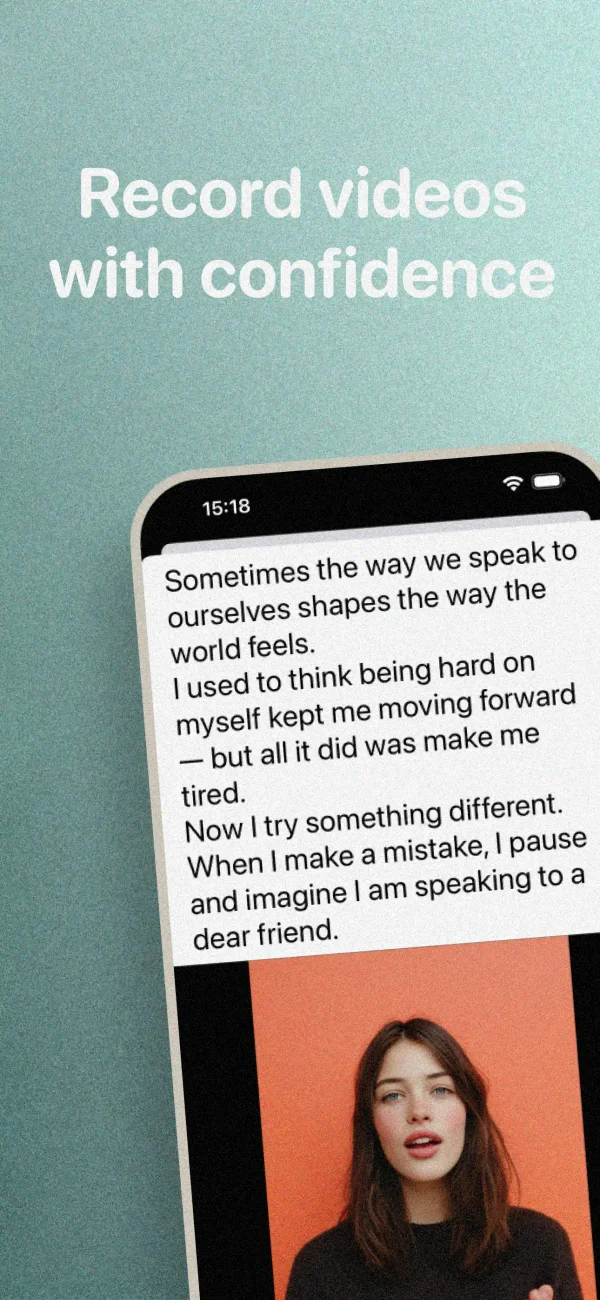
The Self Recording App is the teleprompter + video recorder built for the way we actually create content today. Whether you’re recording a reel, a TikTok, a course clip, or a sales video - this is your secret weapon for speaking fluently, looking confident, and keeping your audience hooked.
Why you’ll love it
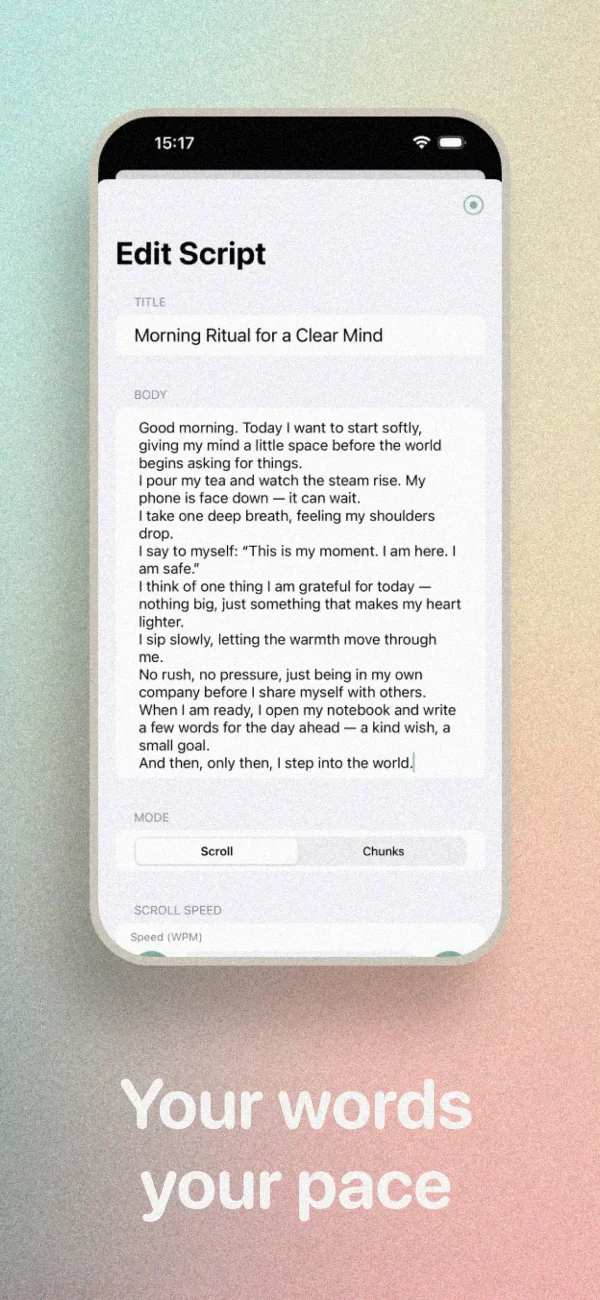
• Talk without fumbling – paste or type your script, set your pace, and let the words glide by while you stay locked on the camera.
• Front or back camera – film yourself or flip it to record something else while still reading your script.
• Pause & go – stop mid-sentence, breathe, fix your hair, then pick up exactly where you left off.
• Dial it in – fine-tune white balance and exposure so your shots look polished without post-editing.
• Prompt your way – choose smooth scroll, auto-paging chunks, or full manual mode where you control everything with swipes or taps.
Why you need this
Social media moves fast. People scroll in seconds. The difference between someone watching all the way through or swiping away is whether you sound confident, clear, and human. The Self Recording App helps you:
• Keep your eyes near the lens so you connect with viewers
• Hit your points without rambling or forgetting
• Avoid awkward re-takes from flubbed lines
• Post more often because recording feels easy instead of stressful
How it works
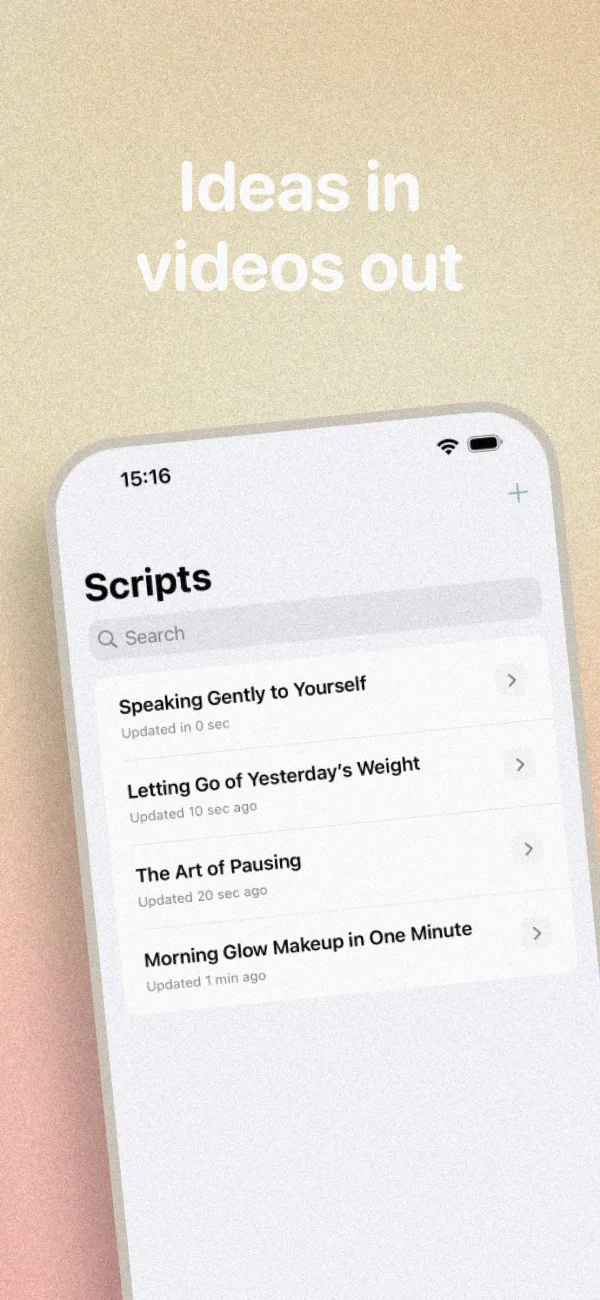
1. Write or paste your script.
2. Pick your prompt style: smooth scroll, auto-paging chunks, or manual scrolling/tapping.
3. Adjust text size and speed to match your speaking style.
4. Hit record - with either camera - and let your words flow.
5. Pause anytime, continue when ready, and your video is saved to Photos.
Whether you’re a creator, coach, student, entrepreneur, or just someone with something to say - The Self Recording App makes sure you say it well.
What’s new
Version 1.0.1 · Aug 22, 2025
Thanks for your support! This update brings a few quality-of-life improvements:
- Fixed performance issues on older devices and during longer recordings
- Added option to choose teleprompter frame rate - smoother at higher rates, or save battery with lower rates (defaults for lower ones!)
- Added option to switch between black or white background and font
- Fixed scrolling speed not updating correctly in Quick Settings
- Prompter settings are now saved by default for new scripts (we may add a toggle for this in Settings later — let us know what you think!)
App privacy
What Alexey Demidov declares on the App Store about how this app handles data.
-
Data not collected
The developer does not collect any data from this app.
Privacy practices may vary, for example with the features you use or your age.
Information
- Seller
- Alexey Demidov
- Category
- Photo & Video
- Version
- 1.0.1
- Updated
- Aug 22, 2025
- Released
- Aug 16, 2025
- Size
- 4.0 MB
- Requires
- iOS 17.6 or later
- Age rating
- 4+
- Price
- Free
- Languages
- English
- Copyright
- © 2025 Alexey Demidov
You might also like
-
 Avid Reporterthe Connected Avid Camera
-
 AI Headshot Generator AppProfessional Business Portrait
-
 AI Headshot Generator: PrimProfessional Business Photo
-
 VoiceCue- teleprompterFrom script to natural video
-
 AI Headshot Photo Generator HSProfessional Business Profile
-
 SuperViewFinderDirector&Cinematographer Tool
-
 Vivify AI - Video & PhotoTrend-Ready AI Video Studio
-
 Professional Headshot - HeadliAi Business Photo and Profile
-
 Japan Residence Card PhotoZairyu Card Renewal Photo
-
 Teleprompter:Video captionsAI Script Smart Read Subtitles