
The Wharf WOD Timer
AMRAP, EMOM & Tabata timer
Designed for iPhone, iPad, iPod touch
- Age rating4+
- CategoryHealth & Fitness
- DeveloperGareth Baumgart
- LanguagesEnglish
- Size30.0 MB
Links to the official App Store page
Download.org hosts no file of The Wharf WOD Timer. The button opens its official App Store page, published by Gareth Baumgart. Listing last checked on Nov 28, 2026.
Screenshots


About
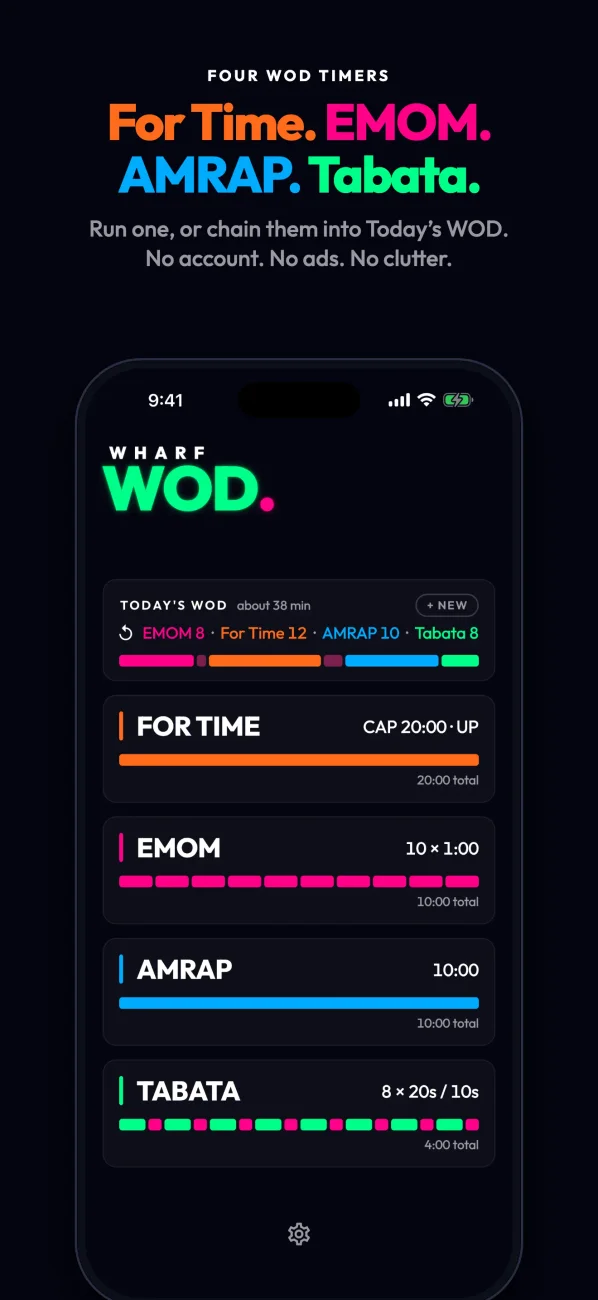
The no-fuss workout timer for functional fitness. Pick a format, set your time, hit start — then just work.
FOUR TIMERS, ZERO CLUTTER
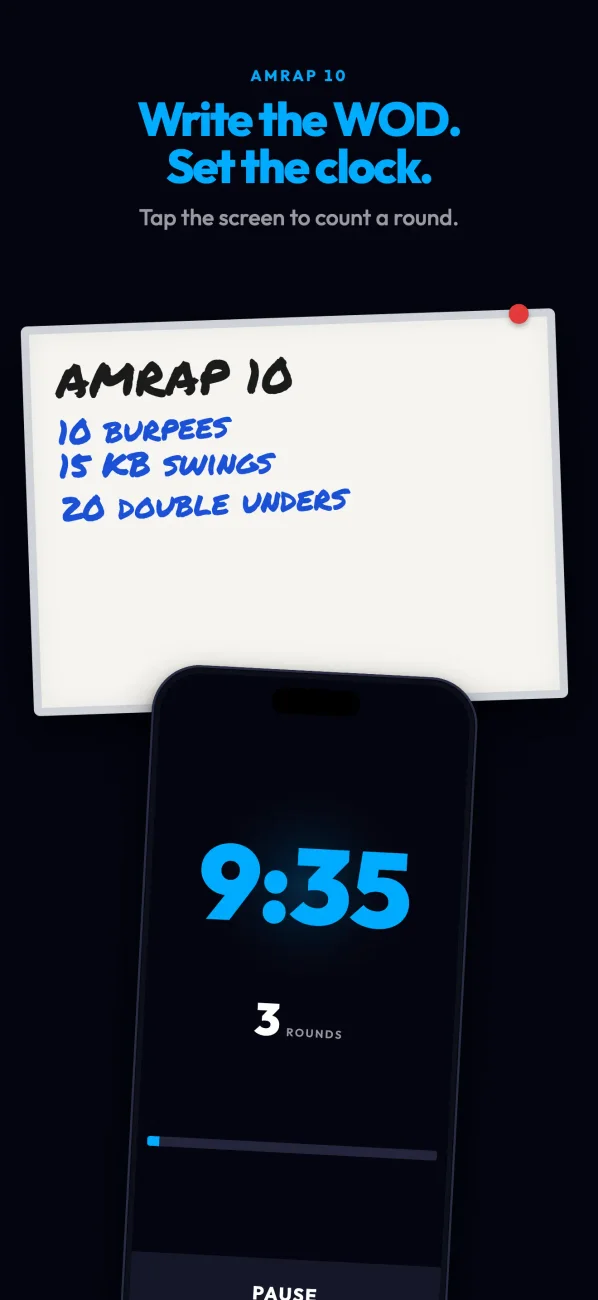
• AMRAP — as many rounds as possible in your time cap
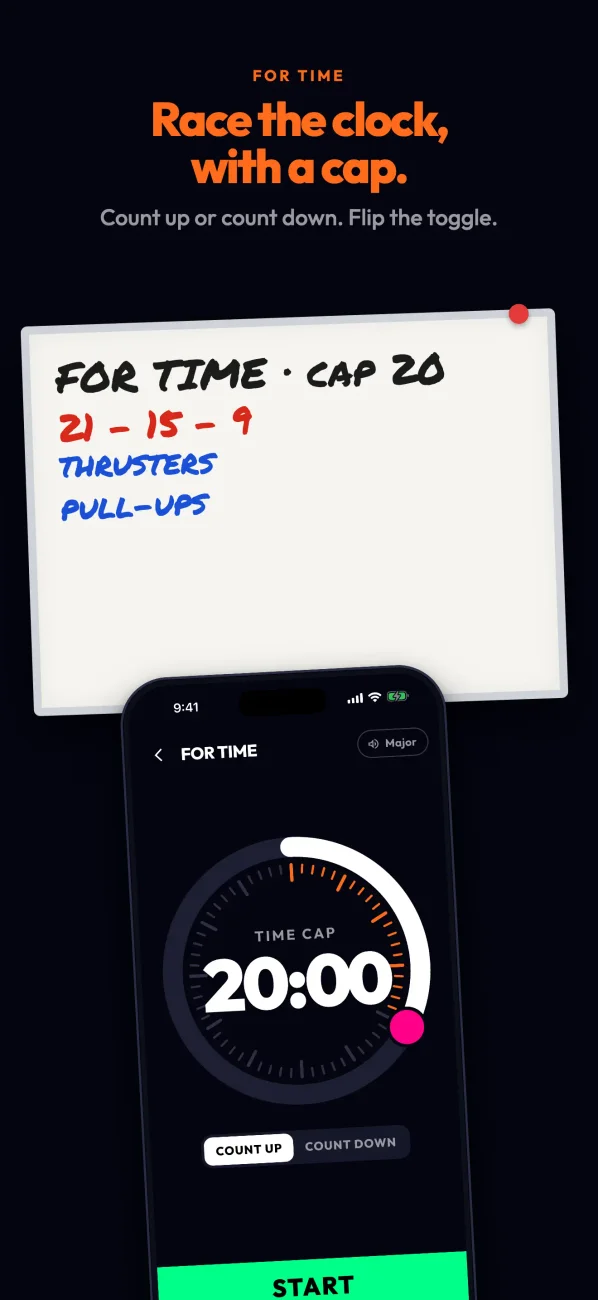
• FOR TIME — race the clock, counting up or down
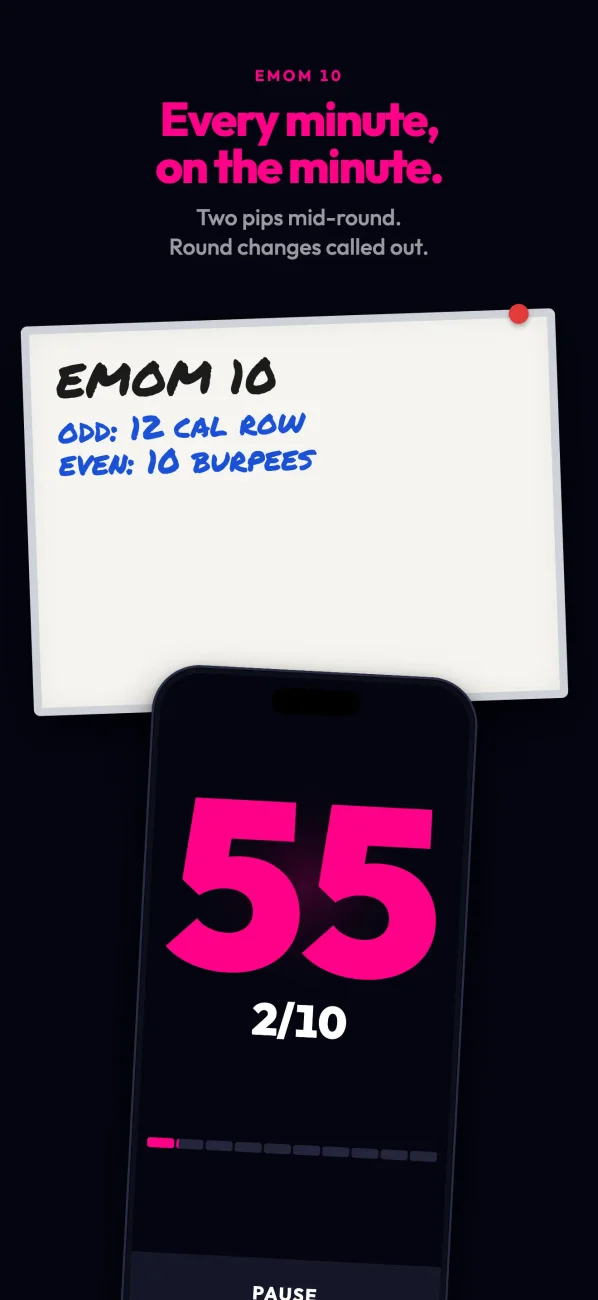
• EMOM — every minute (or any interval) on the minute
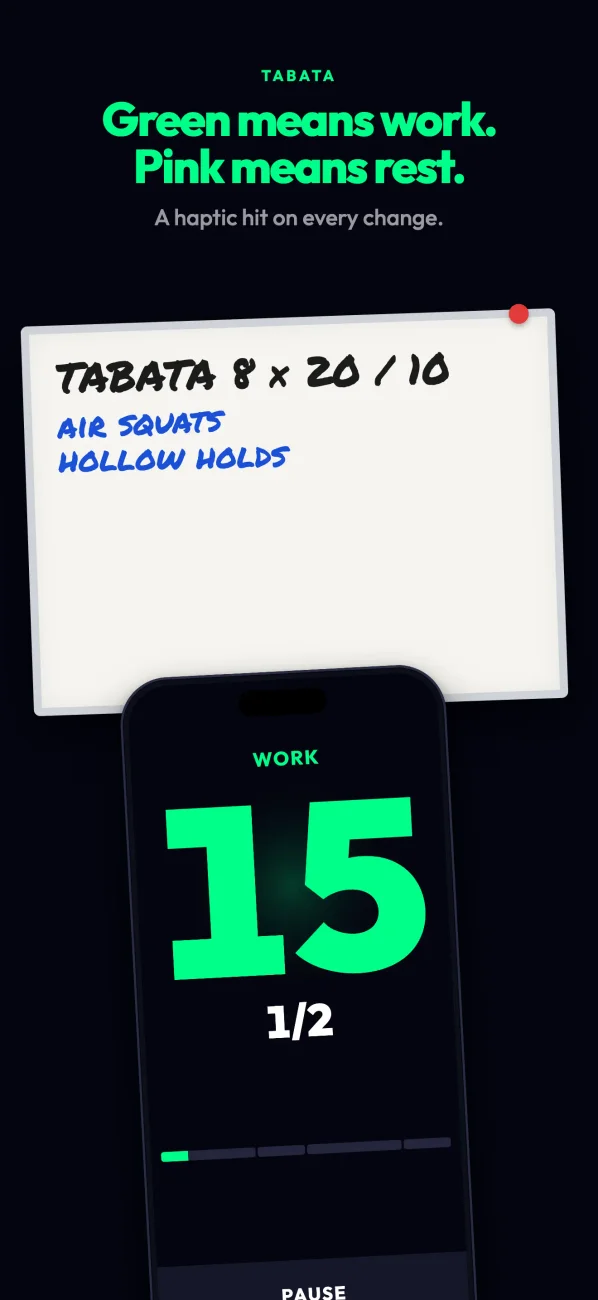
• TABATA — work/rest intervals with clear phase changes
VOICE CUES THAT CARRY
Three recorded voice packs (or shuffle them) call the moments that matter: the countdown, GO, halfway, last round, ten seconds, and the final 5-4-3-2-1. Cues play even with the ringer on silent — like a coach who never loses count.
BUILT FOR THE GYM FLOOR
• Giant timer digits you can read from across the room
• The screen stays awake for your whole workout
• Portrait or landscape — prop it on a bench or a box
• Colour-coded phases: green means work, you know the rest
• Haptic hits on every round change
TIMING YOU CAN TRUST
The clock is wall-clock accurate. Lock your phone, switch apps mid-workout — your rounds and intervals stay exactly where they should be.
PRIVATE BY DESIGN
No account. No sign-up. Your workouts stay on your phone. Free, with no ads.
Chalk up. Start the clock.
What’s new
Version 2.7.1 · Nov 27, 2026
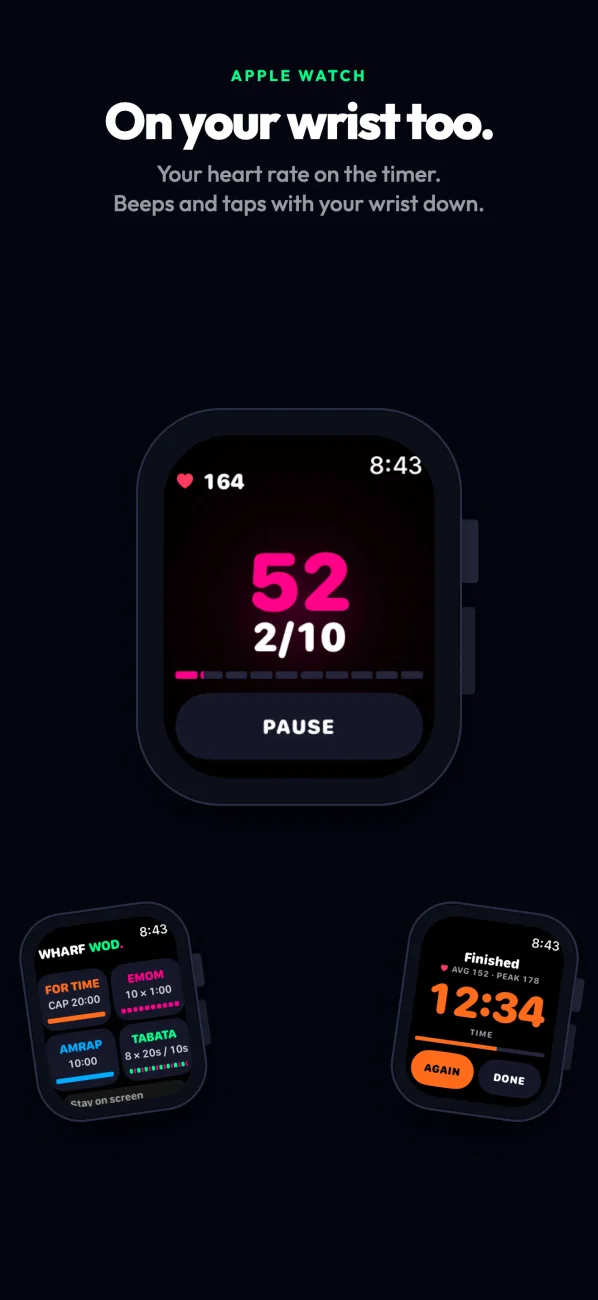
Apple Watch fix. The last update asked for your heart rate in a way that could switch Workouts off in Health. That stopped the heart rate showing, and the beeps when your wrist was down. Wharf WOD now asks for the heart rate alone, and if Workouts is off it tells you on Home and how to turn it back on (on the watch: Settings, Privacy & Security, Health, Wharf WOD). Also new on phone and watch: the halfway pips have their own pitch and are as loud as the other beeps.
App privacy
What Gareth Baumgart declares on the App Store about how this app handles data.
-
Data not linked to you
May be collected but is not linked to your identity.
- Usage data
- Diagnostics
Privacy practices may vary, for example with the features you use or your age.
Information
- Seller
- Gareth Baumgart
- Category
- Health & Fitness
- Version
- 2.7.1
- Updated
- Nov 27, 2026
- Released
- Aug 1, 2026
- Size
- 30.0 MB
- Requires
- iOS 15.0 or later
- Age rating
- 4+
- Languages
- English
- Copyright
- © 2026 OnIT Tech Pty Ltd
You might also like
-
 KettlePulseKettlebell EMOM Timer
-
 Fitness timer TABATAInterval timer for workout
-
 HIIT Timer - Interval & TabataCustom interval training timer
-
 mWOD Timer: WOD & HIIT ClockInterval, Circuit & Tabata
-
 Tabata Timer - RoundlyVisual HIIT & Interval Tracker
-
 EMOM Timer: AMRAP, Tabata, WODEvery Minute On The Minute
-
 Mariabs · Interval TimerTabata, HIIT, EMOM & GPS runs
-
 ProCoach for Personal TrainersWorkout, Meal Plans & Booking
-
 Repz: HYROX Training PlanWorkouts, Coaching & Race Prep
-
 Surf Athlete: Surf Trainingby Surf Strength Coach