- Age rating4+
- CategoryEducation
- DeveloperDaishin Ueyama
- LanguagesEnglish+ 1 more
- Size9.5 MB
Links to the official App Store page
Download.org hosts no file of TheDLA. The button opens its official App Store page, published by Daishin Ueyama. Listing last checked on Nov 14, 2026.
Screenshots
About
TheDLA
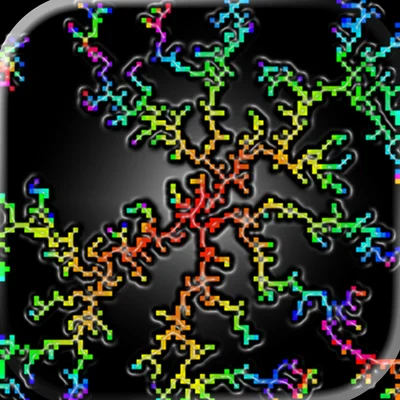
Cool Science! TheDLA gives you an essence of pattern formation mechanism in nature. Also, it makes very unique attractive images for you.
I wrote a brief description about DLA pattern and TheDLA app in following URL. Please read it!
https://sites.google.com/site/dueyama/home/thedla
“The DLA” stands for ‘The Diffusion Limited Aggregation’, and it is one of the simplest models that makes complex dendritic pattern.
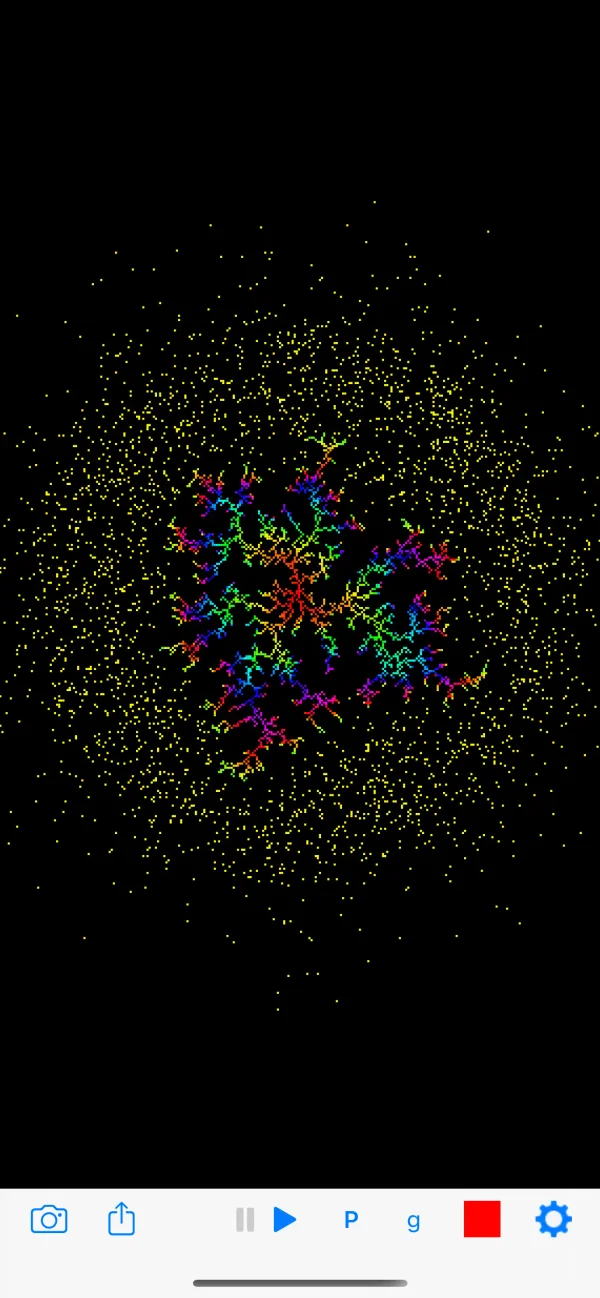
Now, we are talking about Science. You see, there are two types of particles on the field. One is the free particle that moves randomly. Another is the fixed particle that does not move. The free particle attaches to cluster of the fixed particles when it reaches around them. Such a simple pattern forming mechanism builds the attractive complex patterns and this very scientific system is applied for you to have funny hairy nose. But first of all, please check the usage. So, you will be able to enjoy not just hairy nose, but the various patterns YOU are going to create. It is quite amazing that such randomness sometimes create forms and patterns you can find only in nature. Please enjoy the patterns and think why such dendritic patterns appear. If you would like to search the web, keywords may be “DLA” and “Dendrite”.
http://en.wikipedia.org/wiki/Diffusion-limited_aggregation
To start with, there is a single fixed particle at the center of the field when you start.
Usage:
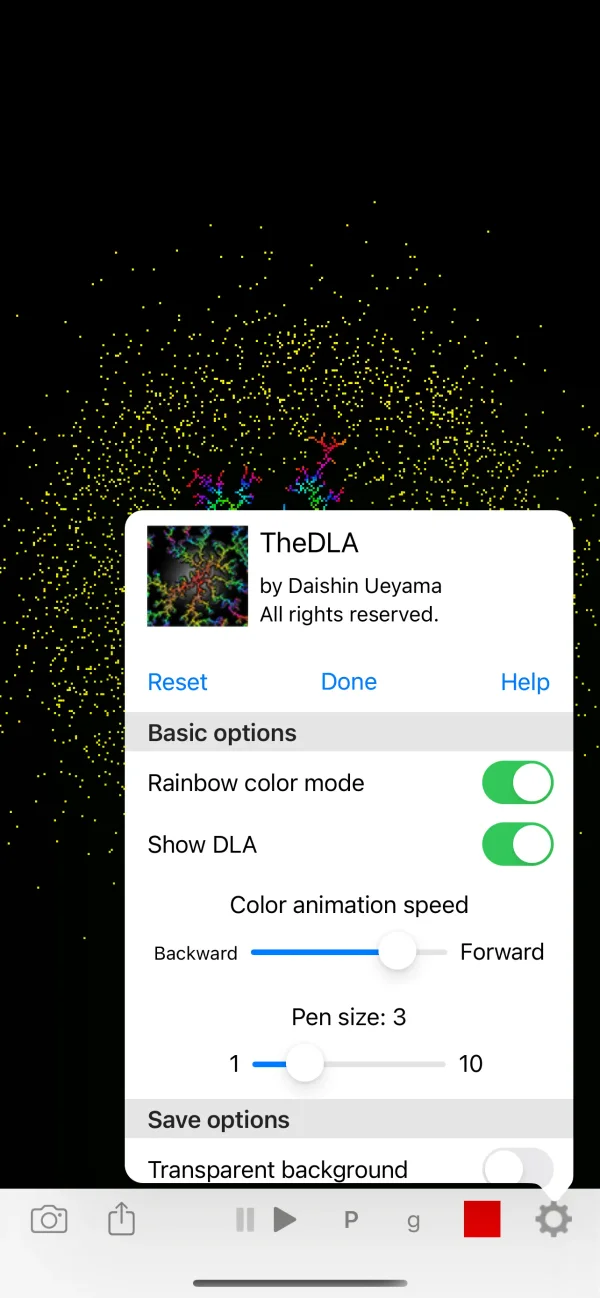
- Double tap: Put the fixed particles at the point. The size is possible to change in the setting.
- Single tap: Remove the fixed particle at the point.
- 2 fingers double tap: Remove all fixed particles from the field + etc.
- 2 fingers pan: Pan the field.
- Long pressed pan: Draw fixed particles like a pen.
- Long pressed pan after a tap: Eraser.
- You can chose color to paint the branches.
- A “g” button toggles the acceleration sensor of the device (only for the device that has the acceleration sensor). The free particles drift to the direction of the gravity.
- Can export the image to the photo library, Twitter and Facebook.
In addition, the face detection technology in iOS is used to put the fixed particles on eyes position in the photo.
When you are in the Anim mode, exporting the image to the photo library make a GIF anim.
So, enjoy patterns! Enjoy science!
What’s new
Version 3.0 · Feb 13, 2026
iOS26 support
App privacy
What Daishin Ueyama declares on the App Store about how this app handles data.
-
Data not collected
The developer does not collect any data from this app.
Privacy practices may vary, for example with the features you use or your age.
Information
- Seller
- DAISHIN UEYAMA
- Category
- Education
- Version
- 3.0
- Updated
- Feb 13, 2026
- Released
- Mar 6, 2012
- Size
- 9.5 MB
- Requires
- iOS 16.6 or later
- Age rating
- 4+
- Price
- Free
- Languages
- English, Japanese
- Copyright
- © 2012 Daishin Ueyama
You might also like
-
 EpicyclesExperiment with Fourier series
-
 Crystal FlightEducation
-
 Framsticks Artificial LifeEvolution of virtual creatures
-
 Drawing with MathVector and Pixel Art
-
 Physarum - Slime MoldGenerative slime simulation
-
 Radio PulsarsPulsar observing simulation
-
 Tiamat - Cellular AutomataCellular automata sandbox
-
 KaleidoTileEducation
-
 Vector Field: Particle FlowEducation
-
 Atomizer AR: Quantum Chemistry3D Atomic & Molecular Orbitals