
- Age rating4+
- CategoryBusiness
- DeveloperCINC Systems
- Size152.3 MB
Links to the official App Store page
Download.org hosts no file of ThePrimeAS. The button opens its official App Store page, published by CINC Systems. Listing last checked on Nov 15, 2026.
Screenshots

About
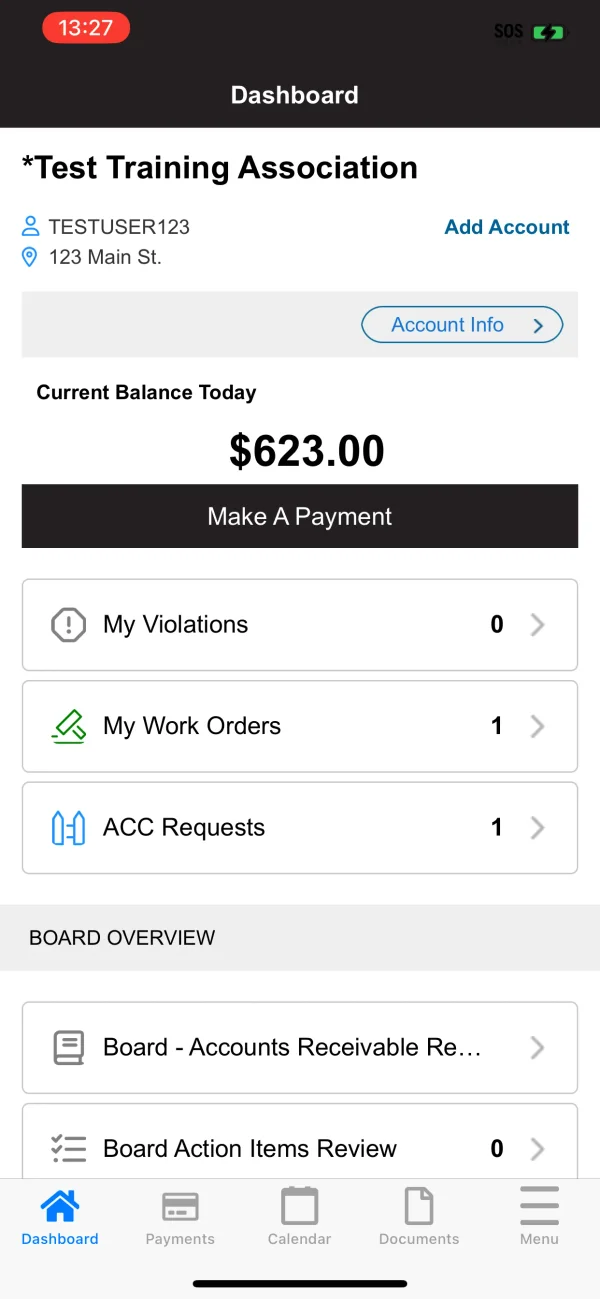
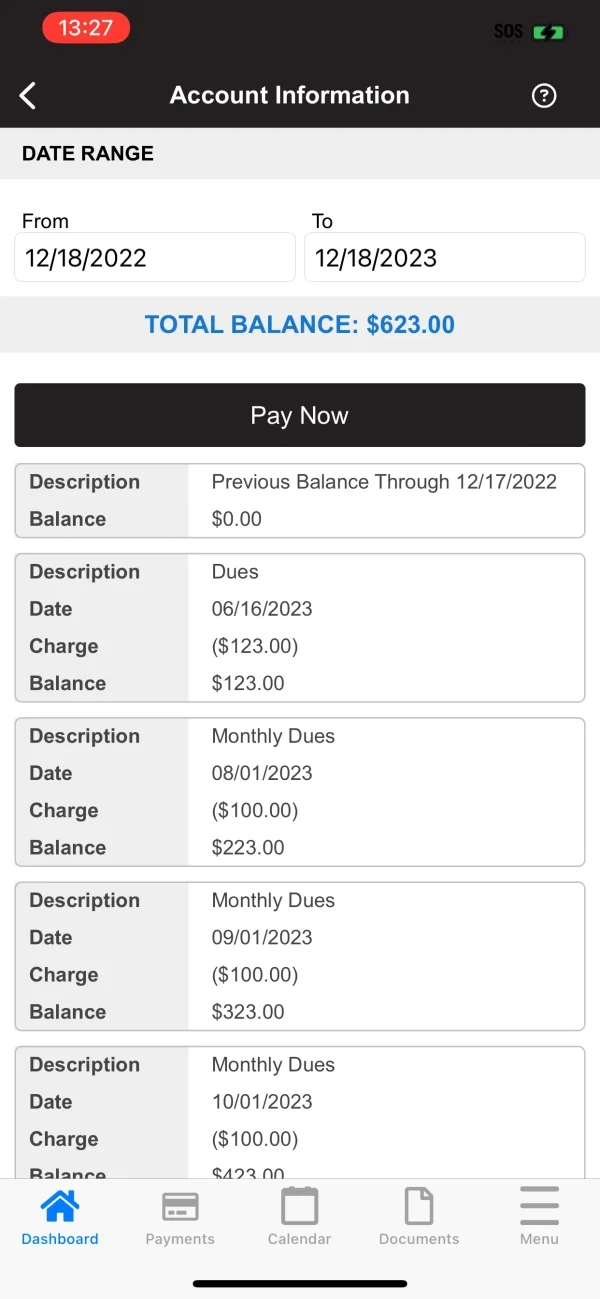
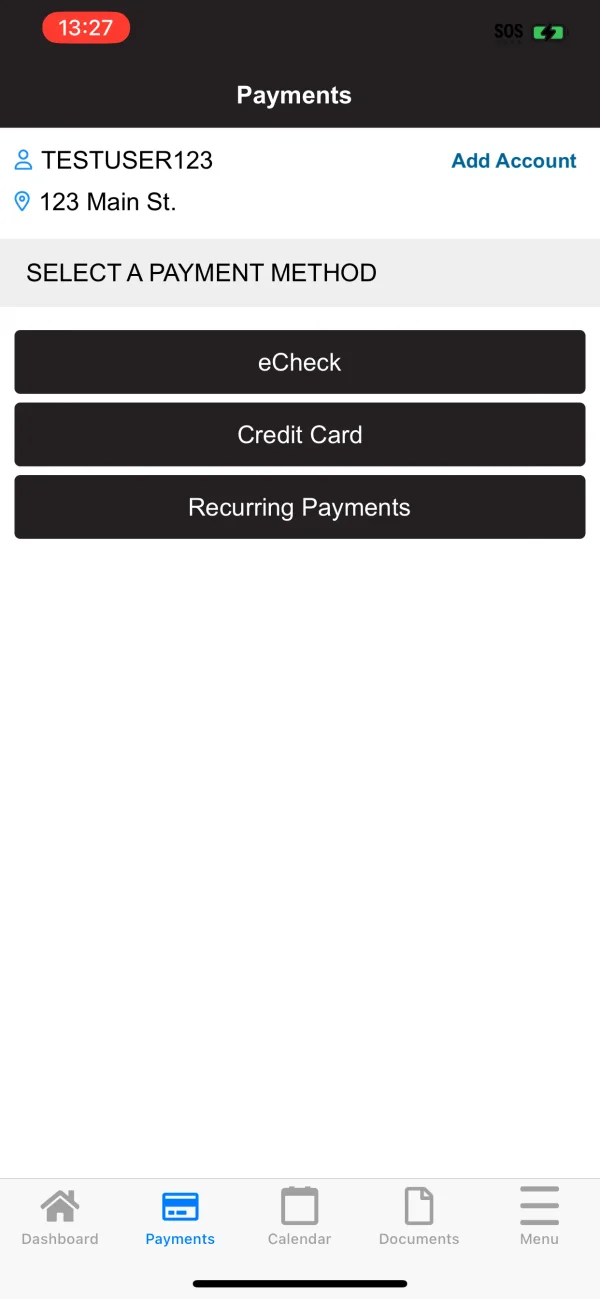
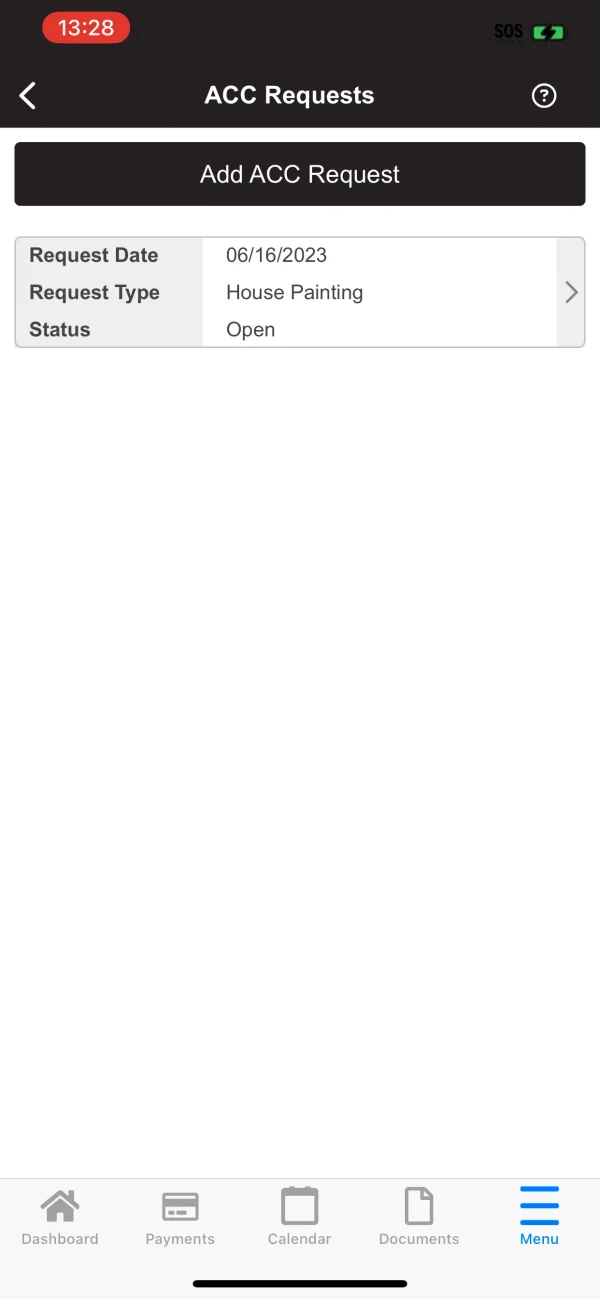
Prime Association Services, your Association Management Company, offers a mobile-friendly App for all Homeowners. Through our App, Homeowners will have access to real-time association and Homeowner information, such as: homeowner account status, assessment balance, make payments, request work orders, submit architectural applications, non-escrow related association documents and so much more!
You may access the App with a personal login and password. If you already have a login through your association’s website, you can log in to the App using the same email address and password you use for your association website.
If you do not have a current login to your association site, simply click the register button and submit your information. Once your registration is approved, you will receive an email with a link to set your password and then you will be able to log in to your account directly from this App.
If you already have a login and do not remember your password, click the Forgot Password link, enter your email address to request a password reset and you will receive an email with a link to set your password. Once you successfully reset your password, you can now log in with your email address and new password.
Once logged in, Homeowners will have direct access to the following features:
• Homeowner Dashboard
• Easily switch between accounts if multiple properties are owned
• Access homeowner ledger
• Pay Assessments
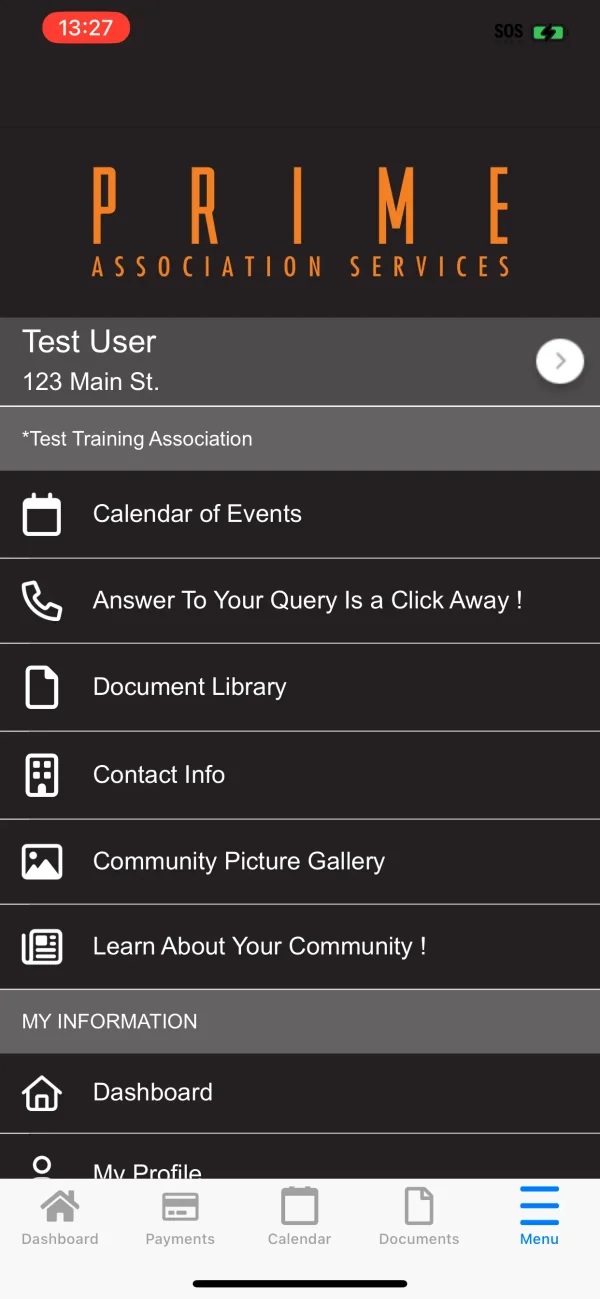
• Access non-escrow related association documents
• Access violations – Homeowner can respond to violation notices by adding comments and include pictures, directly from their mobile device to the violation notice.
• Submit Architectural Requests- Homeowner can include pictures and attachments with their request directly from their mobile device to the
• submittal. Also, Homeowner can pay for review fees through the App.
• Submit work orders and check on status of their work orders (add comments and take pictures from mobile device)
• Access Contact Us Page
If you are a Board Member, you will have specialized Board Member access to view Board-privileged Association Reports. The following is an example of some of these reports:
• Architectural Review
• Board Tasks
• Work Orders
• Homeowner Violation Reports
• Association Financial Statements
• Association Invoice Review and Approval
What’s new
Version 10.1.2 · Oct 7, 2026
Version 10.1.2 contains bug fixes.
App privacy
What CINC Systems declares on the App Store about how this app handles data.
-
Data not collected
The developer does not collect any data from this app.
Privacy practices may vary, for example with the features you use or your age.
Information
- Seller
- Cinc Systems, LLC
- Category
- Business
- Version
- 10.1.2
- Updated
- Oct 7, 2026
- Released
- Dec 19, 2023
- Size
- 152.3 MB
- Requires
- iOS 15.0 or later
- Age rating
- 4+
- Price
- Free
- Copyright
- © CincSystems
You might also like
-
 MyMVU Smart PortalYour Portal to MVU
-
 Menifee, CAProductivity
-
 LLUH Flexible Spending AccountFinance
-
 EVMWD 311 ConnectEVMWD 311 Connect
-
 myRialtoProductivity
-
 Patrol Masters SafelistBusiness
-
 Tri Pointe ConnectFinance
-
 California CasualtyFinance
-
 East West Bank BusinessExpressFinance
-
 Altura Credit Union Mobile AppFinance