
- Age rating4+
- CategorySports
- DeveloperMatthew Locke
- LanguagesEnglish
- Size28.9 MB
Links to the official App Store page
Download.org hosts no file of ThreatClock. The button opens its official App Store page, published by Matthew Locke. Listing last checked on Nov 22, 2026.
Screenshots

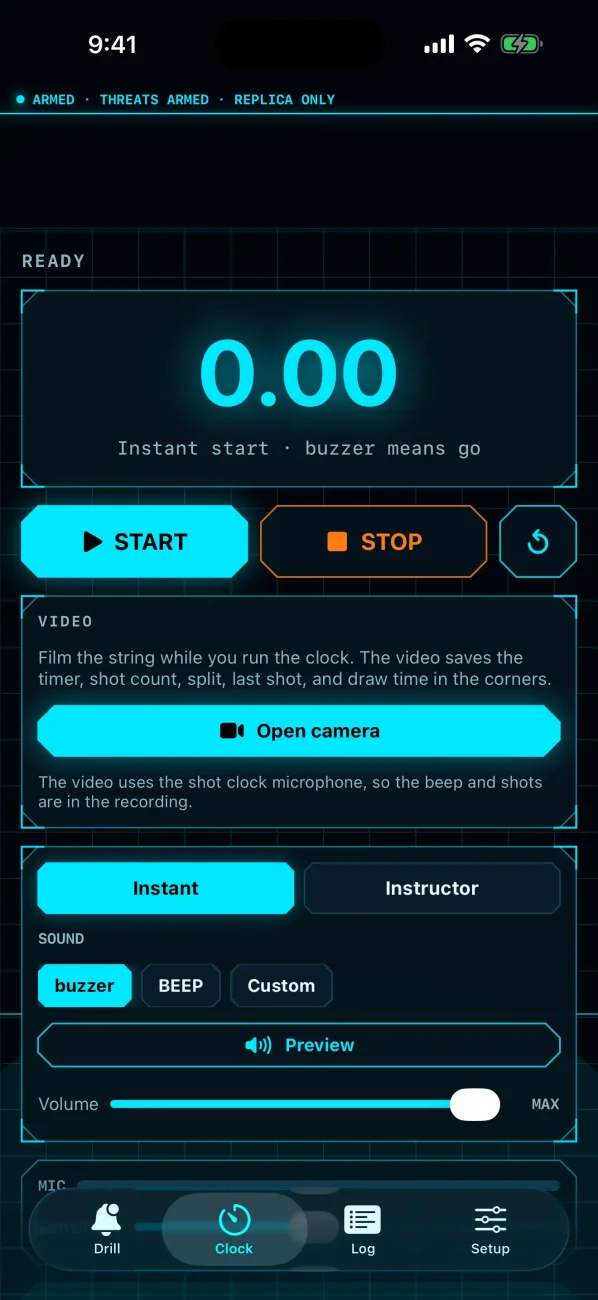

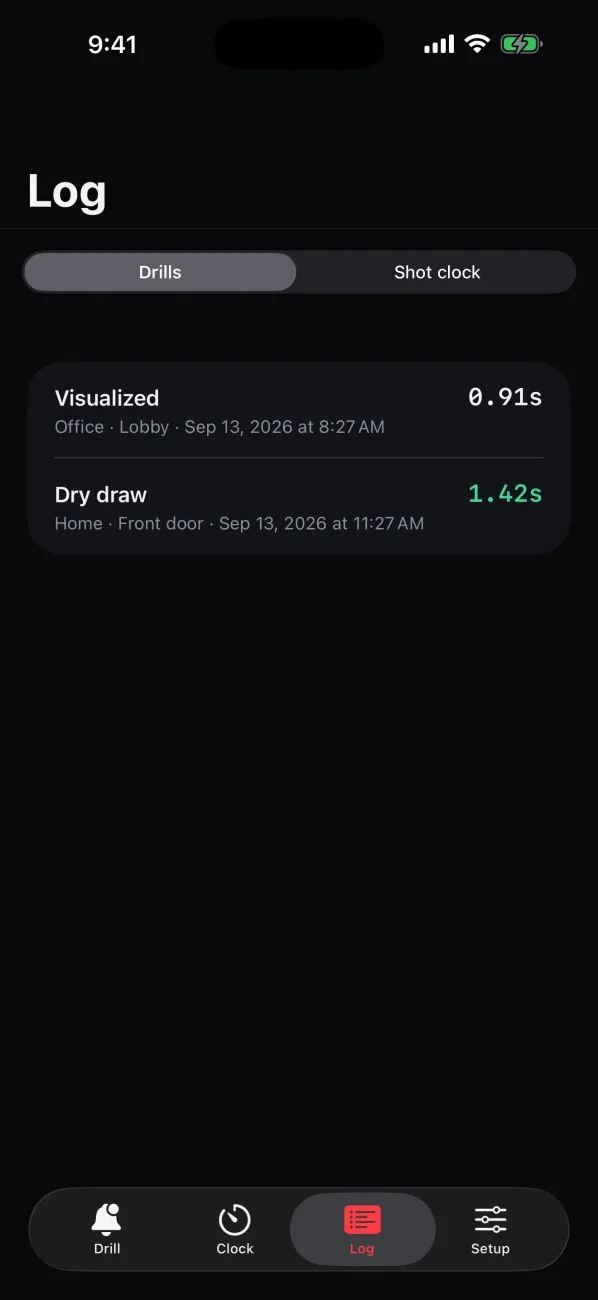
About
ThreatClock is a daily training timer for concealed-carry visualization and replica dry-draw practice. A THREAT cue can sound even when the phone is locked, silent, or in Focus.
ARM your day, then lock the phone. ThreatClock places random cues inside the window you choose. When one fires, open the drill, run the shot clock, and log whether you visualized the draw or completed a replica dry draw.
FEATURES
• Random threat cues throughout your schedule window
• Works through lock screen, silent mode, and Focus
• Shot clock with buzzer, BEEP, or a custom recorded start sound
• Six looks in Setup: Original, Blue, Red, Killer, The Dead, and Military
• Home scoreboard for remaining threats versus drills logged today
• Lock-screen Live Activity while armed
• Apple Watch companion cues
• Upcoming times hidden by default so the cue stays a surprise
SAFETY — REPLICA TRAINERS ONLY
ThreatClock is a timing and visualization aid for non-lethal practice. Use it only with fake, inert, dummy, or replica training devices that cannot fire a projectile. Never handle, draw, present, load, or manipulate a real firearm or any other real weapon while using this app. All live-fire training belongs with a qualified professional instructor, completely separate from this app. If a cue fires in public, visualize only. Do not touch a weapon of any kind. You use ThreatClock entirely at your own risk.
Requires iOS 26. A physical iPhone is recommended.
What’s new
Version 1.0.10 · Nov 18, 2026
Setup lets you choose the threat alert tone. The voice says the entry every 10 seconds and ducks the alert while it talks.
App privacy
What Matthew Locke declares on the App Store about how this app handles data.
-
Data not collected
The developer does not collect any data from this app.
Privacy practices may vary, for example with the features you use or your age.
Information
- Seller
- Matthew Locke
- Category
- Sports
- Version
- 1.0.10
- Updated
- Nov 18, 2026
- Released
- Sep 15, 2026
- Size
- 28.9 MB
- Requires
- iOS 26.0 or later
- Age rating
- 4+
- Price
- Free
- Languages
- English
- Copyright
- © 2026 Matthew Locke
You might also like
-
 Drill Tracker IDPASports
-
 Catchin'TroutsColorado's #1 Fishing App
-
 GM Path: USPSA Match AnalysisPCSL & IPSC Stats, Dry Fire
-
 IDPA BiHSports
-
 Alpha CharlieUSPSA, IDPA, IPSC, PCSL, GPA
-
 Element - Conditions & SportsSurf, Dive, & Ski Conditions.
-
 MantisX - ArcherySports
-
 USPSA AppUSPSA & Steel Challenge in one
-
 Dry Fire Pro: Gun Shot TimerAim, Trigger Control & Drills
-
 Range Buddy - Shooting DrillsShot Timer, Dry Fire & Scoring