
- Age rating4+
- CategoryGames
- DeveloperSean Staggs
- LanguagesEnglish
- Size55.6 MB
Links to the official App Store page
Download.org hosts no file of threeds. The button opens its official App Store page, published by Sean Staggs. Listing last checked on Nov 12, 2026.
Screenshots
About
threeds is designed to play DS and 3DS games you own and built to feel like one small console rather than an app.
MADE FOR IPHONE DUO
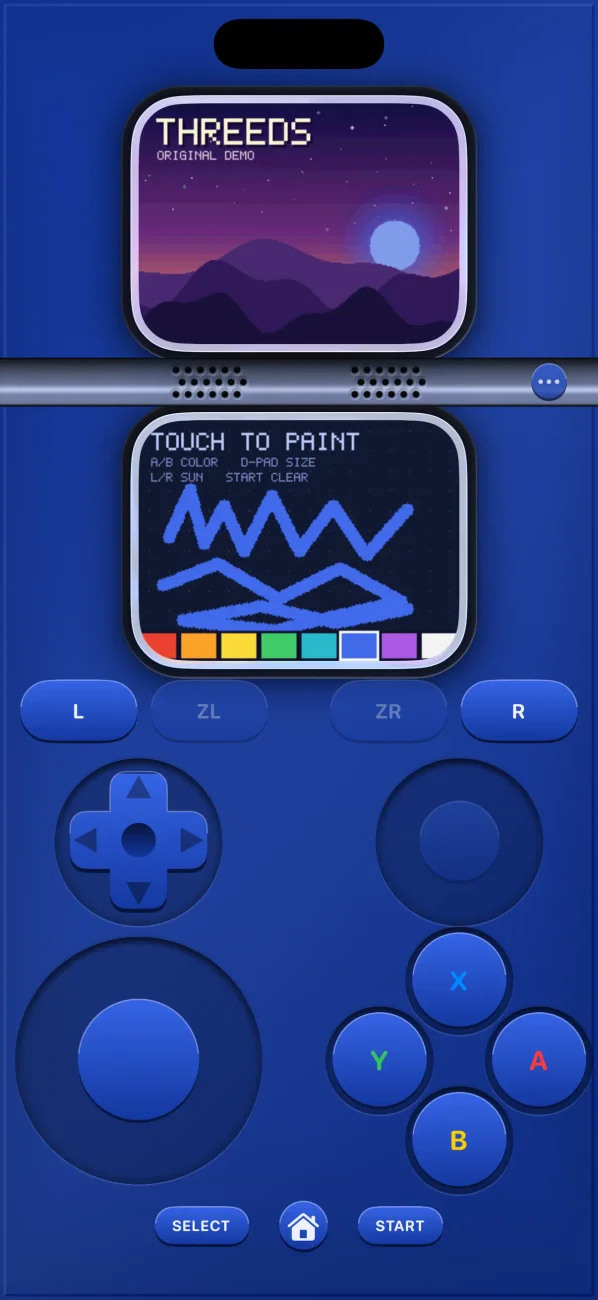
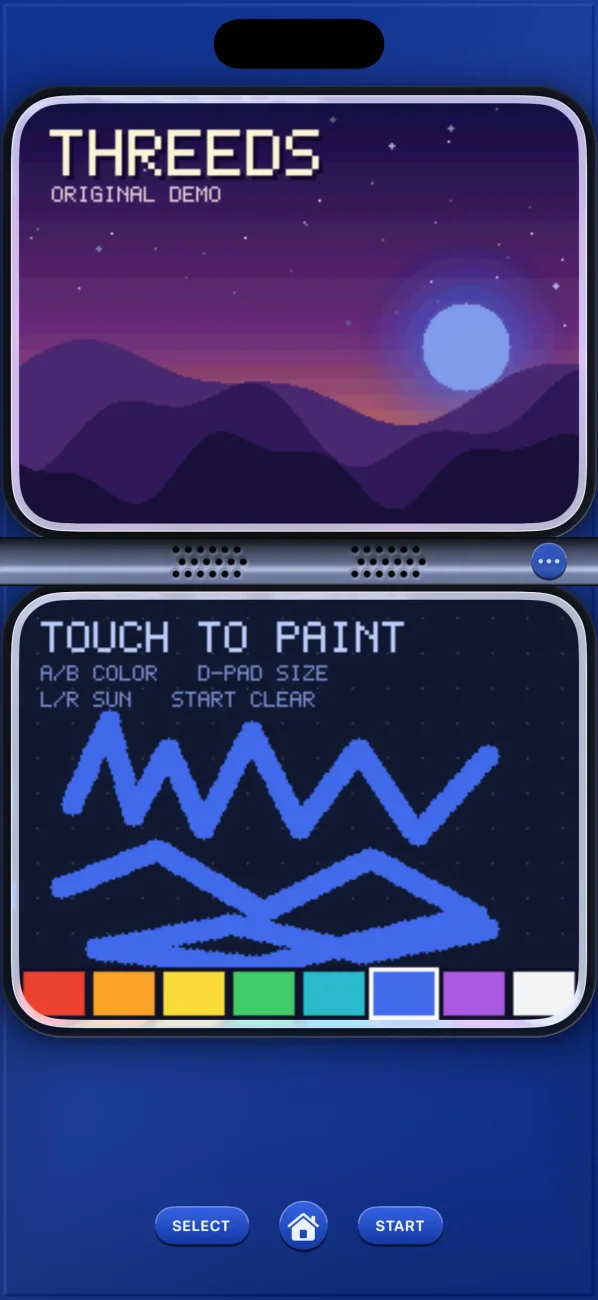
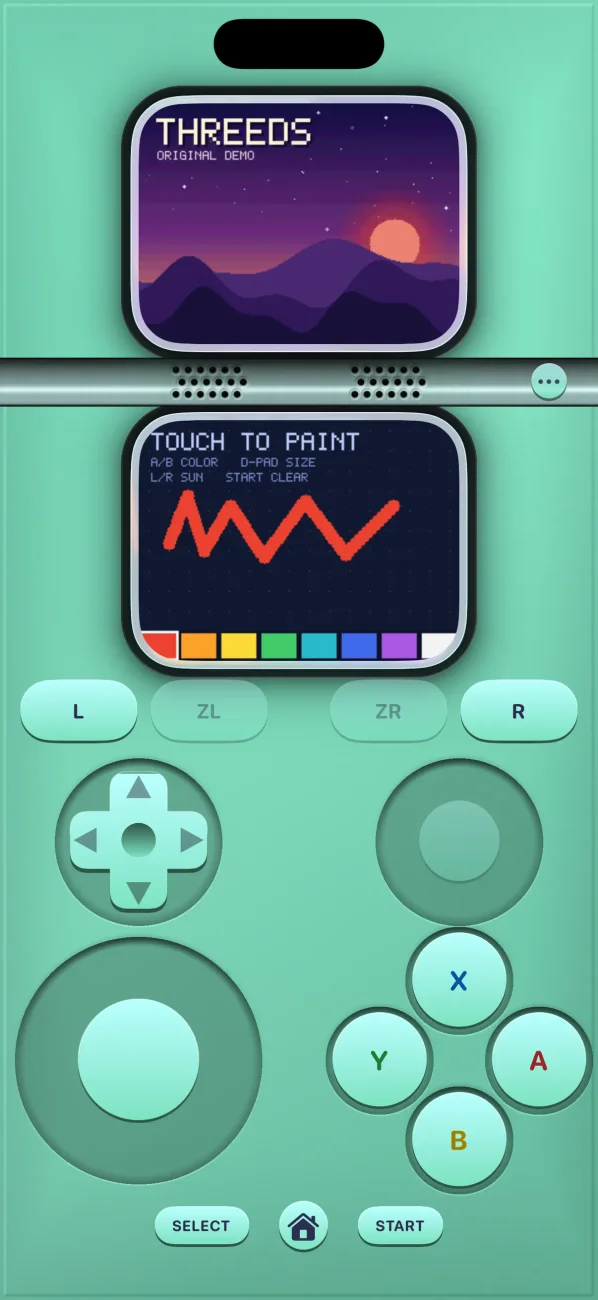
Unfolded, the two halves of iPhone Duo become the console's two screens, with the hinge between them and L and R on the hinge itself. On other iPhones and iPads the screens stack. If you would rather have bigger screens, hide the on-screen controls and use a game controller or just the touch screen.
A HOME SCREEN LIKE A CONSOLE
The top screen shows the clock and your selected game, and for 3DS games its animated banner takes centre stage. The touch screen below holds a strip of your games to scroll through. Browse it with the on-screen controls: left and right move along the strip, A opens a game, B backs out of a folder.
A LIBRARY THAT LOOKS AFTER ITSELF
Folders, sorting and your own order
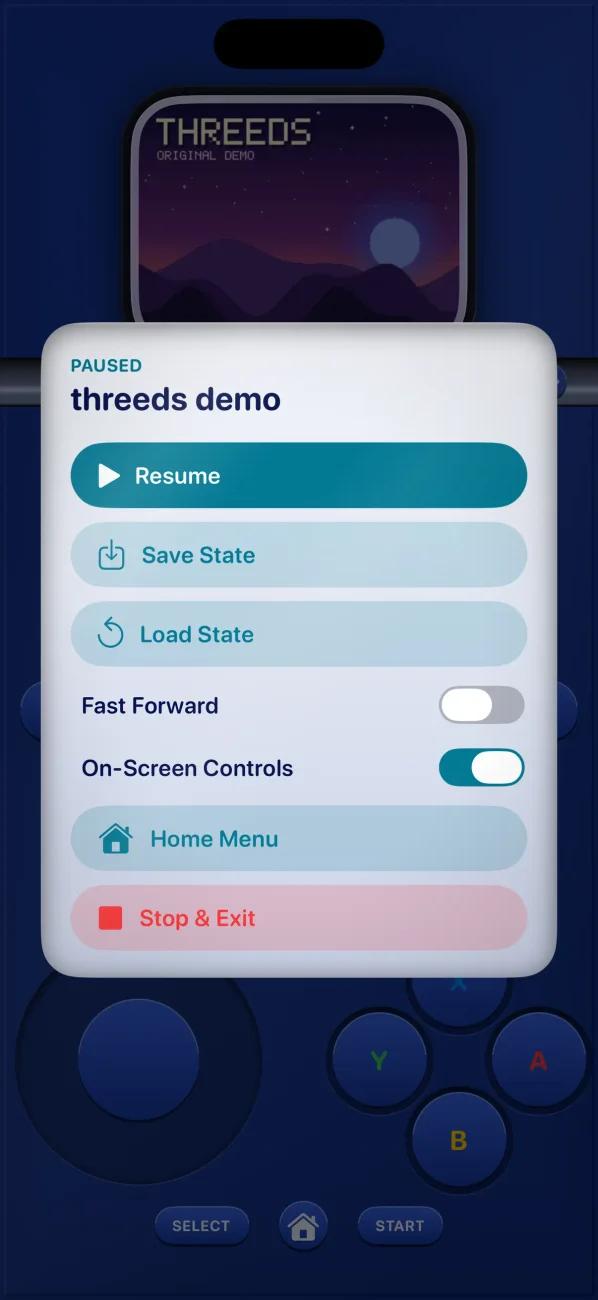
Suspend a game and pick it up exactly where you left it
Four save state slots for every game
Match a game with the GameTDB community database for its proper title and cover art, with alternate covers to choose from
YOUR GAMES ON EVERY DEVICE
Turn on iCloud Sync and your saves, save states and system files stay the same on your iPhone, iPad and foldable, and you can keep your games there too. Add a game once and it shows up everywhere. Nothing goes anywhere but your own iCloud Drive.
CONTROLS YOUR WAY
Use the on-screen controls, or any Xbox, PlayStation, Switch Pro or MFi controller. Tilt and turn your device for games that use motion. On devices that support Apple Pencil, use it as a stylus on the touch screen. Choose whether face buttons follow the console's layout or the labels printed on your controller. Haptic taps can be switched off.
ALSO
Play a game straight from a 3DS you own, over your Wi-Fi, using the Artic Base app on the console
See your Game Center friends on the home screen
Fast forward, with sound that stays smooth
Free, with no accounts or tracking
ON THE ROADMAP
These are plans for future updates and are not part of this version:
Nearby: meet other threeds players peer to peer, with no internet needed, and swap small cards, like the pass-by exchanges of a handheld in your pocket
AirPlay casting: send a game's top screen to your TV and keep the touch screen and controls in your hands
And more, shaped by what players ask for
YOUR GAMES, YOUR RESPONSIBILITY threeds does not include or provide any games, BIOS, firmware or encryption keys. Add backups of games you own, and system files dumped from your own console. DS games run without any system files; 3DS retail games need the keys from your own console.
threeds is independent and is not affiliated with, authorised or endorsed by Nintendo. DS and 3DS are trademarks of Nintendo. threeds is free software under the GNU General Public License, version 3, and its source code is available from the developer on request (sean@quoteunquotegames.com).
App privacy
What Sean Staggs declares on the App Store about how this app handles data.
-
Data not collected
The developer does not collect any data from this app.
Privacy practices may vary, for example with the features you use or your age.
Information
- Seller
- Sean Staggs
- Category
- Games
- Version
- 1.0
- Updated
- Oct 31, 2026
- Released
- Oct 31, 2026
- Size
- 55.6 MB
- Requires
- iOS 17.0 or later
- Age rating
- 4+
- Price
- Free
- Languages
- English
- Copyright
- © 2026 Quote Unquote Games
You might also like
-
 Emula2Games
-
 OpenConsoleCloud Games + Retro Console
-
 ArcadeBoxGameBoy Emulator
-
 KOF '99 ACA NEOGEOnow available in the app!
-
 Blue SaucerAction
-
 Emuki: Classic Game Emulator13 retro consoles, one app
-
 iPSX2PS2 Emulator
-
 ConsolesClassic game console emulator
-
 Retro Cloud Playeremulator for legacy gaming
-
 Ollie’s ArcadeAd-free retro gaming