TiCaNo Stopwatch
Laps, splits, stats & export
Designed for iPhone, iPad, iPod touch
Free · In-app purchases
- Age rating4+
- CategoryUtilities
- DeveloperRan Bester
- LanguagesEnglish
- Size32.9 MB
Links to the official App Store page
Download.org hosts no file of TiCaNo Stopwatch. The button opens its official App Store page, published by Ran Bester. Listing last checked on Nov 17, 2026.
Screenshots




About
A precision stopwatch for people who actually use their timing data — and who want the app to look the way they like while they do it.
TIME WITH PRECISION
Millisecond accuracy, with timing that keeps running when you leave the app or lock your screen. Start, stop, pause and resume as your activity demands.
RECORD EVERY SEGMENT
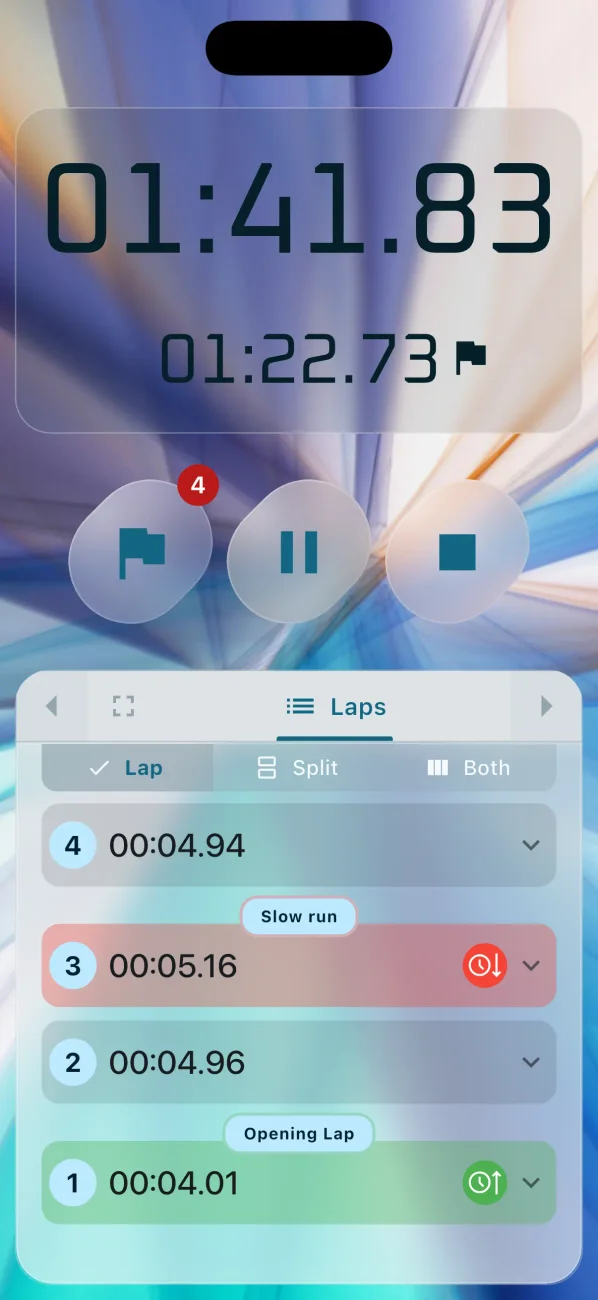
Capture laps and splits with a tap. Read them as laps, as splits, or both at once. Every segment is numbered and timed — including the final stretch from your last lap to the stop.
SEE WHAT THE NUMBERS MEAN
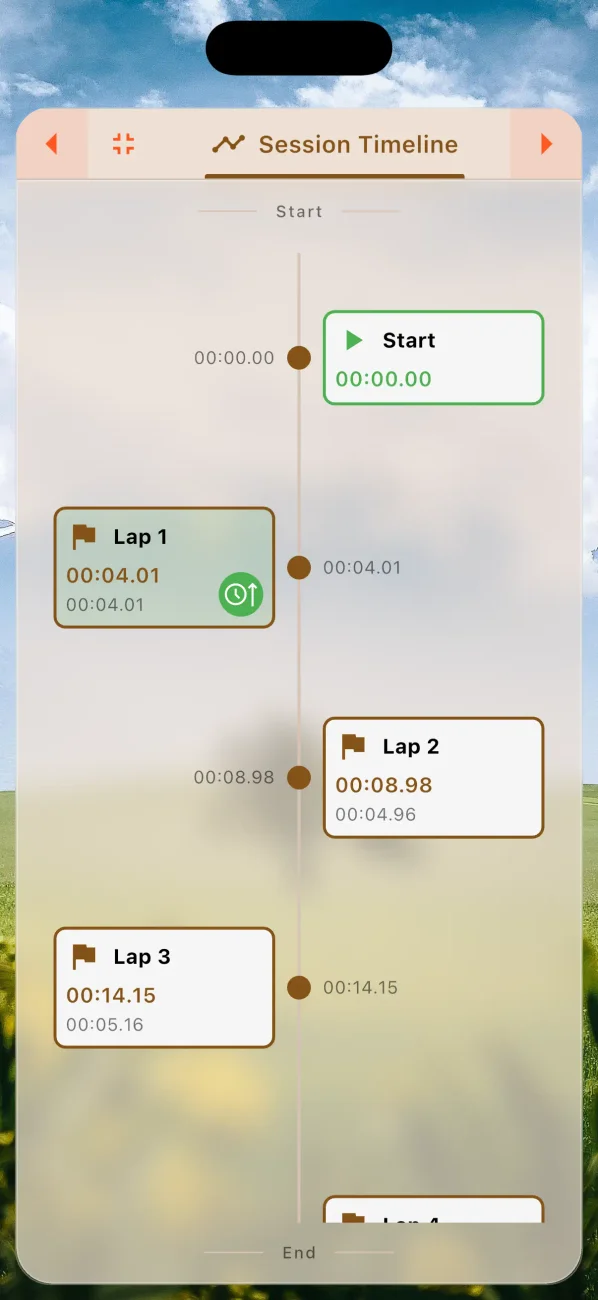
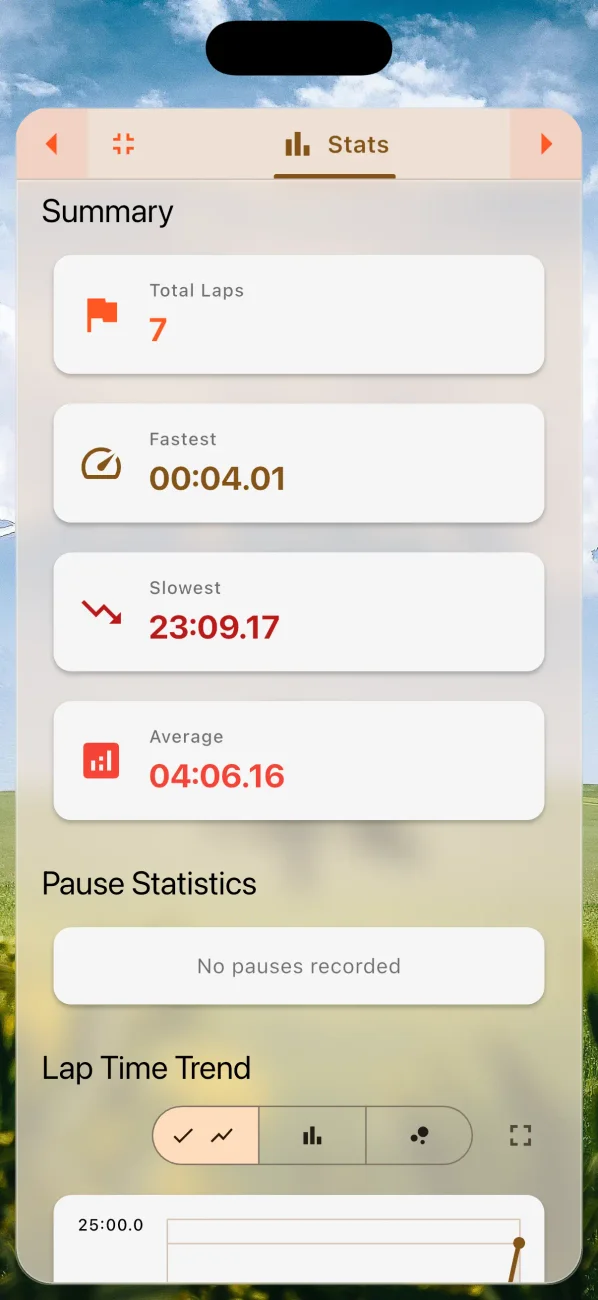
Fastest and slowest laps are marked for you. Averages, totals and lap counts update as you go. Go deeper with the lap breakdown, the session timeline and the trend chart to see how your pace changed across the whole session. Pause statistics record how often you stopped, and for how long.
KEEP YOUR SESSIONS
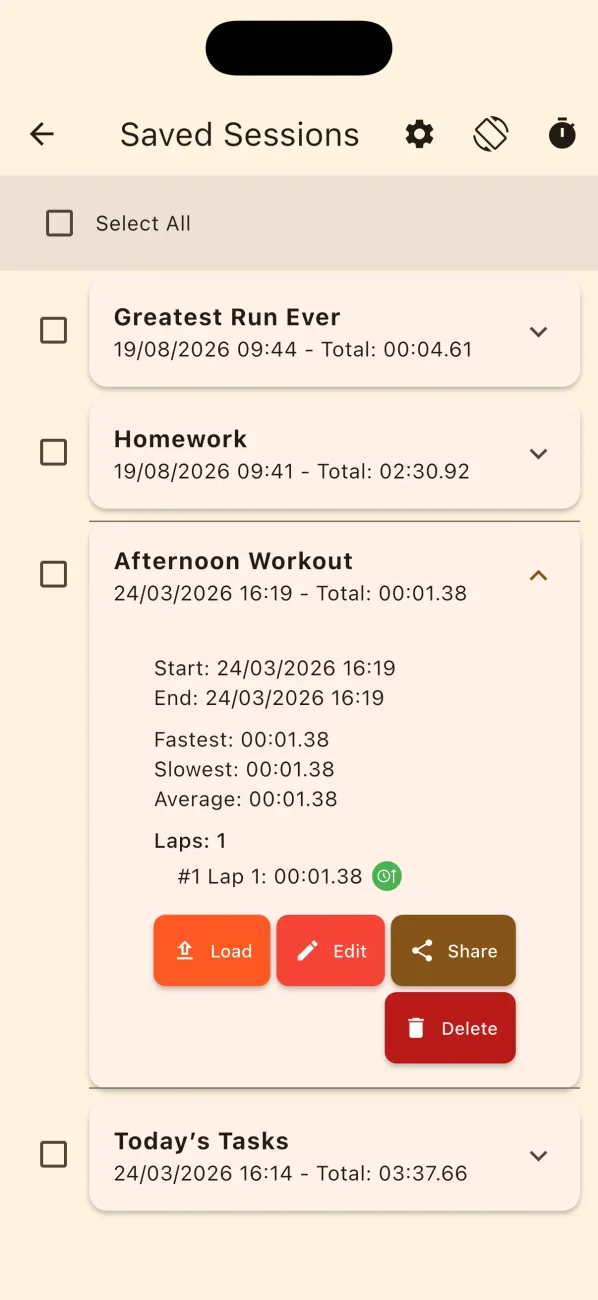
Save any session, or switch on Auto-Save and stop thinking about it. Saved sessions keep their laps, statistics and timing intact for as long as you want them.
EDIT WHAT YOU RECORDED
Rename a session. Name individual laps — "warm-up", "set 3", "the hill". Add notes while it is fresh. Delete a lap you logged by mistake. Your record should describe what actually happened.
SHARE AND EXPORT
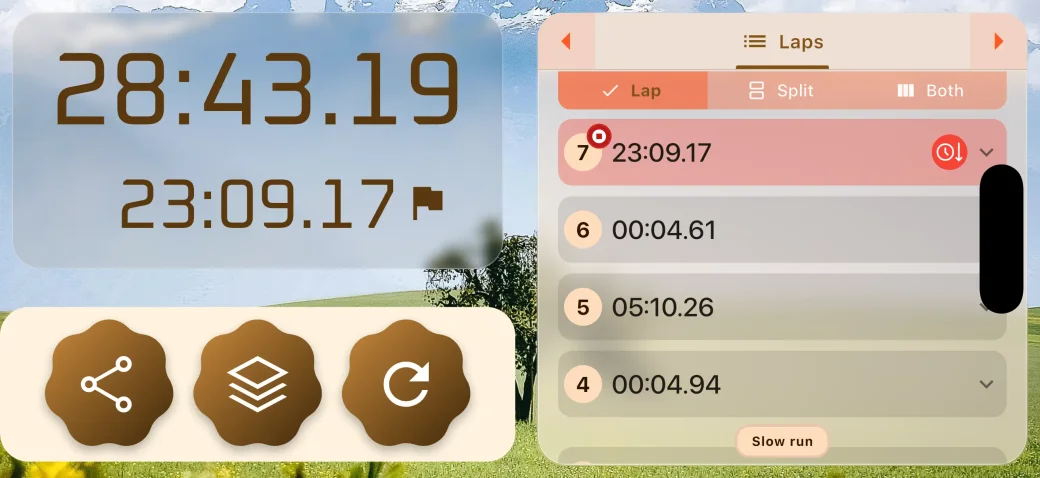
Share a single session with exactly the data you choose, or export the lot. Three formats: TXT to read, CSV for spreadsheets and time tracking, JSON for everything else. Set the time precision so exports match what you need downstream.
MAKE IT YOURS
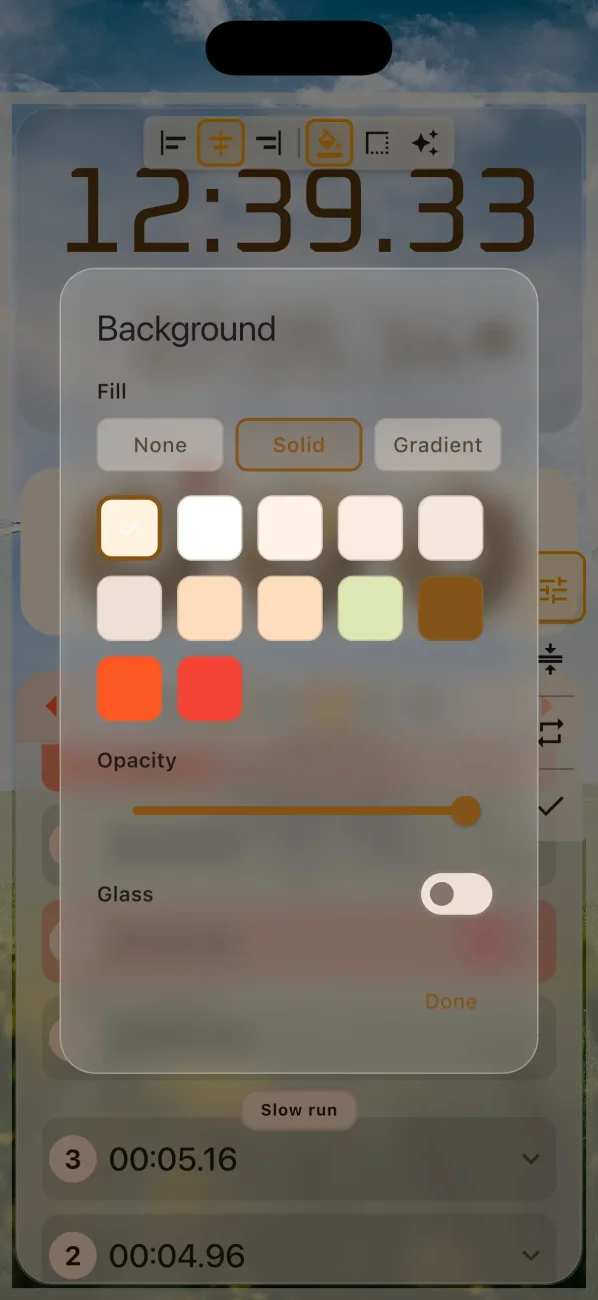
Move, resize and swap the panels until the layout fits your hands and your activity. Choose from 12 timer fonts, size each timer independently and tune the spacing between them. Pick colours, gradients or your own photos for the background. Apply a panel style — Clean, Frosted, Retro LCD, Minimal, Mono Card, Neon or Elevated — with one tap. Full light and dark mode.
BUILT RIGHT
No ads. Twenty languages. Sound and haptic feedback you can switch off. Portrait and landscape, with a distraction-free full-screen mode.
TICANO STOPWATCH PRO
Unlock advanced lap analysis — the Clock, Timeline and Stats tabs — every panel style preset, and unlimited custom colours, gradients and background images.
What’s new
Version 1.8.0 · Sep 17, 2026
What's New in v1.8.0:
Your time, always in view:
• A live ticking notification follows your run, accurate through clock changes
• Notifications ask politely, with full control waiting in settings
• Exports now speak your language — or English, your choice
• Your data, your rules: reset per store or wipe everything
• Sharper dark-mode dialogs and celebrations screen readers can share
• Smoother everywhere: lap labels, permission texts, dropdowns that fit
Thanks for using TiCaNo Stopwatch!
App privacy
What Ran Bester declares on the App Store about how this app handles data.
-
Data not collected
The developer does not collect any data from this app.
Privacy practices may vary, for example with the features you use or your age.
Information
- Seller
- Ran Bester
- Category
- Utilities
- Version
- 1.8.0
- Updated
- Sep 17, 2026
- Released
- Dec 3, 2025
- Size
- 32.9 MB
- Requires
- iOS 15.0 or later
- Age rating
- 4+
- Price
- Free
- In-app purchases
- Yes
- Languages
- English
- Copyright
- © 2026 TiCaNo App Studio.
You might also like
-
 Stopwatch App+Track time with precision
-
 Touchless stopwatchUtilities
-
 Trackside StopwatchFull Screen Touch Multi Timer
-
 Averaging StopwatchTrack average lap times
-
 MultiTimer GeniusUtilities
-
 MyChronoPro: Stopwatch + TimerTrack Laps & Train Intervals
-
 iStopwatch - LCD TimerLCD Stopwatch & Timer
-
 Multi Timer & StopwatchMulti Timer StopWatch
-
 Stop & NoteUtilities
-
 Ripple CounterTap Anywhere to Count