TickLock
Less scrolling. More flow
Designed for iPhone, iPad, iPod touch
Free · In-app purchases
- Age rating4+
- CategoryUtilities
- DeveloperHangzhou Hello Classmate Network Technology Co., Ltd.
- LanguagesEnglish+ 2 more
- Size132.6 MB
Links to the official App Store page
Download.org hosts no file of TickLock. The button opens its official App Store page, published by Hangzhou Hello Classmate Network Technology Co., Ltd. Listing last checked on Nov 18, 2026.
Screenshots

About
Phone Time Lock — Block distracting apps. Take back your time.
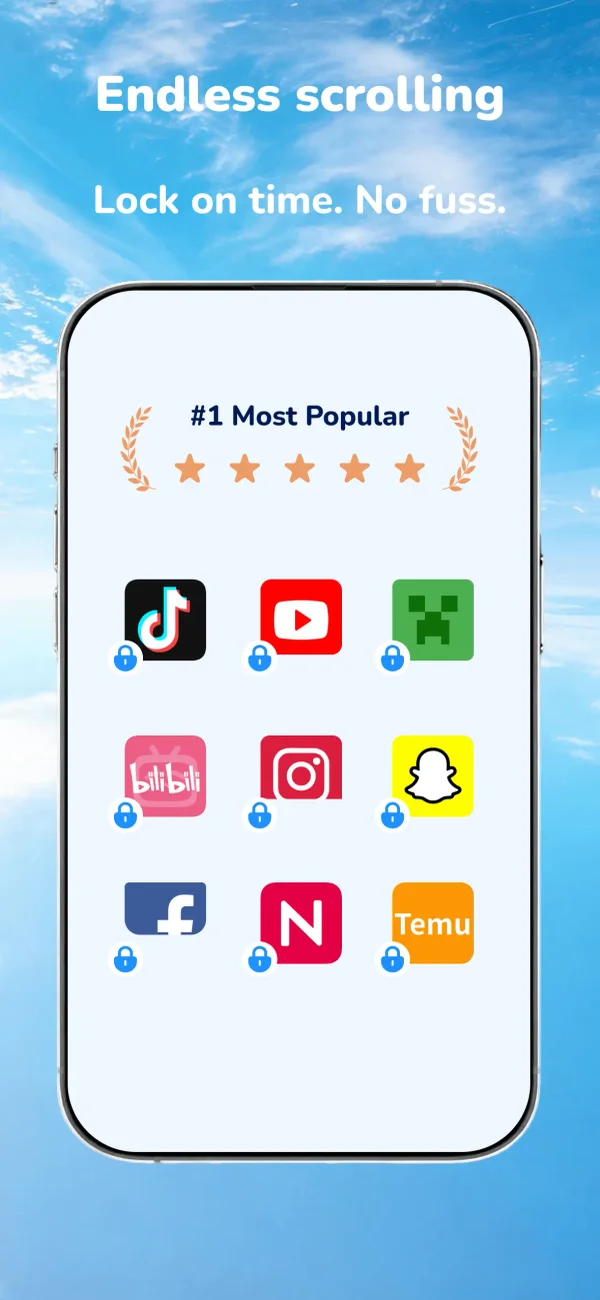
Can’t stop late-night scrolling or endless games? Phone Time Lock turns “I should focus” into real locks: chosen apps won’t open on schedule, stop when your quota is used up, and a trusted supervisor can hold the unlock password—so you can’t quietly rewrite the rules.
Remember us in one line: Lock apps. Limit time. Stay focused.
WHAT YOU GET
1) Pick & lock apps
Add short-video, games, social, and other time sinks. Keep study and essential tools available.
2) Three lock types
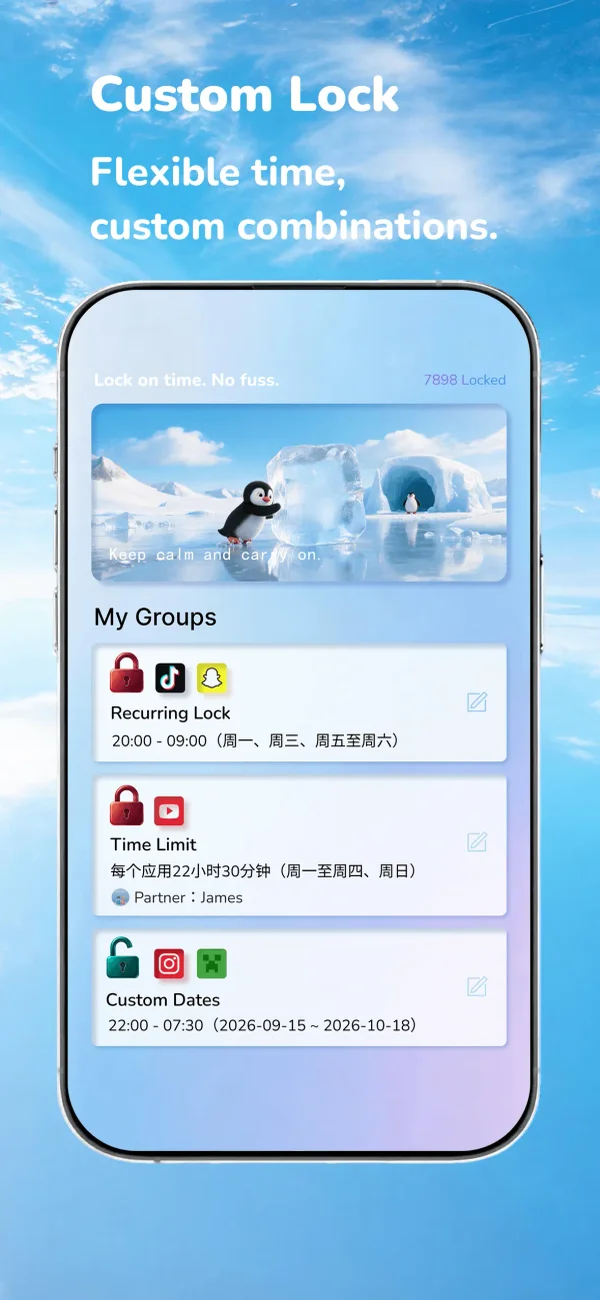
• Schedule Lock — lock by weekday and time window (e.g. 10 pm–7 am)
• Usage Limit — set minutes/hours per app or for all locked apps; auto-lock when used up
• Date Range Lock — tighten rules for exam weeks or intensive study periods
3) Supervisor co-management
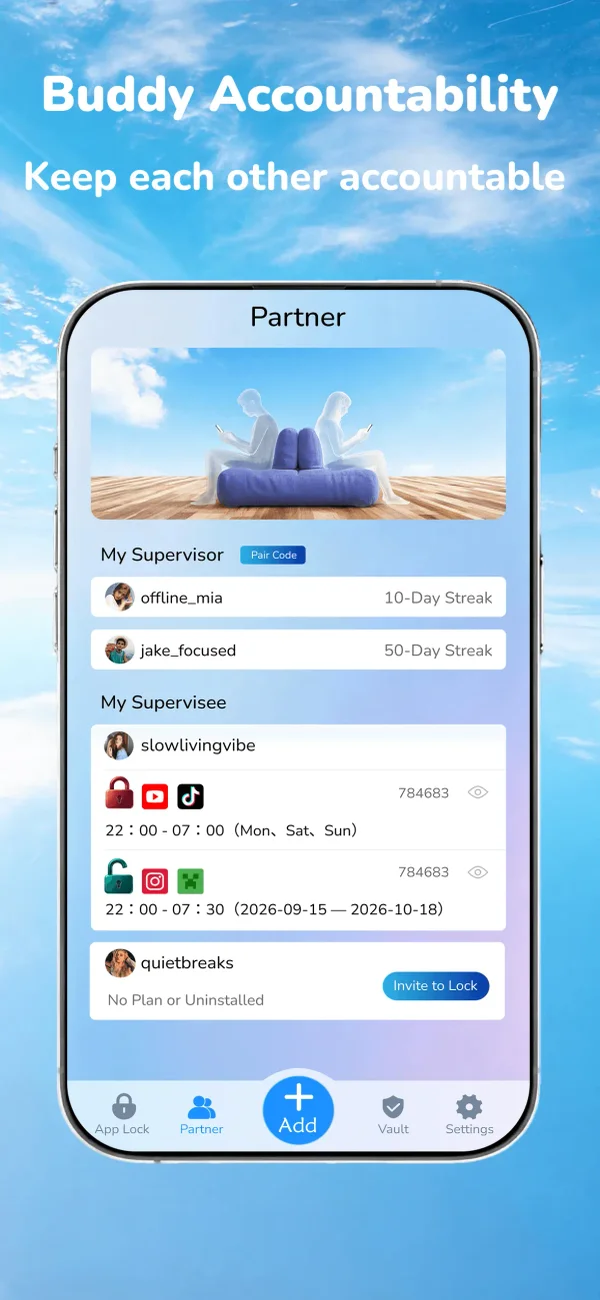
Invite a parent, partner, or friend. Unlocking and rule changes can require their involvement—accountability that sticks.
4) Progress you can see
Track streaks and slip-ups so discipline becomes measurable progress.
5) Safebox & Home Screen widgets (availability may depend on membership)
Store private items securely; see lock status at a glance and put the phone down.
WHO IT’S FOR
• Anyone quitting short-video or gaming loops
• Students who need deep focus
• People rebuilding sleep and cutting late-night phone use
• Parents who want gentle screen-time boundaries
START IN FOUR STEPS
Tap Add → choose apps → set lock type, days, and limits → optionally invite a supervisor → save. In minutes, tonight can look different.
Put the phone down. Live healthier. Download Phone Time Lock and lock your first app today.
Questions? Use in-app feedback or email server@haloutongxue.com
What’s new
Version 2.1.0 · Nov 16, 2026
1. Mind map page loads slowly.
2. Default to selecting Monday through Sunday when creating/editing a lock.
3. Fixed an issue on iPhone 17 where numbers on the Settings page cut off at the screen edge and the date was misaligned on the Edit Lock page.
App privacy
What Hangzhou Hello Classmate Network Technology Co., Ltd. declares on the App Store about how this app handles data.
-
Data used to track you
May be used to track you across apps and websites owned by other companies.
- Identifiers
-
Data linked to you
May be collected and linked to your identity.
- Identifiers
Privacy practices may vary, for example with the features you use or your age.
Information
- Seller
- Hangzhou Hello Classmate Network Technology Co., Ltd.
- Category
- Utilities
- Version
- 2.1.0
- Updated
- Nov 16, 2026
- Released
- Oct 27, 2026
- Size
- 132.6 MB
- Requires
- iOS 15.0 or later
- Age rating
- 4+
- Price
- Free
- In-app purchases
- Yes
- Languages
- English, Simplified Chinese, Traditional Chinese
- Copyright
- © 2026 哈喽同学