
Tida Tasks
To-Do Lists, Sorted in Buckets
Designed for iPhone, iPad, Mac
Free · In-app purchases
- Age rating4+
- CategoryProductivity
- DeveloperDaoud Mansour
- LanguagesEnglish
- Size10.2 MB
Links to the official App Store page
Download.org hosts no file of Tida Tasks. The button opens its official App Store page, published by Daoud Mansour. Listing last checked on Nov 18, 2026.
Screenshots

About
Tida is a task app built on one idea: put things in buckets, and the list stops being a wall.
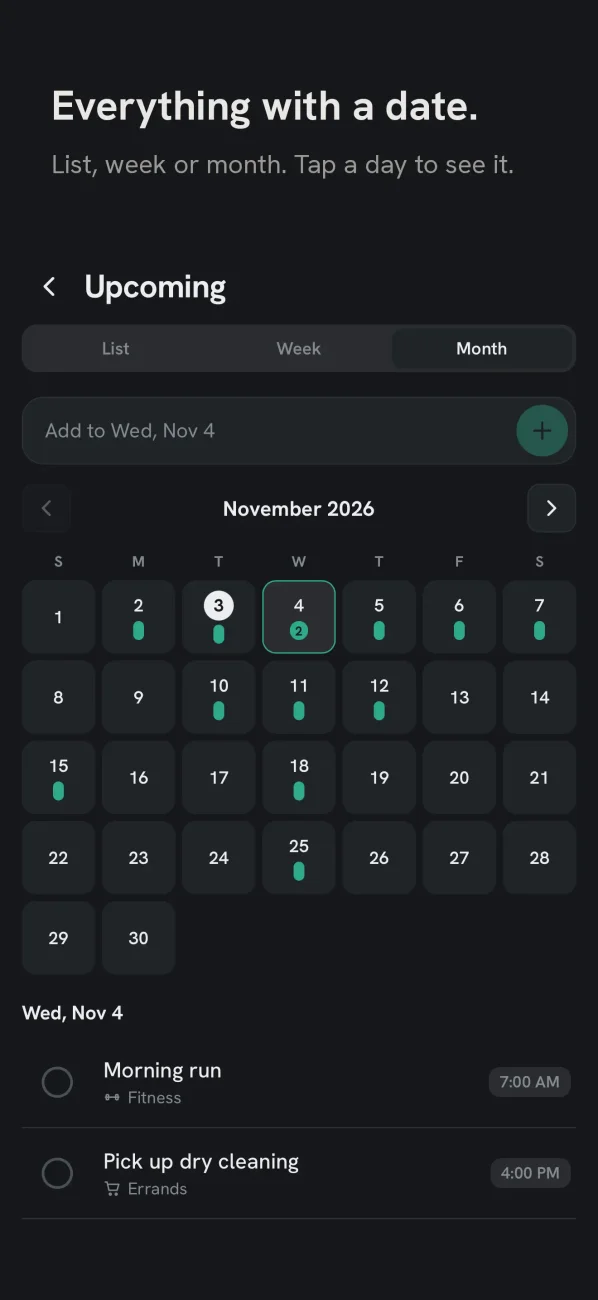
Capture anything into Inbox. Sort it into a bucket once it's clear where it belongs. Nest subtasks as deep as the job actually goes. Anything with a date shows up in Upcoming, in order, so the week is in view without hunting for it.
That's the whole app. No sign-up.
BUILT FOR IPAD
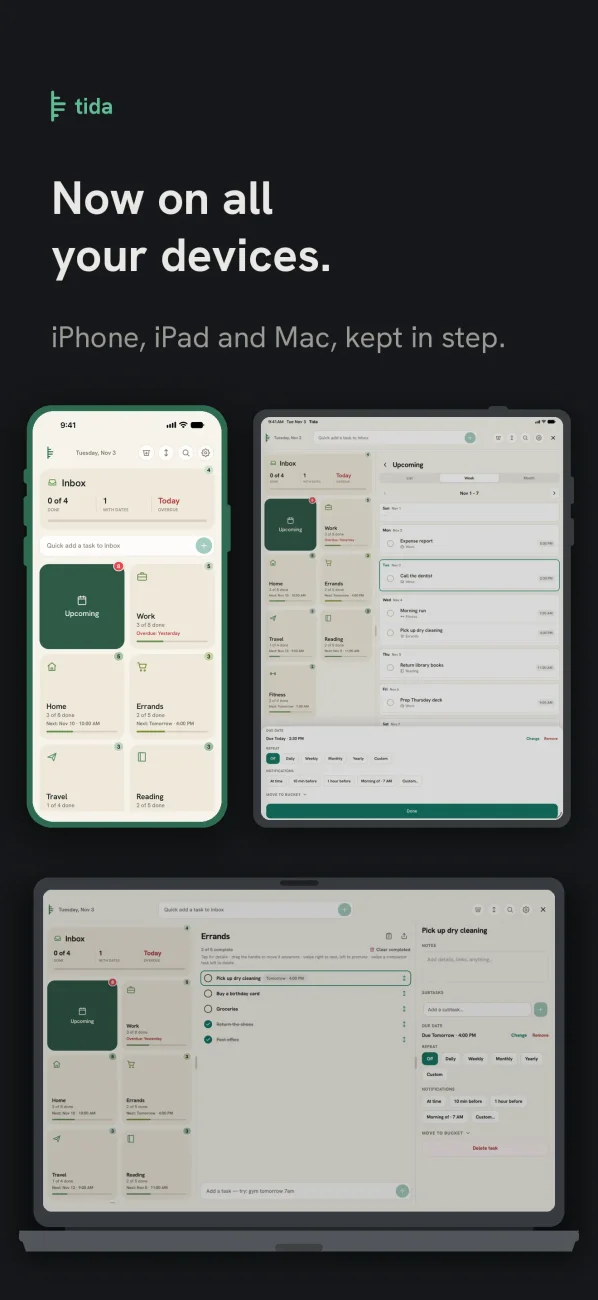
Three panels on one screen: buckets on the left, the open bucket beside them, and the task in hand in a third panel, without anything sliding away. Drag the dividers to any width and they stay that way.
On a narrower iPad there are two panels, and an opened task rises from the bottom as a band. Drag it taller for the detail and push it back down when done.
Press and hold a bucket for a quick look inside without leaving the current screen. Drag a task onto a bucket in the first panel to move it there. Paste an indented list and it arrives as a task with its subtasks.
WHAT'S FREE
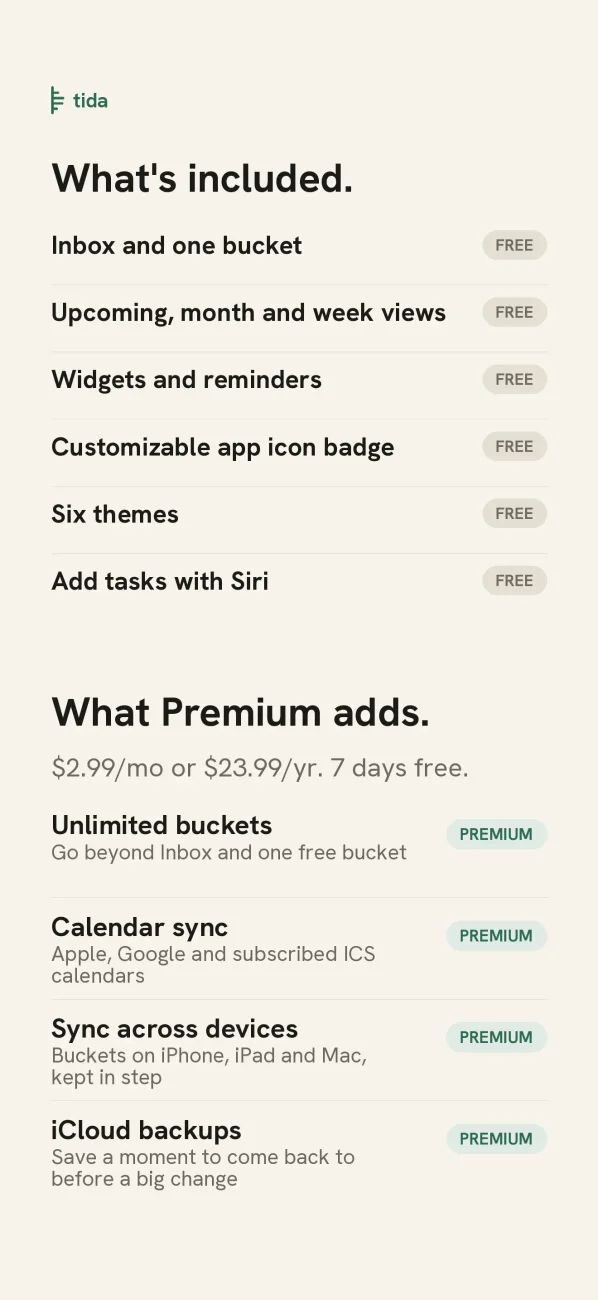
• Inbox, Upcoming and one bucket
• Subtasks, nested as deep as needed
• Upcoming, month and week views
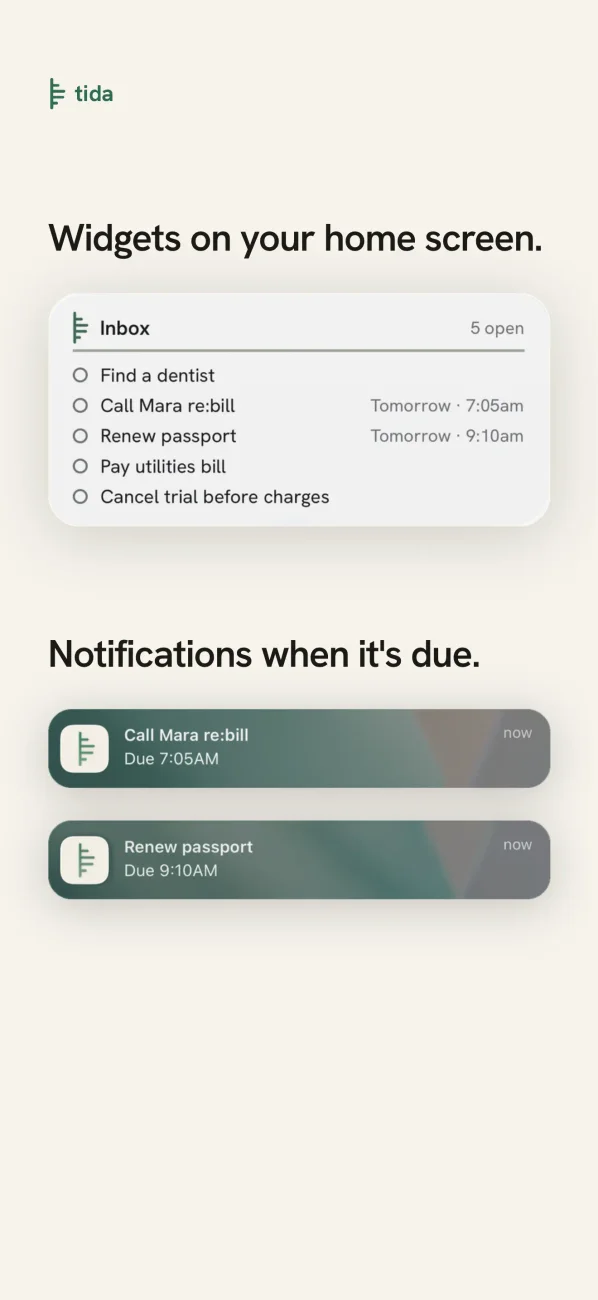
• Home screen widgets in three sizes
• Reminders at the chosen time
• A configurable app icon badge — choose what counts
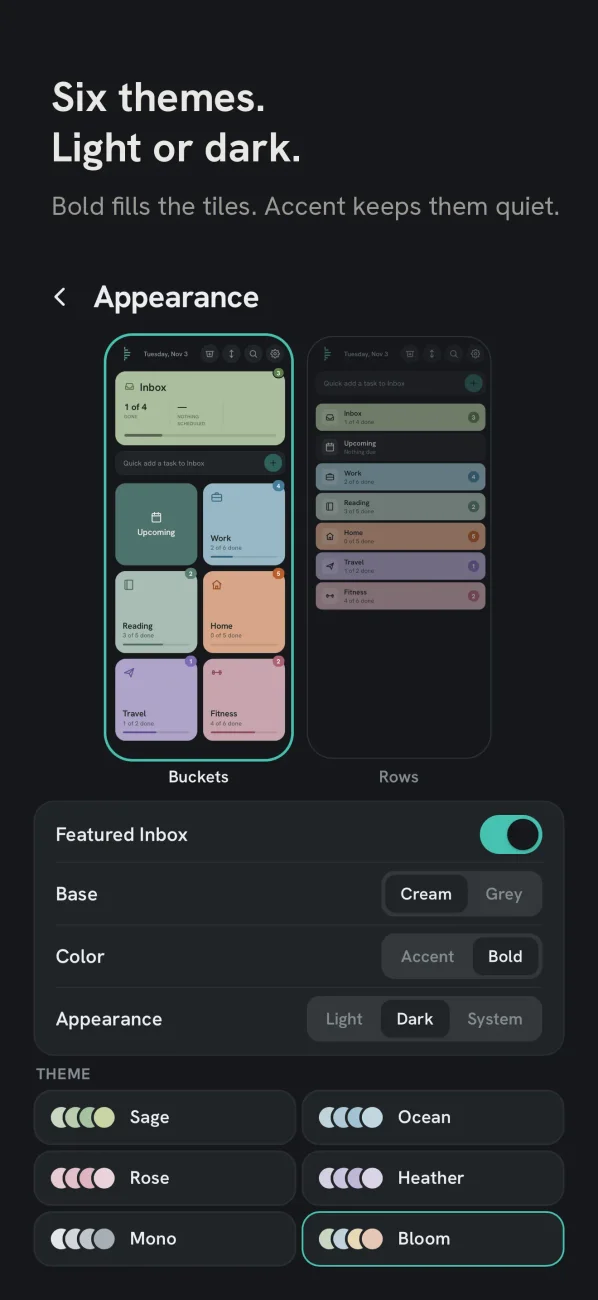
• Six themes, light and dark, cream or grey
• Add tasks with Siri
• Export everything to a file, any time
WHAT PREMIUM ADDS
$2.99 a month or $23.99 a year, with 7 days free.
• Unlimited buckets — go beyond Inbox and one free bucket
• Calendar sync — Apple, Google and subscribed ICS calendars, shown beside tasks in Upcoming
• Sync across devices — buckets on iPhone, iPad and Mac, kept in step through iCloud
• iCloud backups — save a moment to come back to before a big change, and restore it later
TASKS STAY PRIVATE
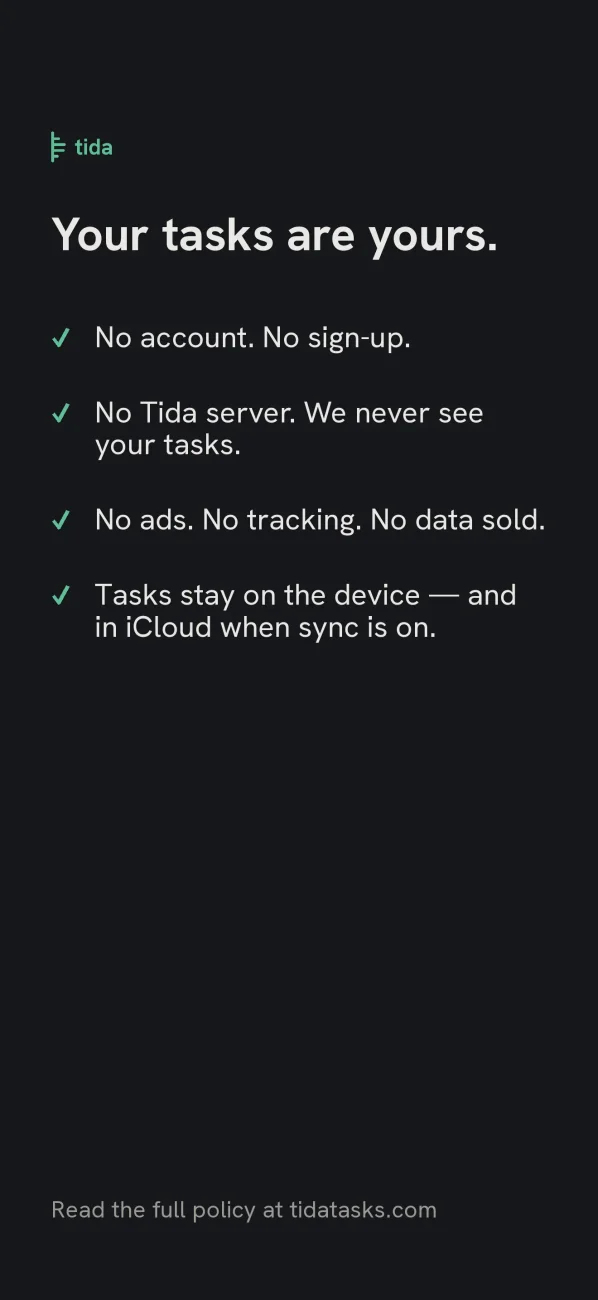
There is no Tida account and no Tida server. Tasks are never sent to us.
On the free plan, buckets and tasks stay on the device. With Premium they sync through iCloud, held by Apple under the Apple ID signed in on the device — not by us. We have no way to read any of it.
No ads and no tracking. Tasks are never sent to Tida.
Calendar access is read-only and optional. Tida never creates, edits or deletes anything in a calendar, and calendar information is never sent anywhere.
SUBSCRIPTION DETAILS
Tida Premium is $2.99 a month or $23.99 a year, with a 7-day free trial. Payment is charged to the Apple ID at confirmation of purchase. The subscription renews automatically unless it is cancelled at least 24 hours before the end of the current period. Manage or cancel in Apple ID settings.
Terms of Use (EULA): https://www.apple.com/legal/internet-services/itunes/dev/stdeula/
Privacy Policy: https://tidatasks.com/privacy
What’s new
Version 1.4.8 · Nov 9, 2026
Monthly and annual Premium plans are now offered everywhere in Tida, with prices in local currency.
App privacy
What Daoud Mansour declares on the App Store about how this app handles data.
-
Data not linked to you
May be collected but is not linked to your identity.
- Purchases
- Identifiers
- Usage data
Privacy practices may vary, for example with the features you use or your age.
Information
- Seller
- Daoud Mansour
- Category
- Productivity
- Version
- 1.4.8
- Updated
- Nov 9, 2026
- Released
- Jul 16, 2026
- Size
- 10.2 MB
- Requires
- iOS 17.0 or later
- Age rating
- 4+
- Price
- Free
- In-app purchases
- Yes
- Languages
- English
- Copyright
- © 2026 Daoud Mansour
You might also like
-
 Life Pilot PlannerLifePilot
-
 Draftline - Markdown EditorWrite and commit to GitHub
-
 Coffee: Markdown NotesPlain files, sums and links
-
 MonthlyTodo: Month To-Do ListYour whole month, at a glance
-
 TikThatFinish your to-dos! Tik That!
-
 Pomodoro Timer SPProductivity
-
 Handled: Calm Daily PlannerTodos, Links, Notes & Calendar
-
 QuitScroll: Strict App BlockerStop Doomscrolling. No Excuses
-
 HomeCycle: Home TasksProductivity
-
 Execution: 12 Week GoalsWeekly planner & focus tracker