
'Til — Countdown Widget
Days Until Every Big Moment
Designed for iPhone, iPod touch
Free · In-app purchases
- Age rating4+
- CategoryLifestyle
- DeveloperJake Larsen
- LanguagesEnglish
- Size32.6 MB
Links to the official App Store page
Download.org hosts no file of 'Til — Countdown Widget. The button opens its official App Store page, published by Jake Larsen. Listing last checked on Nov 20, 2026.
Screenshots
About
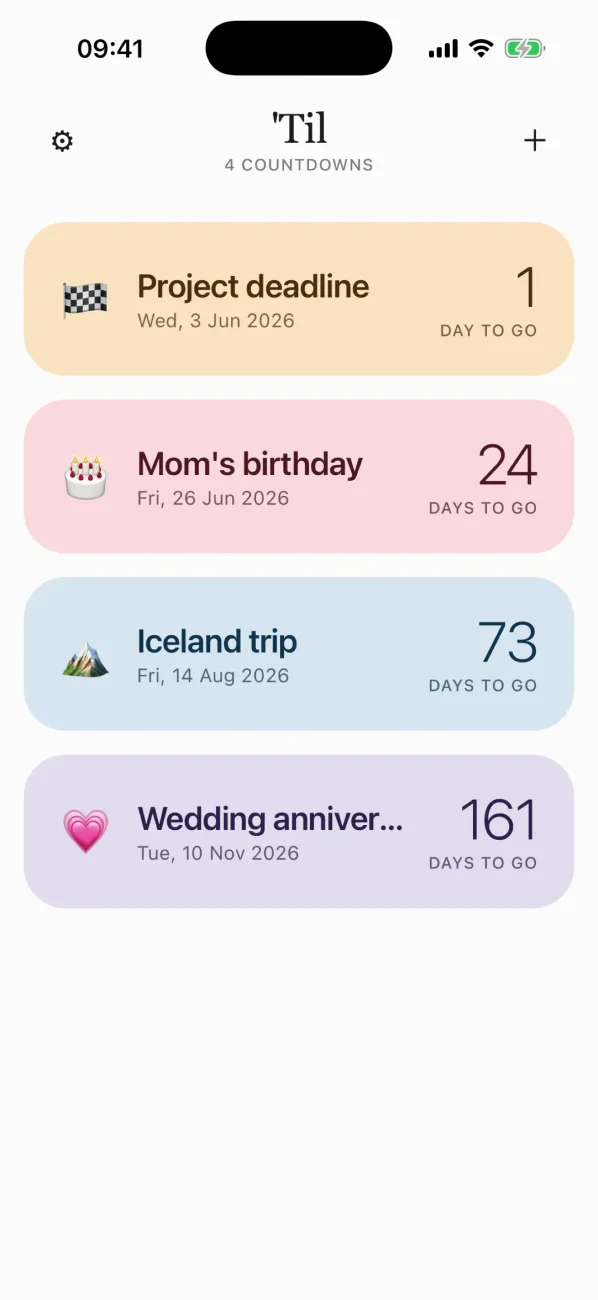
'Til counts down to the dates you care about: birthdays, holidays, trips, due dates, deadlines, and anniversaries.
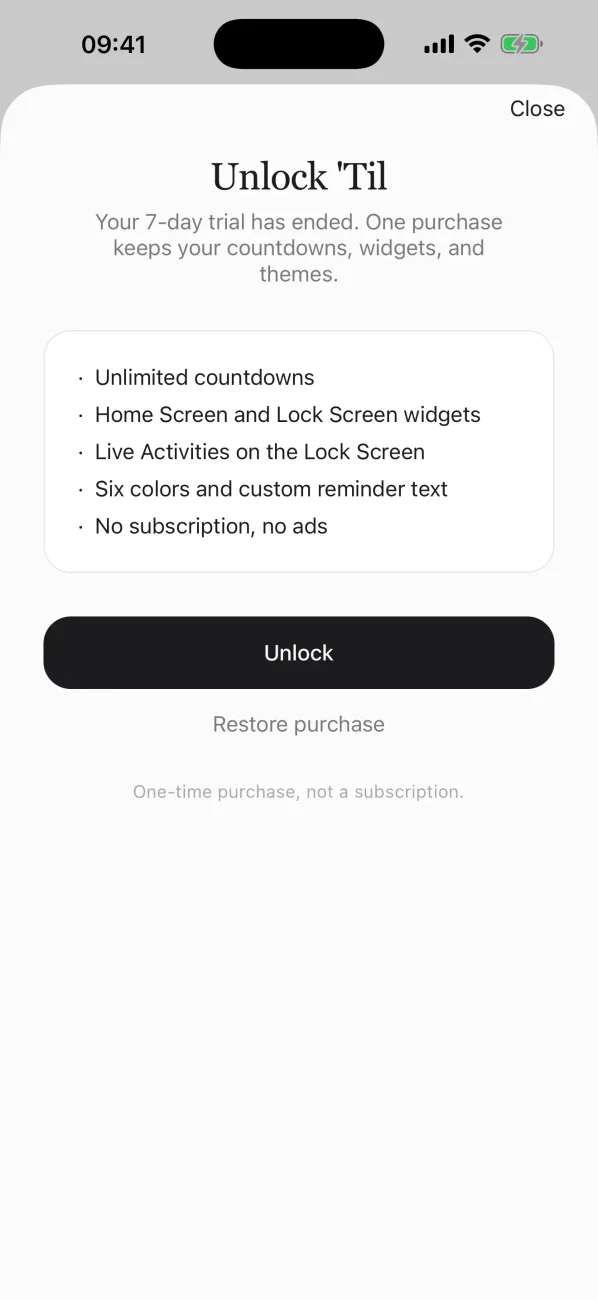
It's free for 7 days. After that, one purchase unlocks it for good. No subscription, no ads.
WIDGETS
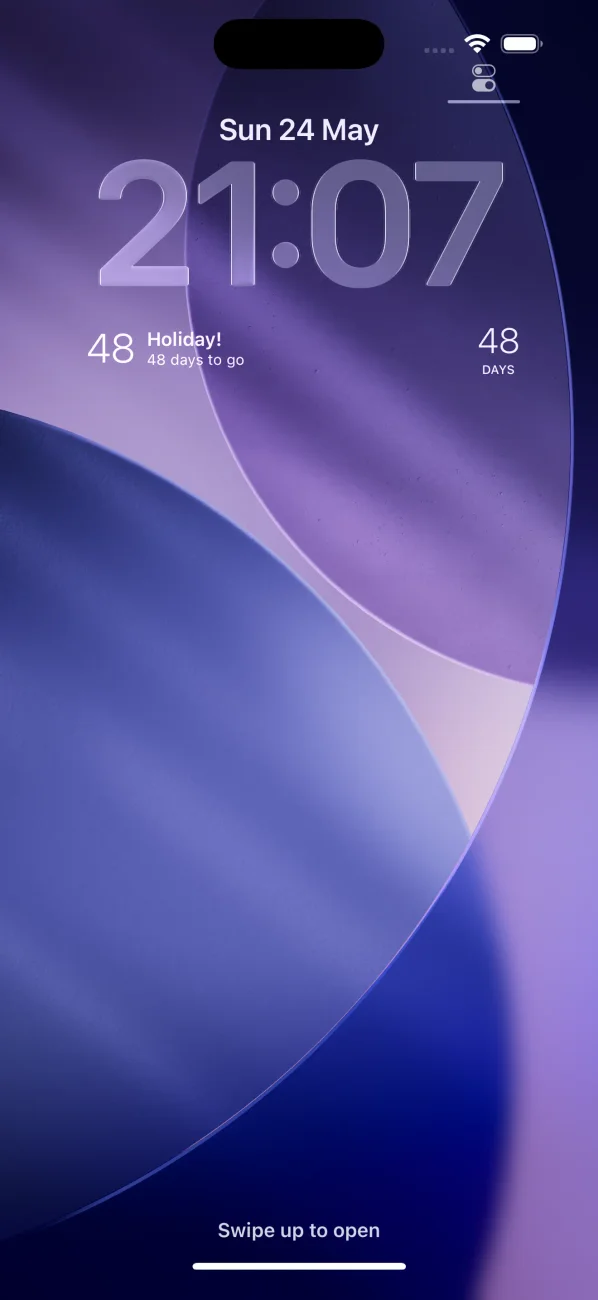
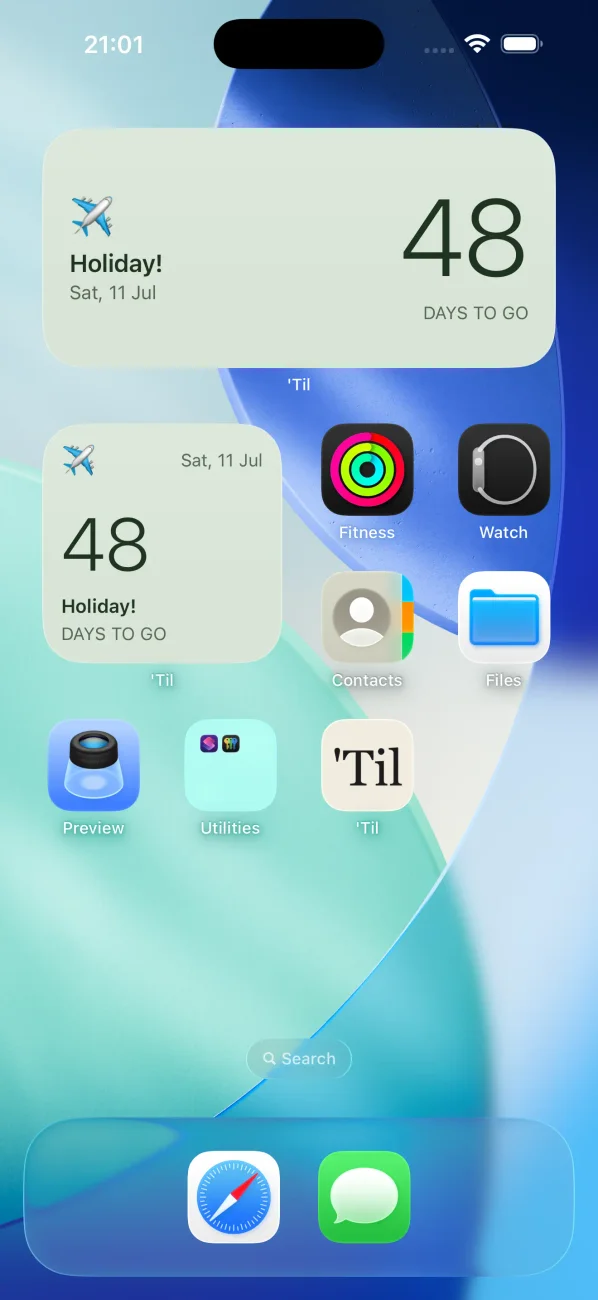
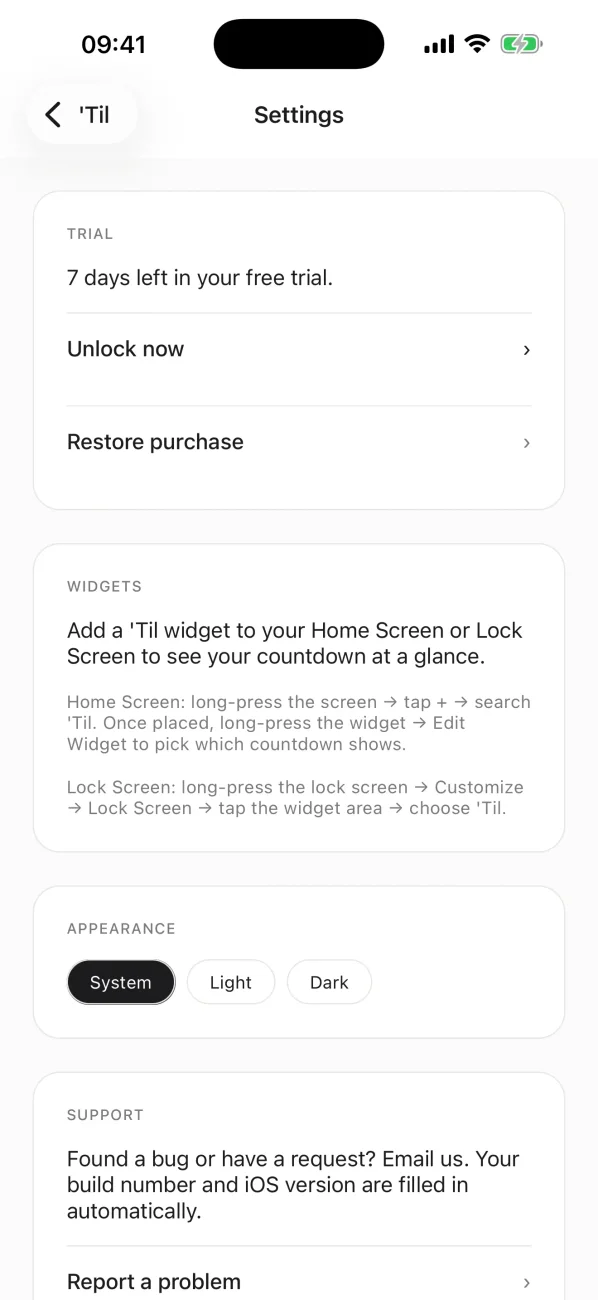
Add a widget to your Home Screen (small, medium, or large) or Lock Screen (rectangular, circular, or inline). It shows your next countdown.
THE FINAL DAY
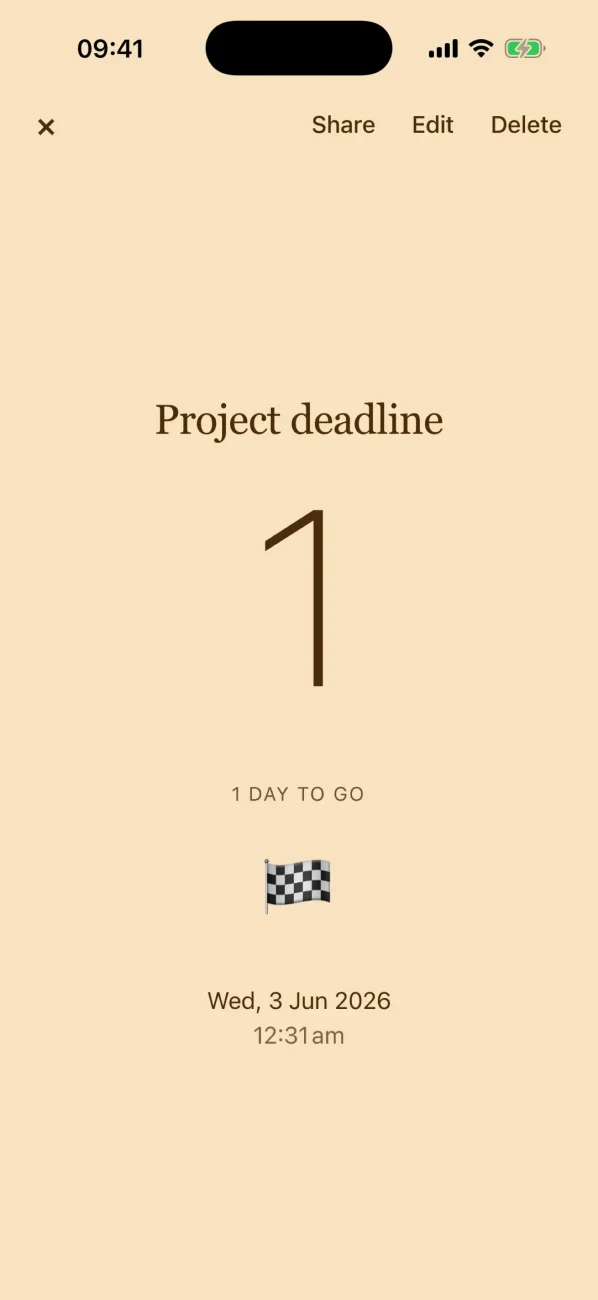
On the day of the event, the countdown switches to hours, minutes, and seconds, in the app and on the widget.
REMINDERS
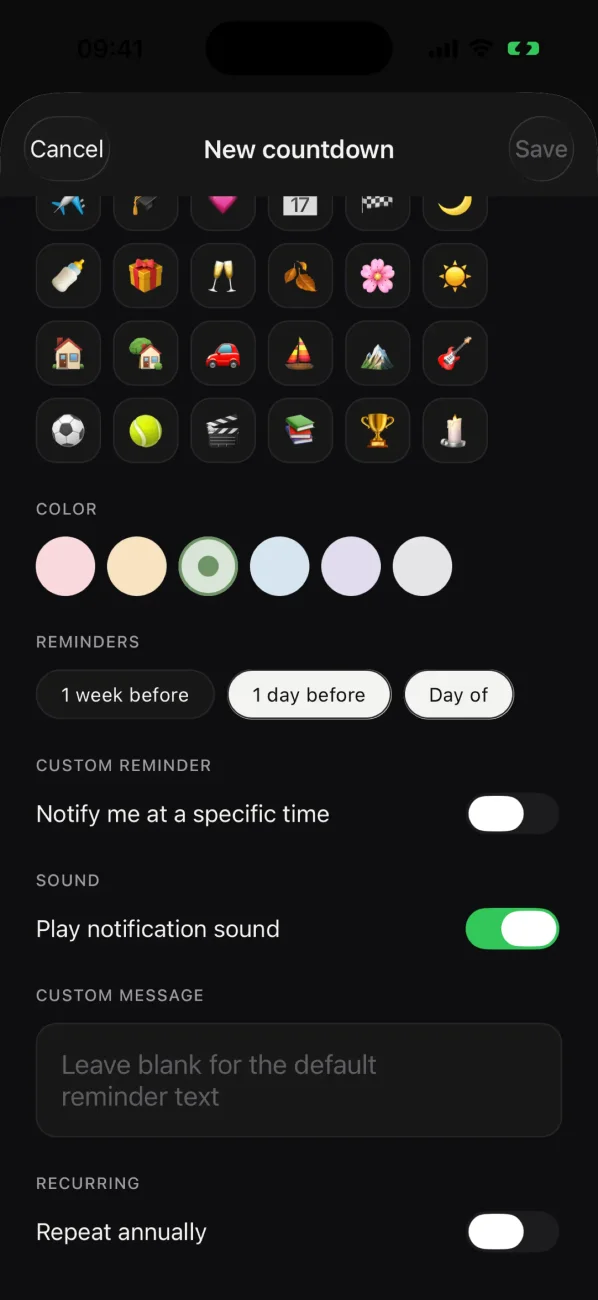
Set a reminder a week before, the day before, or on the day. You can also pick a custom date and time, write your own reminder text, and turn sound on or off for each countdown. Countdowns set to repeat annually move to the next year on their own.
LOCK SCREEN
Your next countdown shows as a Live Activity on the Lock Screen and updates on its own. When it ends, 'Til can move straight on to the next one.
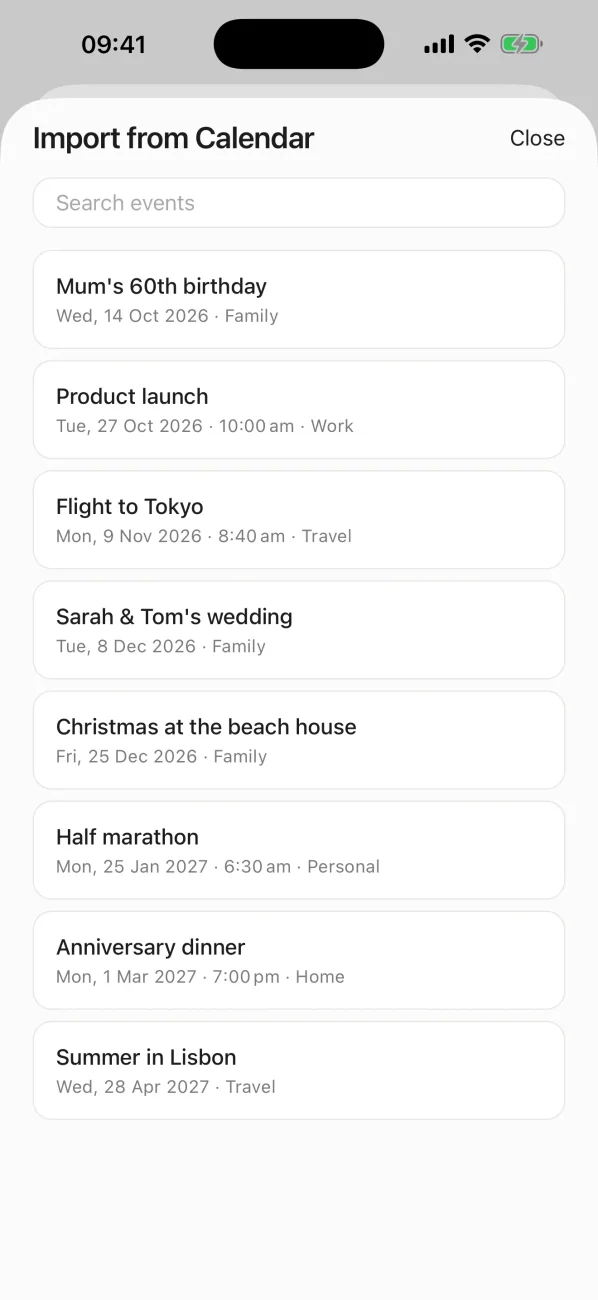
FROM YOUR CALENDAR
Bring in any event and 'Til fills in the name and date for you. Search to find it in seconds. Leave it connected, and if the event moves, your countdown moves with it. Your calendar stays on your iPhone.
DETAILS
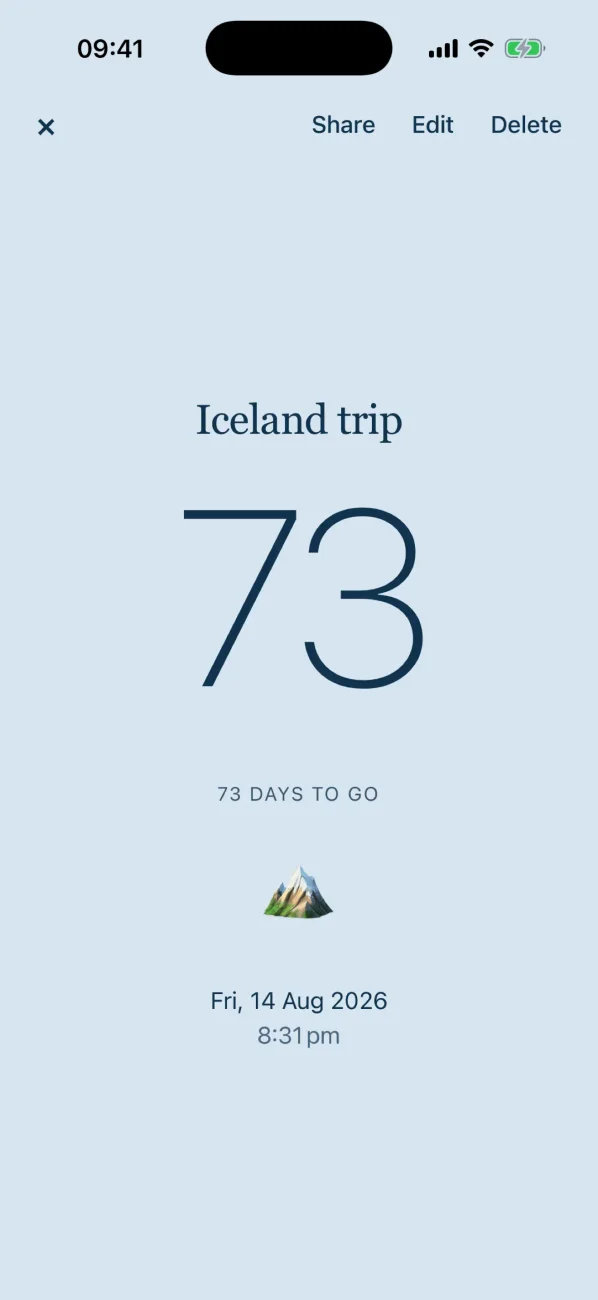
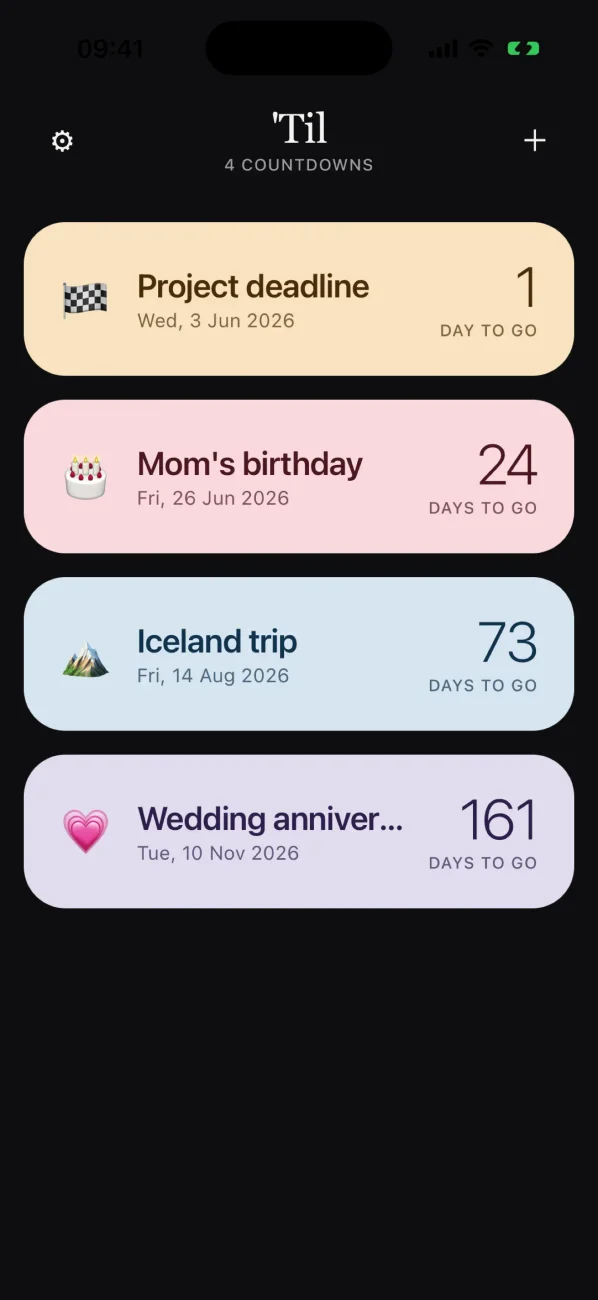
Give each countdown one of six colors: rose, amber, sage, sky, lavender, or graphite. Set the app to Light, Dark, or System appearance. Choose from every emoji, and add Christmas Eve, Christmas Day and New Year in one tap. Press and hold to arrange your countdowns in any order, sort them by time remaining, and swipe left to remove one. Tap a countdown for a full-screen view. Tap a notification or widget to open the right one. Share a countdown as a link. Everything stays on your device. No account, no cloud, no tracking.
PRICING
Seven days free, then one payment. Your countdowns stay whether or not you buy, so nothing is lost if you unlock later.
What’s new
Version 1.2 · Sep 29, 2026
Every emoji, at your fingertips.
Choose from every emoji for your countdowns, with search, categories and your recent picks close at hand.
Christmas, in one tap.
Add Christmas Eve, Christmas Day and New Year together, each repeating every year.
A smoother way to sort.
Sort by what's coming up first or last from a new menu, and watch your countdowns glide into place.
App privacy
What Jake Larsen declares on the App Store about how this app handles data.
-
Data not collected
The developer does not collect any data from this app.
Privacy practices may vary, for example with the features you use or your age.
Information
- Seller
- Jake Larsen
- Category
- Lifestyle
- Version
- 1.2
- Updated
- Sep 29, 2026
- Released
- Jun 12, 2026
- Size
- 32.6 MB
- Requires
- iOS 15.1 or later
- Age rating
- 4+
- Price
- Free
- In-app purchases
- Yes
- Languages
- English
- Copyright
- © 2026 Jake Larsen
You might also like
-
 Birthday Buddy CountdownBirthday Countdown & Reminder
-
 Memento BirthdaysLifestyle
-
 Await - Countdown AppDays until anything
-
 That Day!Celebrate every milestone
-
 TickUp CountdownLifestyle
-
 Until Nxt: Countdown & WidgetsCountdowns for what matters
-
 Countdown+ Widget: Days UntilDay Counter: Vacation & Events
-
 Countdown Widget • TimerVacation, Wedding, Retirement
-
 Memento: Anniversary CountdownDay counter & photo widgets
-
 EverGlow CountdownDays Until Birthdays & Events