Timbre: Audio & Video Editor
Podcast & Voice Noise Remover
Designed for iPhone
Free · In-app purchases
- Age rating4+
- CategoryPhoto & Video
- DeveloperUnity Internet Private Limited
- LanguagesEnglish+ 26 more
- Size120.1 MB
Links to the official App Store page
Download.org hosts no file of Timbre: Audio & Video Editor. The button opens its official App Store page, published by Unity Internet Private Limited. Listing last checked on Nov 17, 2026.
Screenshots
About
The audio and video editor for podcasters, voiceover artists and creators. Clean up your voice, cut out mistakes and export studio-quality sound, right on your iPhone.
TIMBRE PRO
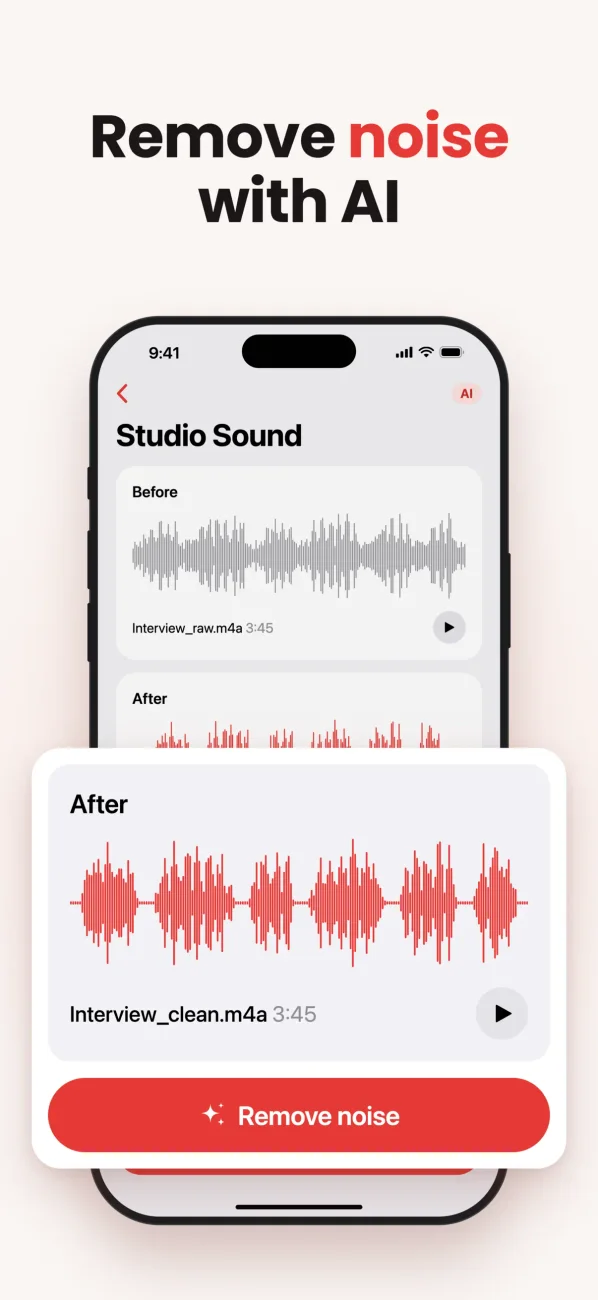
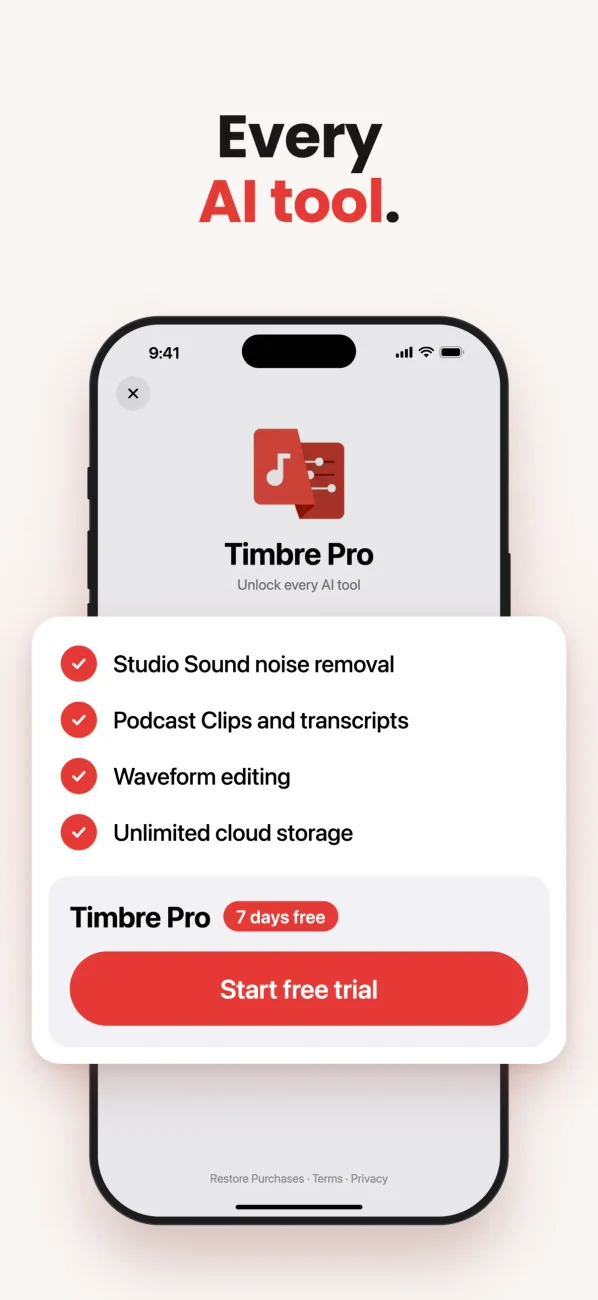
• Studio Sound: remove background noise and make your voice clear
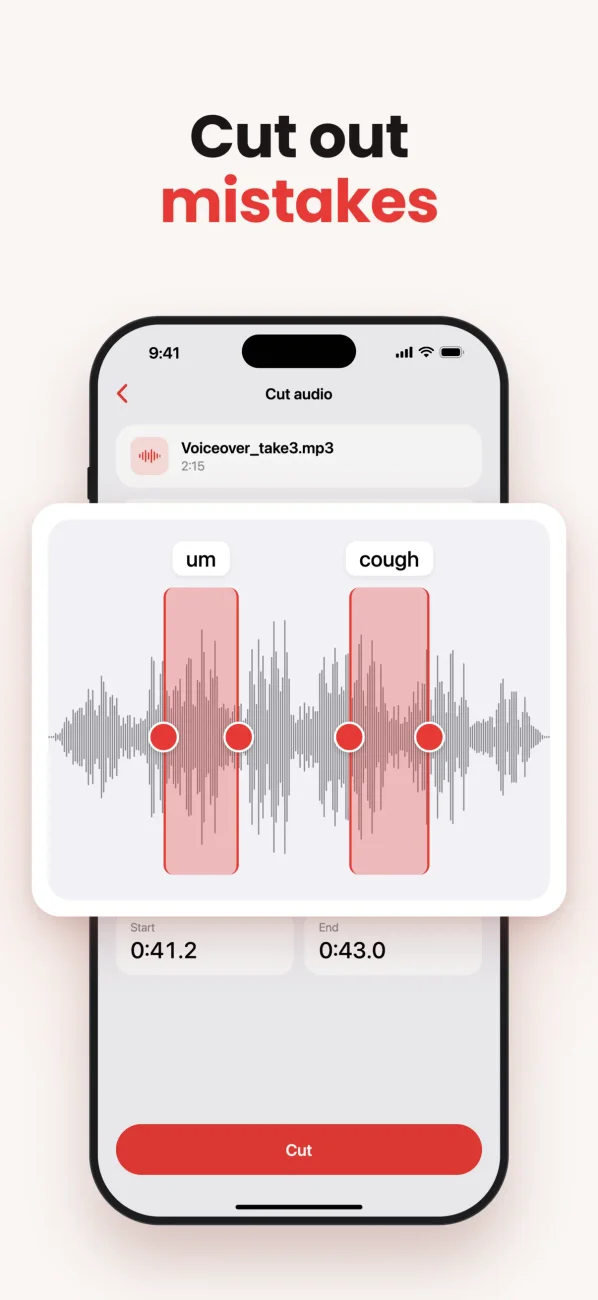
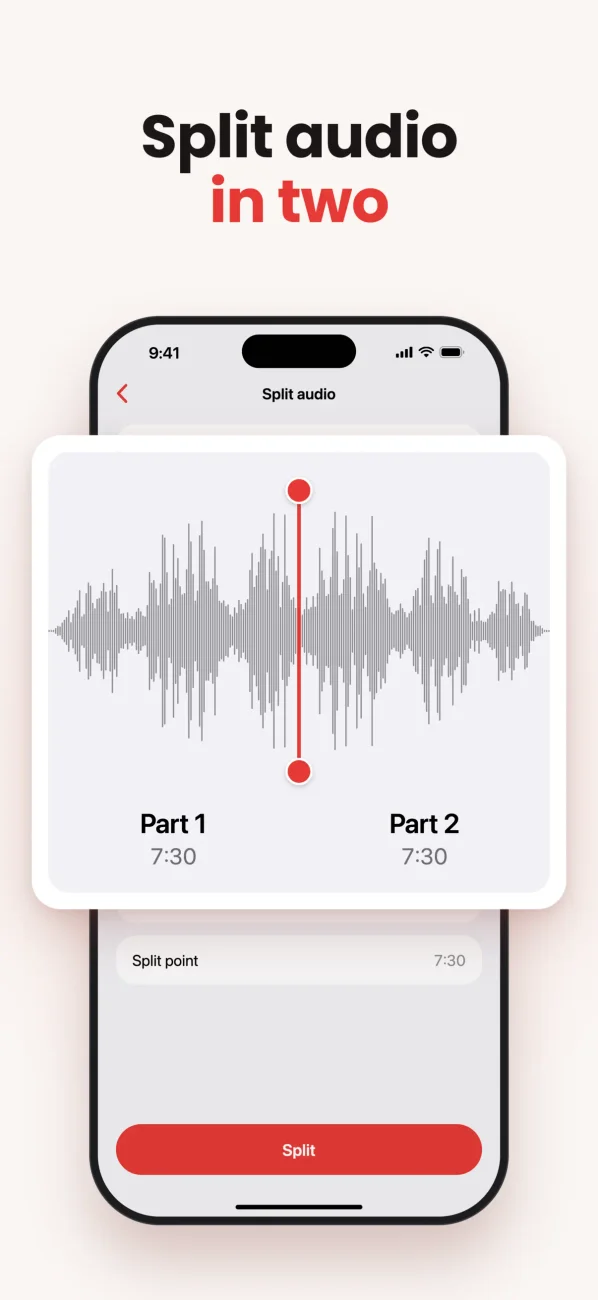
• Waveform editing: see your audio and cut mistakes precisely
• Remove Silence: cut long pauses automatically
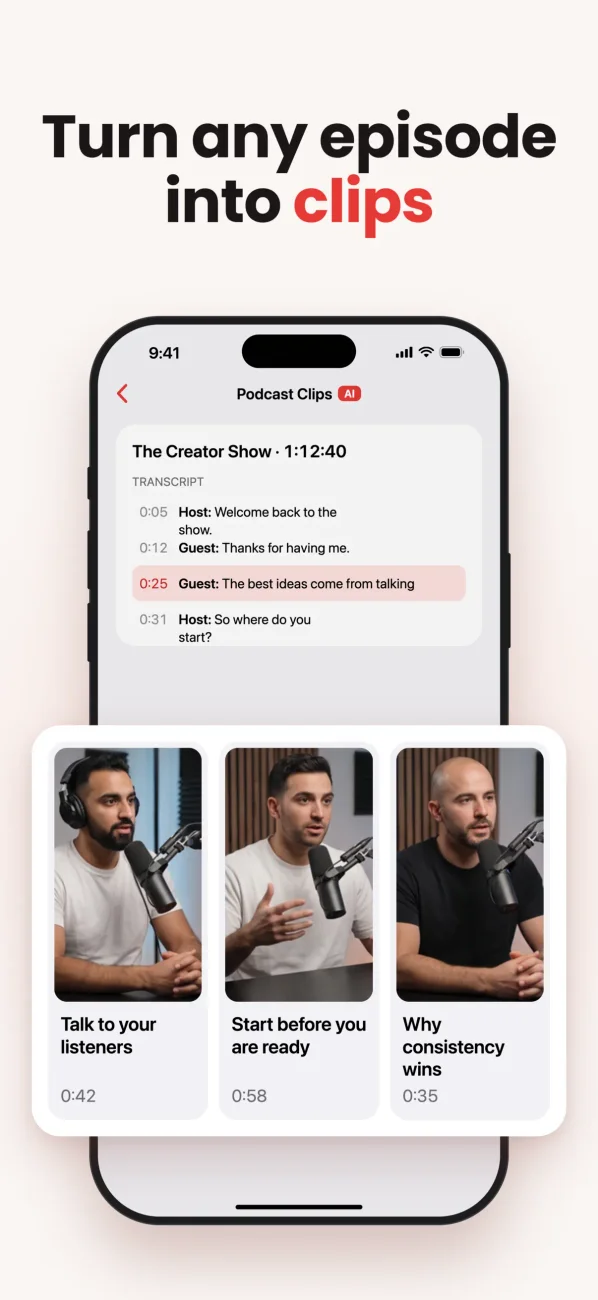
• Clips and transcripts: turn long recordings into short clips and text
EVERYDAY TOOLS ON YOUR PHONE
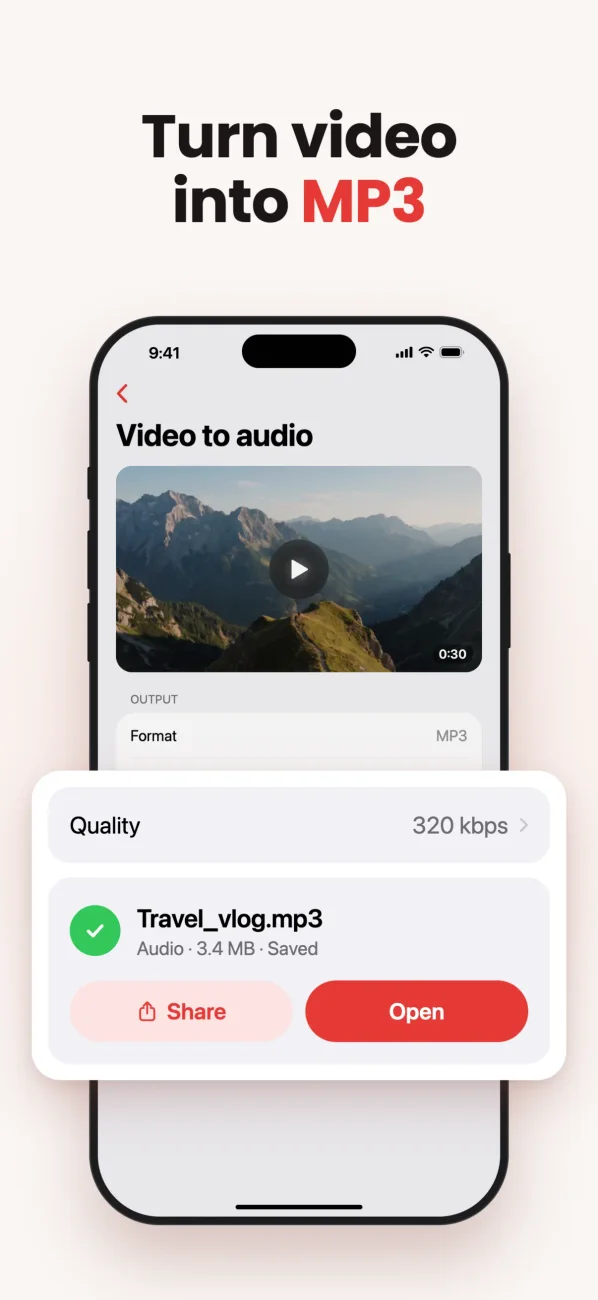
• Video to audio: turn any video into MP3
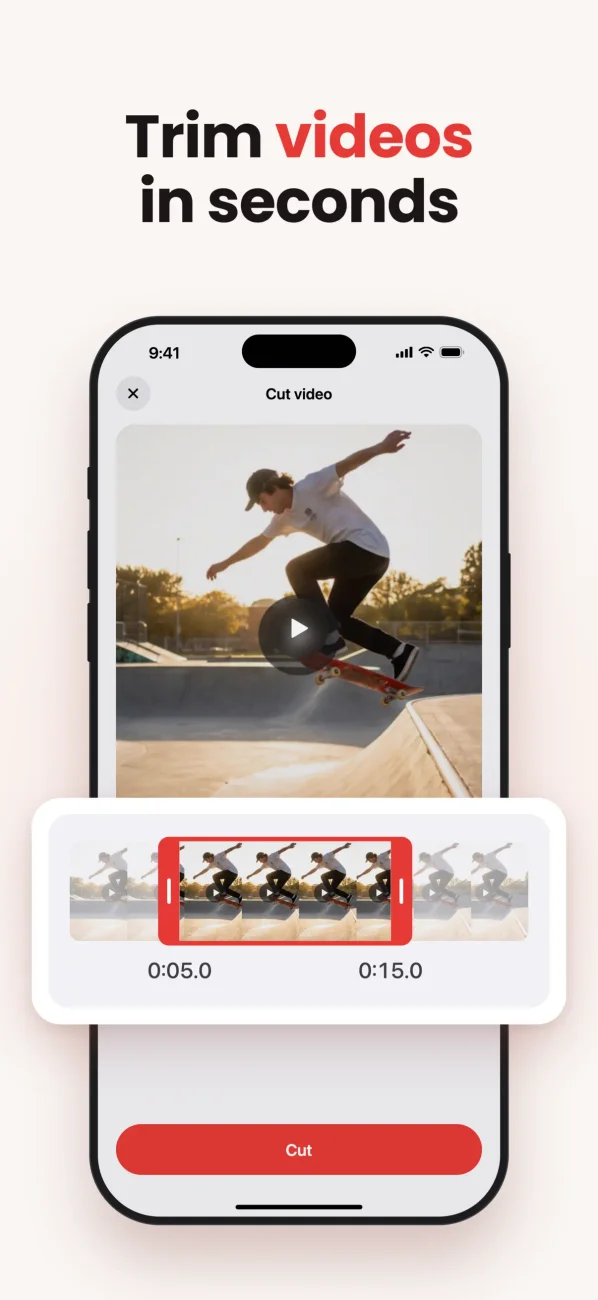
• Trim and cut audio and video
• Remove sections you don't want
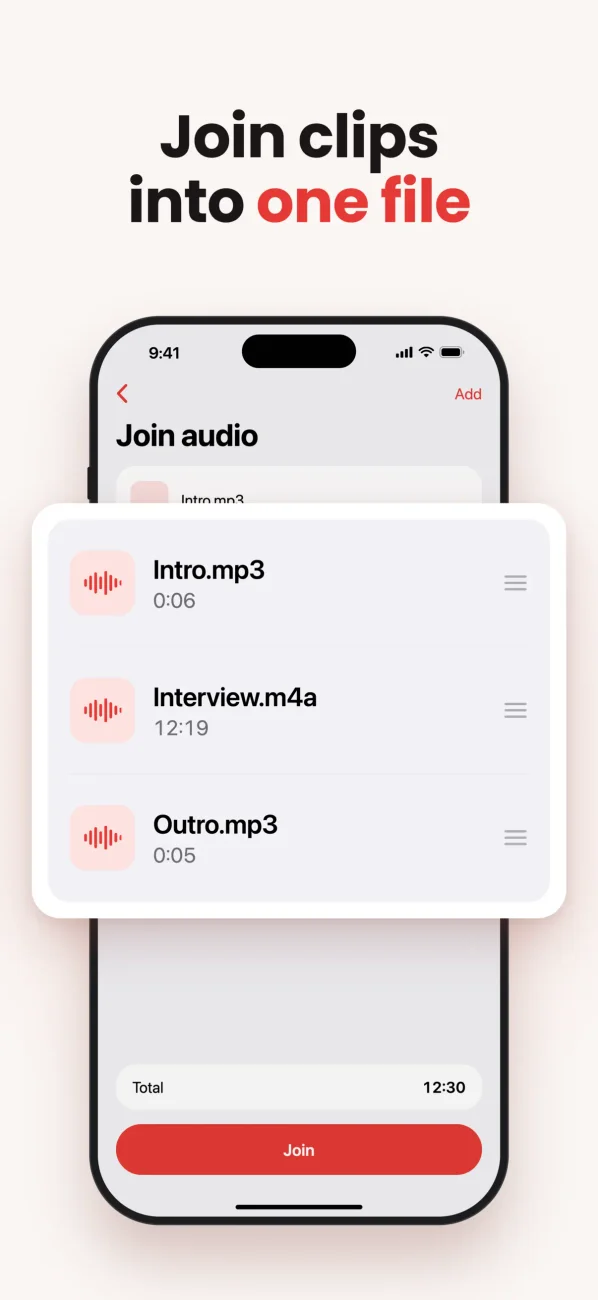
• Join recordings into one episode
• Convert between MP3, AAC, WAV, FLAC, M4A, MP4, MOV and more
• Compress files to save space
These tools run on your iPhone. No upload needed.
FOR PODCASTERS AND VOICEOVER ARTISTS
• Record, clean and cut in one app
• Fix noisy rooms without a studio
• Turn a long episode into short clips to share
TIMBRE PRO SUBSCRIPTION
• Start with a 7-day free trial that includes 50 AI credits.
• Timbre Pro is a monthly subscription that includes 30 AI credits each month.
• Payment is charged to your Apple Account when you confirm the purchase, or when the trial ends.
• The subscription renews automatically unless you cancel at least 24 hours before the end of the current period.
• Manage or cancel any time in your Apple Account settings.
SUPPORT & CONTACT
Email: hi@timbrehq.com
Website: timbrehq.com
Privacy Policy: https://www.timbrehq.com/privacy-policy
Terms of Use: https://www.timbrehq.com/terms
What’s new
Version 1.3.2 · Oct 31, 2026
What's New:
- Record audio right in the app, with live transcription, a Live Activity, and one-tap Studio Sound to clean up your recordings
- Your recordings are saved automatically, even if the app closes mid-take
- See the history of your past edits in every audio and video tool
- View the transcript of any file from its menu
- Follow your AI edits as they run, with live progress and status
Improvements & Fixes:
- Write and edit longer AI prompts more easily
- AI results and history now show in your language
- Smoother upload screens and a cleaner AI features layout
- Uploading from a link now works every time
- Improved stability and performance
App privacy
What Unity Internet Private Limited declares on the App Store about how this app handles data.
-
Data not linked to you
May be collected but is not linked to your identity.
- Usage data
- Diagnostics
Privacy practices may vary, for example with the features you use or your age.
Information
- Seller
- Unity Internet Private Limited
- Category
- Photo & Video
- Version
- 1.3.2
- Updated
- Oct 31, 2026
- Released
- Dec 23, 2025
- Size
- 120.1 MB
- Requires
- iOS 17.6 or later
- Age rating
- 4+
- Price
- Free
- In-app purchases
- Yes
- Languages
- English, Arabic, Bengali, Czech, Dutch, French, German, Greek, Hindi, Hungarian, Indonesian, Italian + 15 more
- Copyright
- © 2026 Timbre
You might also like
-
 Hey AI: AI Video GeneratorAI Video Maker & Creator
-
 SuperZoom: Camera HD ClearHD Zoom Camera, Sharp & Clear
-
 AudioFix: Video Volume BoosterRemove Noise & Boost Audio
-
 Kaiber LegacyAI Art Lab: Artist-Built
-
 ElevenLabs: AI Voice GeneratorGenerate Speech, Video & Music
-
 Clideo: Video Editor & AIGenerate Videos and Captions
-
 VN: Photo & Video EditorEdit Like a Pro Without Limits
-
 Photo Collage Maker PicJointerEdit photos & picture layout
-
 PixVerse LitePhoto & Video
-
 ProTube: Video BrowserBrowse, Play & Cast