
- Age rating4+
- CategoryUtilities
- DeveloperDaniel Delgado
- LanguagesEnglish+ 5 more
- Size2.3 MB
Links to the official App Store page
Download.org hosts no file of Time Calculator Hours. The button opens its official App Store page, published by Daniel Delgado. Listing last checked on Nov 16, 2026.
Screenshots
About
The fastest way to add and subtract time.
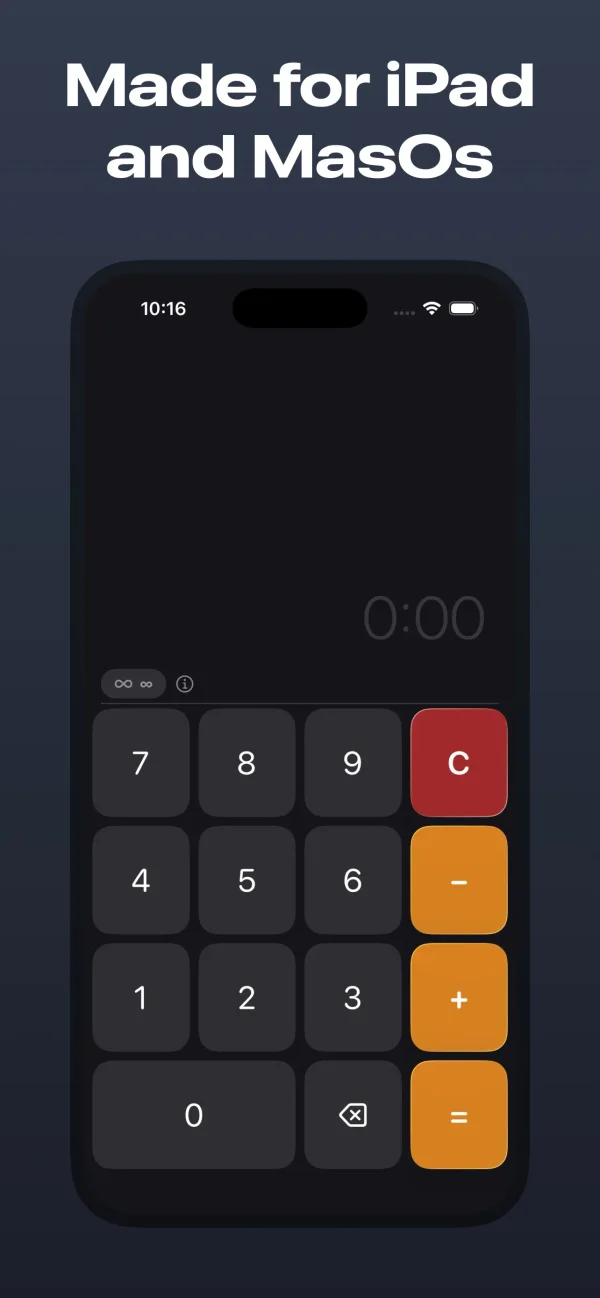
Log Time is a clean, focused calculator built for one thing: working with hours and minutes. Type your time, tap an operator, and see results instantly — no conversion needed.
ADDING MACHINE STYLE
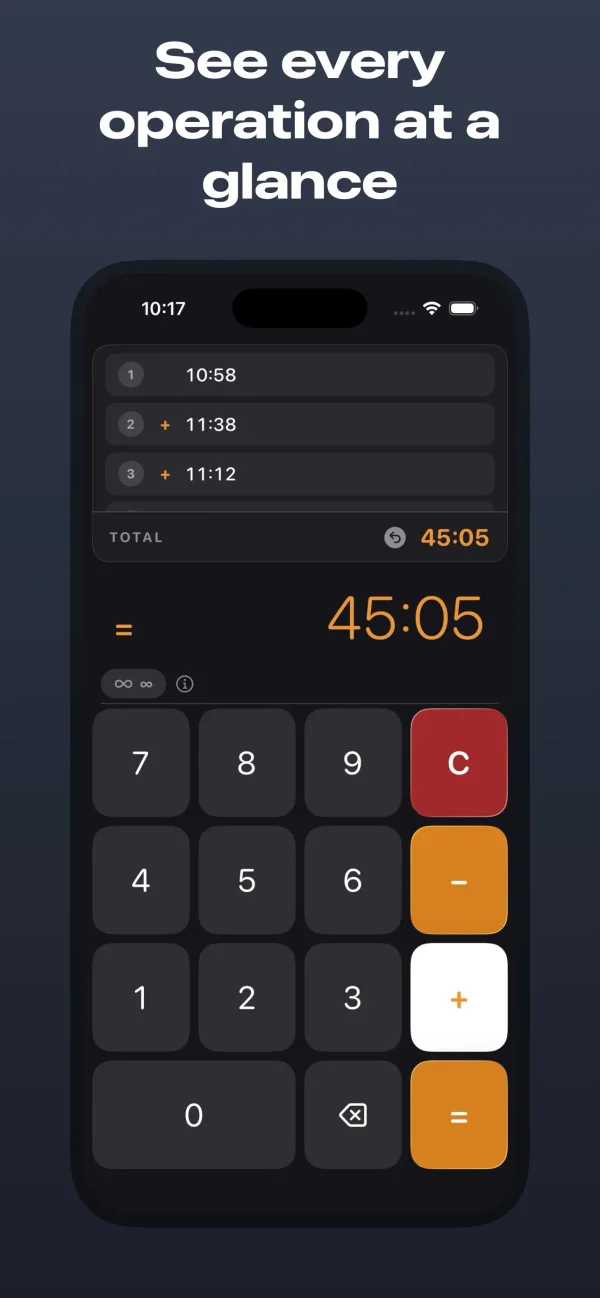
Every operation appears on a running tape, just like a classic adding machine. See your full calculation history at a glance, and tap the total to copy it.
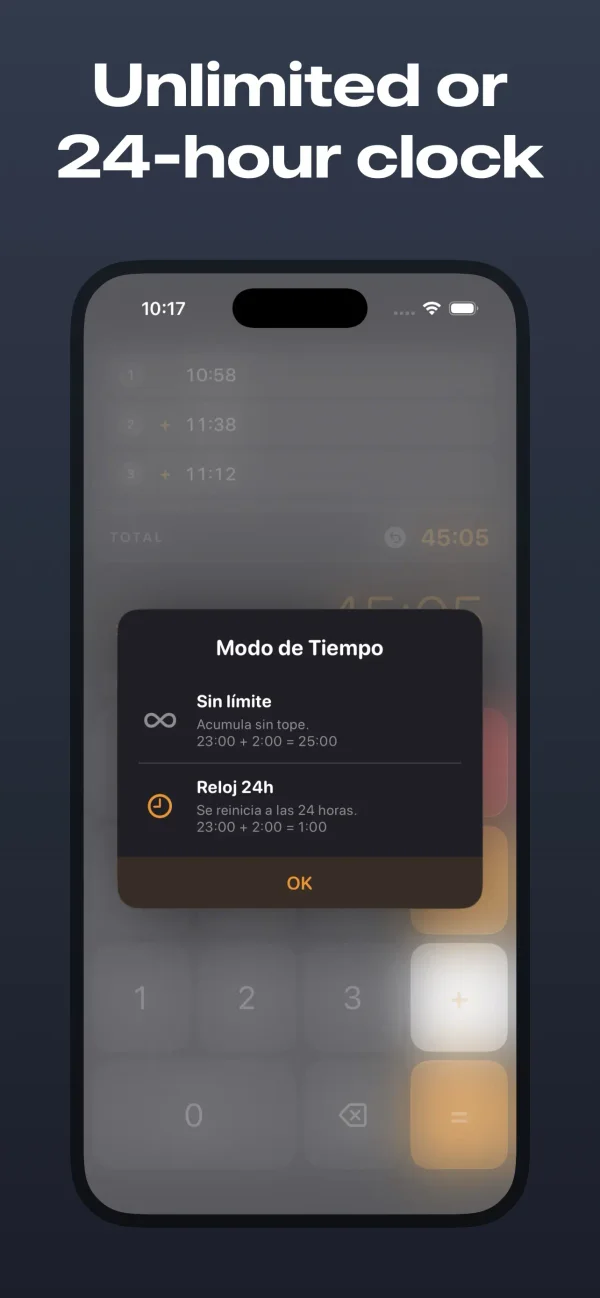
TWO MODES
• ∞ Unlimited — Accumulates without limit. Perfect for totaling work hours across days or weeks (e.g., 23:00 + 2:00 = 25:00).
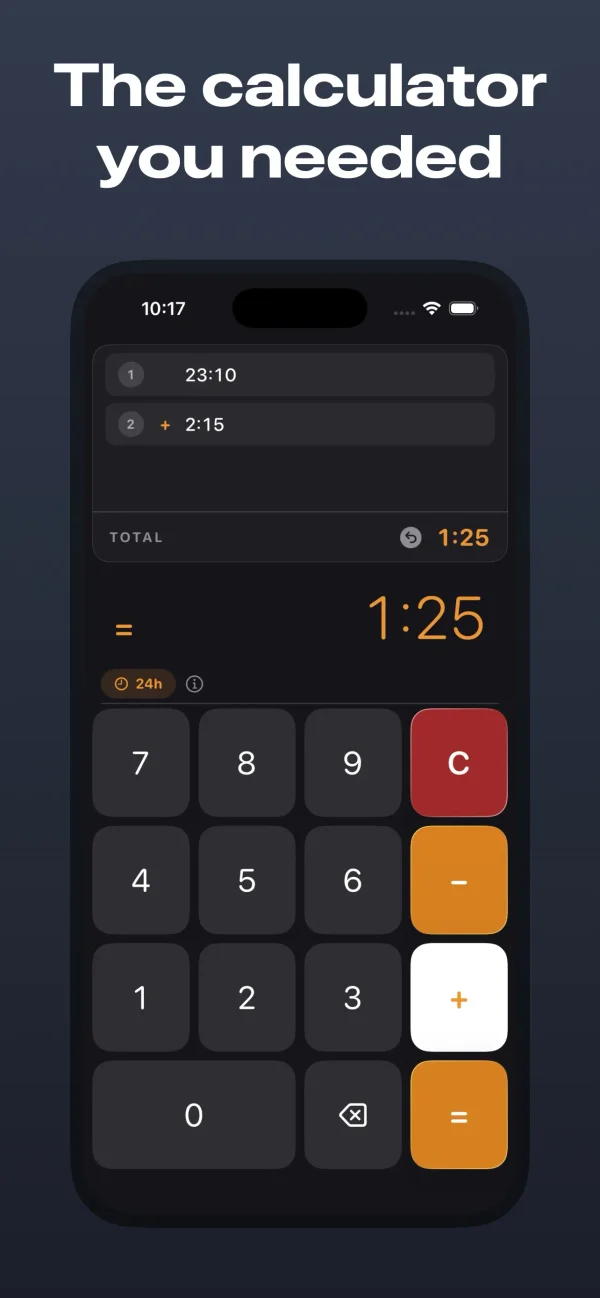
• 24h Clock — Wraps at 24 hours, just like a real clock (e.g., 23:00 + 2:00 = 1:00).
BUILT FOR SPEED
• Large buttons that fill the screen — no missed taps
• Haptic feedback on every press
• Instant digit animation
• Backspace to correct mistakes without starting over
WHO IT'S FOR
• Freelancers tallying billable hours
• Employees calculating overtime
• Video/audio editors summing clip durations
• Musicians tracking practice or session time
• Anyone who works with hours and minutes
DETAILS
• Native iPad layout with side-by-side history panel
• Swipe to delete individual entries
• Undo last operation
• Copy total to clipboard with one tap
• No ads. No subscriptions. No account required.
• Available in English, Spanish, French, Dutch, Japanese, and Chinese.
What’s new
Version 26.4 · Jun 1, 2026
What's new in 26.4:
- MIN mode: type total minutes and watch them convert to HH:MM in real time (for example, 115 becomes 1:55). Perfect for adding times tracked in minutes.
- New x and / operators: project hours forward (8:00 x 5 = 40:00) or split totals evenly (40:00 / 5 = 8:00).
- Redesigned 5x4 keypad with the new operators in the top row, keeping C (clear all) and the backspace key right where you need them.
- Smarter history that handles +, -, x, / correctly when you undo or delete entries.
- Physical keyboard now supports * and / shortcuts.
Thanks for using the app! Reviews are deeply appreciated.
App privacy
What Daniel Delgado declares on the App Store about how this app handles data.
-
Data not collected
The developer does not collect any data from this app.
Privacy practices may vary, for example with the features you use or your age.
Information
- Seller
- Daniel Delgado
- Category
- Utilities
- Version
- 26.4
- Updated
- Jun 1, 2026
- Released
- Jan 11, 2017
- Size
- 2.3 MB
- Requires
- iOS 26 or later
- Age rating
- 4+
- Price
- Free
- Languages
- English, Dutch, French, Japanese, Simplified Chinese, Spanish
- Copyright
- © 2017 Frostware Inc™.
You might also like
-
 Timely: Time CalculatorTime spans and numbers
-
 Time { + - x ÷ } CalculatorAdd & Subtract Hours & Minutes
-
 Time Calc - Time CalculatorTime Calculator hours minutes
-
 Time Calculator ×days, hours, minutes, seconds
-
 Time Calculator Simple&EasySimple and easy-to-use
-
 Coord and Time CalculatorEasily Calculation with Colons
-
 Hours Calculator: Hourly RateWork Time Card & Salary Clock
-
 Hours and minutes, calculatorMathematical operations
-
 Hours Calculator: Time TrackerCalculate hours and minutes
-
 Time Calculator: Add, SubtractDuration, Between, Different