Time Guard: Screen Time Limit
Parental Control & App Blocker
Designed for iPhone, iPad
Free · In-app purchases
- Age rating4+
- CategoryUtilities
- Developer午尧 杨
- LanguagesEnglish+ 1 more
- Size24.6 MB
Links to the official App Store page
Download.org hosts no file of Time Guard: Screen Time Limit. The button opens its official App Store page, published by 午尧 杨. Listing last checked on Nov 23, 2026.
Screenshots
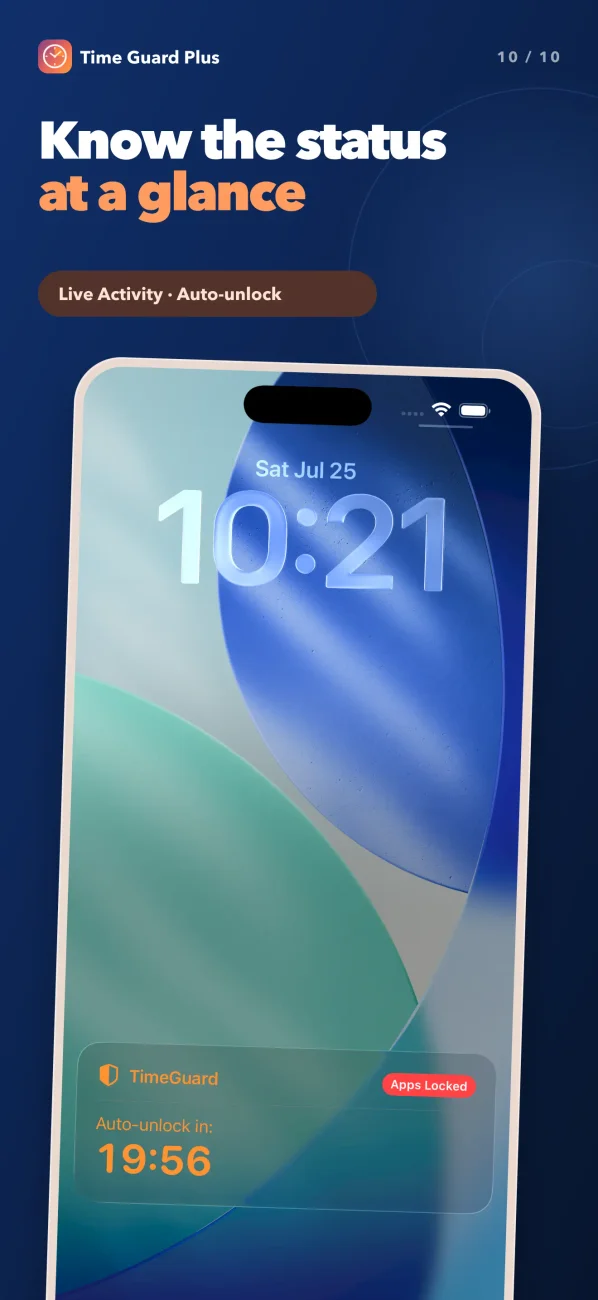


About
Stop the endless scrolling — for yourself, or for your kids.
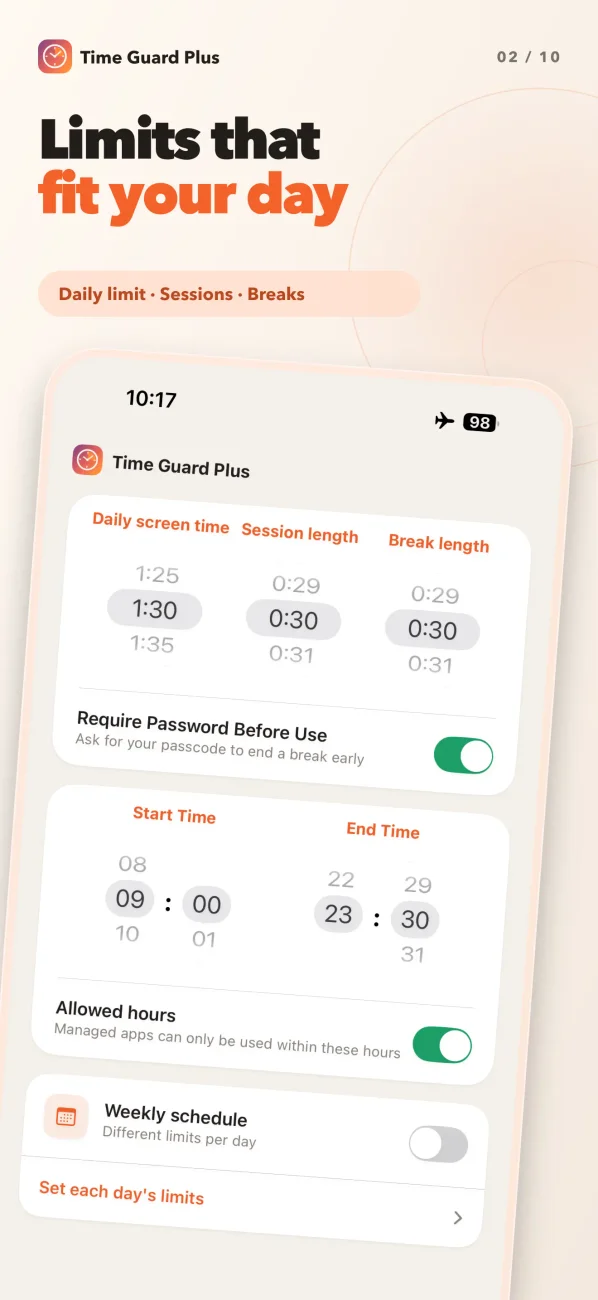
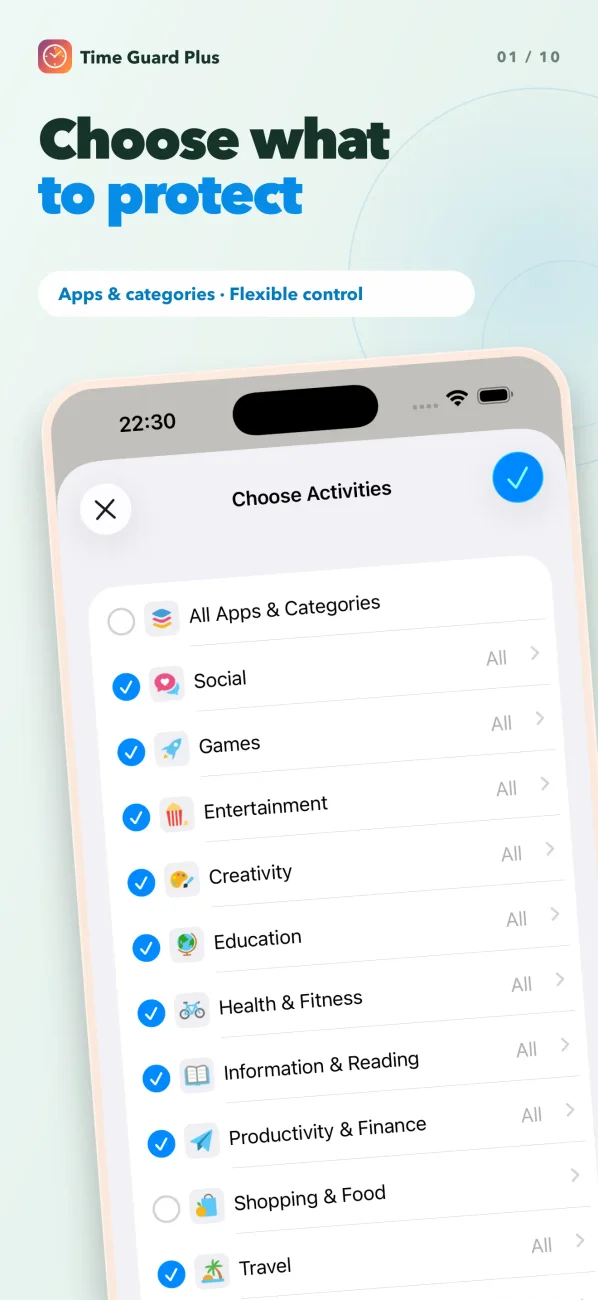
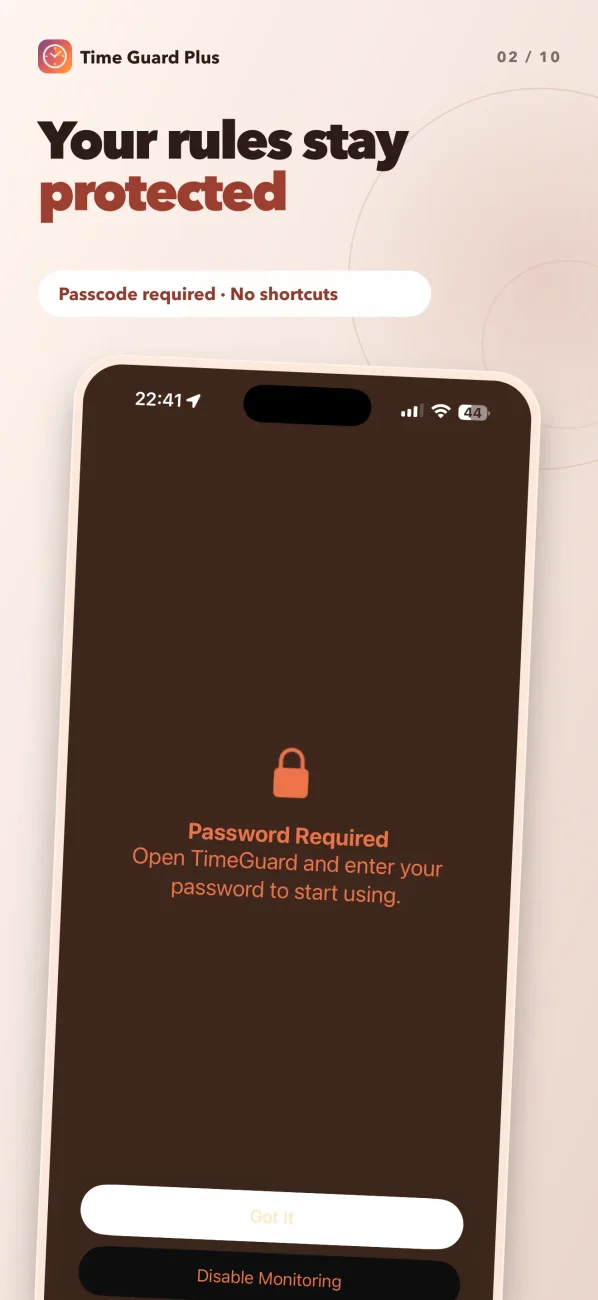
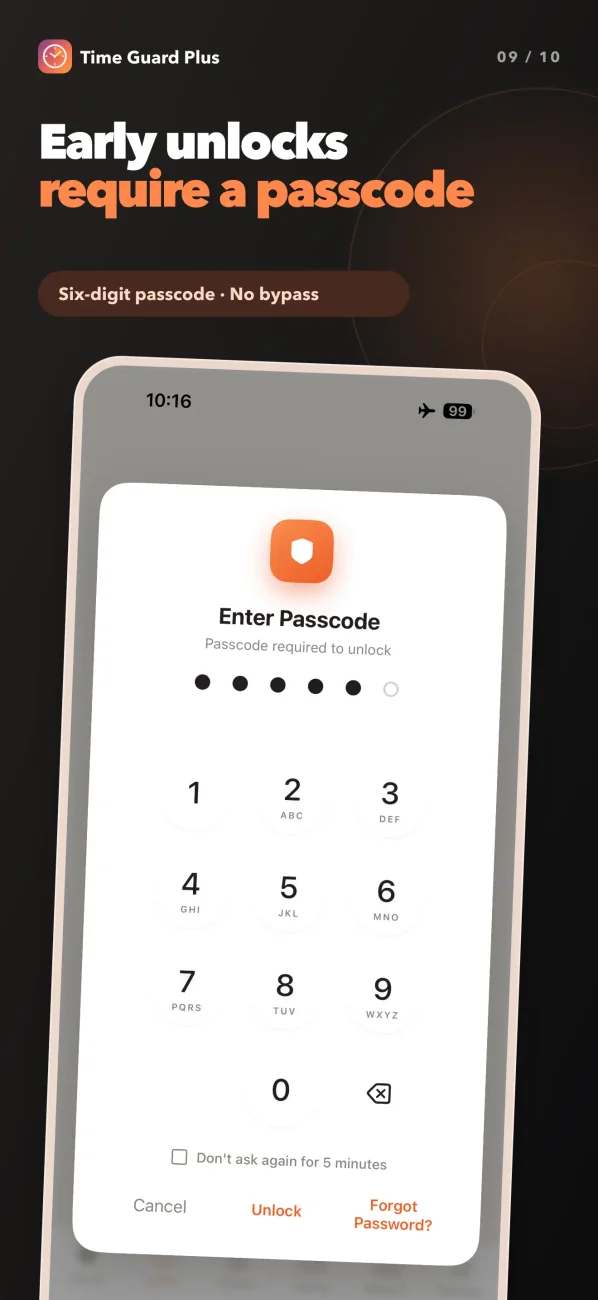
Time Guard Plus uses Apple's Screen Time framework to enforce limits that actually hold. Set daily allowances per app or category, define allowed hours and weekly schedules, then lock it all behind a passcode that can't be casually undone.
FOR PARENTS
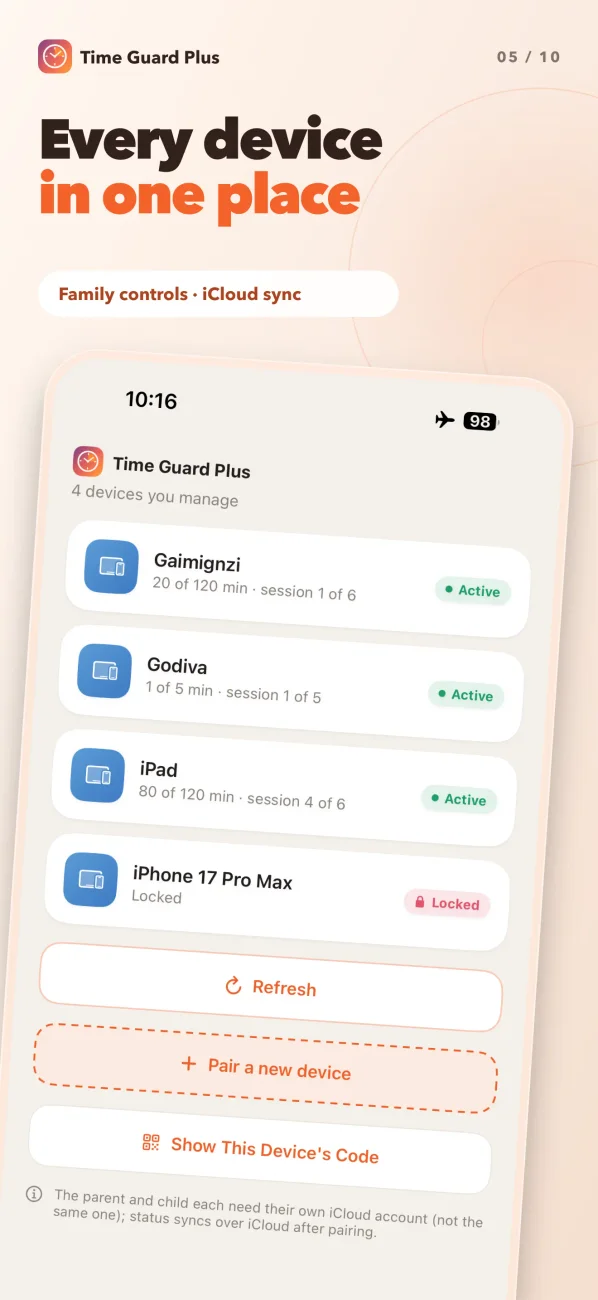
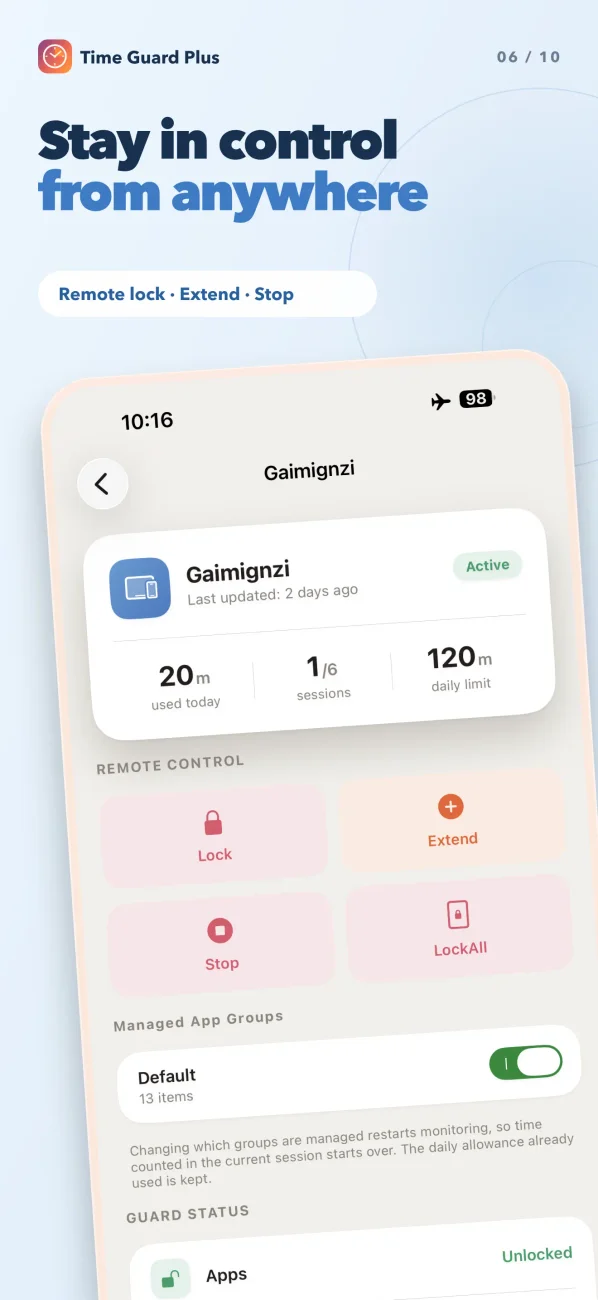
• Manage your child's device remotely from your own iPhone or iPad
• Check usage, lock or unlock apps — without ever touching their device
• Tamper-proof mode for Family Sharing child accounts
• Scan once to pair; commands travel through your own private iCloud
FOR YOURSELF
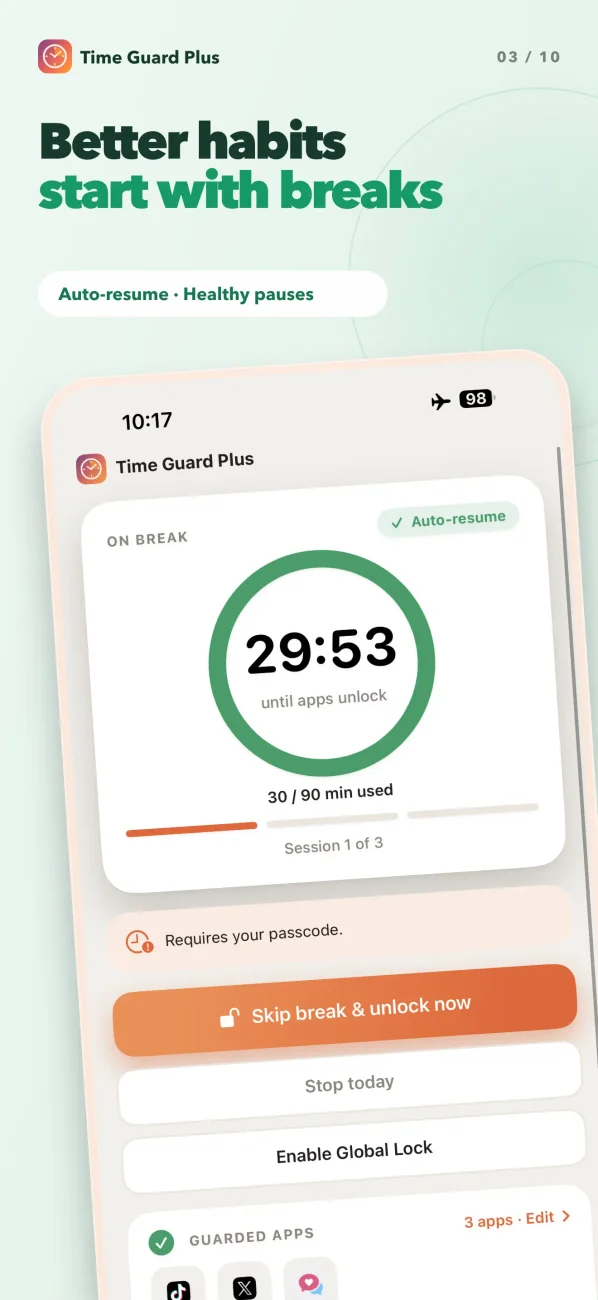
• Daily total limits plus per-session limits with break countdowns
• Block distracting apps during work, study, or sleep hours
• Weekly schedules with separate weekday and weekend rules
• "Add time" for the occasional exception — it expires the same day
REPORTS & INSIGHTS
• Daily and historical usage, broken down by app and by category
• See exactly how much of today's allowance is left
• Home Screen widget for a glance without opening the app
BUILT TO HOLD
• Limits survive force-quits, restarts, and midnight rollovers
• Native SwiftUI for iPhone and iPad, iOS 17.6 or later
• Full English and Simplified Chinese localization
PRIVACY
Time Guard Plus is built on Apple's Family Controls framework. Your screen time data stays on your device and in your own private iCloud — it is never sent to our servers.
Requires Screen Time permission. Remote parental management requires iCloud and Family Sharing.
Terms of Use (EULA): https://www.apple.com/legal/internet-services/itunes/dev/stdeula/
Privacy Policy: https://timeguard.top/privacy
What’s new
Version 10.1 · Nov 21, 2026
Per-app daily limits: Give any app its own daily time allowance. When it runs out, only that app is locked; your other apps keep working.
App privacy
What 午尧 杨 declares on the App Store about how this app handles data.
-
Data not linked to you
May be collected but is not linked to your identity.
- Location
- Identifiers
- Usage data
Privacy practices may vary, for example with the features you use or your age.
Information
- Seller
- 午尧 杨
- Category
- Utilities
- Version
- 10.1
- Updated
- Nov 21, 2026
- Released
- Jun 4, 2025
- Size
- 24.6 MB
- Requires
- iOS 17.6 or later
- Age rating
- 4+
- Price
- Free
- In-app purchases
- Yes
- Languages
- English, Simplified Chinese
- Copyright
- © TONNI YANG
You might also like
-
 App Guardian: Privacy&SecuritySoftware Lock, App Lock
-
 Parental Control Assistantparental control, remote lock
-
 TimeGuardian: Parental ControlManage Kids' Screen & App Use
-
 Timize: App Blocker & FocusScreen Time Limits & Schedules
-
 AppWise: App Lock & PrivacyAppLocker, Capa, Screen Time
-
 DyCue: Screen Time ControlMake Doomscrolling Guilty
-
 Kids Guardian & Remote ControlKids mobile phone Control
-
 RoleTine: App Screen Time ToolApp Locker & Shield
-
 Parental Control DeviceLinkGPS,Screen time,App blocking
-
 Timed LockHealthy screen-time boundaries