Time left: #1 Countdown Widget
Days Until, Days Since & More
Designed for iPhone, iPad
Free · In-app purchases
- Age rating4+
- CategoryUtilities
- DeveloperPRABAKARAN RAVICHANDRAN
- LanguagesEnglish
- Size31.3 MB
Links to the official App Store page
Download.org hosts no file of Time left: #1 Countdown Widget. The button opens its official App Store page, published by PRABAKARAN RAVICHANDRAN. Listing last checked on Nov 23, 2026.
Screenshots
About
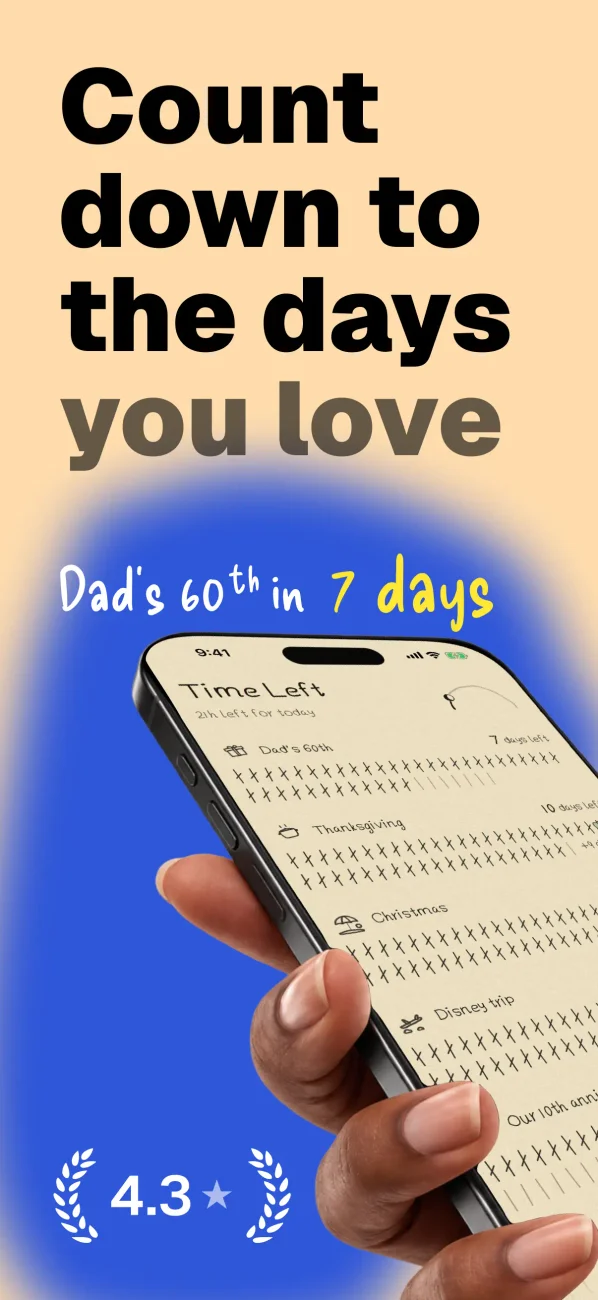
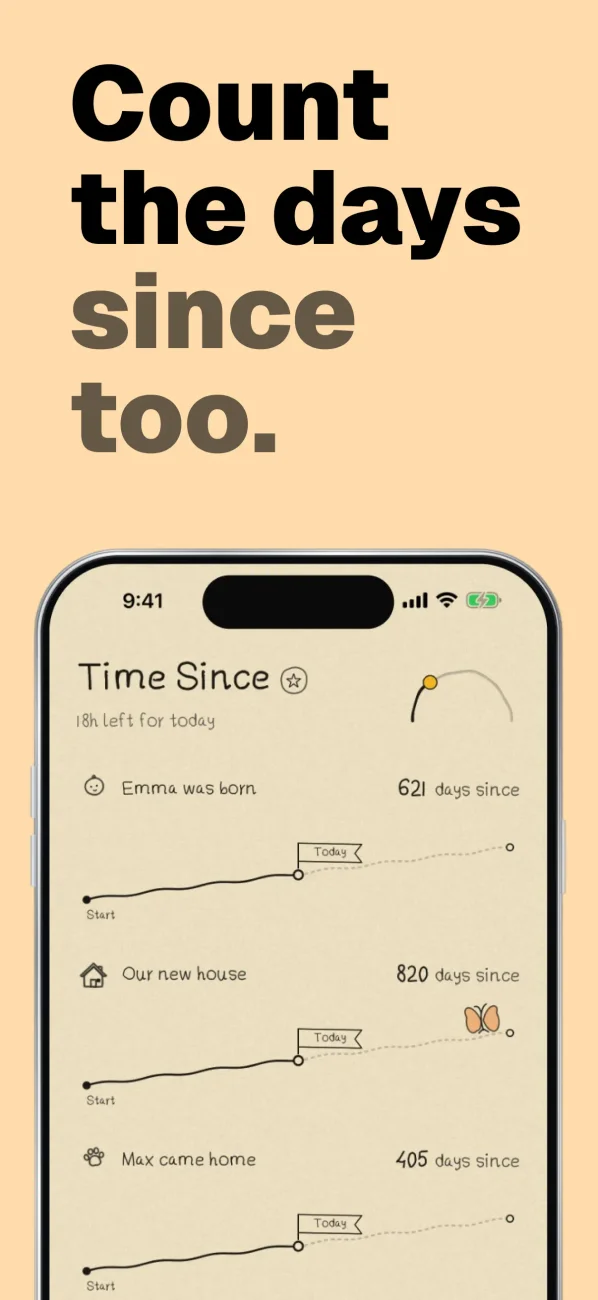
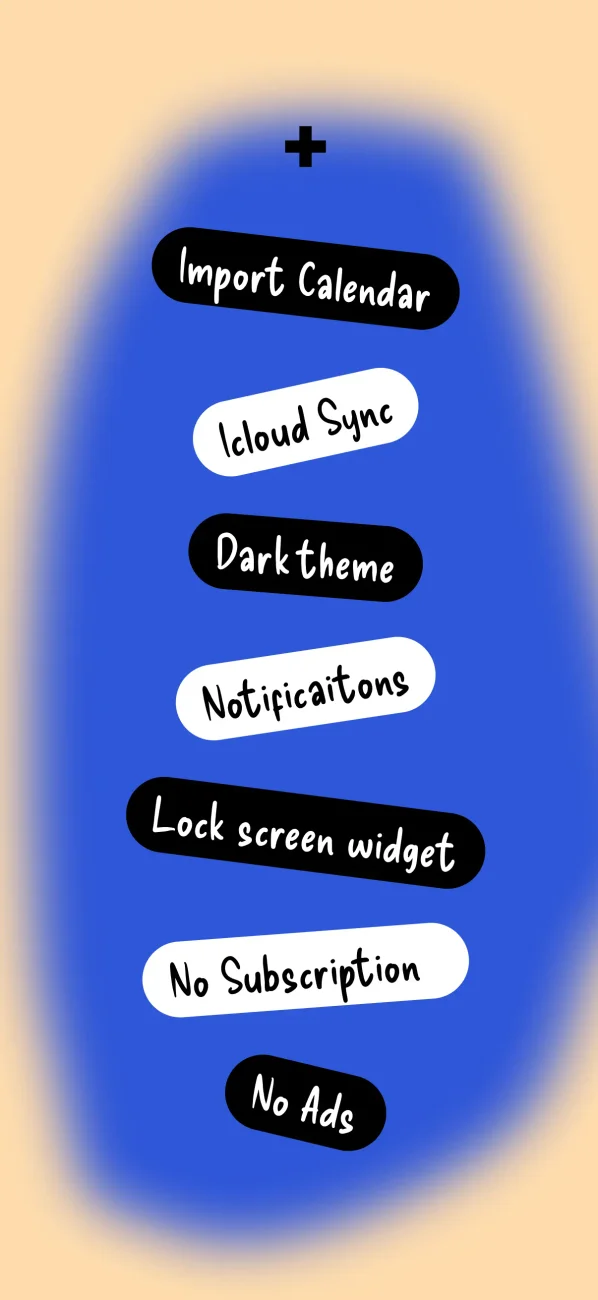
Keep a countdown to your next trip, birthday, anniversary or deadline. Count the days since a new job, a relationship, or a fresh start you want to remember.
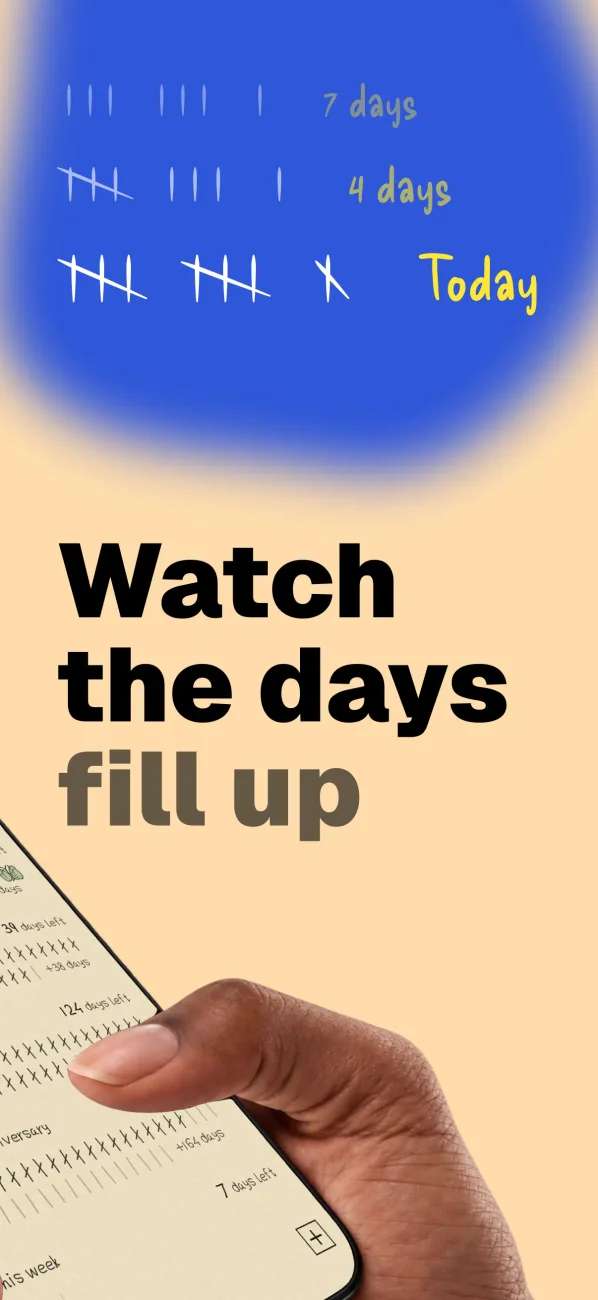
Time Left gives your dates a home that feels like a notebook. Handwritten lettering, paper textures, little sketches and tally marks make the wait something you can see. Choose yellow paper with a fountain pen, white paper with a blue ballpoint, or dark paper for night.
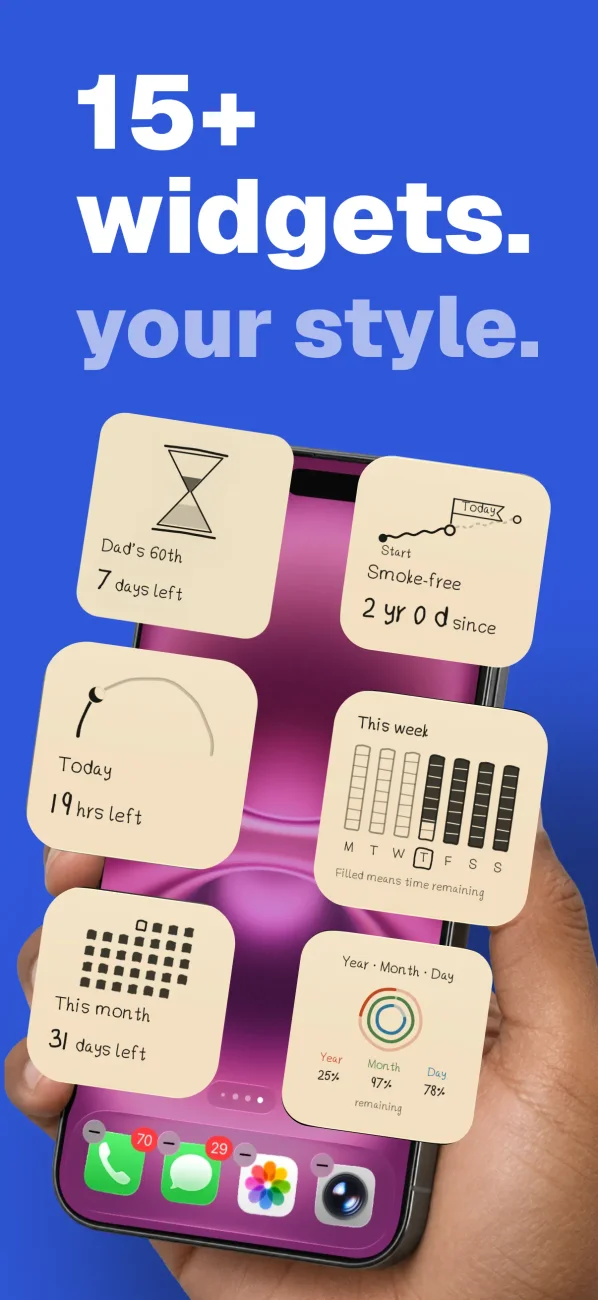
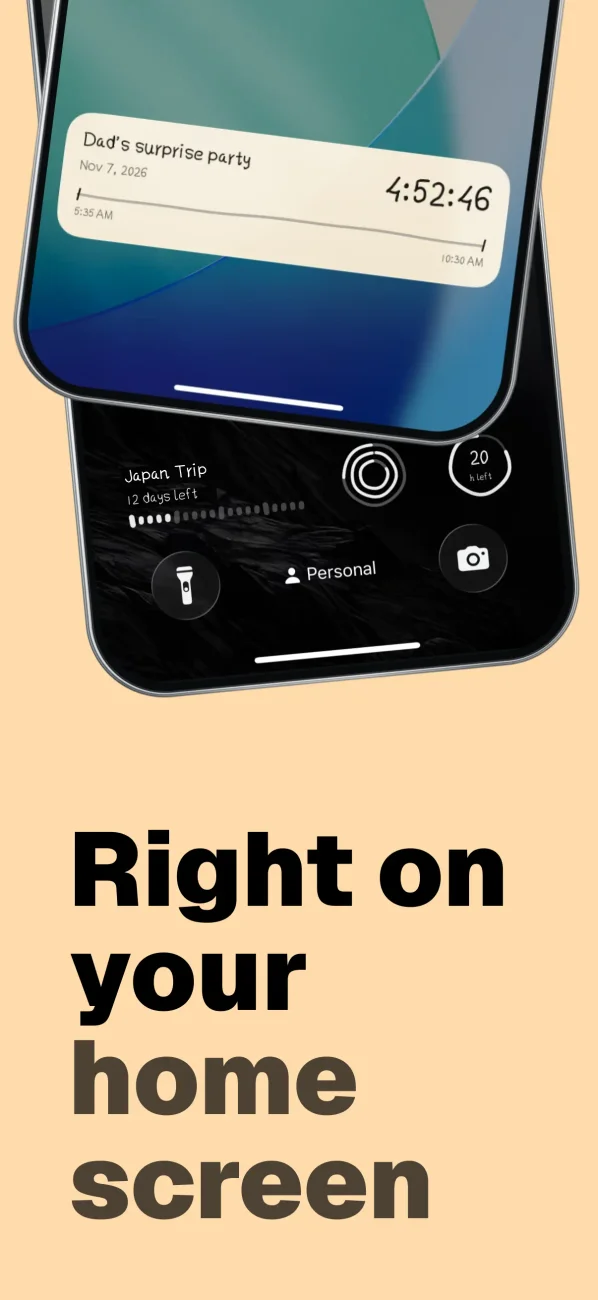
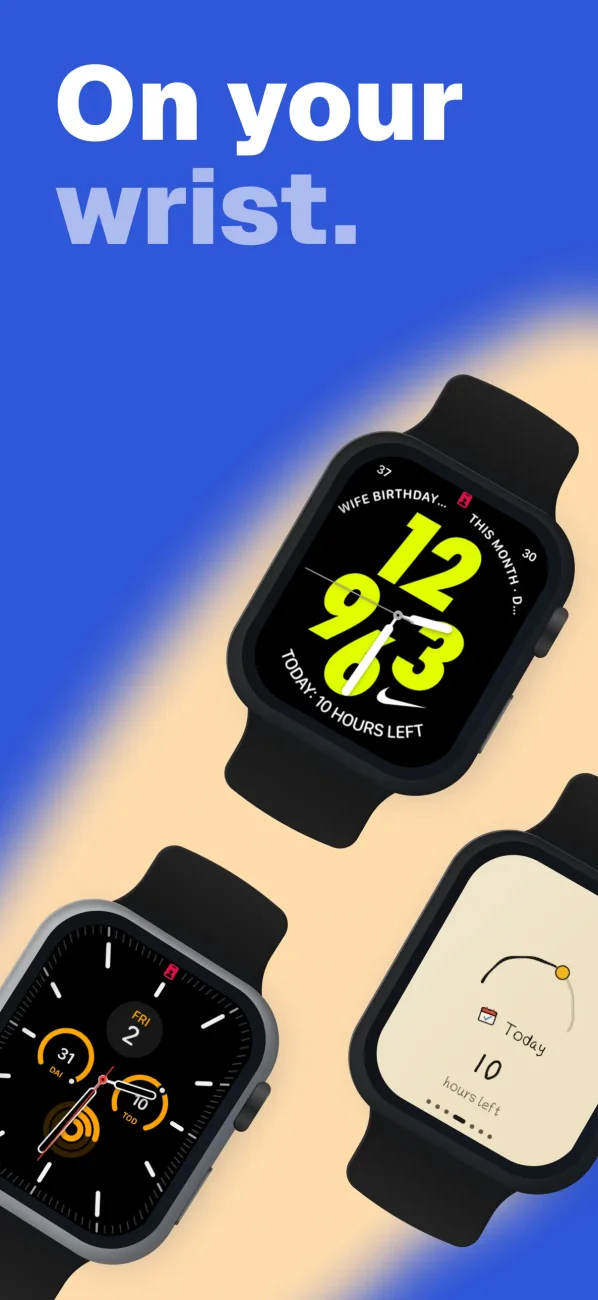
Put a countdown widget on your Home Screen or Lock Screen, or check your dates on Apple Watch. Open the app for the hours left today and a look at your week, month and year.
MAKE ROOM FOR YOUR DATES
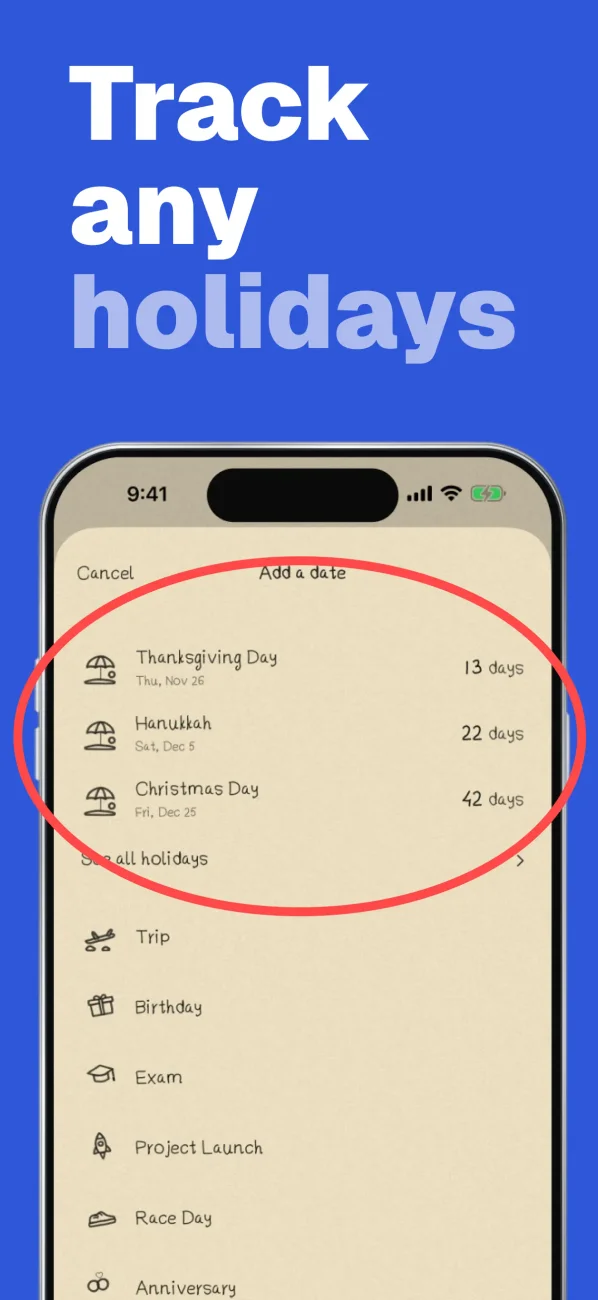
• Create a countdown for birthdays, holidays, exams, concerts, deadlines and dates of your own.
• Count the days since a moment that matters to you.
• Count from a start date and see how far through a trip or a project you are.
• Set daily, weekly, monthly or yearly repeats.
• Add reminders to upcoming dates.
• Choose hours, days, weeks, months, years or percentages, or let Automatic choose.
• Pick a widget drawing, from tally marks and a sun arc to an hourglass, candle or jar.
• Use tally marks in medium countdown widgets, too.
• Import dates from the Apple calendars you choose.
• Look back at completed countdowns in Past dates.
• Turn on optional iCloud sync to keep your dates across devices.
FREE TO START
Keep up to three active personal dates for free, with small tally and sun-arc widgets. The Apple Watch app is free, too.
Time Left Pro adds unlimited countdowns and count-ups, more widget sizes and more drawings, and pins a date's final hours to your Lock Screen. One-time purchase. No subscription.
What’s new
Version 2.2 · Nov 22, 2026
• New White paper, written in blue ballpoint. Pick System, Yellow, White or Dark in Settings, under Appearance.
• Two new free large widgets: This Month and This Year. Every day gets its own mark, crossed off once it's gone. Choose tally marks, dots or tiles.
• The year dial's percentage is bigger and easier to read.
• Shaded drawings, like the hourglass sand, now look hand-scribbled.
App privacy
What PRABAKARAN RAVICHANDRAN declares on the App Store about how this app handles data.
-
Data not collected
The developer does not collect any data from this app.
Privacy practices may vary, for example with the features you use or your age.
Information
- Seller
- PRABAKARAN RAVICHANDRAN
- Category
- Utilities
- Version
- 2.2
- Updated
- Nov 22, 2026
- Released
- Dec 8, 2025
- Size
- 31.3 MB
- Requires
- iOS 18.6 or later
- Age rating
- 4+
- Price
- Free
- In-app purchases
- Yes
- Languages
- English
- Copyright
- © 2026 Prabakaran Ravichandran. All rights reserved.
You might also like
-
 TimeLeft: Countdown Widget AppTrack Days, Wedding & Events
-
 JustCountdownA simple countdown watch app
-
 WhoCalledMeUK caller intelligence
-
 Paws WeekWeek on widget and watch
-
 Countdown Calendar: TimeFeelDay counter, love & days since
-
 Days Counter (Countdown Days)Countdown & Date Reminder
-
 View StromboliUtilities
-
 Love and Attachment style ECRECR test
-
 Profile Pic Edit :ProfileShapeAvatar with Custom Shapes
-
 ToMe: Save to SelfLinks, notes, files & photos