TiMe Remote Control
Buetooth Remote Control
Designed for iPhone, iPad, iPod touch
Free
- Age rating17+
- CategoryUtilities
- LanguagesEnglish
- Size19.5 MB
Links to the official App Store page
Download.org hosts no file of TiMe Remote Control. The button opens its official App Store page, published by . Listing last checked on Nov 18, 2026.
Screenshots
About
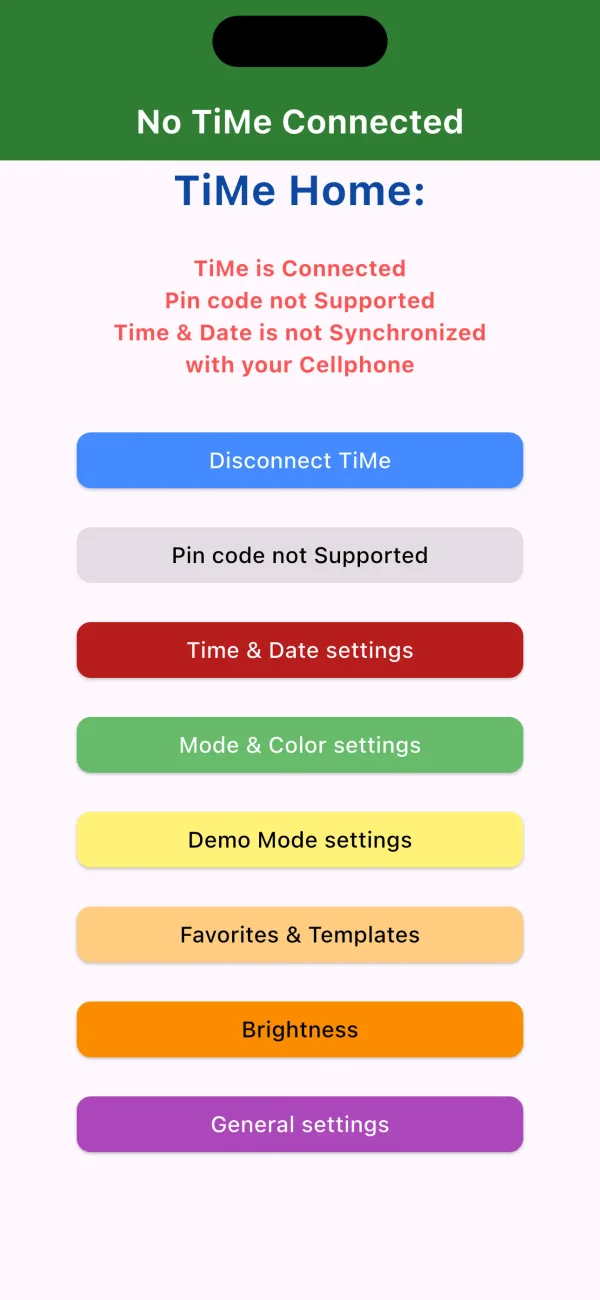
This App is the remote control for our product "TiMe". It connects with Bluetooth (BLE) and and offers an easy way to change the settings of "TiMe".
This App doesn't work properly on the iPhone SE 1st generation due to the screen-size !
Available Options:
Connect with Bluetooth
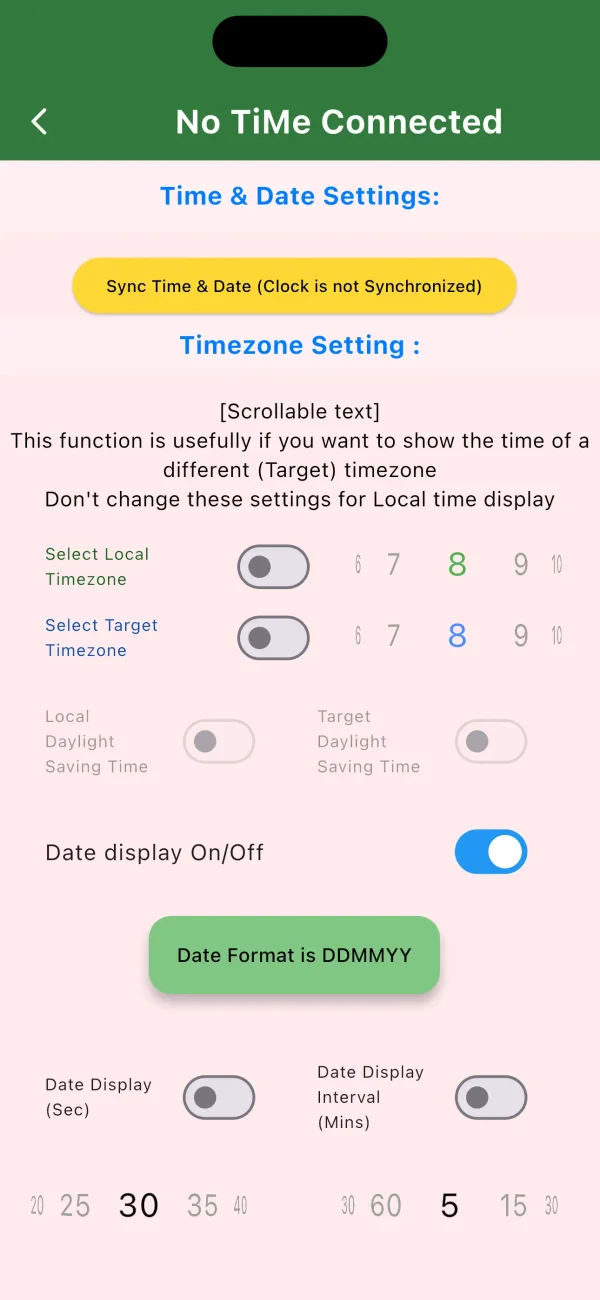
Synchronize Time and Date with your Cellphone
Time and Date settings like Date Format, Local and Target Timezone.
Display the Date, On/Off, Configureable Interval time, Configureable the second to display.
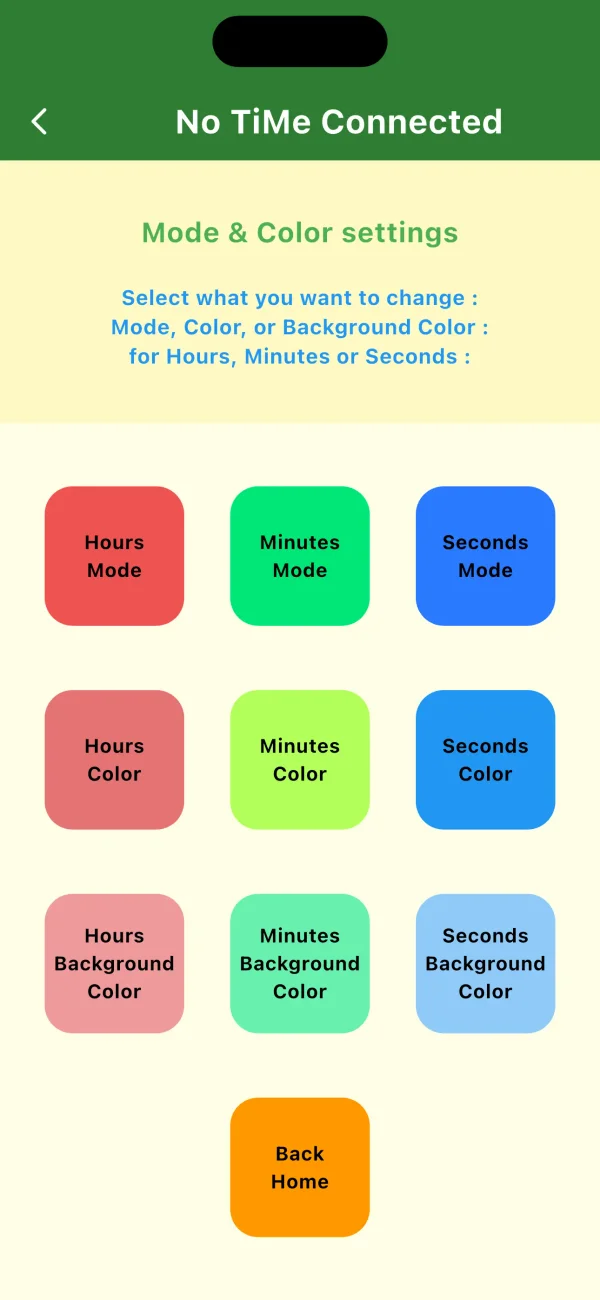
Change Colors and Display Modes
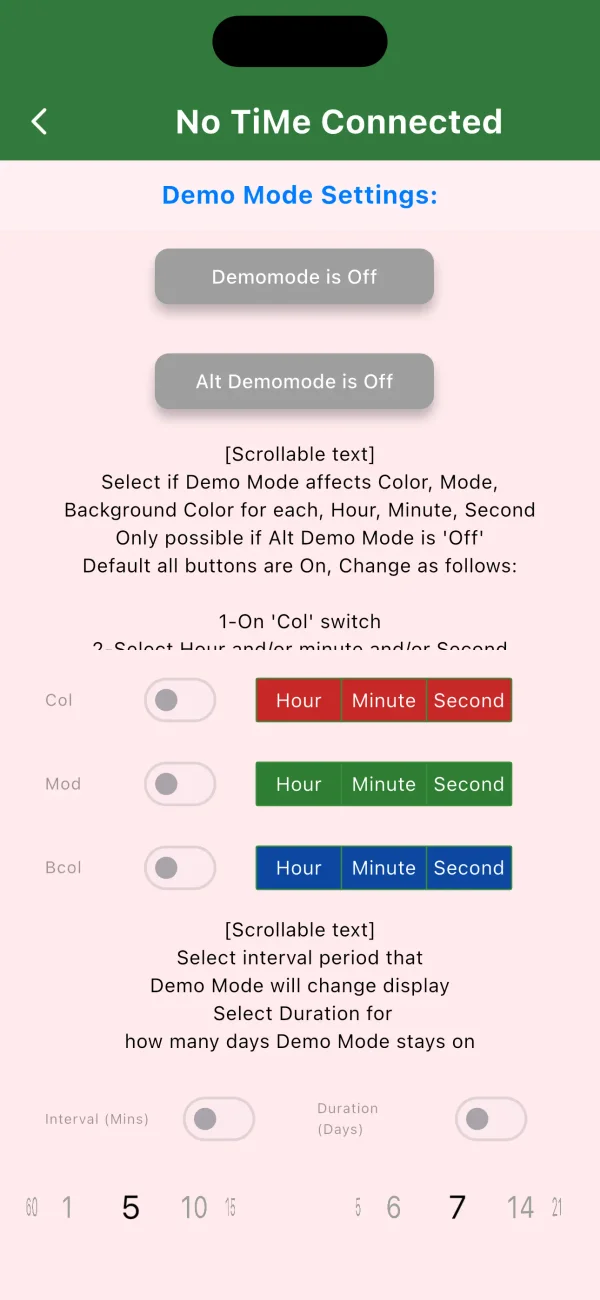
Demo Mode Settings, extensive settings to personalize the Demo Mode (see Manual)
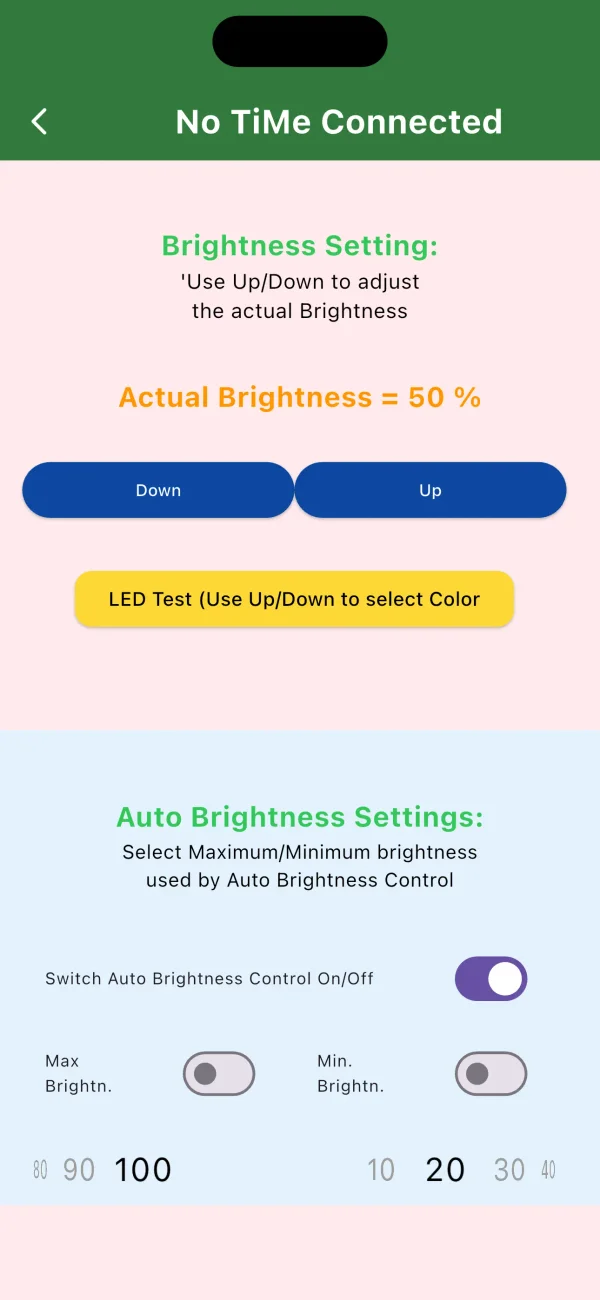
Brightness (see manual)
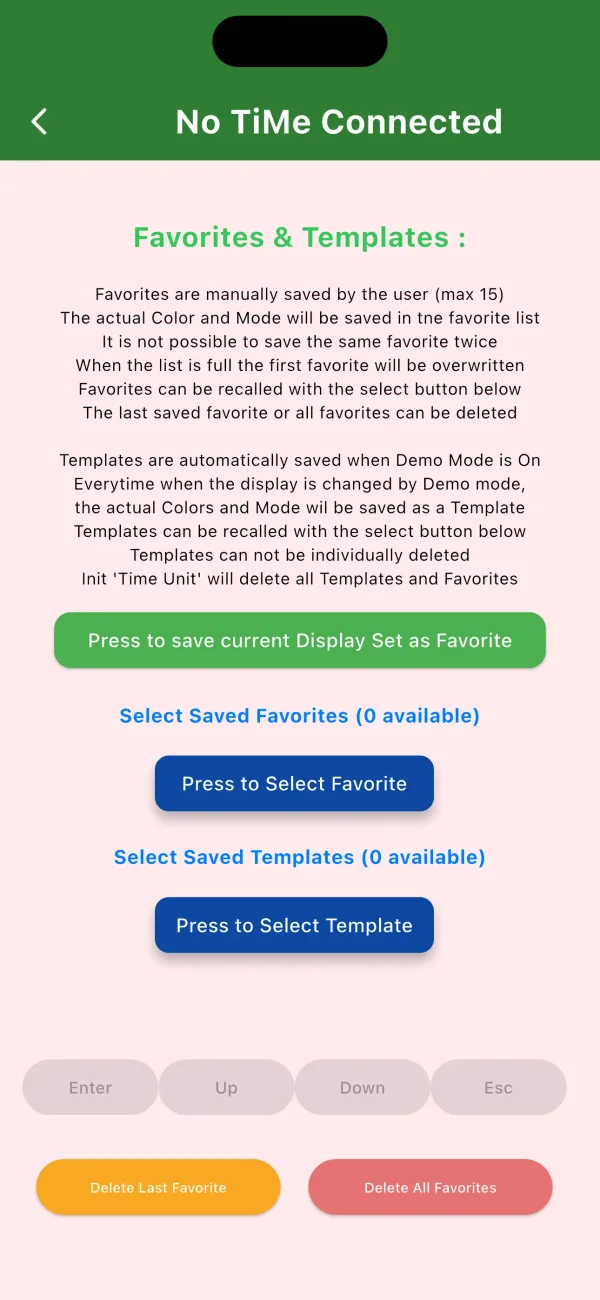
Save and Recall Favorite Display Sets (see manual)
Recall Templates automatically saved in Demo Mode (see manual)
LED Test.
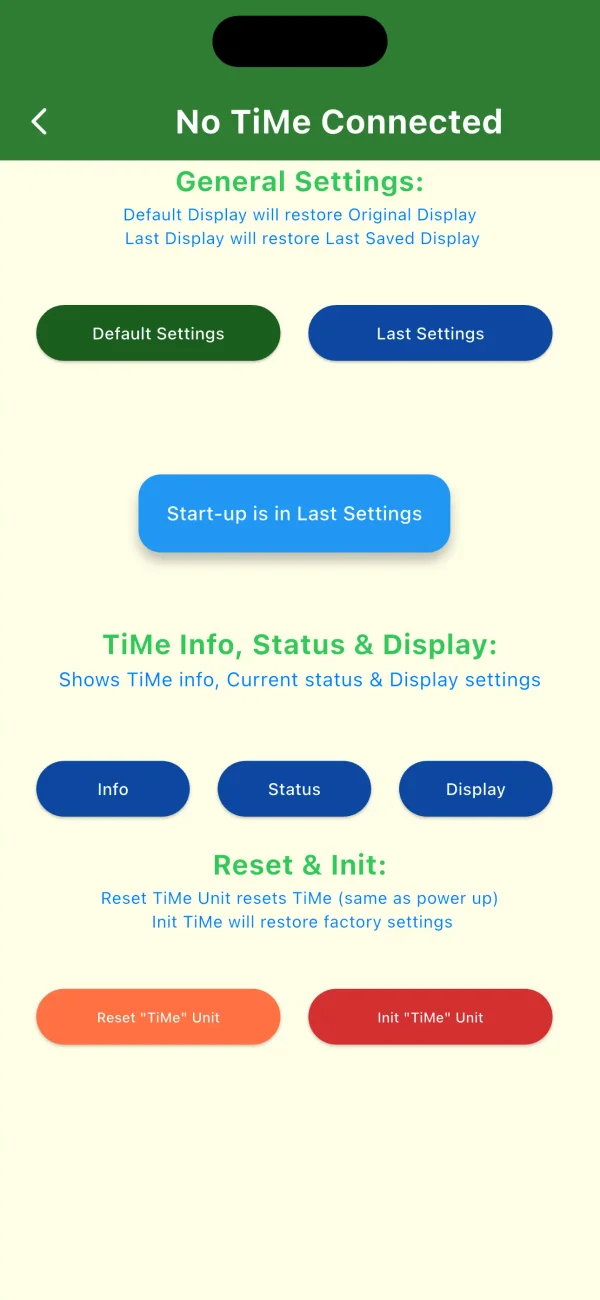
Call Default Display, Last used Display, Reset, Init (factory settings)
Display Actual Settings, Info, Status, Display.
What’s new
Version 2.5.0 · Oct 14, 2026
Improved in this version:
The bottom Navigation Bar did not disappear anymore while using the App. This is fixed in this App version.
The Status Bar did not disappear anymore while using the App. This is fixed in this App Version
Both Status and Navigation Bar will temporary appear again after Swipe up from the bottom or Swipe down from the Top.
Changed in this version:
The Home Menu has been changed. It’s called now “TiMe Rookie”. This is a simplified Menu with less functions. It’s a new Menu Level above the Previous Menu. You can go from there to the old Menu called now “TiMe Expert. The same functions are available there as before in the “TiMe Home” menu.
“TiMe Rookie” and “TiMe Expert” Menu’s is equipped with Icons in front of each Menu Item.
App privacy
What declares on the App Store about how this app handles data.
-
Data not collected
The developer does not collect any data from this app.
Privacy practices may vary, for example with the features you use or your age.
Information
- Seller
- Marinus Christiaan Vos
- Category
- Utilities
- Version
- 2.5.0
- Updated
- Oct 14, 2026
- Released
- Nov 28, 2023
- Size
- 19.5 MB
- Requires
- iOS 15.6 or later
- Age rating
- 17+
- Price
- Free
- Languages
- English
- Copyright
- © 2023 Marinus Vos
You might also like
-
 Date.Time CalculatorUtilities
-
 Solve - Graphing CalculatorScientific Math & 3D Plots
-
 Time Calculator: Hours & MinDays Hours Minutes Calculator
-
 Score Board - Tally Point GameSports Counter & Match Tracker
-
 WiFi Finder: Nearby HotspotsFind WiFi Hotspots Nearby
-
 NTP InspectorYour NTP debugging tool
-
 Calculator-+Utilities
-
 WiFi Device FinderFind devices on your WiFi
-
 Timely: Time CalculatorTime spans and numbers
-
 Tabi CalcDate, Time & Currency Calc